Overview
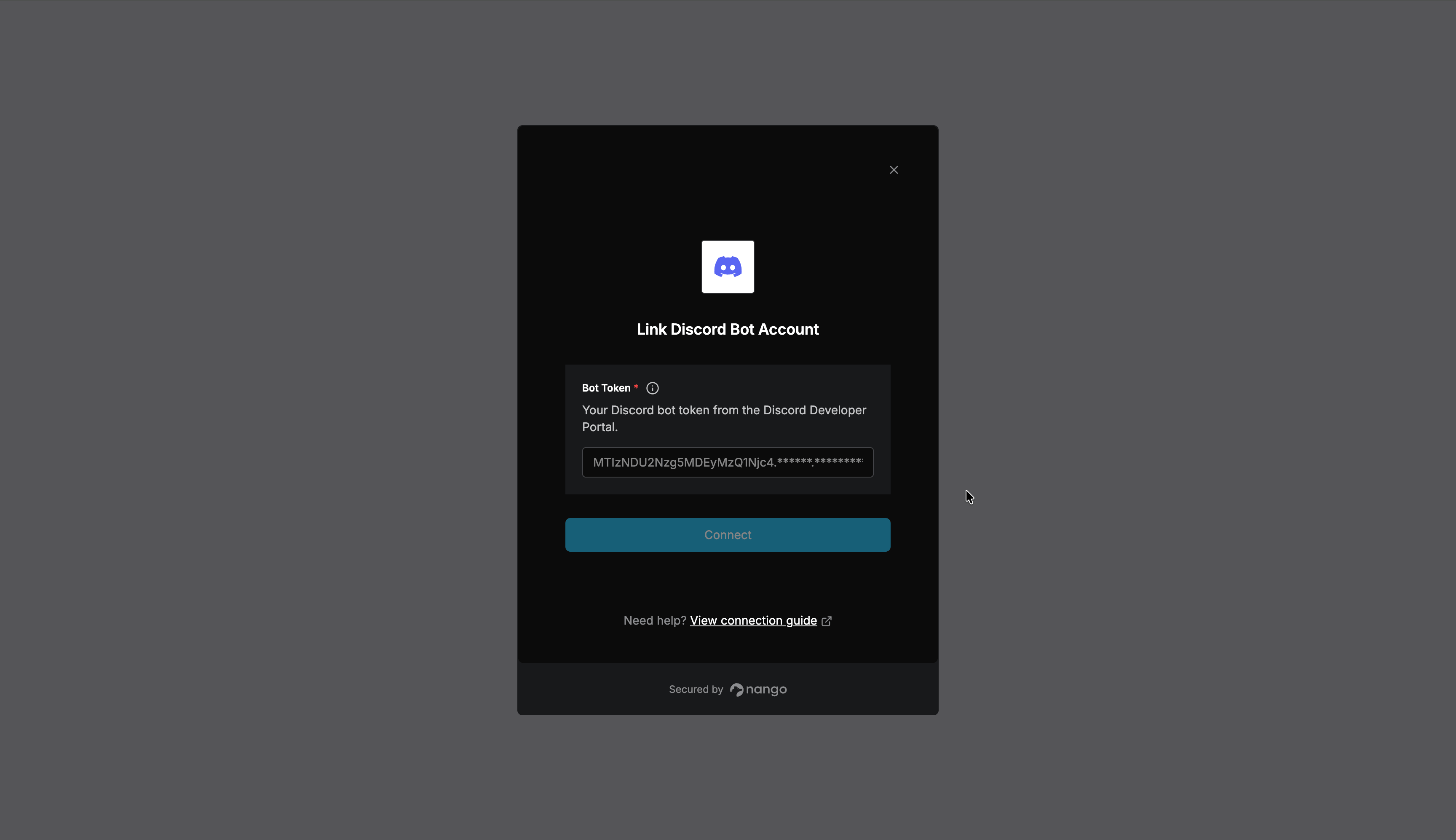
To authenticate with the Discord API via Nango, you will need:- Bot Token – Your Discord bot’s token from the Discord Developer Portal.
Prerequisites
- A Discord account.
Instructions
Step 1: Creating a Discord application and bot
- Go to the Discord Developer Portal and sign in.
- Click New Application, give it a name, and click Create.
- In the left sidebar, go to the Bot tab.
- Click Reset Token, then confirm. Discord displays your Bot Token once.
- Copy the token and store it securely. If you lose it, you can reset it again, which invalidates the previous token.
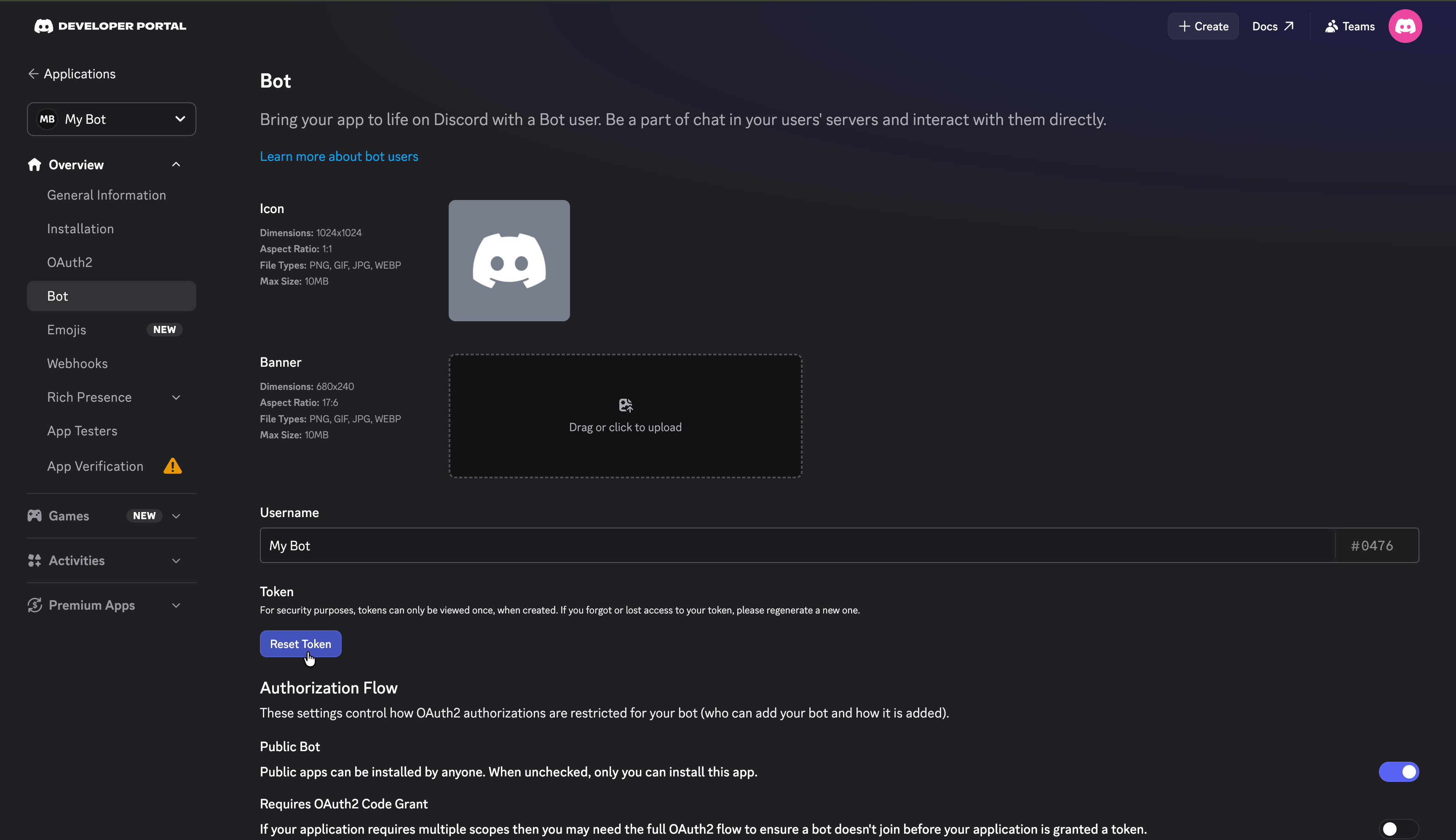
If your bot needs privileged gateway intents (Presence, Server Members, or Message Content), enable them in the Bot tab under Privileged Gateway Intents.
Step 2: Inviting the bot to a server
To call API endpoints that operate on a server (guild), the bot must be a member of it:- In the left sidebar, go to OAuth2.
- Under OAuth2 URL Generator, select the
botscope and the permissions your bot needs. - Open the generated URL in your browser and select the server to add the bot to.
Step 3: Enter credentials in the Connect UI
Once you have your Bot Token:- Open the form where you need to authenticate with Discord Bot.
- Enter your Bot Token in its respective field.
- Submit the form, and you should be successfully authenticated.