Overview
To authenticate with Dialpad WFM, you need:- Access Token — A bearer token that grants access to the Dialpad WFM API.
Prerequisites
- An active Dialpad WFM account
- Access to a Dialpad WFM Customer Success Manager
Step 1: Obtain your access token
Dialpad WFM access tokens are provisioned by your Customer Success Manager — they are not self-service.- Reach out to your Dialpad WFM Customer Success Manager and request an API access token.
- Store the token securely once received. Treat it like a password — never expose it in client-side code, logs, or URLs.
If you do not have a Customer Success Manager contact, reach out to Dialpad WFM support to request API access.
Step 2: Enter credentials in the Connect UI
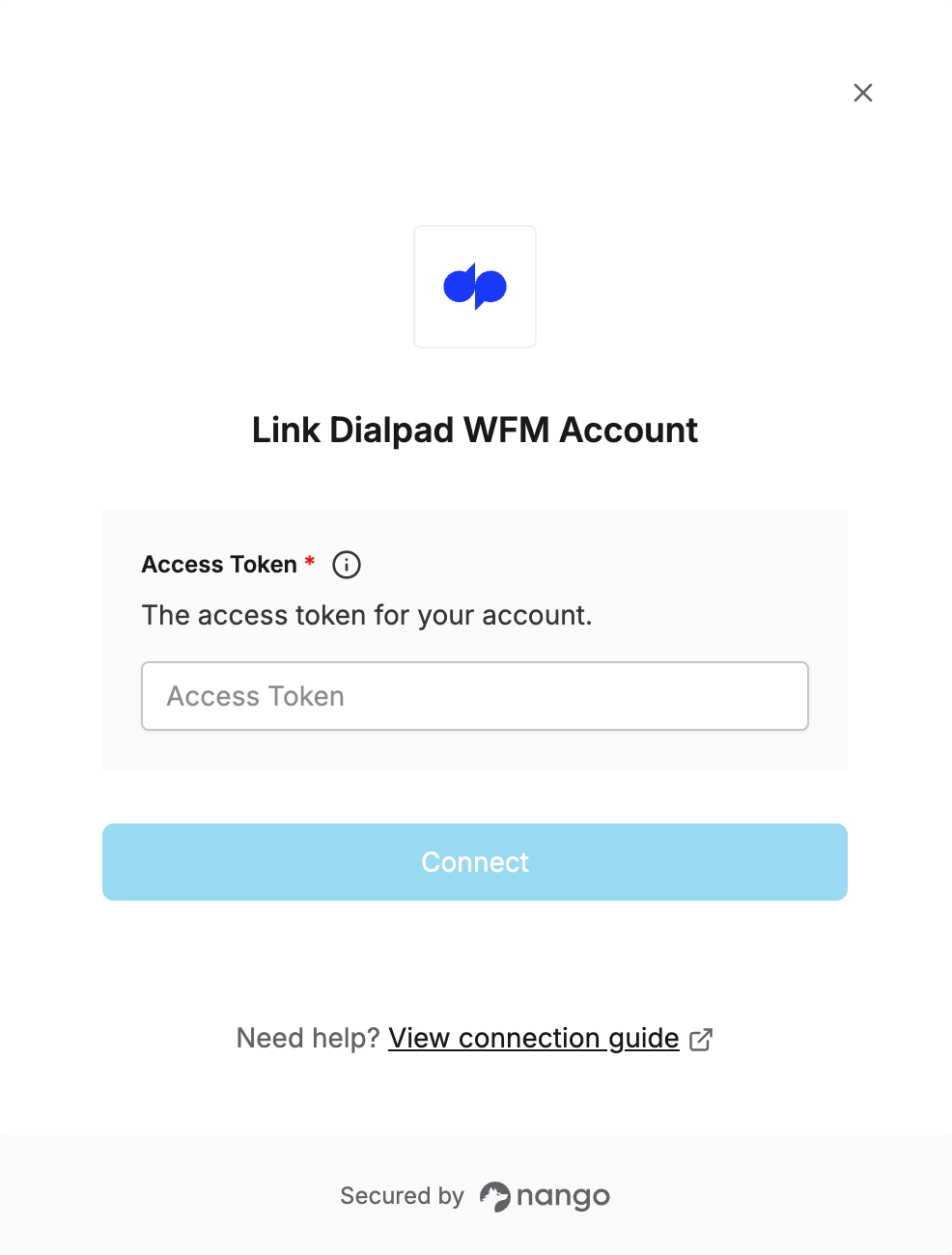
Once you have your access token:- Open the form where you need to authenticate with Dialpad WFM.
- Enter your Access Token in the designated field.
- Submit the form.