Overview
To authenticate with DialMyCalls, you need:- API Key - The unique API key of your DialMyCalls account.
Prerequisites
- A DialMyCalls account. New accounts get 25 free calls or text messages, no credit card required.
Instructions
Step 1: Copy your API key
- Log in to your DialMyCalls account.
- Open the Integrations tab.
- Open API Info and copy your API Key.
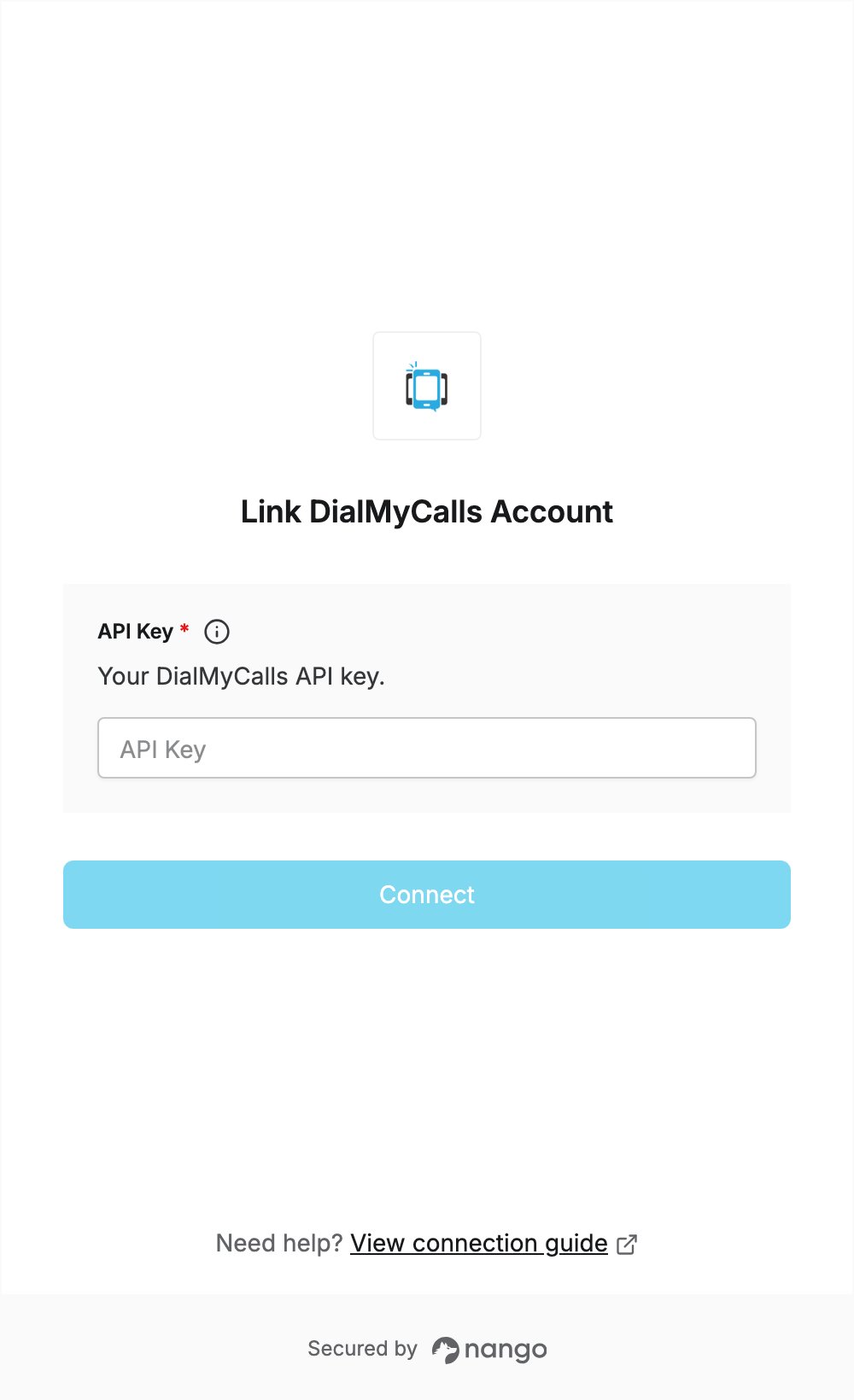
Step 2: Enter your API key in the Connect UI
Once you have your API Key:- Open the form where you need to authenticate with DialMyCalls.
- Paste your API key into the API Key field.
- Submit the form. Nango checks the key with DialMyCalls before saving the connection.