Overview
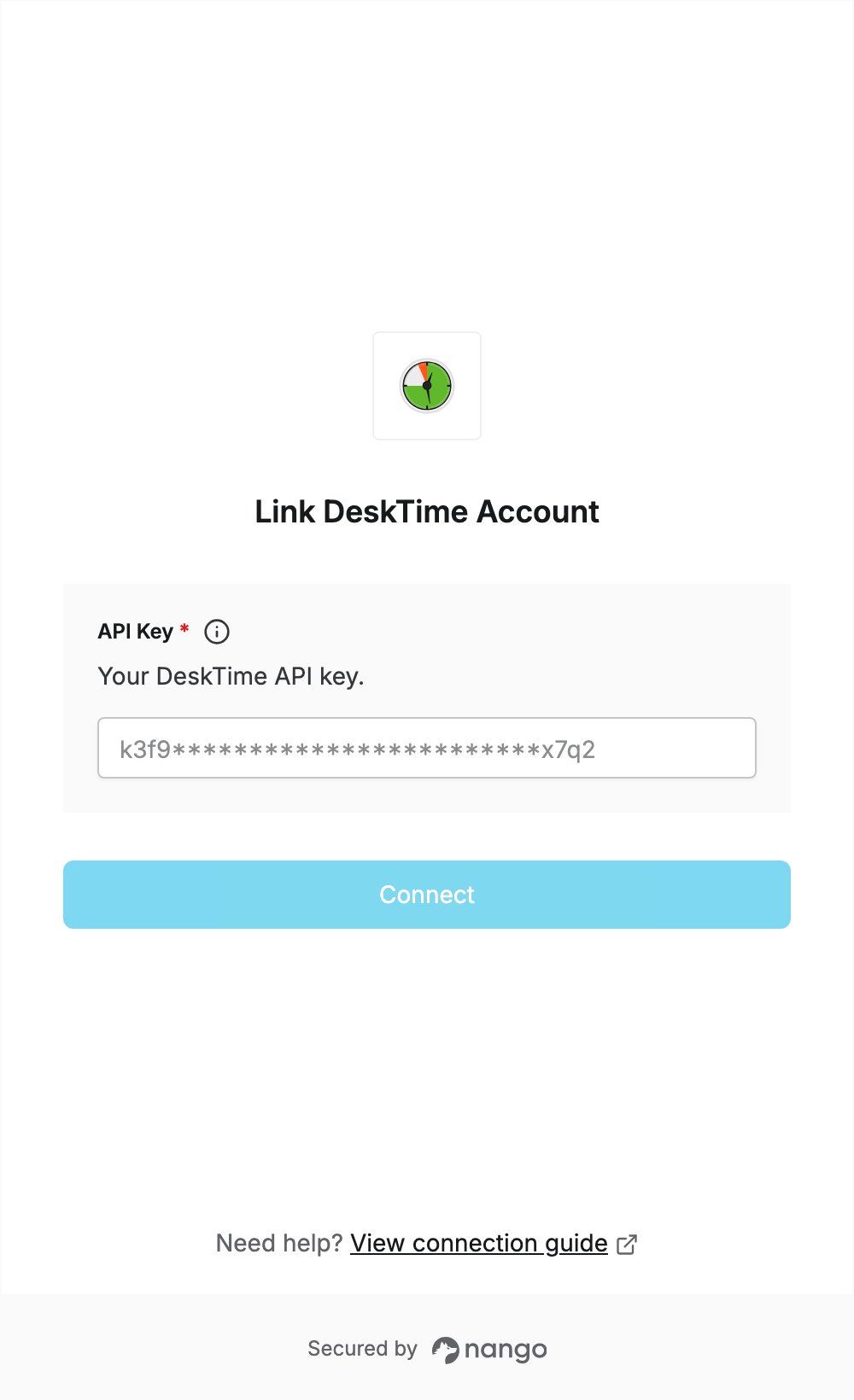
To authenticate with DeskTime, you need:- API Key — your DeskTime API key.
Prerequisites
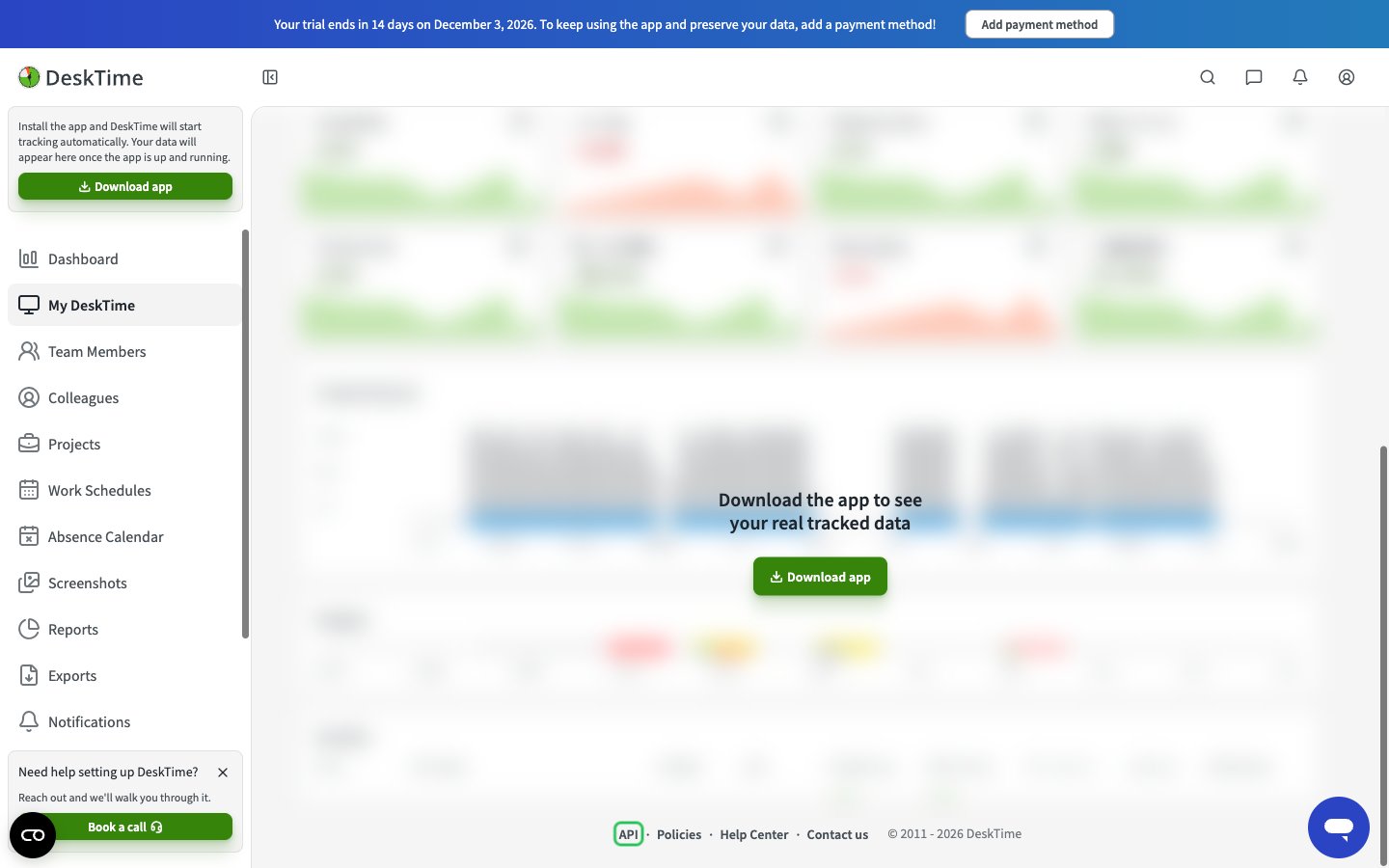
- A DeskTime account. You can sign up for a 14-day free trial that includes all the features of all pricing plans, with no credit card required.
Step 1: Generate your API key
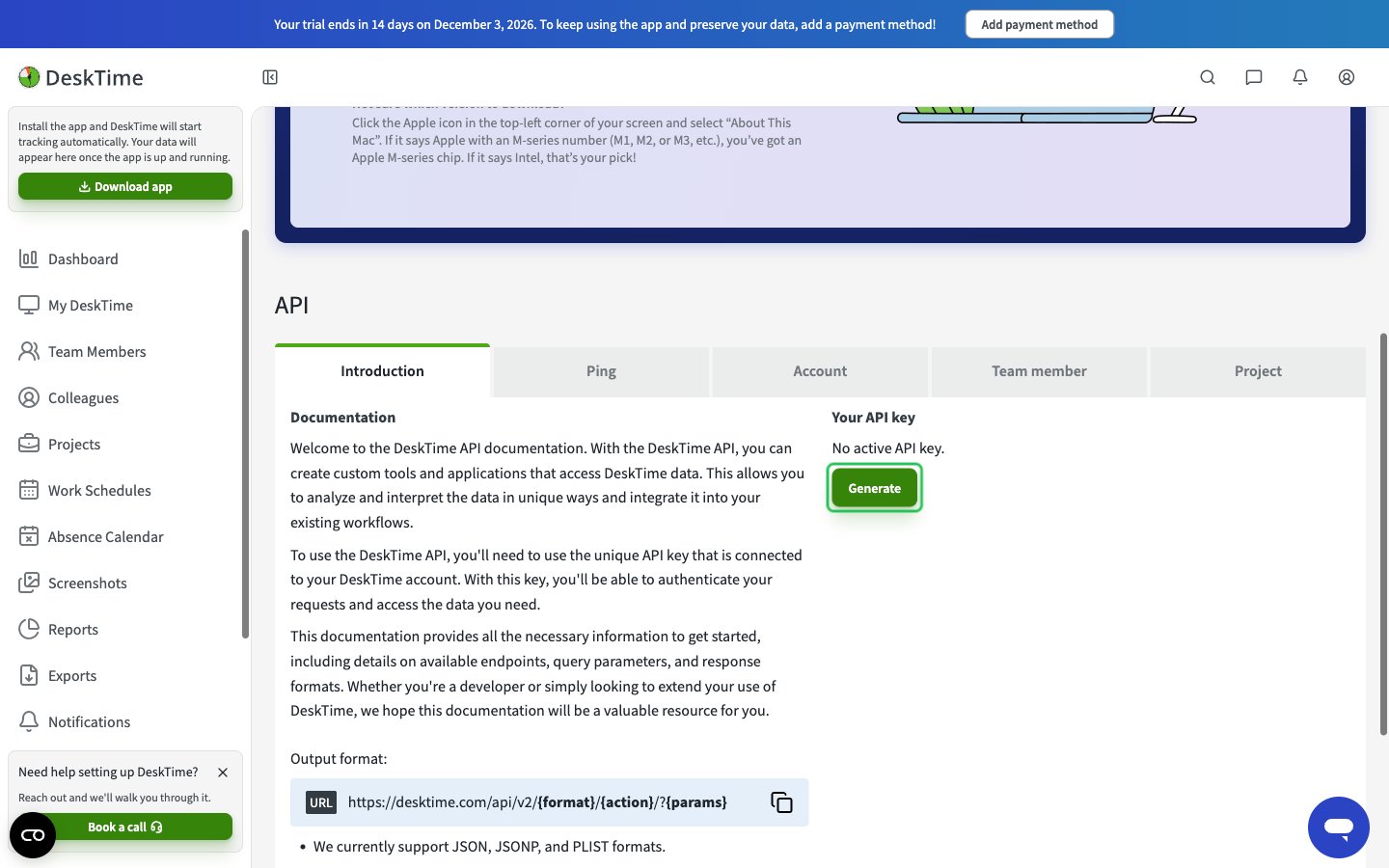
- Under Your API key, click Generate. Enter your account password in the Generate API key dialog and click Confirm.
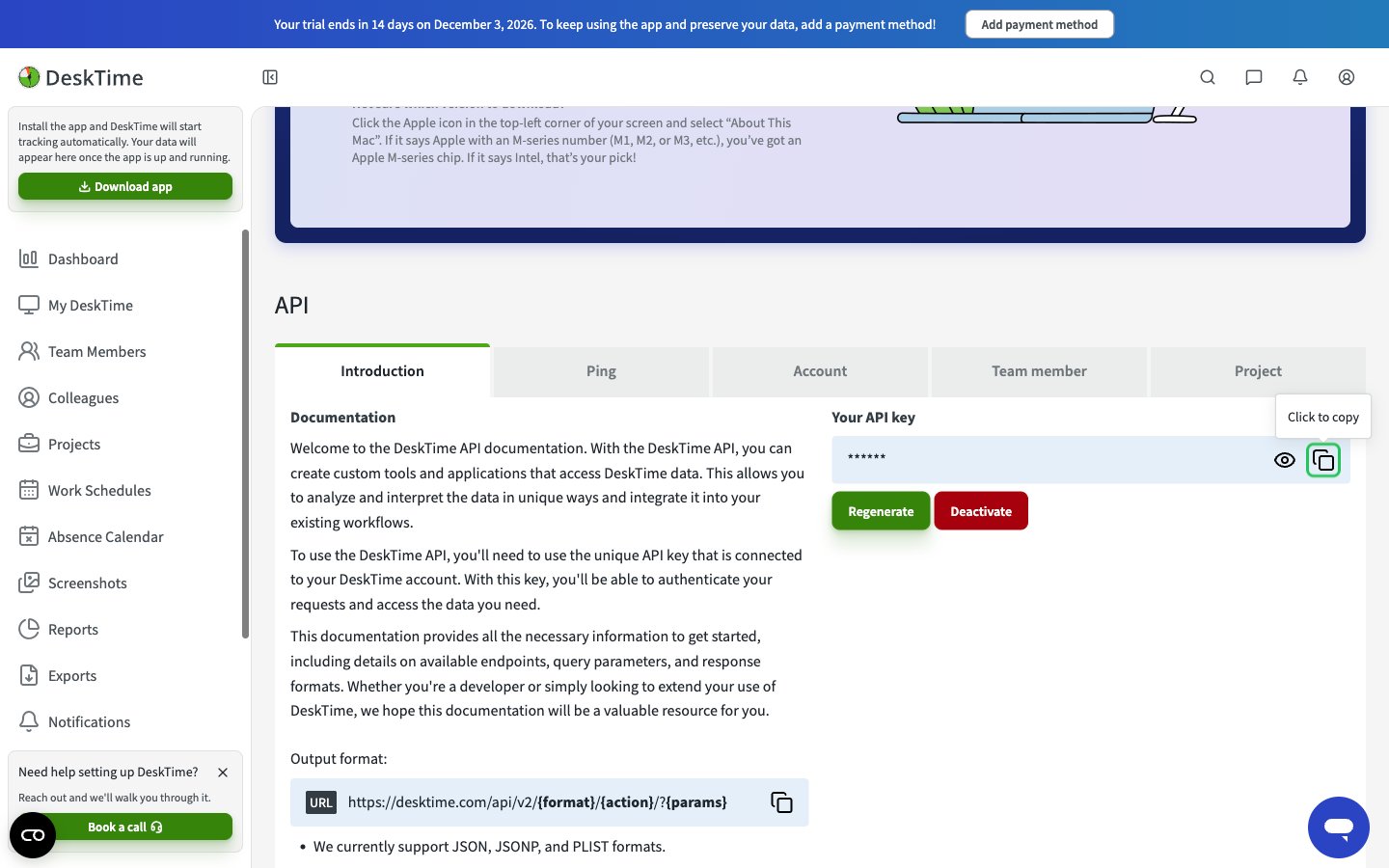
- Click the copy button next to your API key. You can also regenerate or deactivate the key here.
Step 2: Enter your API key in the Connect UI
- Open the form where you need to authenticate with DeskTime.
- Enter your API Key in the designated field.
- Submit the form, and you should be successfully authenticated.