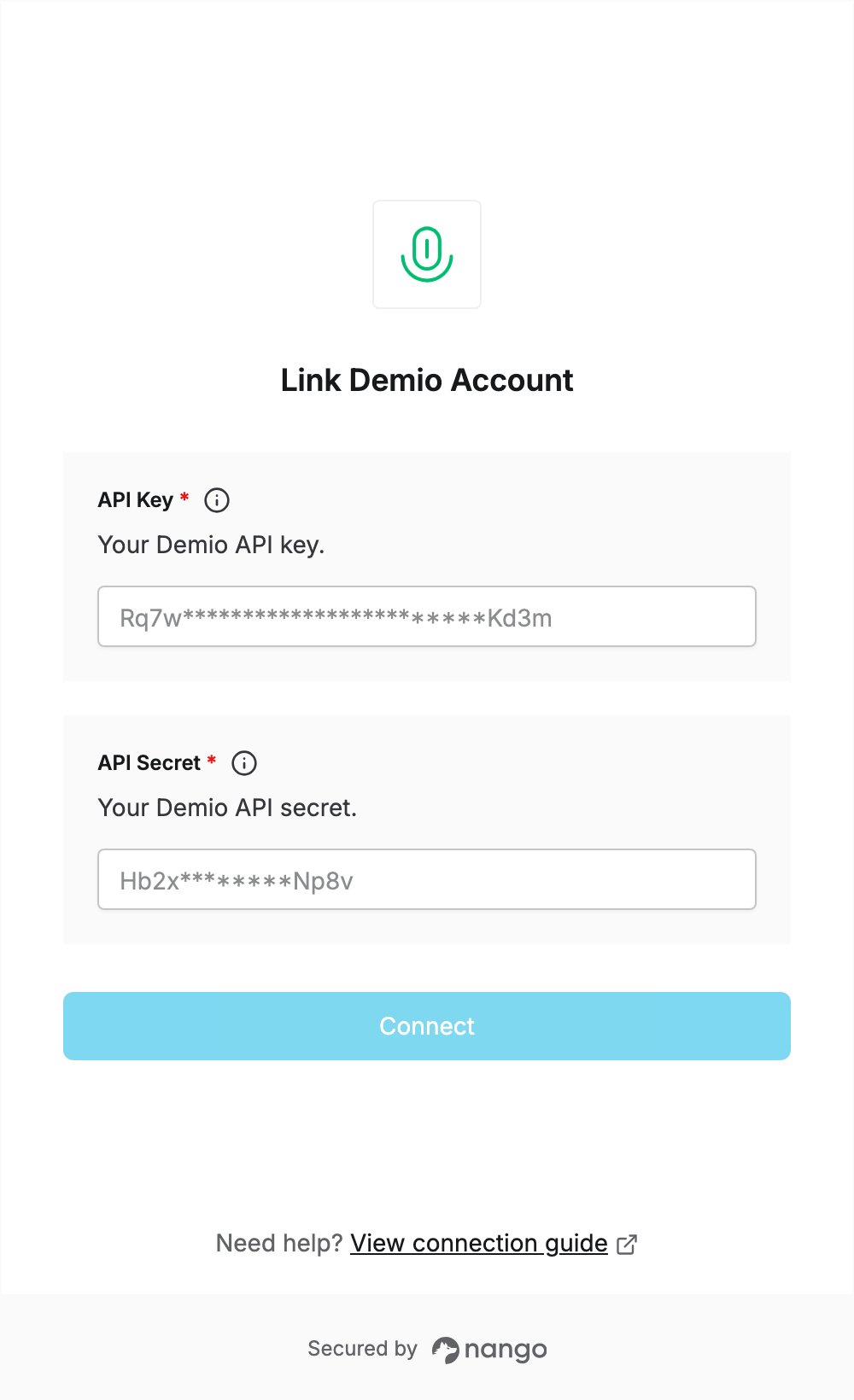
Overview
To authenticate with Demio, you need:- API Key - the API key of your Demio account.
- API Secret - the API secret of your Demio account.
Prerequisites
- A Demio account. If you don’t have one, start a free trial at my.demio.com/trial (no credit card required).
- You must be the account Owner: only account owners have access to the Account Settings, where the API details are.
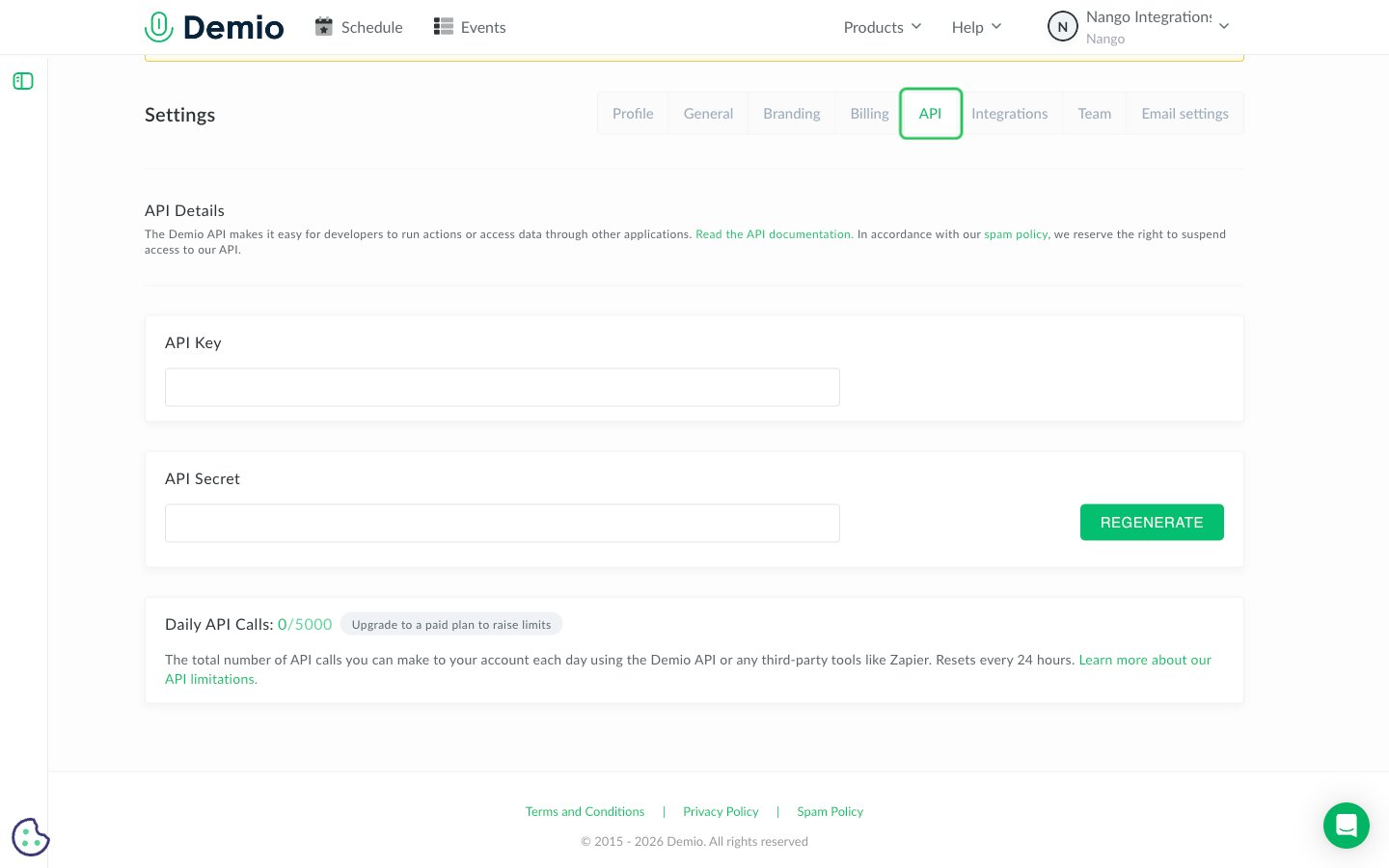
Step 1: Open the API tab in Settings
- Log in to Demio as the account Owner.
- Click your name in the top right, then click Settings.
- Open the API tab.
Step 2: Copy your API Key and API Secret
In the API Details section, copy the API Key and the API Secret. Demio creates both with your account, so there is nothing to generate.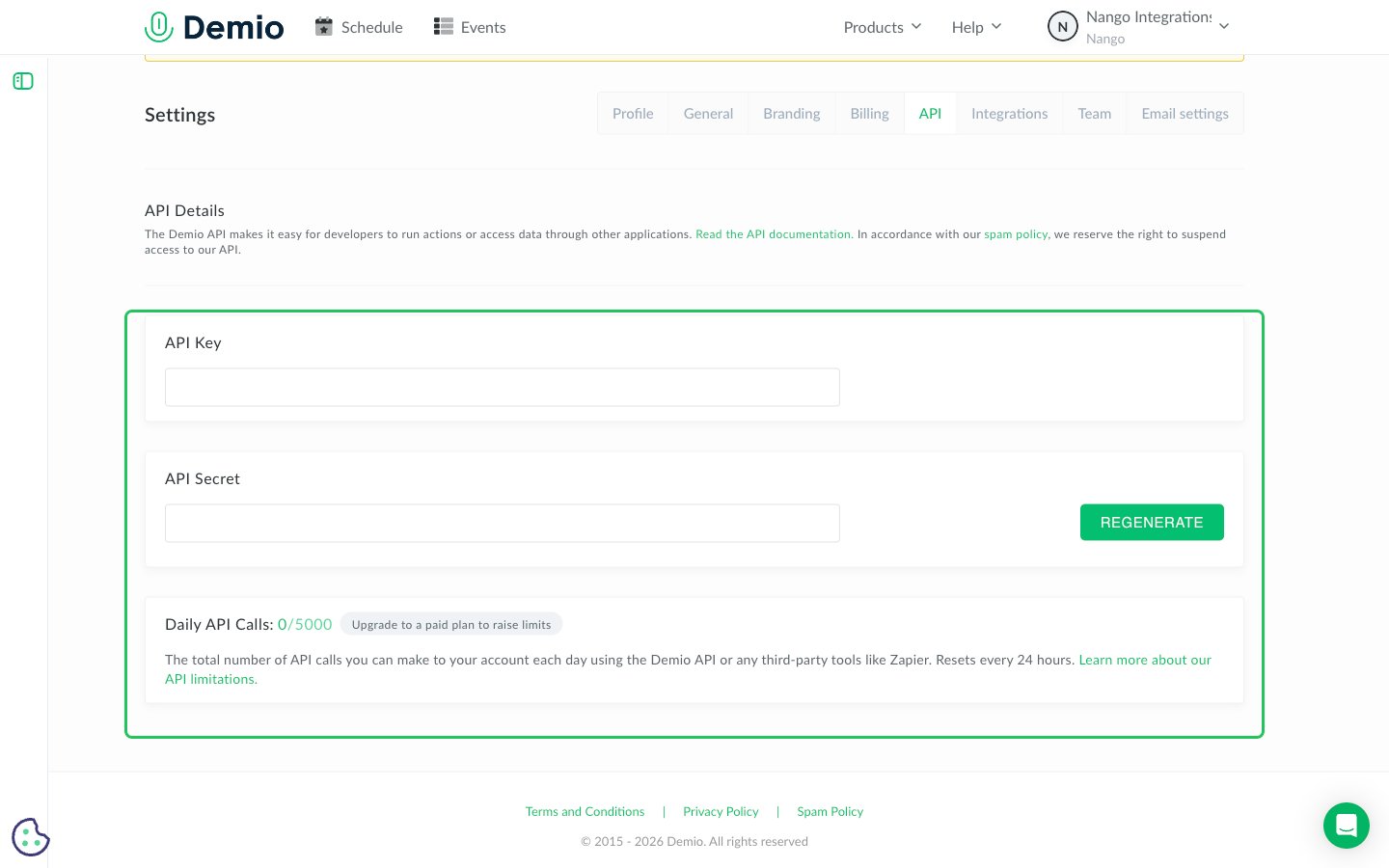
Step 3: Enter your credentials in the Connect UI
- Open the form where you need to authenticate with Demio.
- Enter the API Key value in the API Key field.
- Enter the API Secret value in the API Secret field.
- Submit the form, and you should be successfully authenticated.