Overview
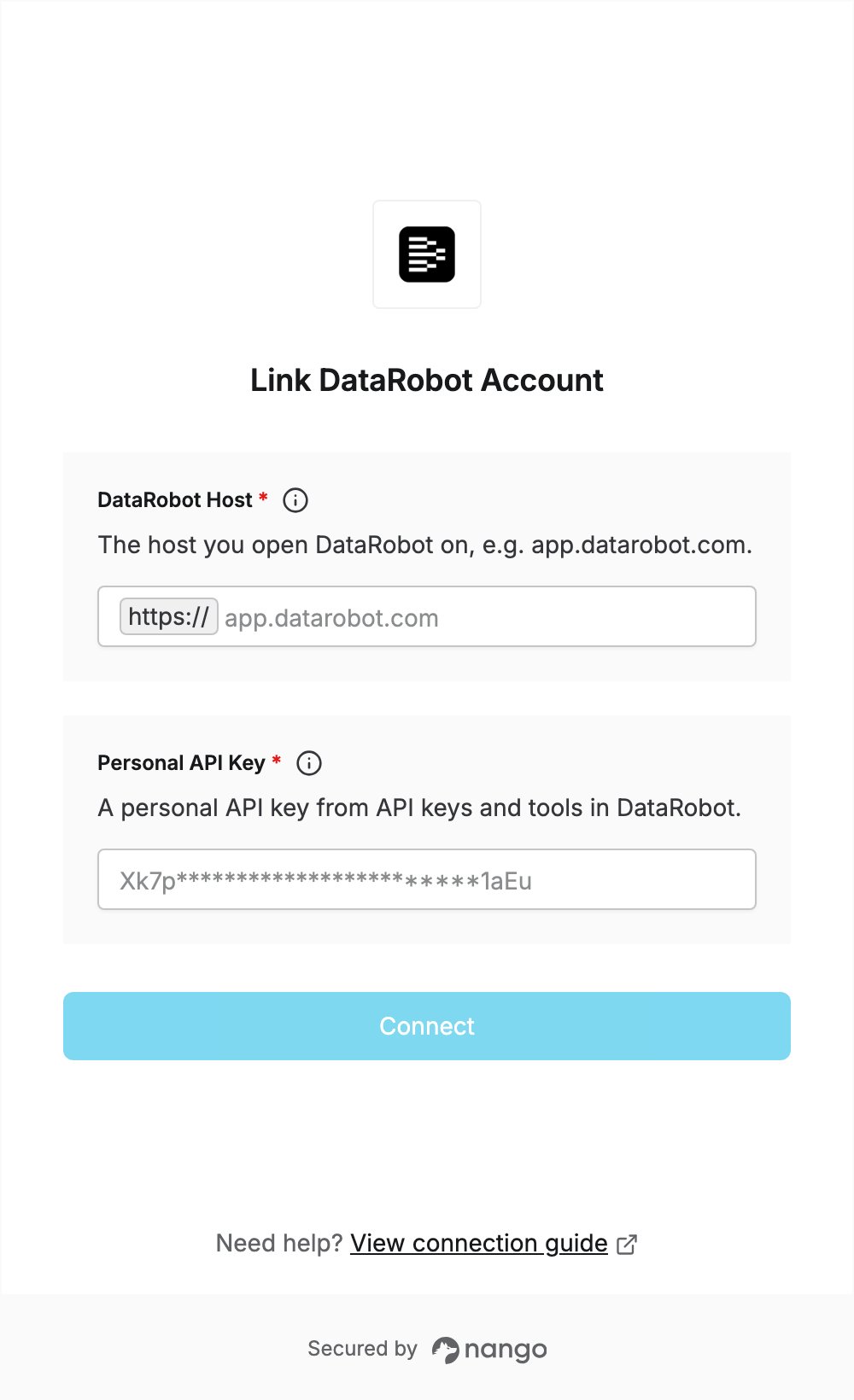
To authenticate with DataRobot, you need:- DataRobot Host: the host you use to open DataRobot.
- Personal API Key: a personal API key from your DataRobot account.
Prerequisites
- A DataRobot account. You can start a free trial.
Step 1: Find your DataRobot host
Your host is the address you sign in to DataRobot on, withouthttps:// or a path:
Step 2: Create a personal API key
- Sign in to DataRobot on your host.
- Click the user icon and select API keys and tools.
- Stay on the Personal API keys tab and click Create new key.
- Name the key and confirm. The key is active immediately.
- Copy the key value.
Step 3: Enter your credentials in the Connect UI
- Open the form where you need to authenticate with DataRobot.
- Enter your DataRobot Host and Personal API Key in the designated fields.
- Submit the form. Nango checks the key against your DataRobot host, so a wrong key, or a host that doesn’t match where you created the key, is rejected.