Overview
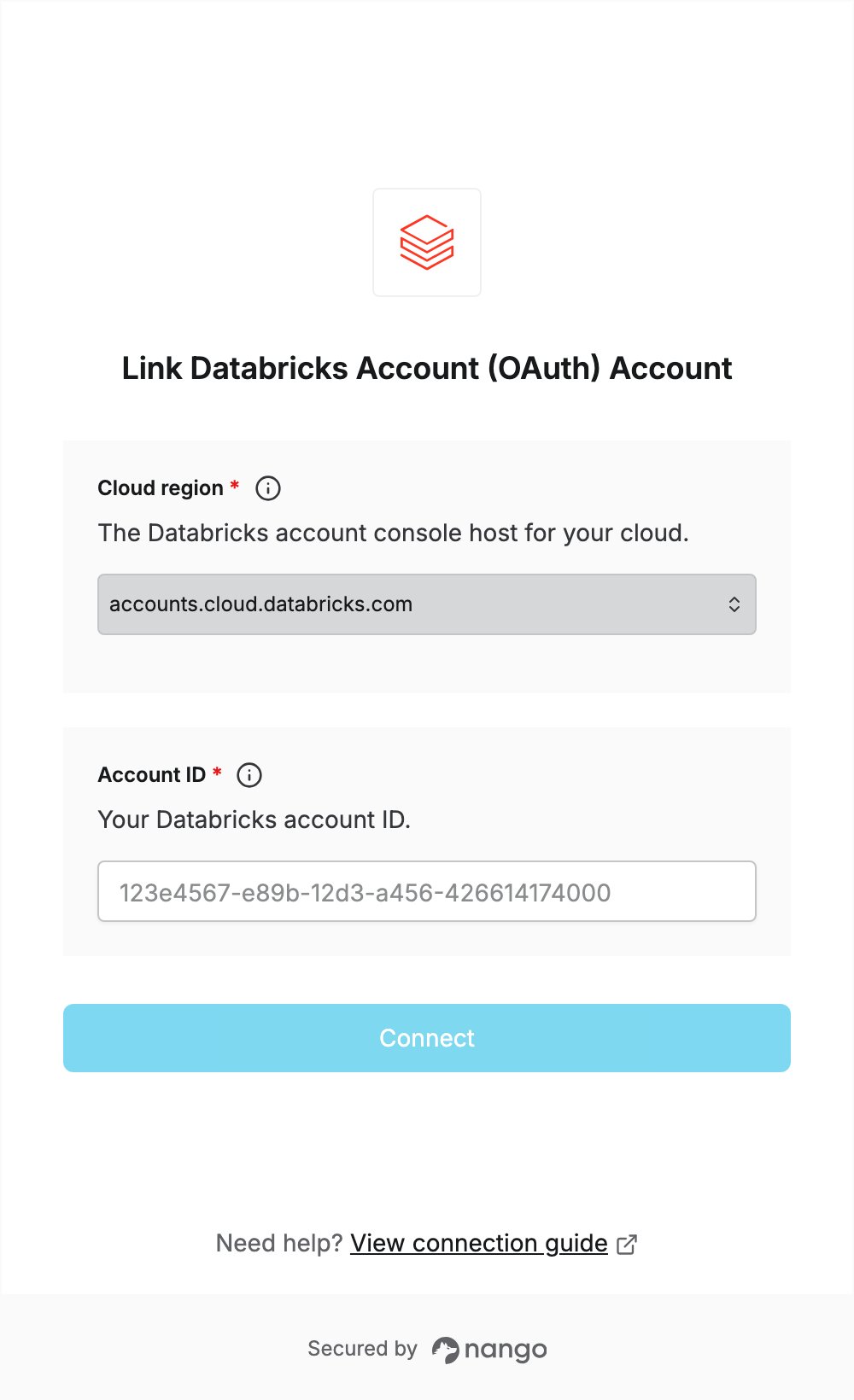
To authenticate with Databricks, you need:- Cloud region — the account console host for the cloud your Databricks account runs on.
- Account ID — your Databricks account ID.
Prerequisites
- A Databricks account. To call account-level APIs, you must sign in as an account admin.
Step 1: Find your account console host
Pick the host of the account console you sign in to:Step 2: Find your account ID
- Sign in to the account console for your cloud.
- Click the down arrow next to your username in the upper right corner.
- Copy your account ID.
Step 3: Enter your details in the Connect UI
- Open the form where you need to authenticate with Databricks.
- Select your Cloud region and enter your Account ID.
- Click Connect. You’ll be redirected to Databricks to sign in and authorize access.