Overview
To authenticate with Databox, you need:- API Key — a Databox API key created on your Profile page.
Prerequisites
- A Databox account. Dataset creation and data ingestion through the API are available on the Analyst, Team and Agency plans, and you can start a 14-day free trial without payment details. If you don’t have an account, sign up.
- An Admin user. Only Admin users can create API keys.
Step 1: Create an API key
- Sign in to Databox and open your Profile page (Account settings > Profile).
- Scroll to the Password & security section and find the API key row, then click Create.
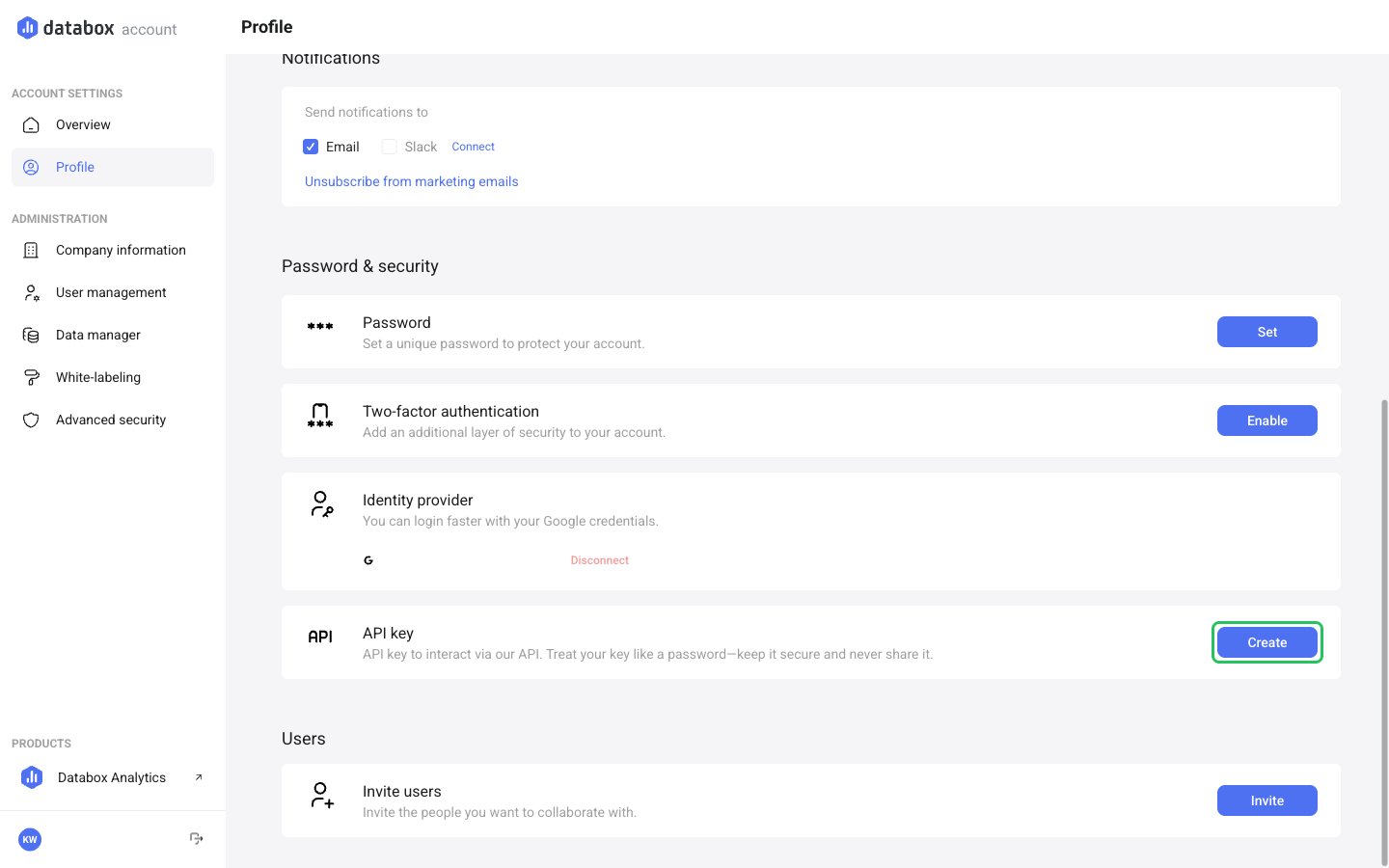
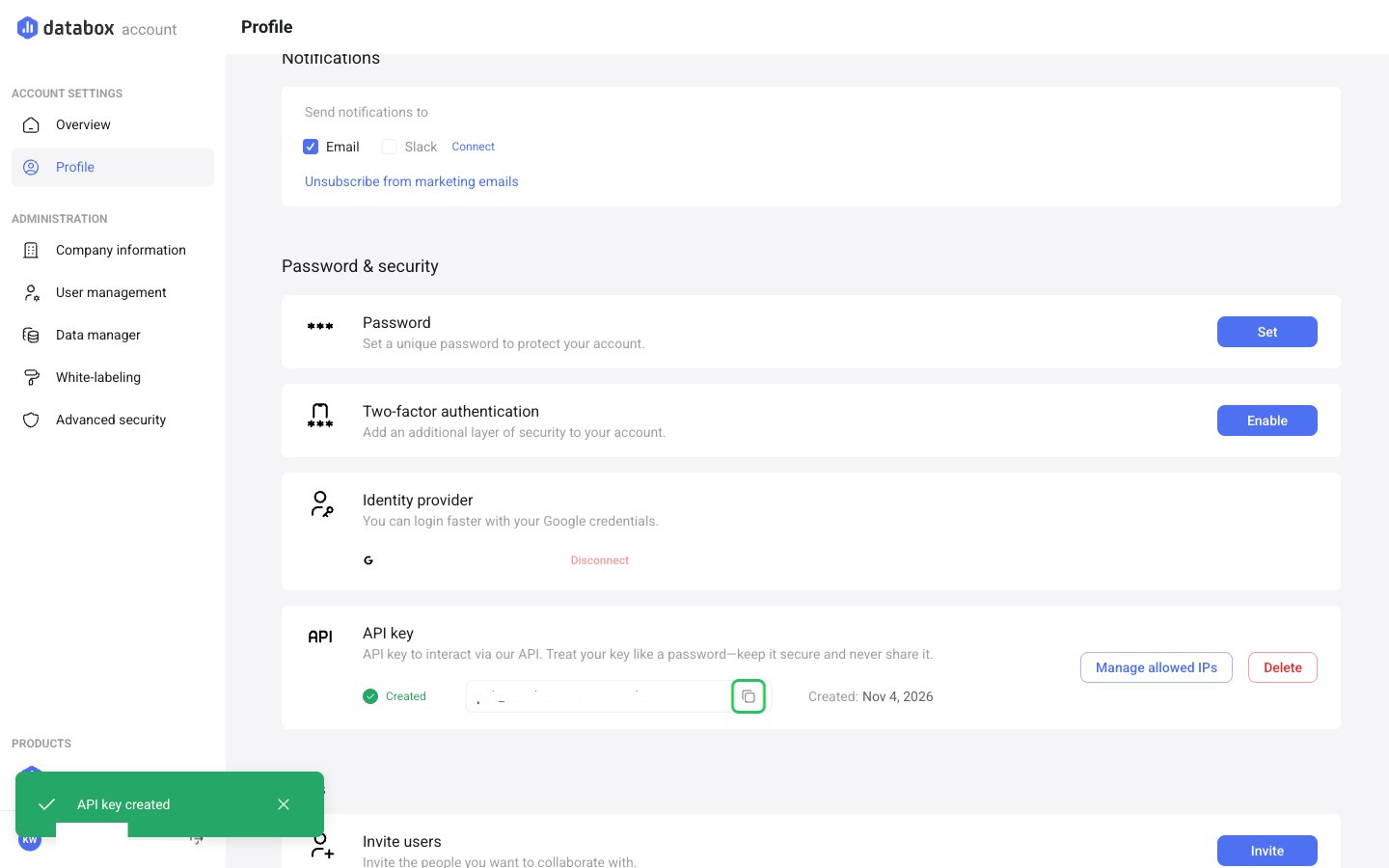
- The key appears right away. Click the copy icon to copy it.
- Optionally, click Manage allowed IPs, enter one or more IP addresses (press Enter after each) and click Save. Only requests from those IPs will be accepted.
Step 2: Enter your API key in the Connect UI
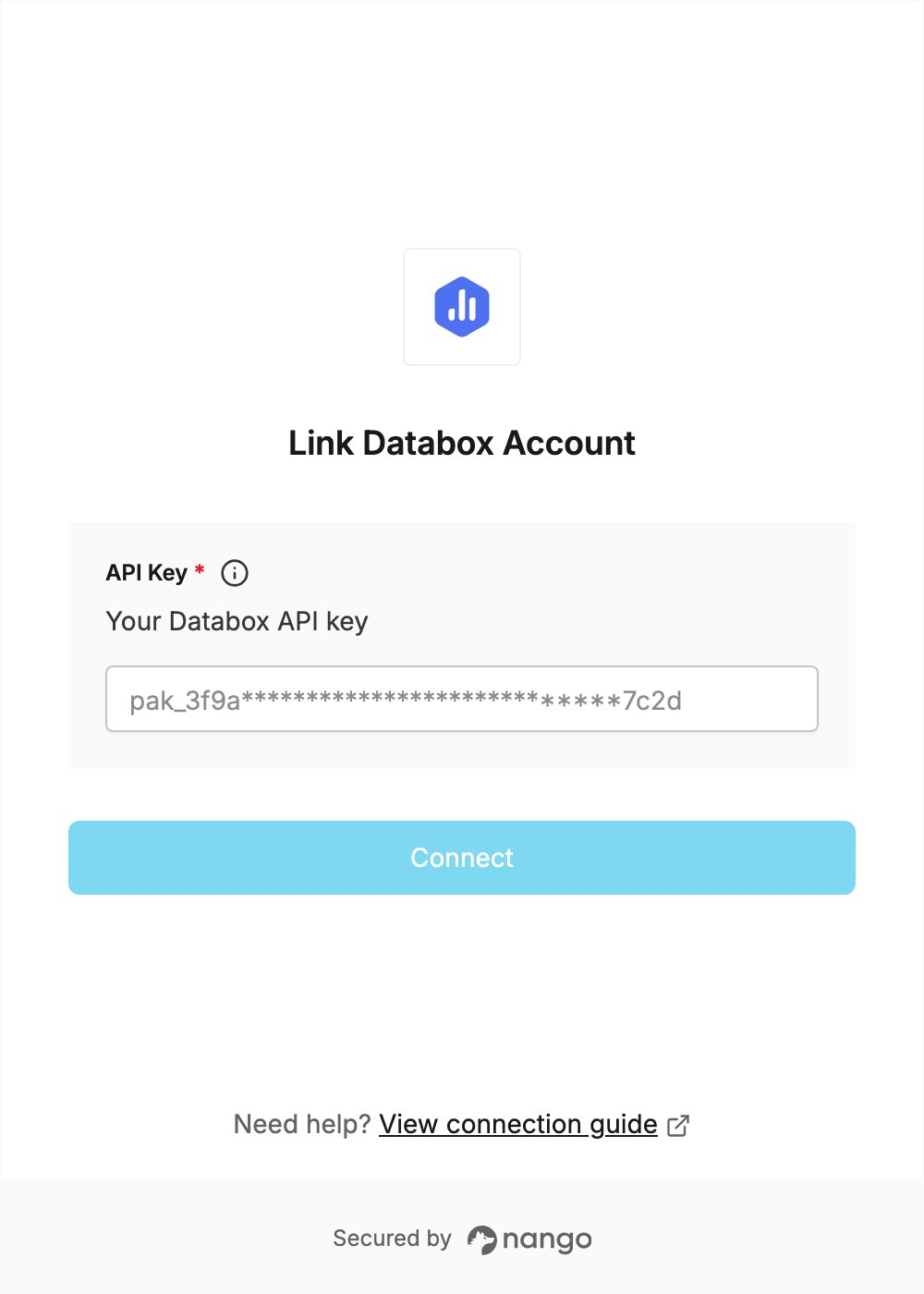
- Open the form where you need to authenticate with Databox.
- Enter your API key in the API Key field.
- Submit the form, and you should be successfully authenticated.