Overview
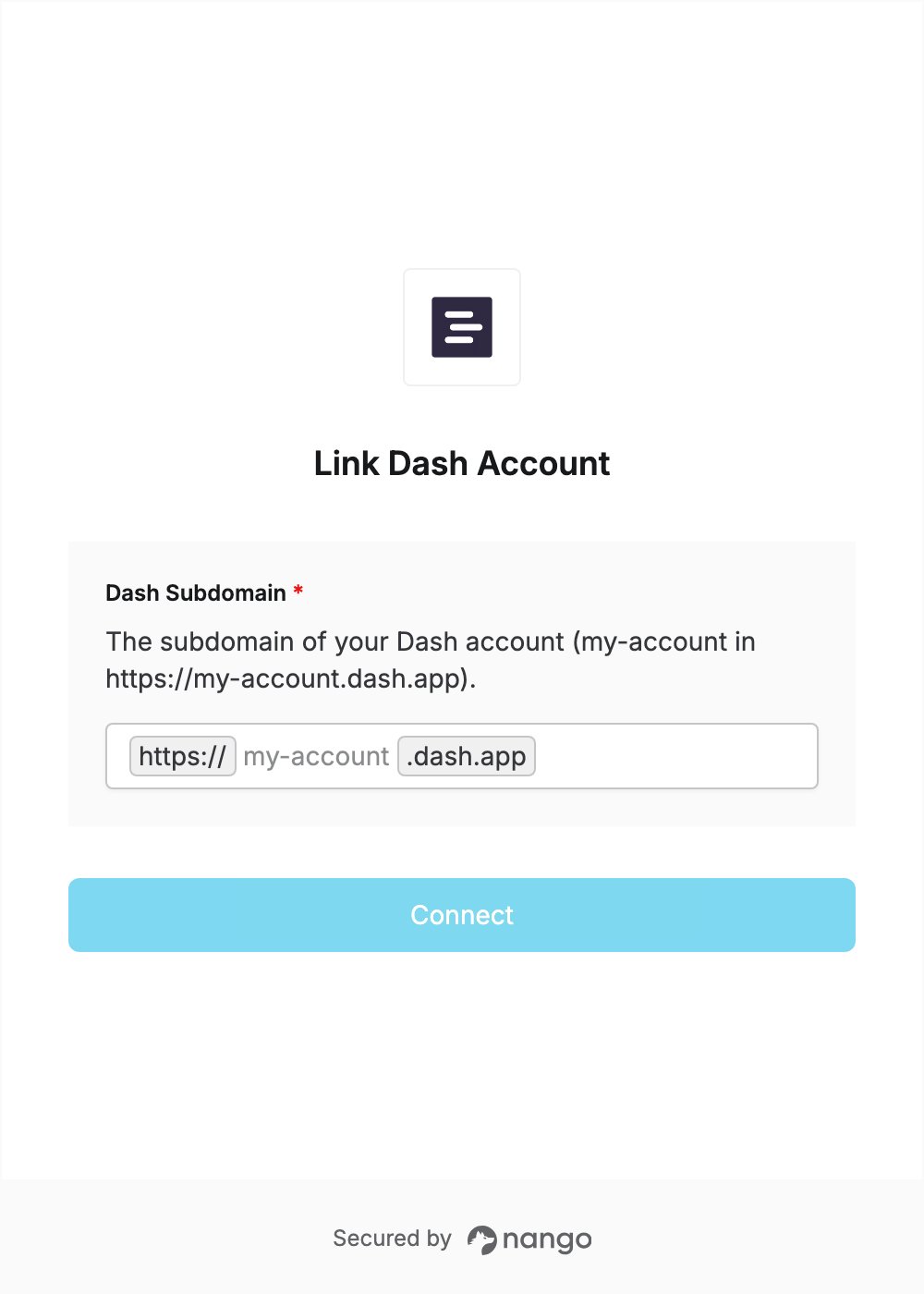
To authenticate with Dash, you need:- Dash Subdomain — the part of your Dash account’s address before
.dash.app.
Prerequisites
- A Dash account. You can start a free trial.
Step 1: Find your Dash subdomain
- Sign in to Dash.
- Look at your browser’s address bar. Your account’s address looks like
https://my-account.dash.app. - Your subdomain is the part between
https://and.dash.app:my-accountin this example.
Step 2: Enter your subdomain in the Connect UI
- Open the form where you need to authenticate with Dash.
- Enter your Dash Subdomain in the designated field.
- Click Connect, then sign in to Dash with an account on that site and approve access.