Overview
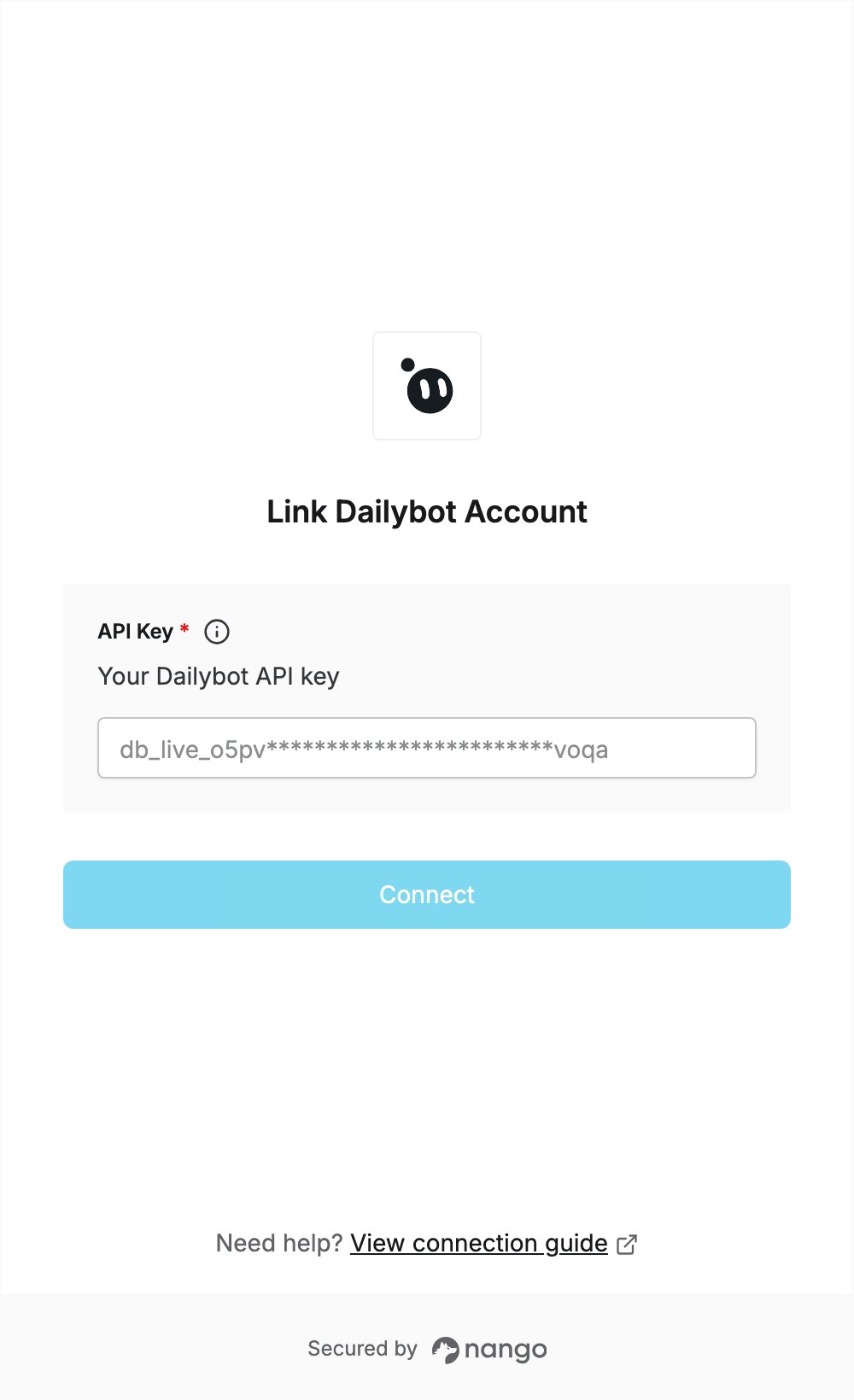
To authenticate with Dailybot, you need:- API Key — a Dailybot API key generated in your organization settings.
Prerequisites
- A Dailybot organization on a paid plan. API keys require a paid Dailybot plan.
Step 1: Generate an API key
- Sign in to the Dailybot dashboard.
- Open Settings -> API & Connections -> API Keys, or go straight to the API Keys page.
- Click Generate API Key.
- Copy the key right away: it is shown only once.
Step 2: Enter your API key in the Connect UI
- Open the form where you need to authenticate with Dailybot.
- In API Key, paste the key you copied in Step 1.
- Submit the form. Nango checks the key with Dailybot before saving the connection.