Overview
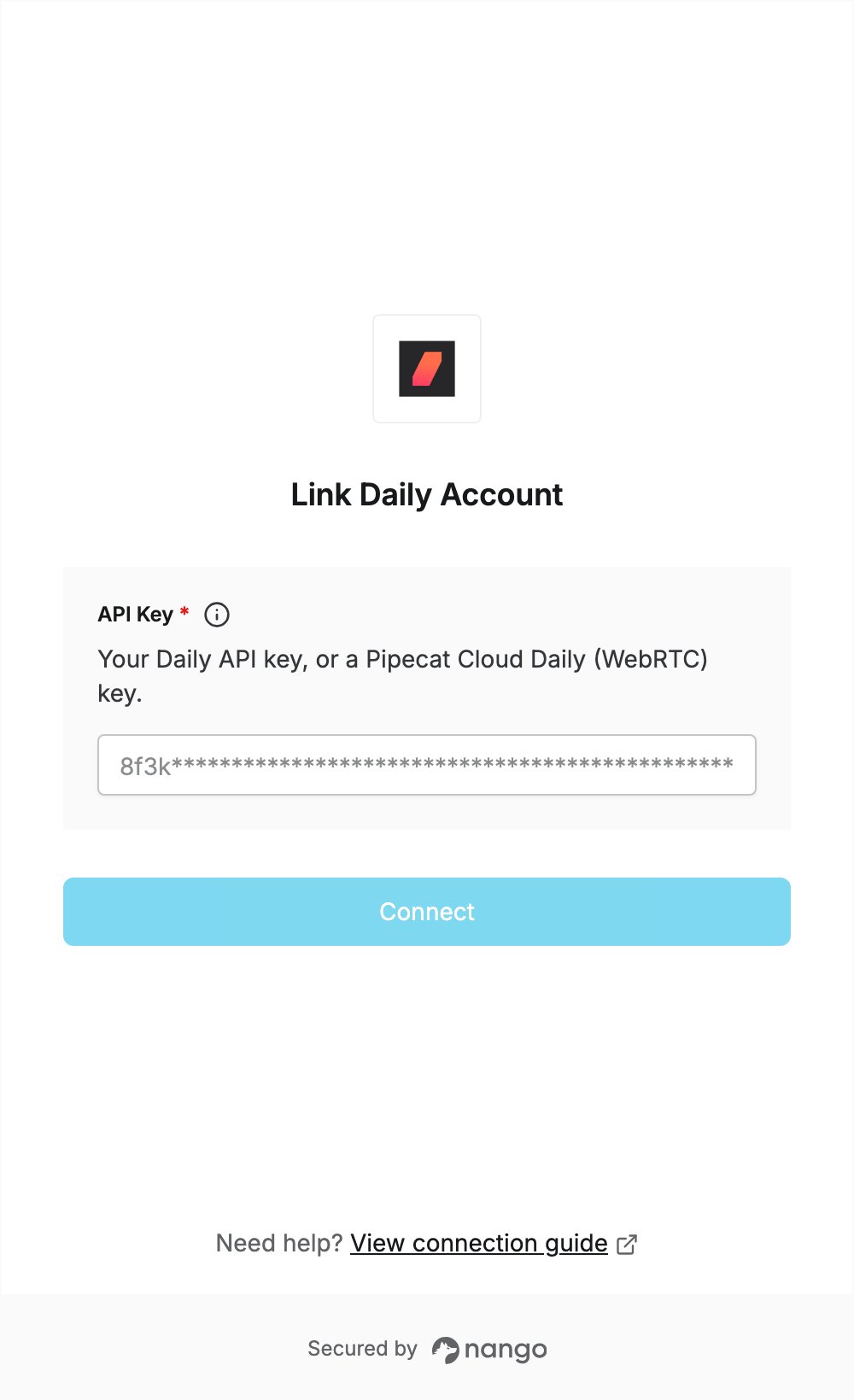
To authenticate with Daily, you need:- API Key — the API key of your Daily domain.
Prerequisites
- A Daily account. You can sign up; a new account’s API key is available right away.
- The Admin role in your Daily account. Only Admins can view and regenerate the API key.
Step 1: Copy your API key
- Sign in to the Daily dashboard.
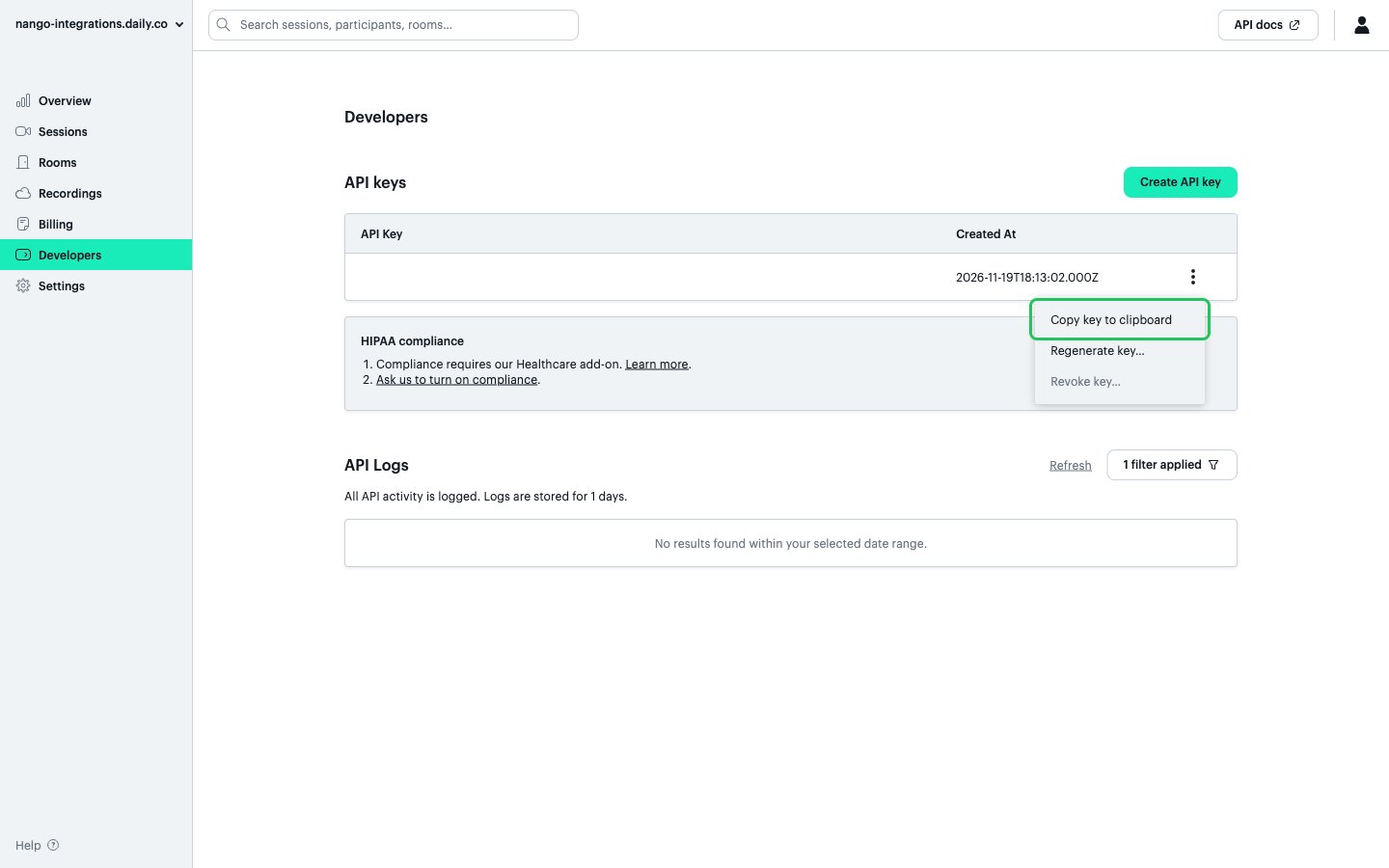
- In the left sidebar, open Developers.
- Under API keys, click the options menu (⋯) next to your key and choose Copy key to clipboard.
Step 2: Enter your API key in the Connect UI
- Open the form where you need to authenticate with Daily.
- Enter your API Key in the designated field.
- Submit the form, and you should be successfully authenticated.