Overview
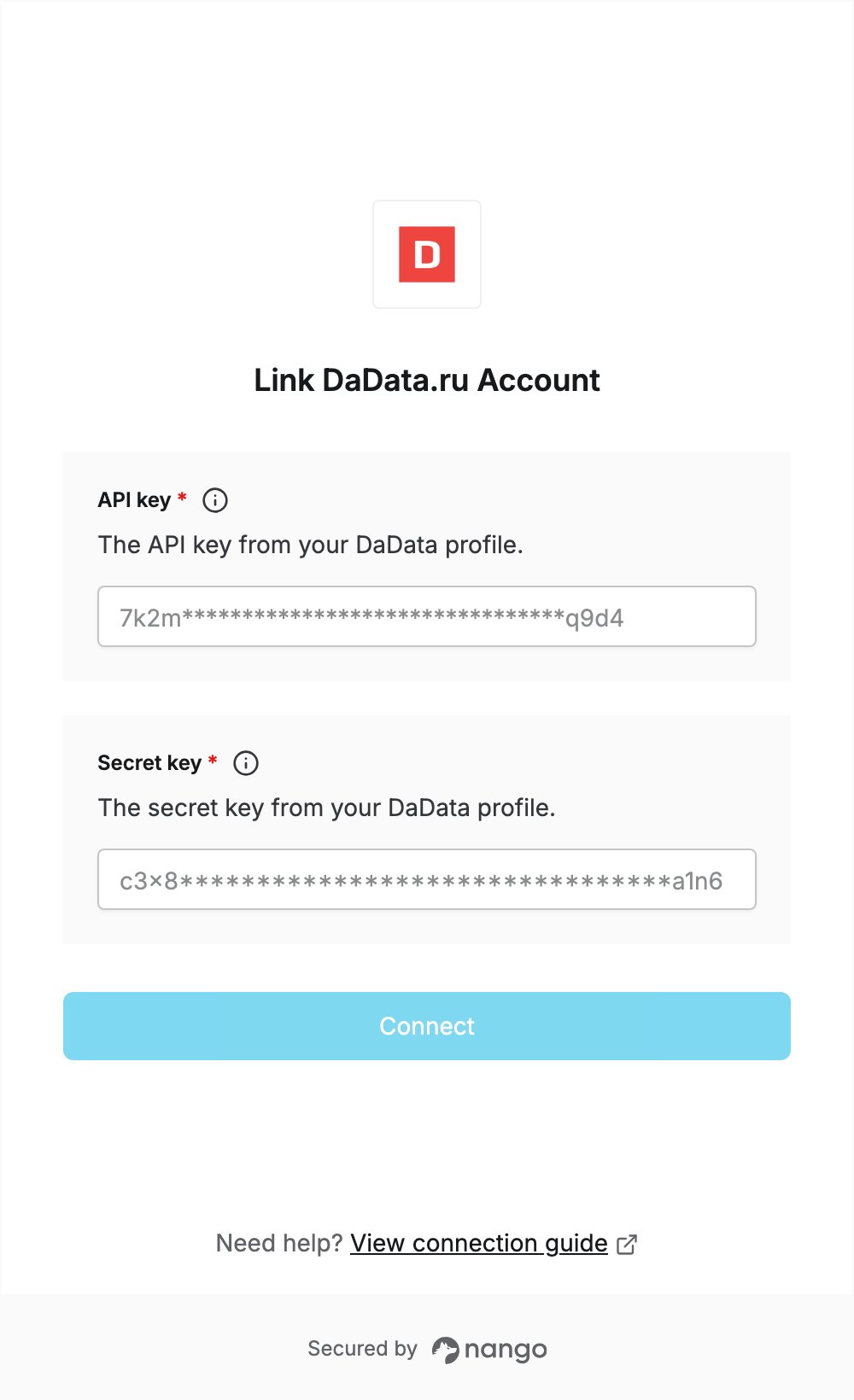
To authenticate with DaData.ru, you need:- API key — the API key from your DaData profile.
- Secret key — the secret key from your DaData profile.
Prerequisites
- A DaData.ru account. If you don’t have one, register at dadata.ru.
Step 1: Confirm your email
- Go to dadata.ru and click Подключиться to register with your name, email and password.
- Open the Регистрация на DaData.ru email and click the confirmation link.
Step 2: Copy your API key and secret key
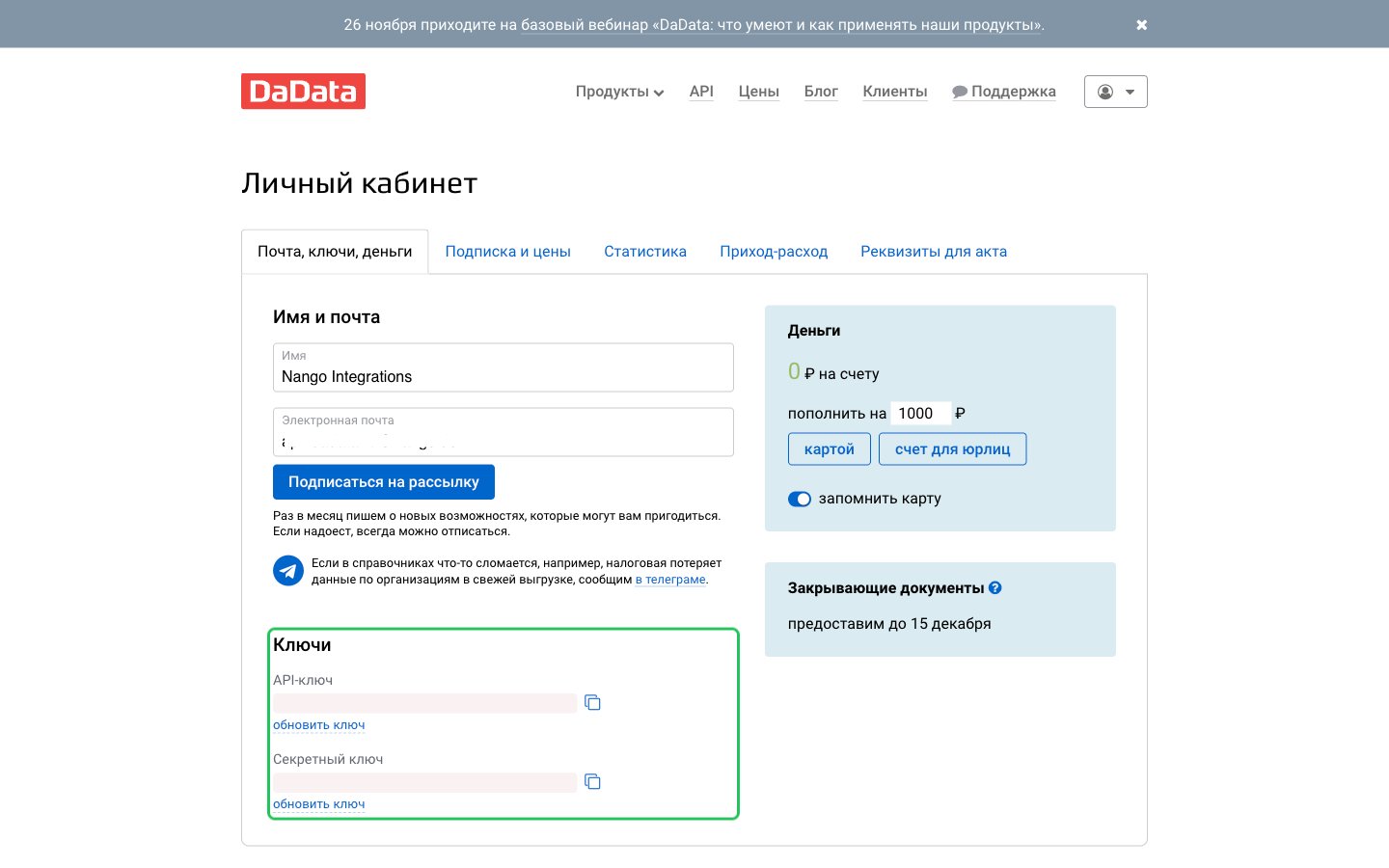
- Open your profile at dadata.ru/profile and select the Почта, ключи, деньги tab.
- In the Ключи section, copy the API-ключ (API key) and the Секретный ключ (secret key) with their copy buttons.
Step 3: Enter your keys in the Connect UI
- Open the form where you need to authenticate with DaData.ru.
- Enter the API-ключ value in the API key field.
- Enter the Секретный ключ value in the Secret key field.
- Submit the form, and you should be successfully authenticated.