Overview
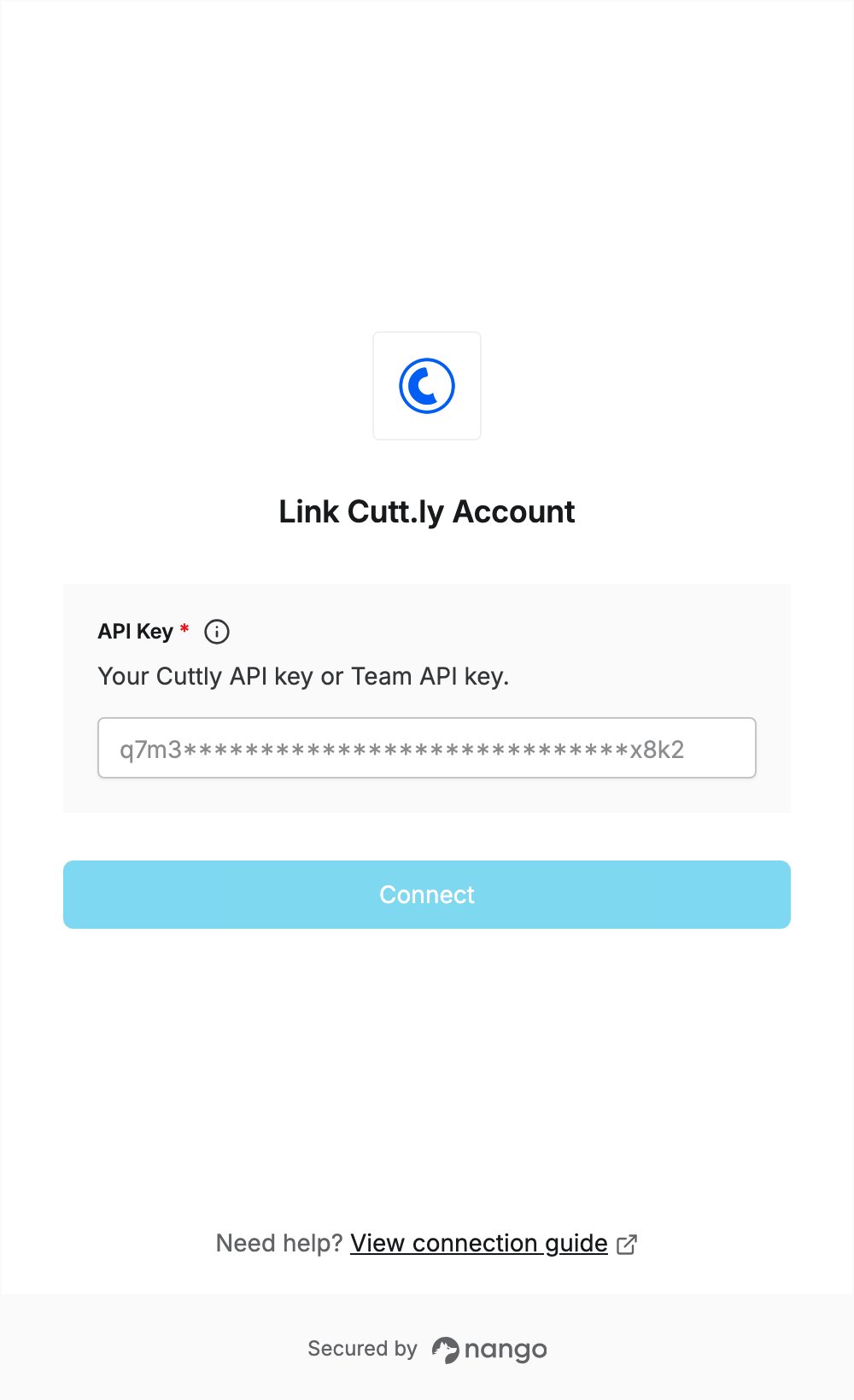
To authenticate with Cutt.ly, you need:- API Key — the API key of your Cuttly account, or the Team API key of a Cuttly team.
Prerequisites
- A Cuttly account. If you don’t have one, sign up for free; the Regular API is available on all plans, including Free.
Step 1: Copy your API key
- Log in to your Cuttly account.
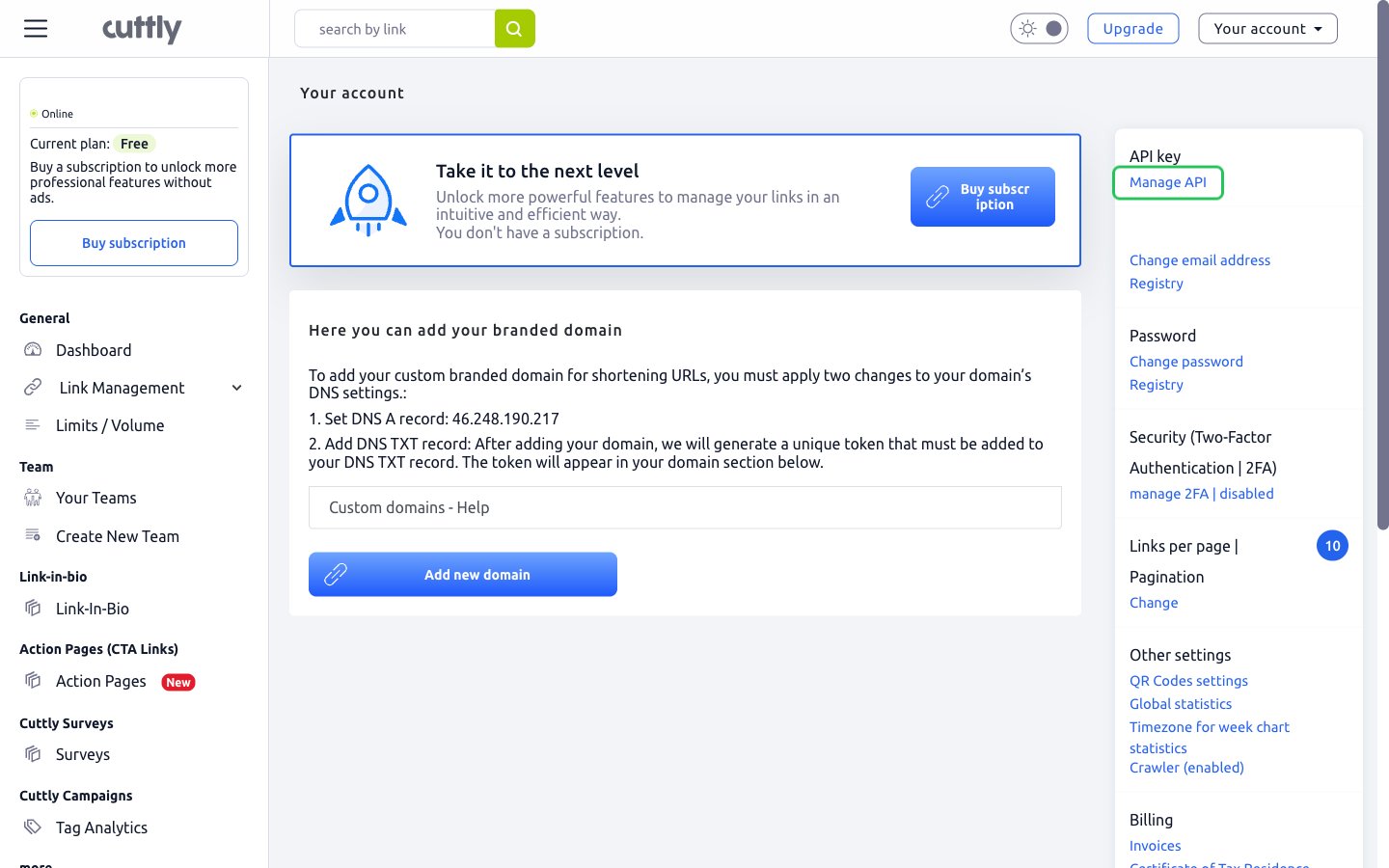
- Open your account menu and choose Edit account.
- Next to API key, click Manage API.
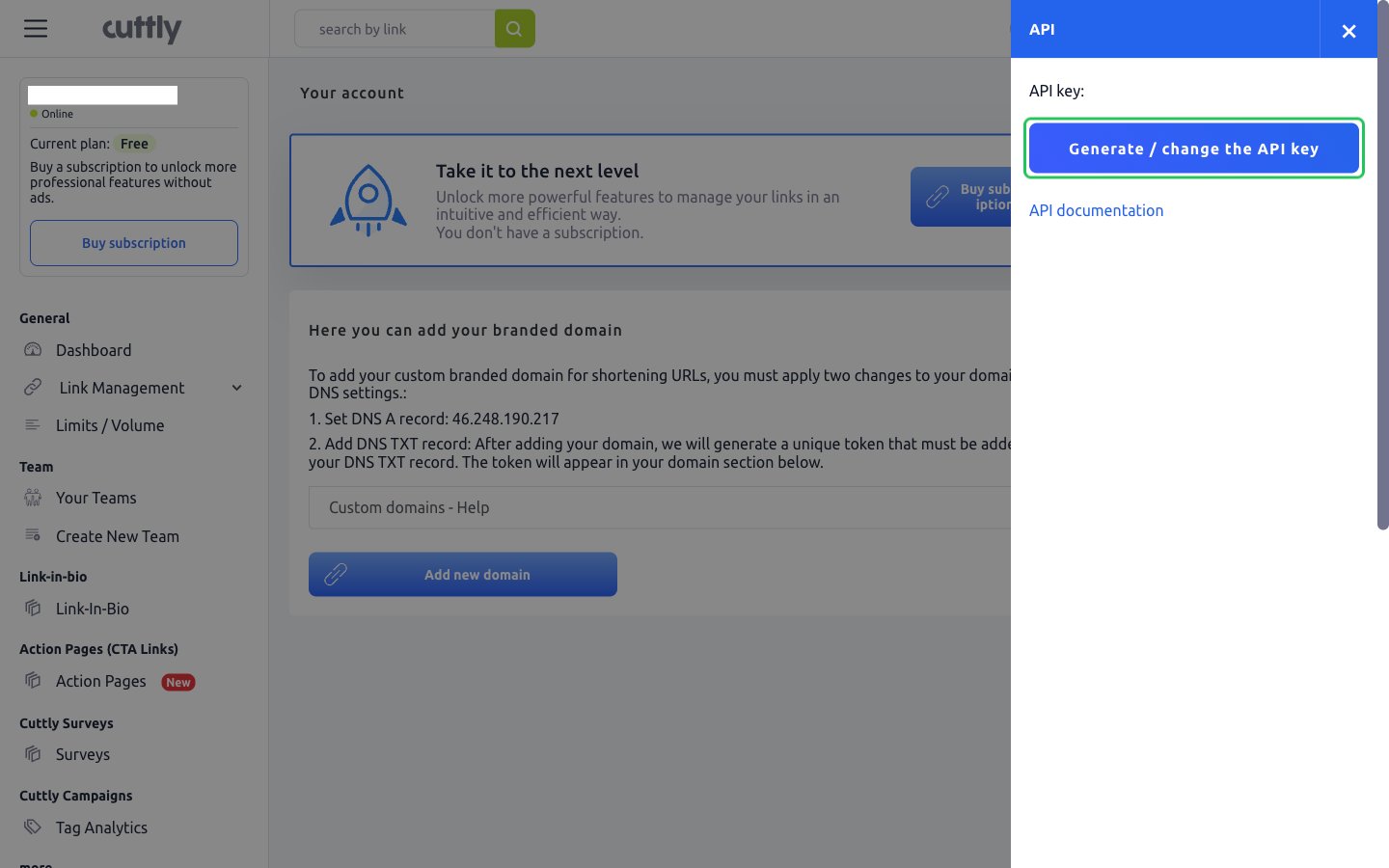
- If no key is shown yet, click Generate / change the API key and confirm the prompt.
- Reopen Manage API and copy the key shown after API key:.
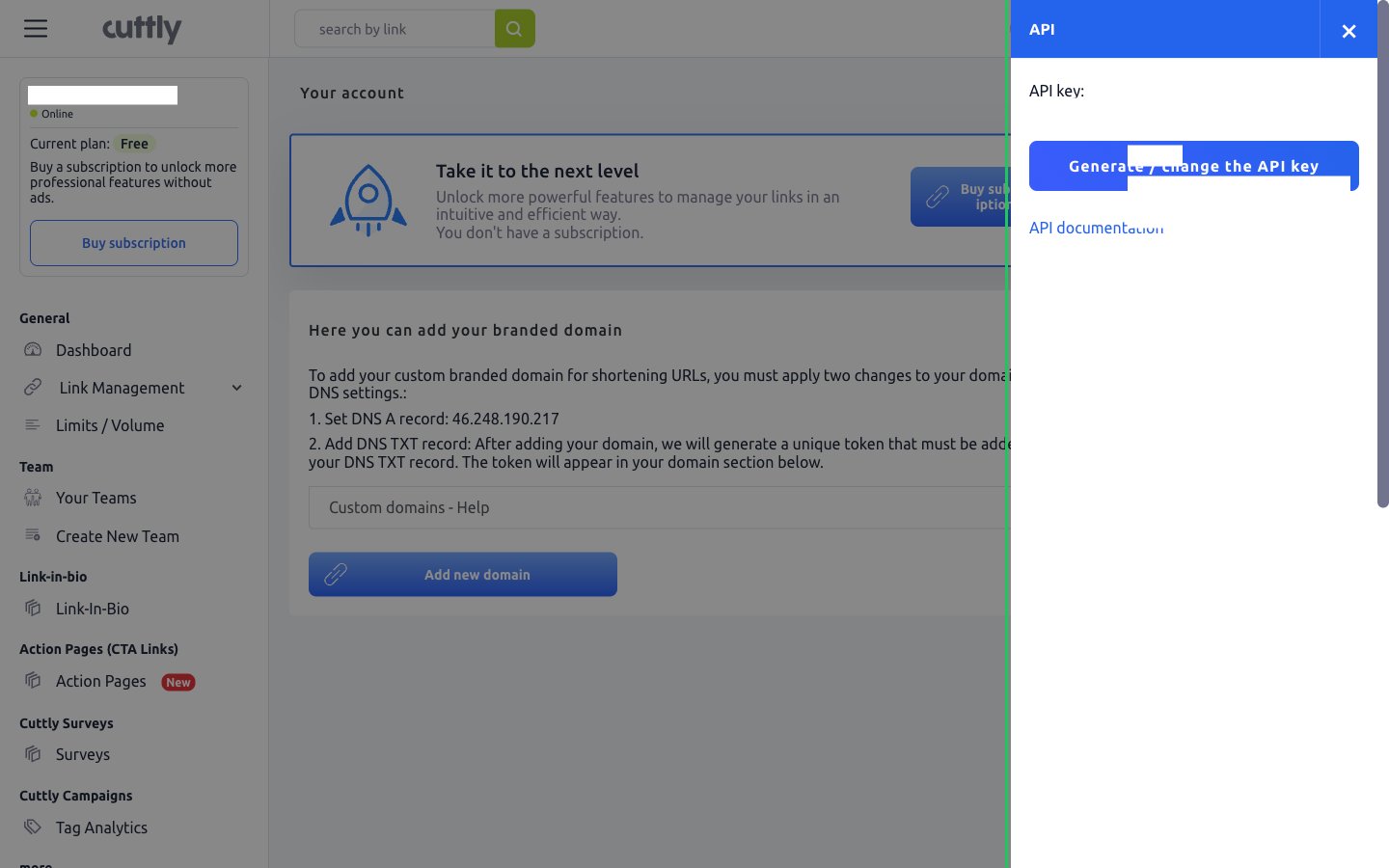
Generating a new key invalidates the previous key immediately, so any app still using it stops working.
Step 2: Enter your API key in the Connect UI
- Open the form where you need to authenticate with Cutt.ly.
- Paste the key you copied in Step 1 into the API Key field.
- Submit the form, and you should be successfully authenticated.