Overview
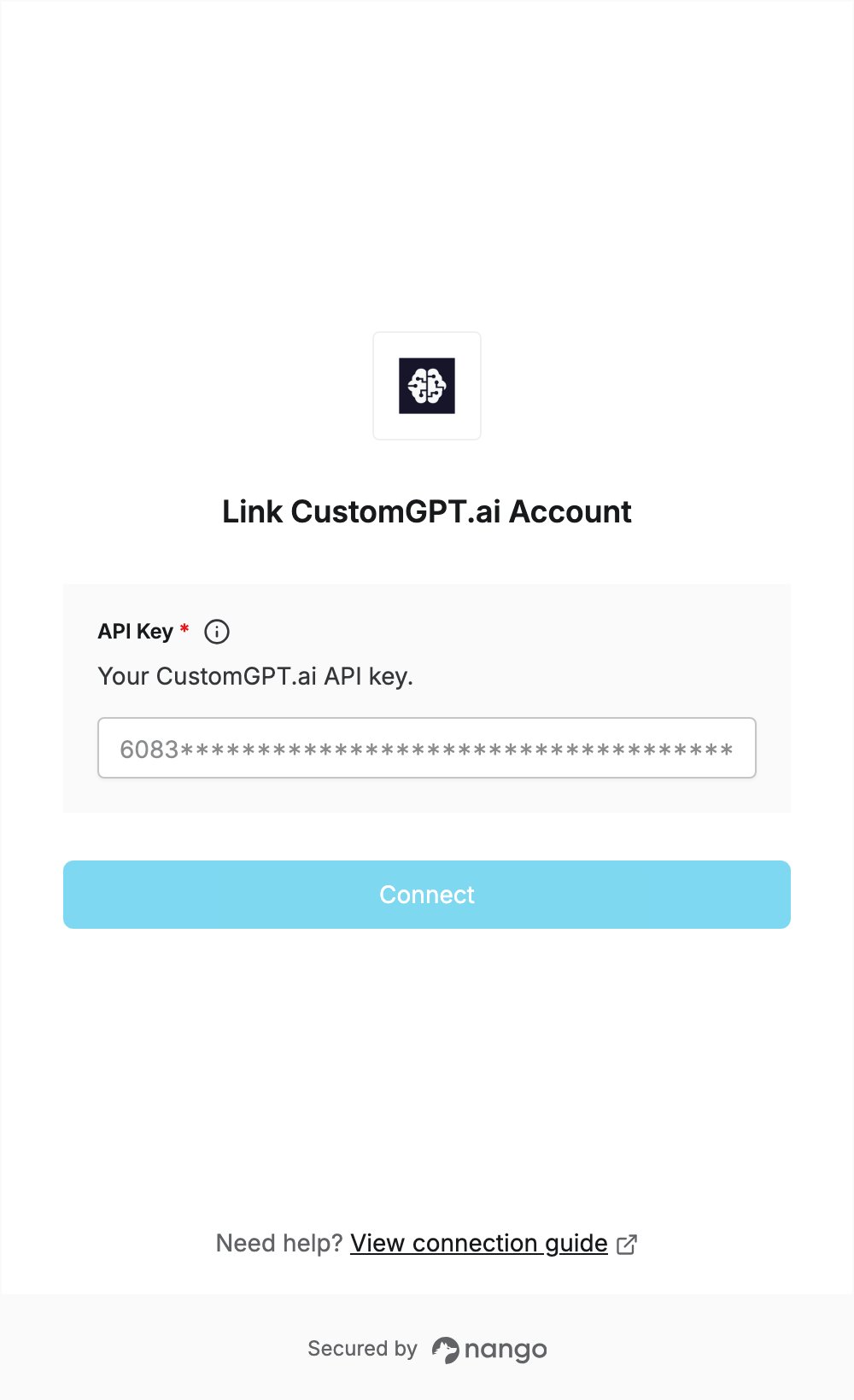
To authenticate with CustomGPT.ai, you need:- API Key — an API key from the API tab of your CustomGPT.ai profile.
Prerequisites
- A CustomGPT.ai account. If you don’t have one, sign up with a company email address (personal addresses such as Gmail are not accepted). Every plan starts with a 7-day free trial, which needs a credit card.
Step 1: Create an API key
- Log in to CustomGPT.ai.
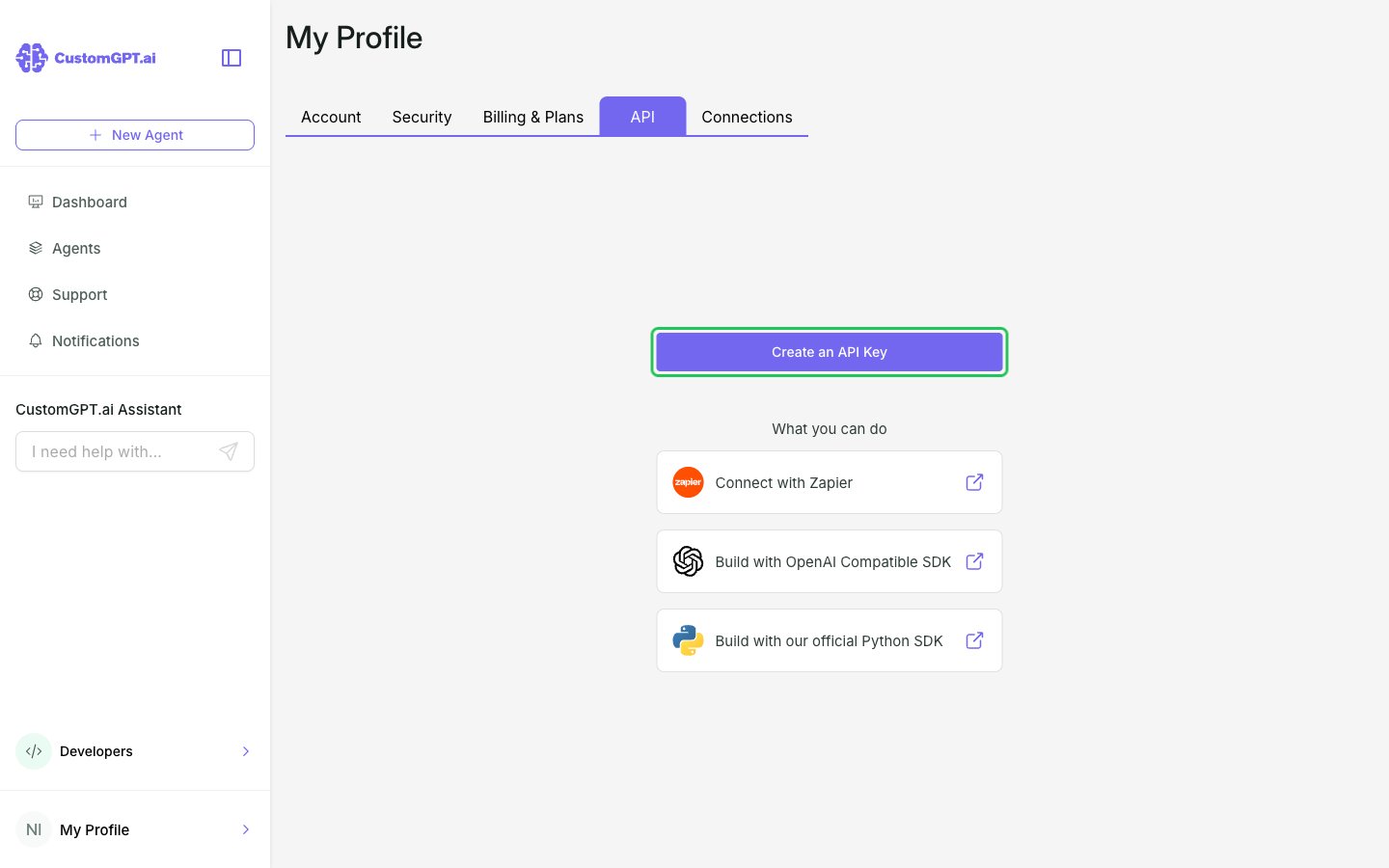
- Open My Profile, then open the API tab.
- Click Create an API Key.
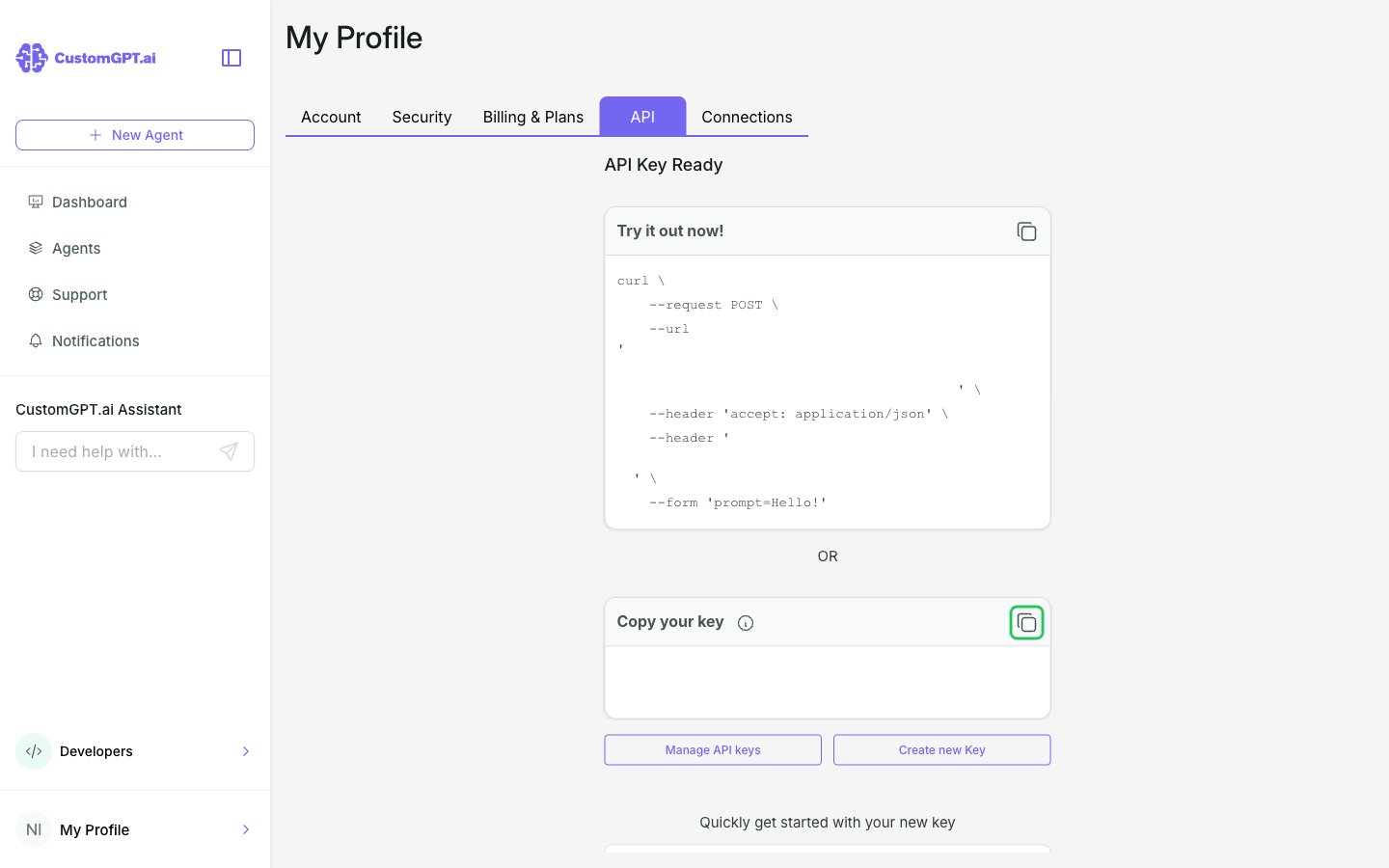
- On the API Key Ready screen, click the copy icon next to Copy your key to copy the API key.
Step 2: Enter your API key in the Connect UI
- Open the form where you need to authenticate with CustomGPT.ai.
- Enter your API key in the API Key field.
- Submit the form, and you should be successfully authenticated.