Overview
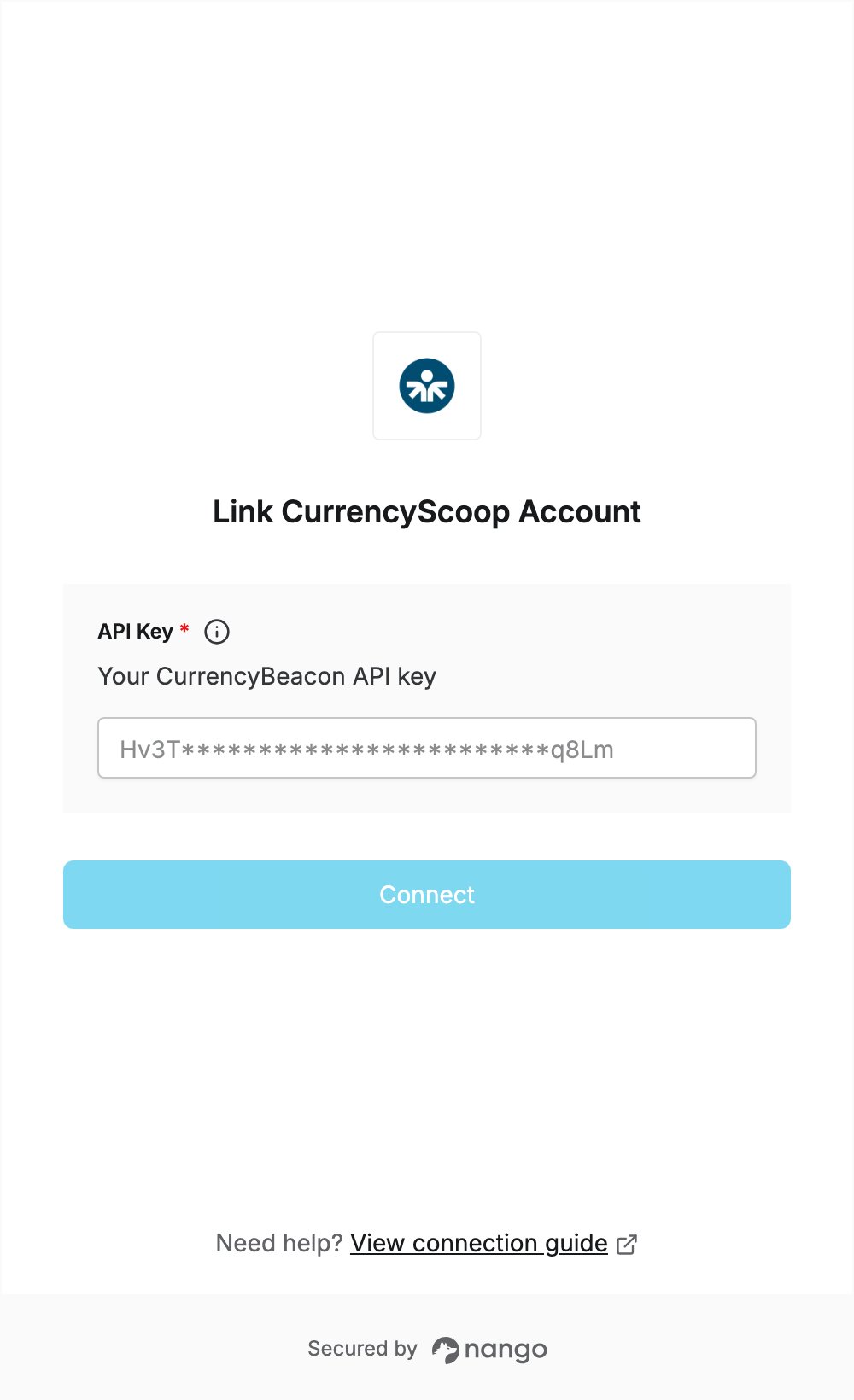
To authenticate with CurrencyScoop, you need:- API Key — the API key of your CurrencyBeacon account (CurrencyScoop is now CurrencyBeacon).
Prerequisites
- A CurrencyBeacon account. If you don’t have one, register for free: the free plan includes 5,000 API requests a month and needs no credit card.
Step 1: Copy your API key
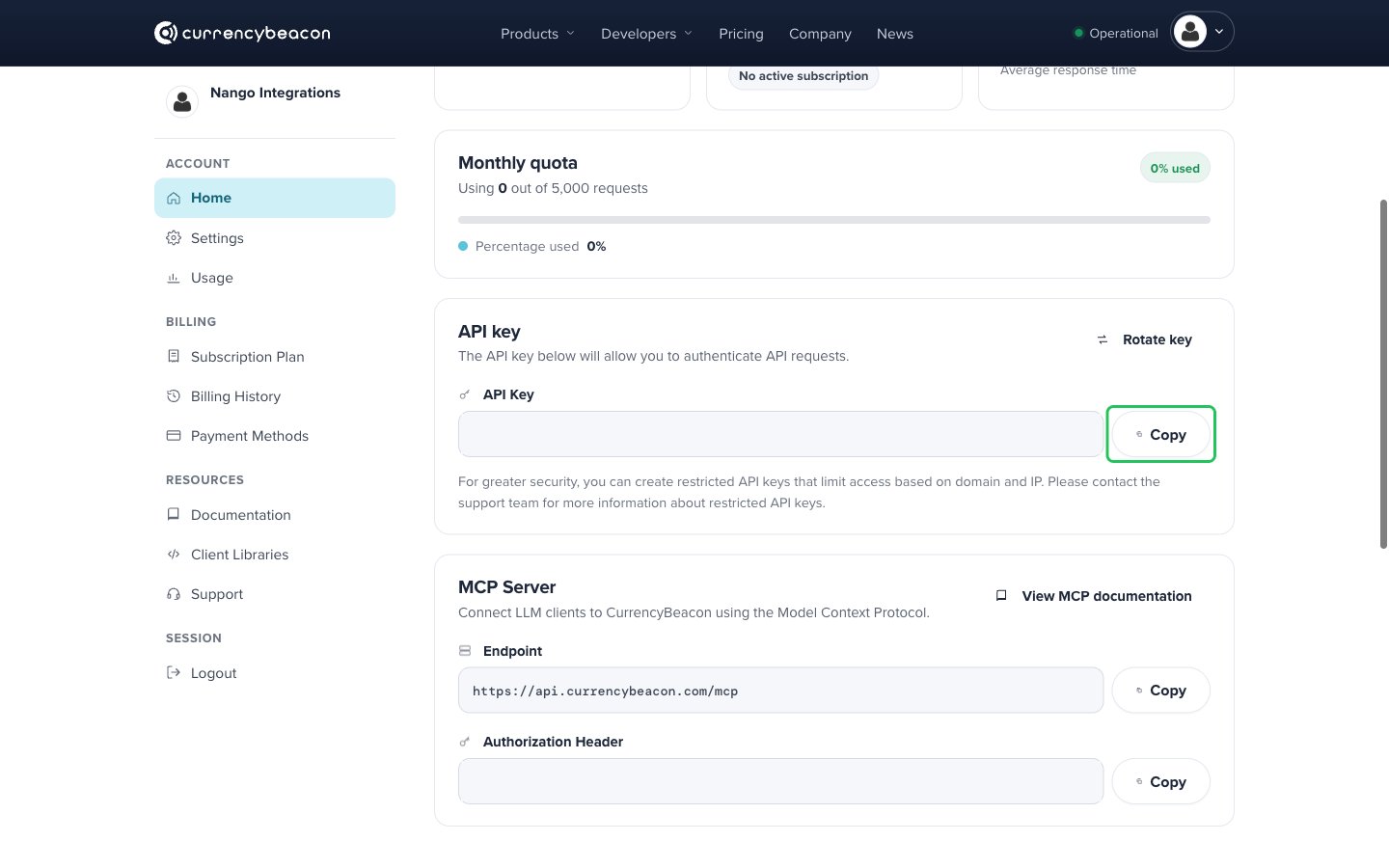
- Log in to CurrencyBeacon. You land on your account dashboard (Account > Home).
- In the API key section, click Copy next to the API Key field. Your account has one API key, created for you automatically.
Step 2: Enter your API key in the Connect UI
- Open the form where you need to authenticate with CurrencyScoop.
- Enter your API key in the API Key field.
- Submit the form, and you should be successfully authenticated.