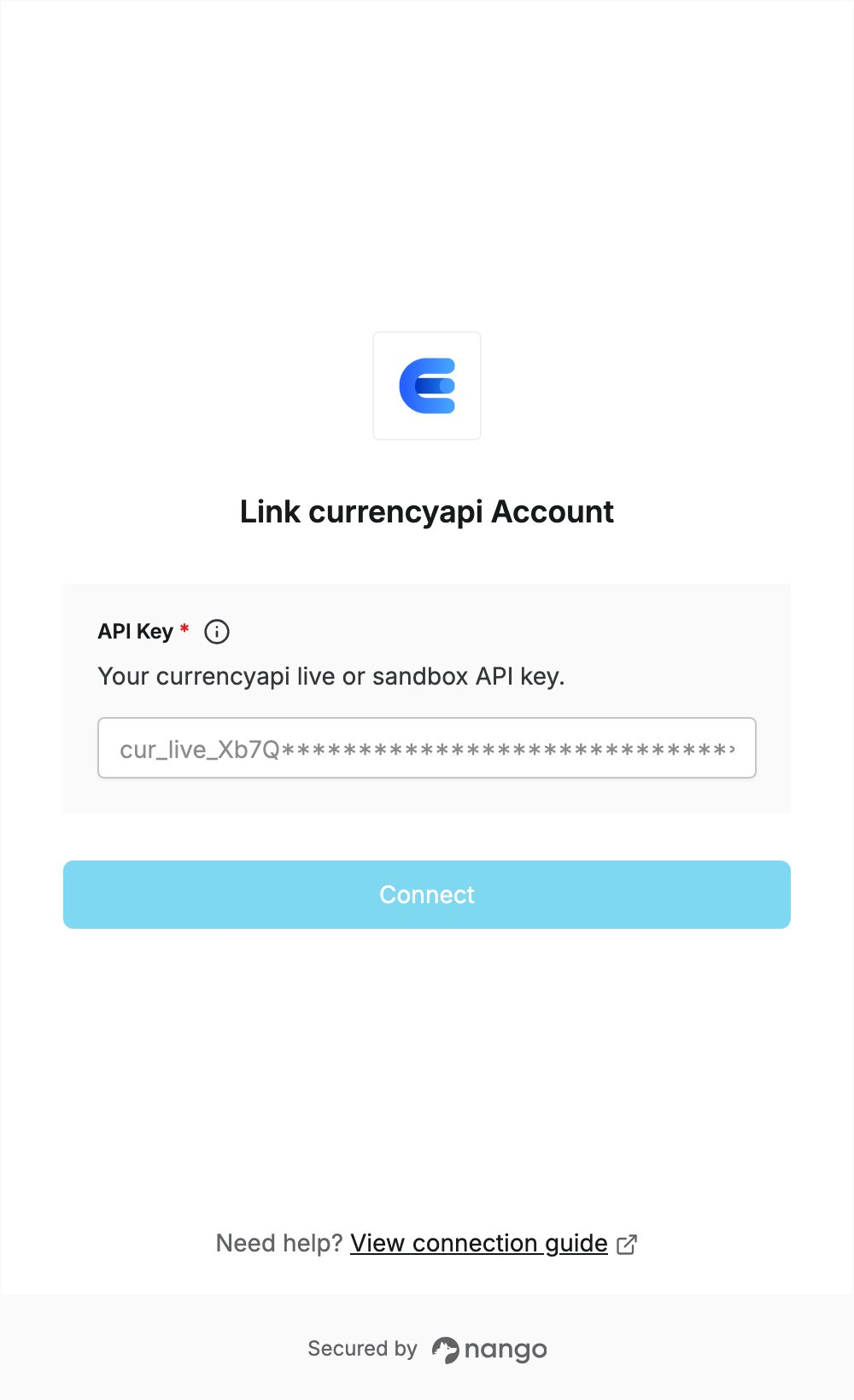
Overview
To authenticate with currencyapi, you need:- API Key — a live or sandbox API key from your currencyapi account.
Prerequisites
- A currencyapi account. Sign up if you don’t have one: the Free plan includes API access and needs no credit card.
- Sandbox keys, whose requests do not count against your quota, are only available on the Pro plan and above.
Step 1: Copy your API key
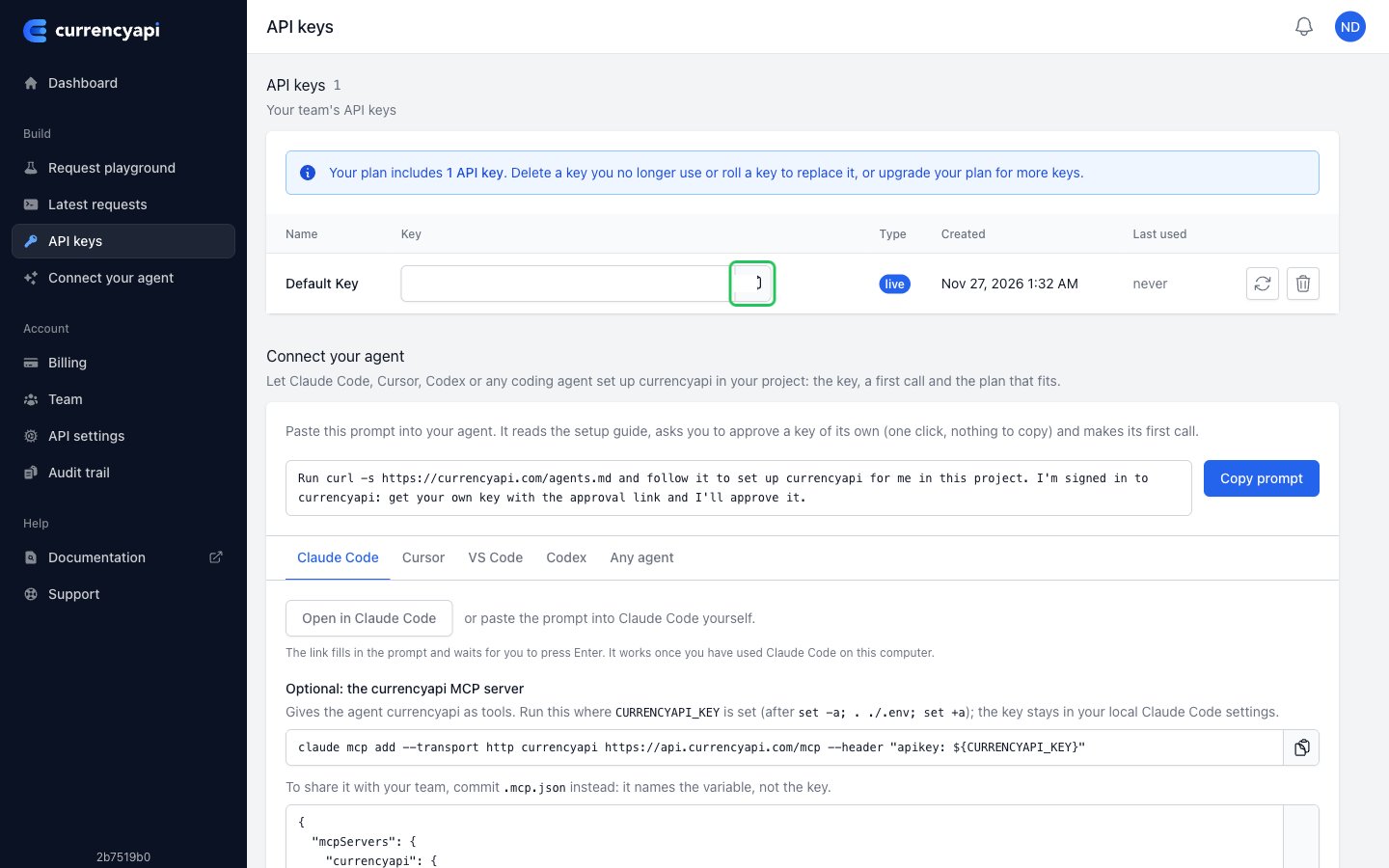
- Sign in to currencyapi.
- In the left sidebar, open API keys. A live key named Default Key is created with your account. Your key is also shown on the Dashboard.
- Click Copy to clipboard next to the key you want to use, either a live key or, on Pro and above, a sandbox key.
Step 2: Enter your API key in the Connect UI
- Open the form where you need to authenticate with currencyapi.
- Paste your key in the API Key field. Keys start with
cur_. - Submit the form, and you should be successfully authenticated.