Overview
To connect with Crustdata, you need your API Key. This guide shows you where to find it.Prerequisites
- A Crustdata account. Sign in or create one.
Step 1: Find your API key
- Log in to Crustdata and go to the API Keys page.
- Click + New key to generate a new API key.
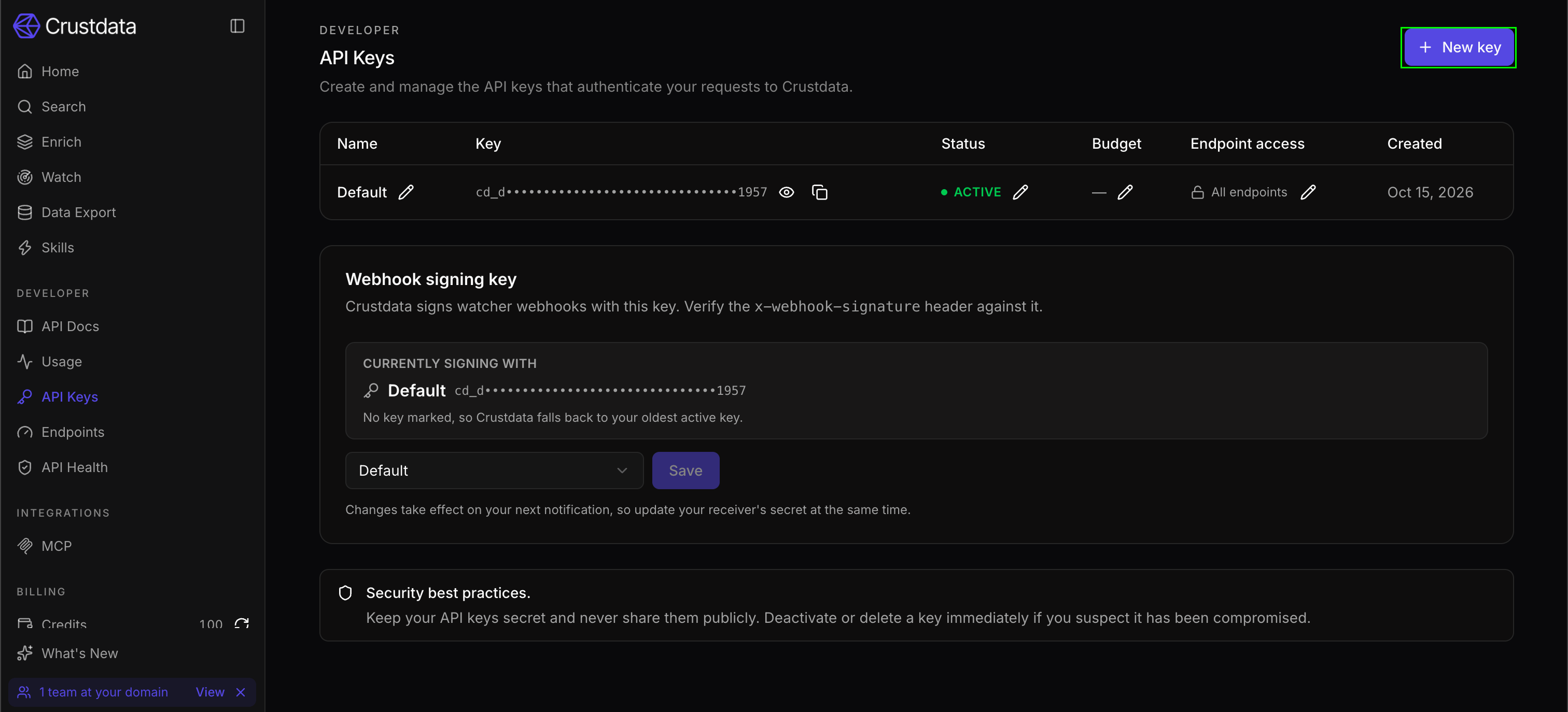
- Copy your API key. It starts with
cd_.
A key can call every endpoint your account has access to. To restrict it to specific endpoints, click the pencil icon next to the key’s Endpoint access value, turn on Restrict endpoints, select the endpoints the key should access, and click Save. If a call returns
403, check that the key has access to that endpoint.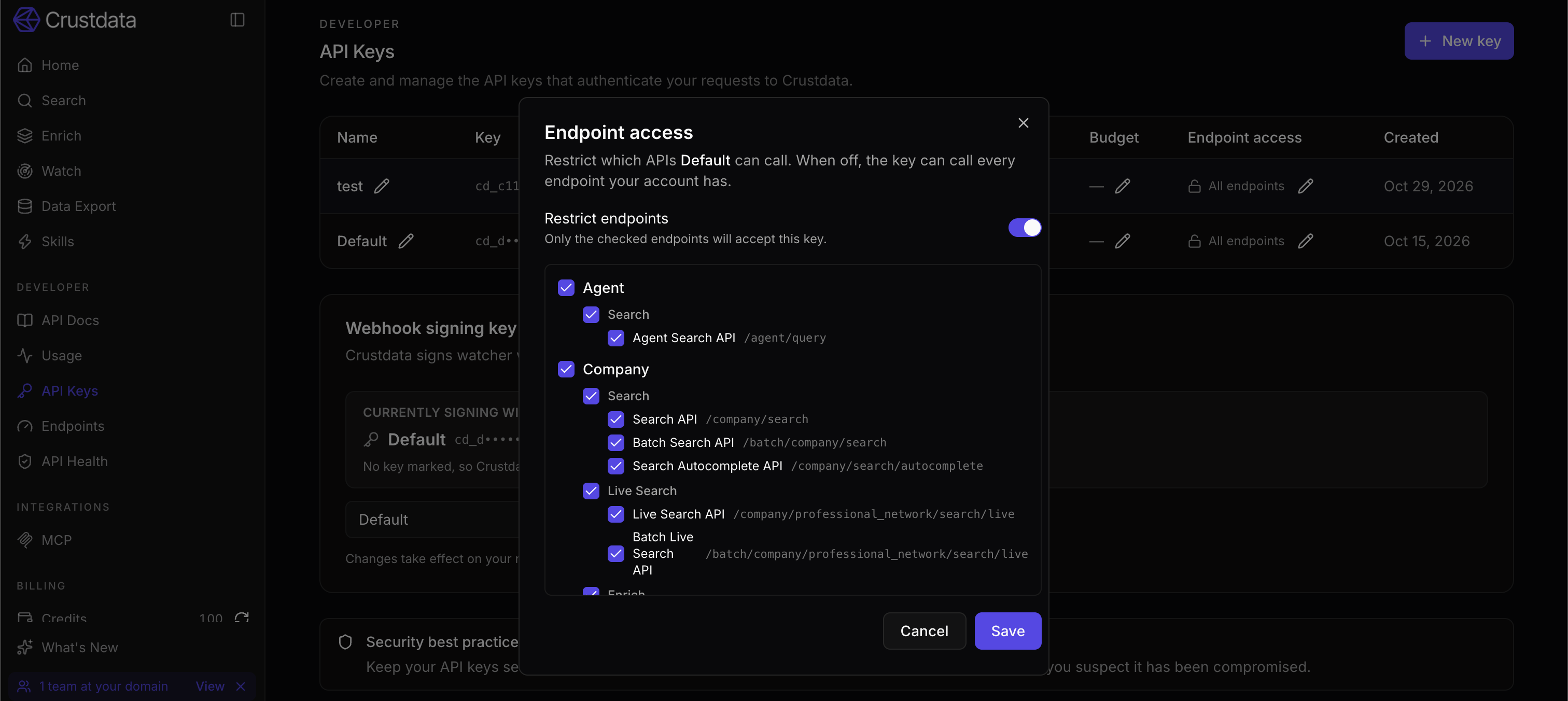
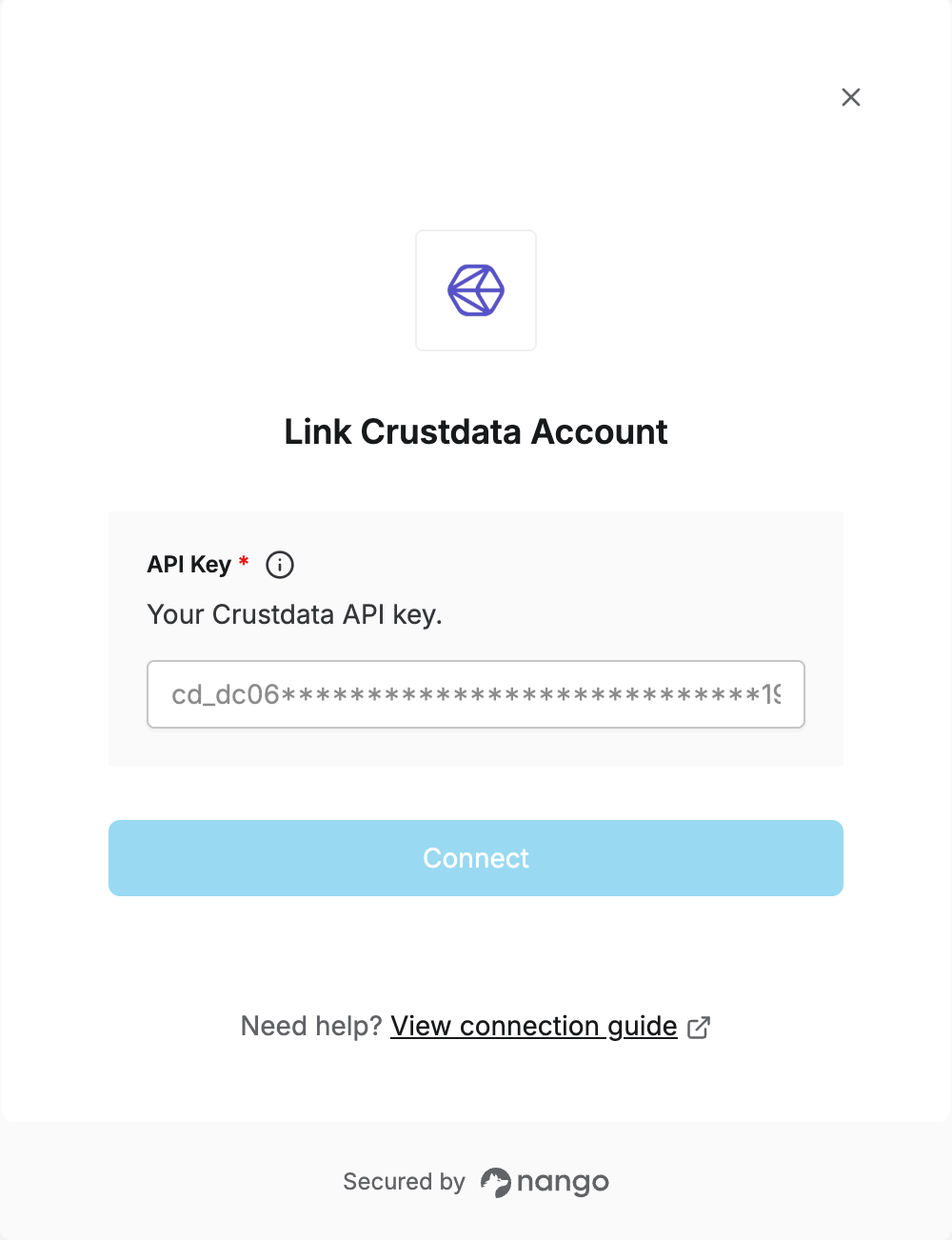
Step 2: Enter your API key in the Connect UI
- Open the form where you need to authenticate with Crustdata.
- Enter your API Key.
- Click Connect.