Overview
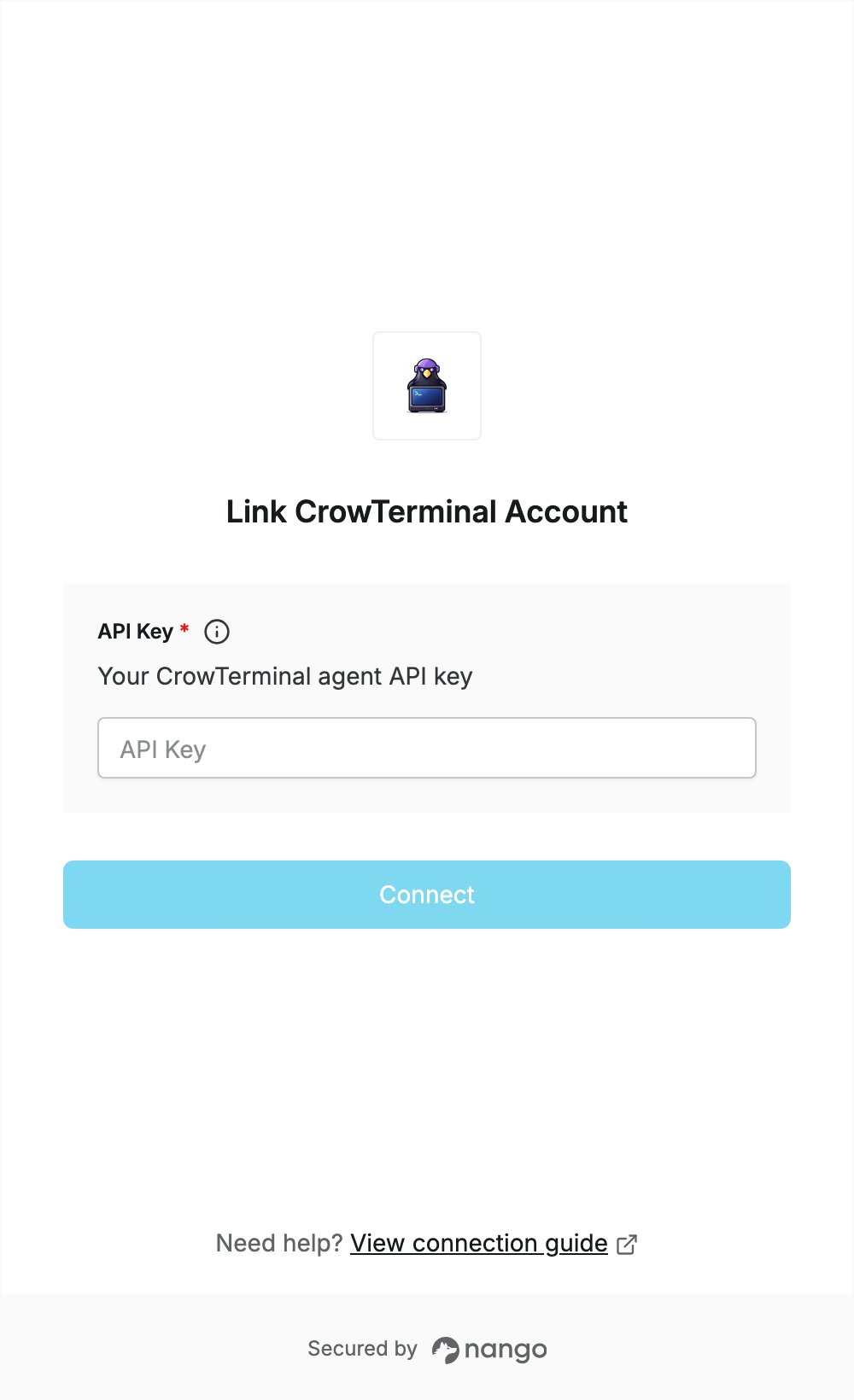
To authenticate with CrowTerminal, you need:- API Key — a CrowTerminal agent API key.
Prerequisites
- A CrowTerminal account. The agent API is free during beta.
Step 1: Create an agent API key
- Sign in to CrowTerminal and open the agent keys page.
- Create a new agent key.
- Copy the key.
Step 2: Enter your API key in the Connect UI
- Open the form where you need to authenticate with CrowTerminal.
- Paste the key you copied in Step 1 into the API Key field.
- Submit the form.