Overview
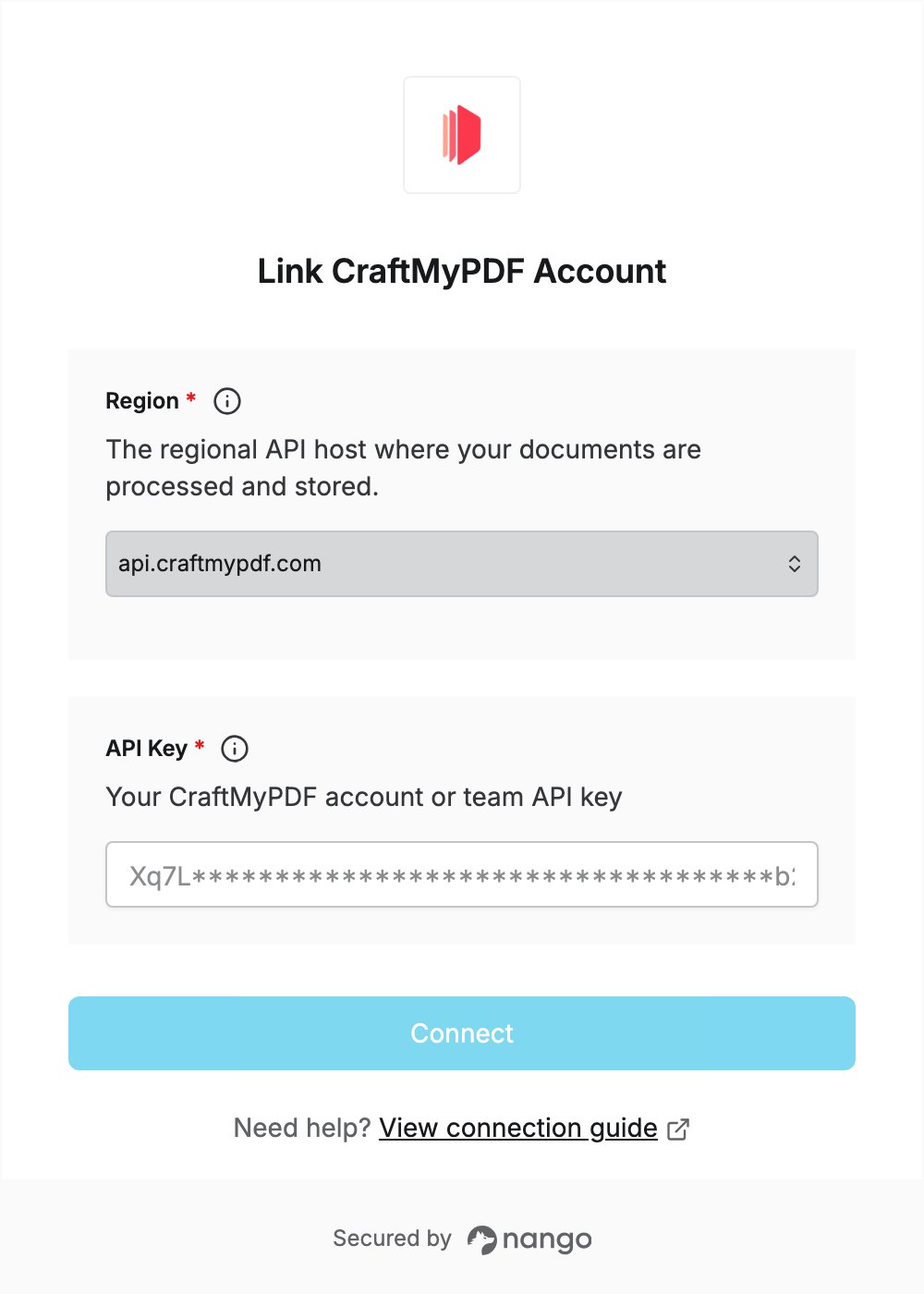
To authenticate with CraftMyPDF, you need:- Region — the CraftMyPDF API host where your documents are processed and stored.
- API Key — your CraftMyPDF account API key, or the API key of a team.
Prerequisites
- A CraftMyPDF account. The Free plan includes the REST API; sign up if you don’t have one.
- To use a team API key, a team, which needs the Professional plan or above.
Step 1: Choose your region
CraftMyPDF has no region setting in the web console: the region is the API host you call, and your request data and generated PDFs are processed and stored in that region. Pick the host for the region where your documents should be processed. If you don’t need a specific region, use the defaultapi.craftmypdf.com.
See Regional API endpoints for each host’s timeout and payload limits.
Step 2: Copy your API key
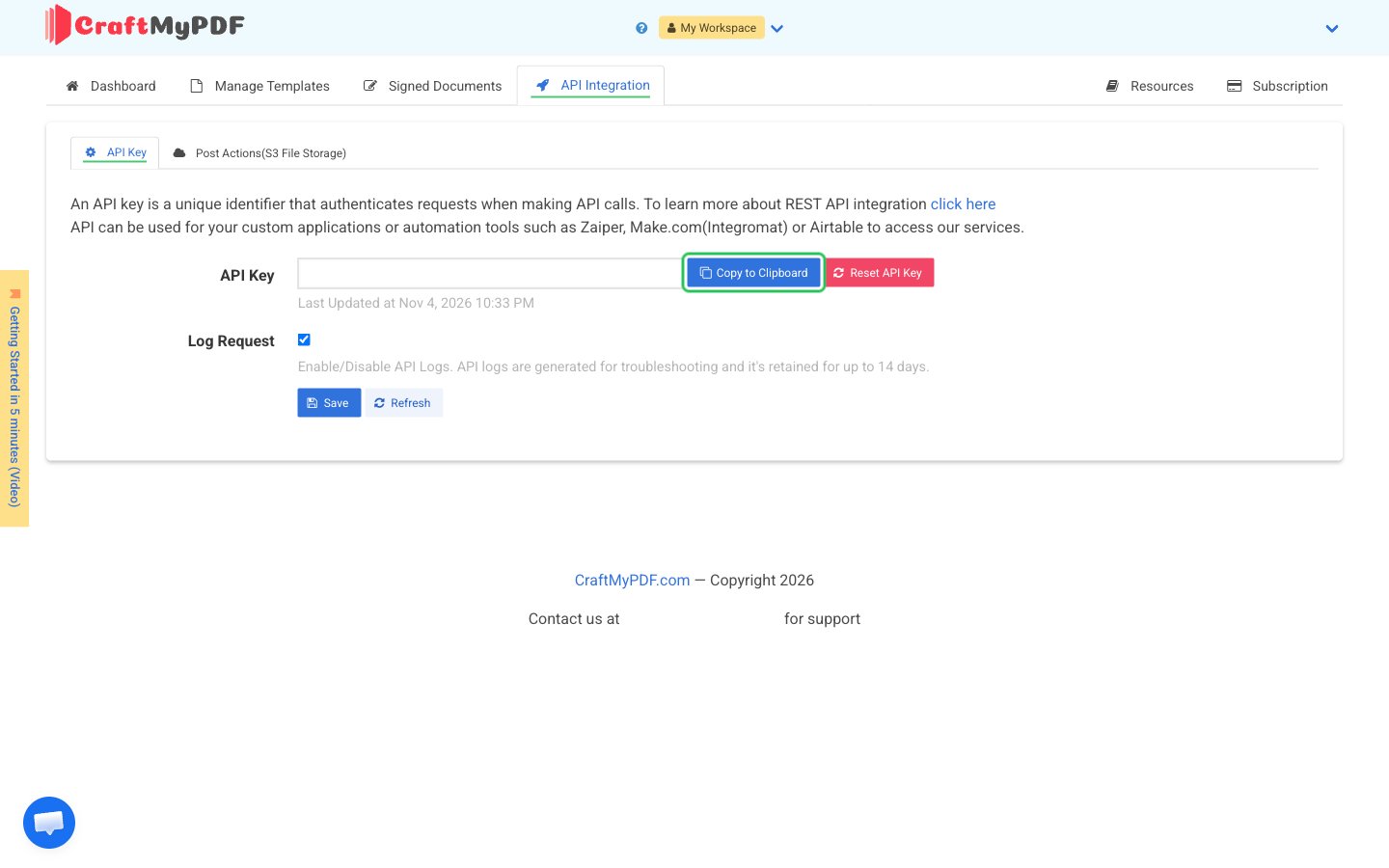
- Sign in to the CraftMyPDF web console. To use a team API key, switch to the team in the workspace menu first.
- Click the API Integration tab and stay on the API Key tab. An API key is created automatically when you sign up, and each team has its own key.
- Click Copy to Clipboard next to the API Key field. Only click Reset API Key if you want a new key.
Step 3: Enter your region and API key in the Connect UI
- Open the form where you need to authenticate with CraftMyPDF.
- Select your Region and enter your API key in the API Key field.
- Submit the form, and you should be successfully authenticated.