Overview
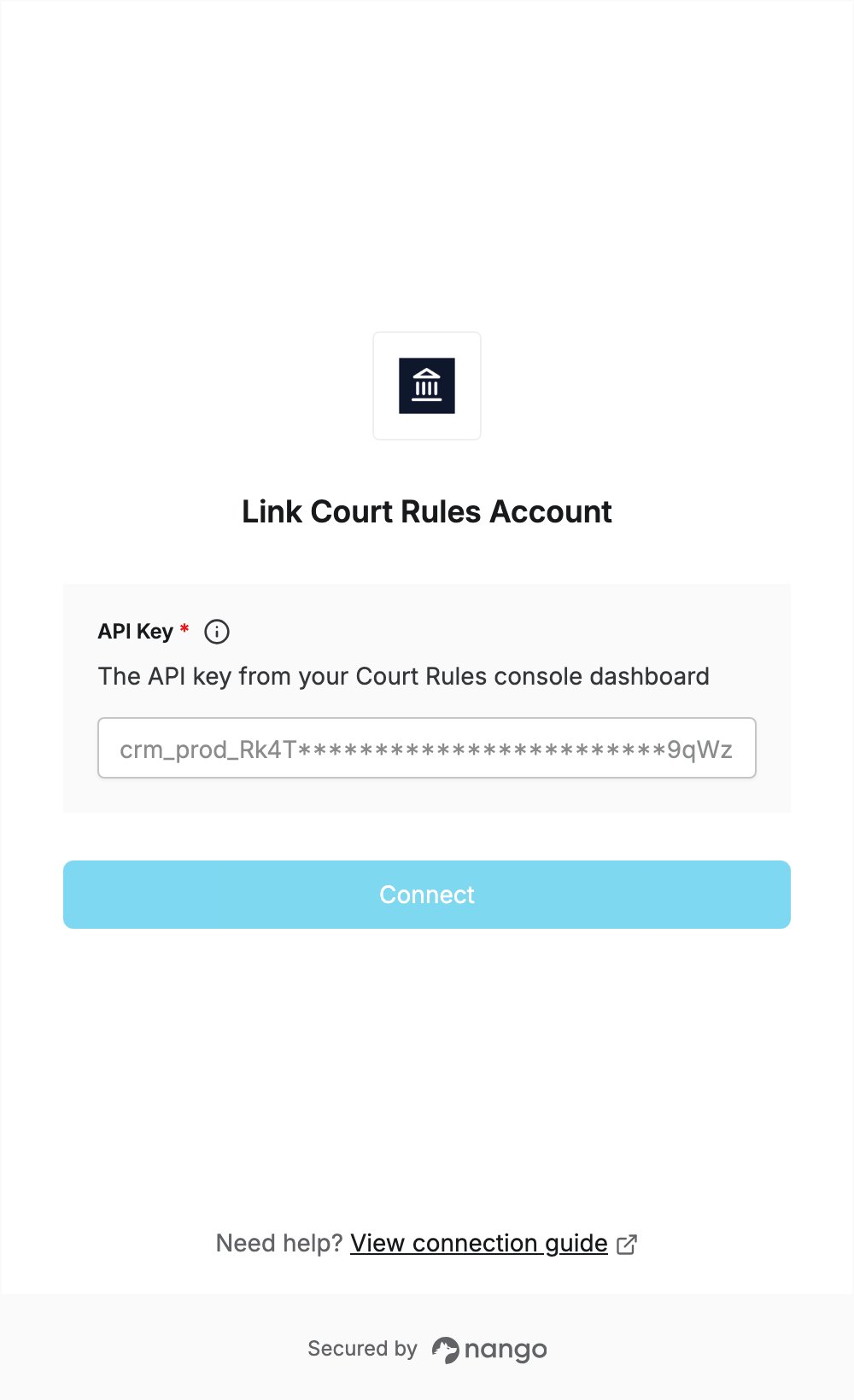
To authenticate with Court Rules, you need:- API Key - the API key shown on your Court Rules console dashboard.
Prerequisites
- A Court Rules account. You can sign in at console.courtrules.app with Google or email.
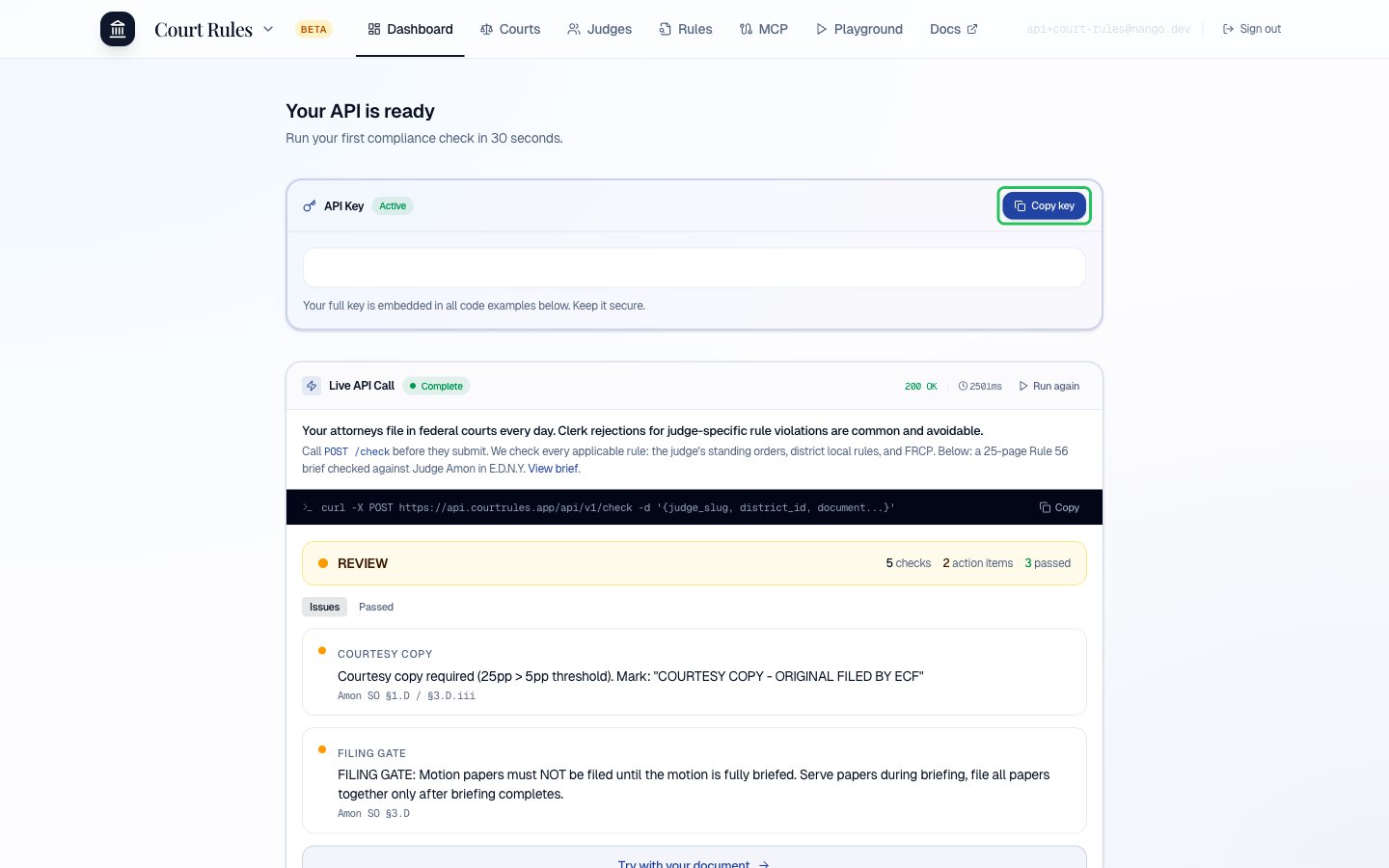
Step 1: Copy your API key
- Sign in to the Court Rules console.
- On the Dashboard, click Copy key on the API Key card. The key starts with
crm_.
Step 2: Enter your API key in the Connect UI
- Open the form where you need to authenticate with Court Rules.
- Enter your API Key in the designated field.
- Click Connect. Nango checks the key with Court Rules and rejects it if it is wrong.