Overview
To authenticate with Corrently, you need:- Access Token — a free Corrently access token (a JSON Web Token).
Prerequisites
- None. The free tier needs no account or payment details.
Step 1: Request an access token
- Open the Corrently developer console.
- Under Free Tier (No Charge), find Anonymous Access Token and click Request. To get a token tied to your email instead, click Request on Email Secured Access Token and follow the email verification.
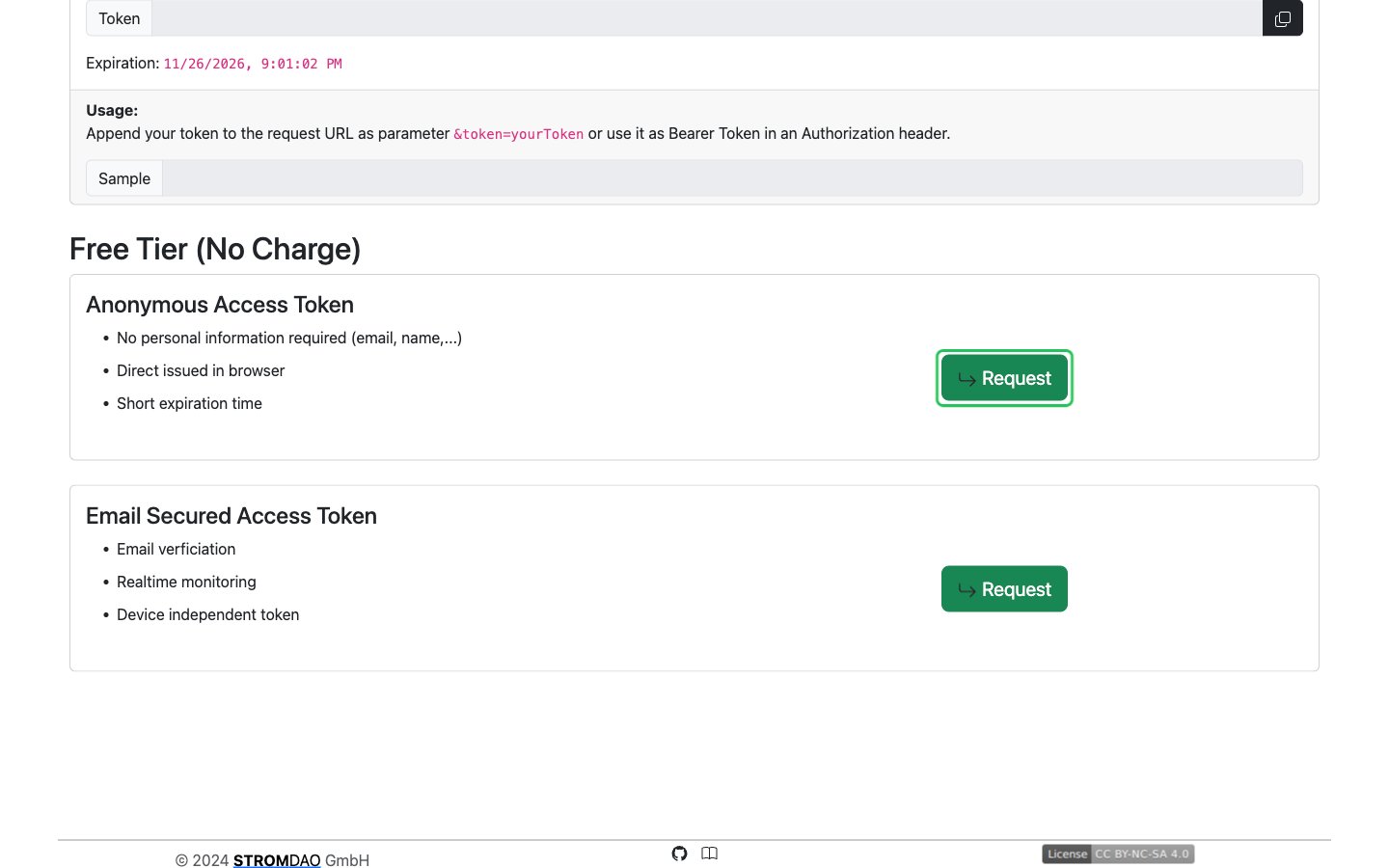
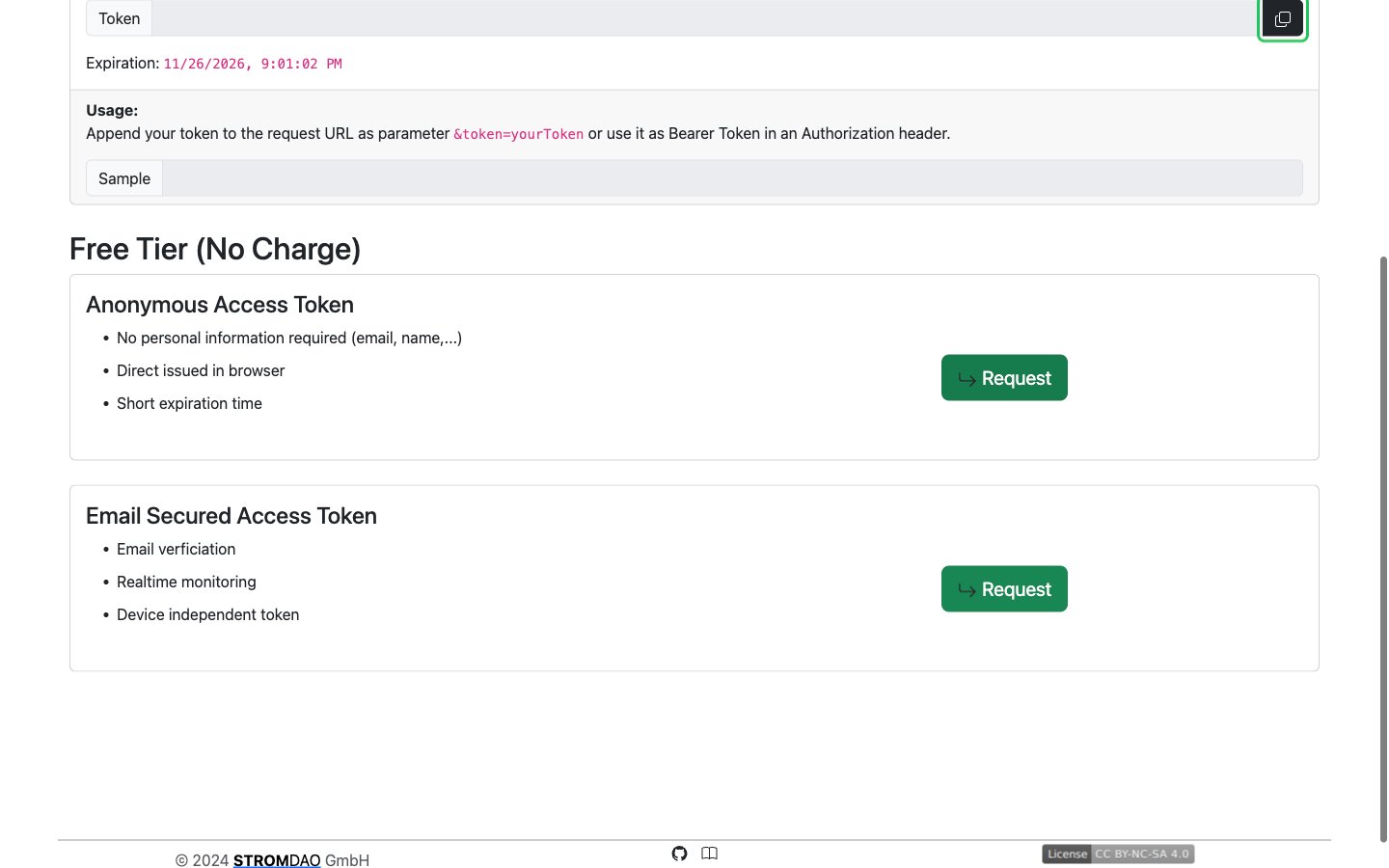
- The token appears in the Token field under Your Access Token, with its expiration date below it. Click the copy button next to the token.
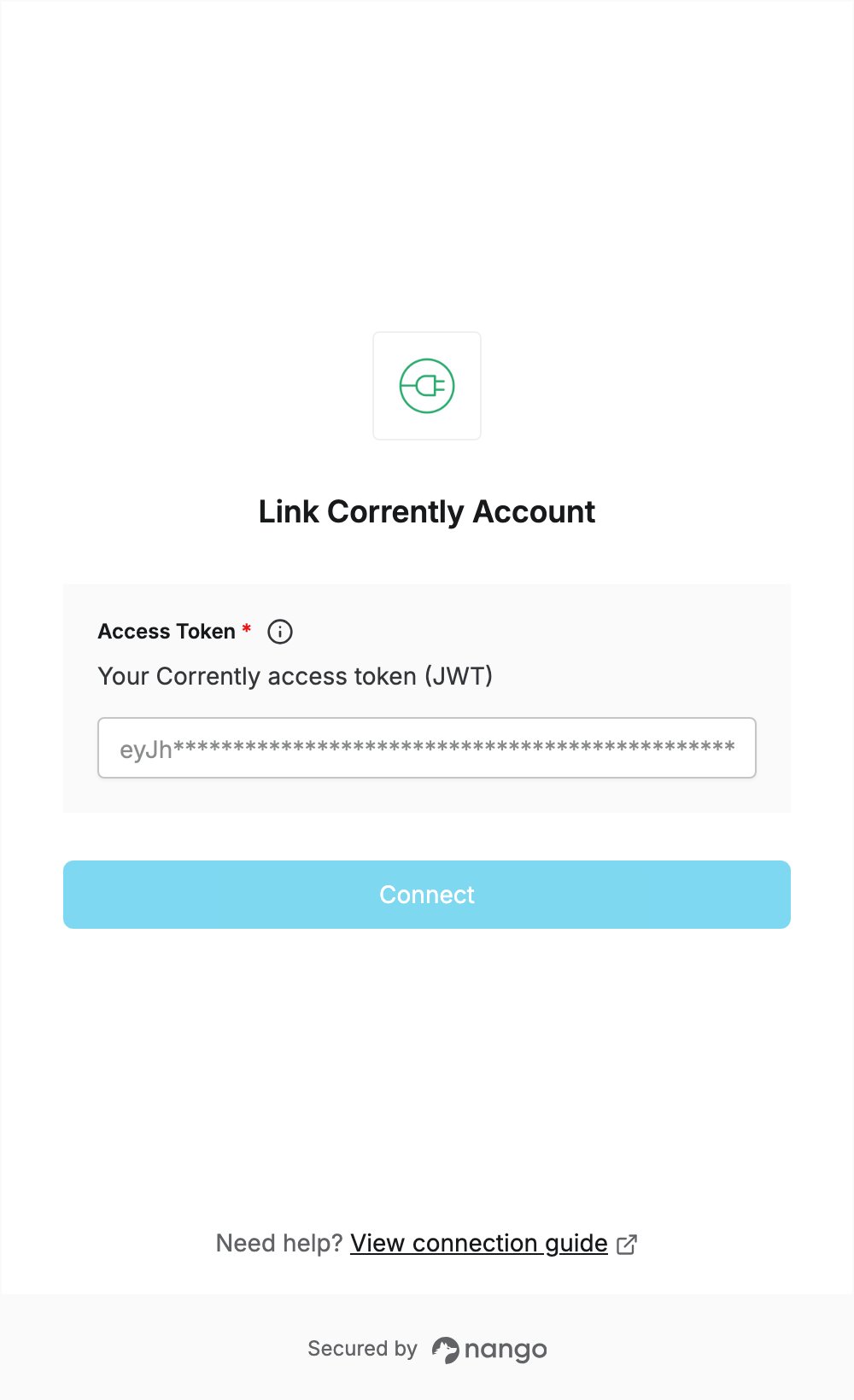
Step 2: Enter your access token in the Connect UI
- Open the form where you need to authenticate with Corrently.
- Paste the token you copied in Step 1 into the Access Token field.
- Submit the form.