Overview
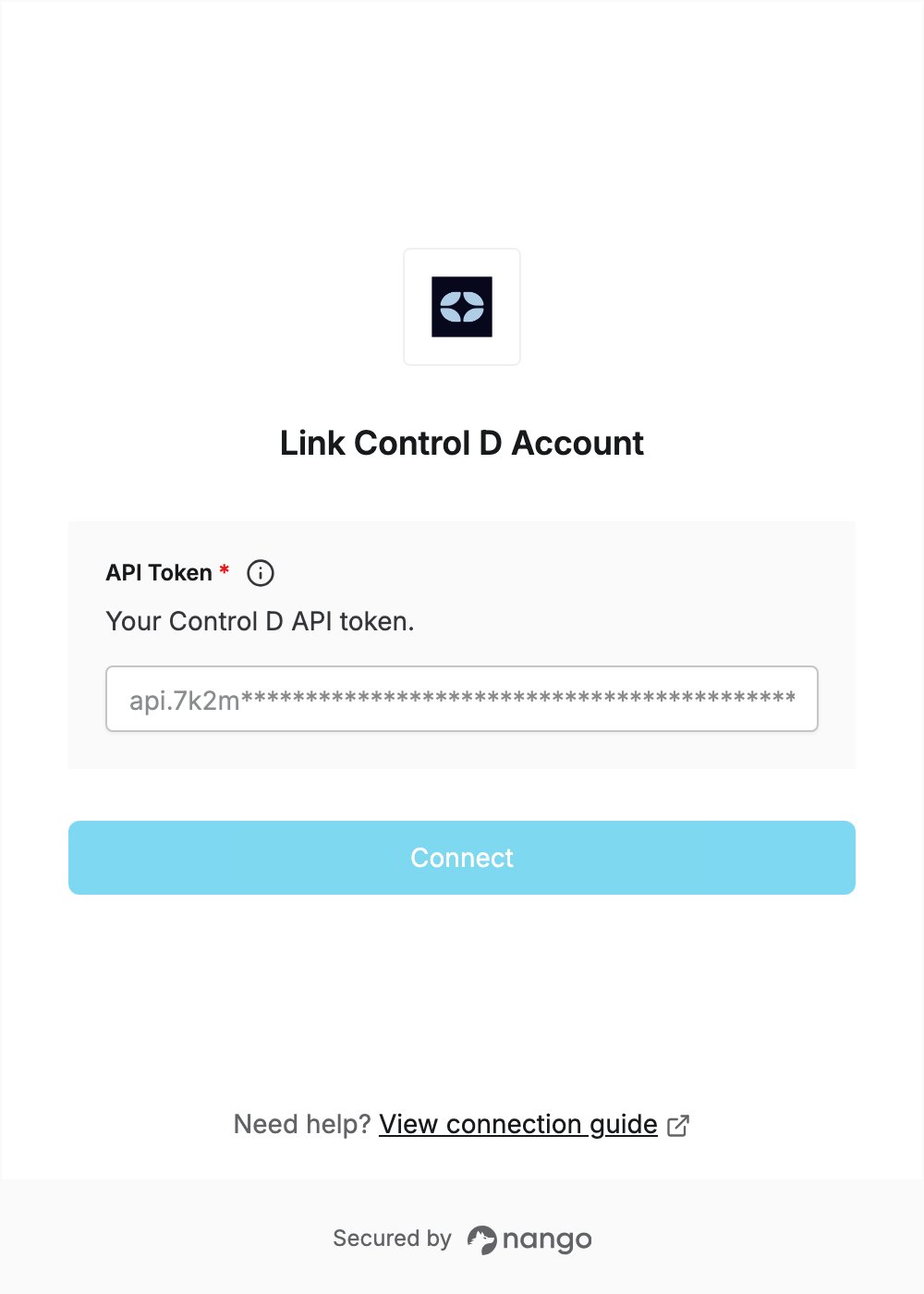
To authenticate with Control D, you need:- API Token - A token that lets Nango call the Control D API on behalf of your account.
Prerequisites
- A Control D account. Control D offers a free trial with no credit card required.
- On an Organization account, you must be an admin or owner to manage API tokens.
Step 1: Create an API token
- Log in to the Control D dashboard. In the sidebar, expand Preferences and click API.
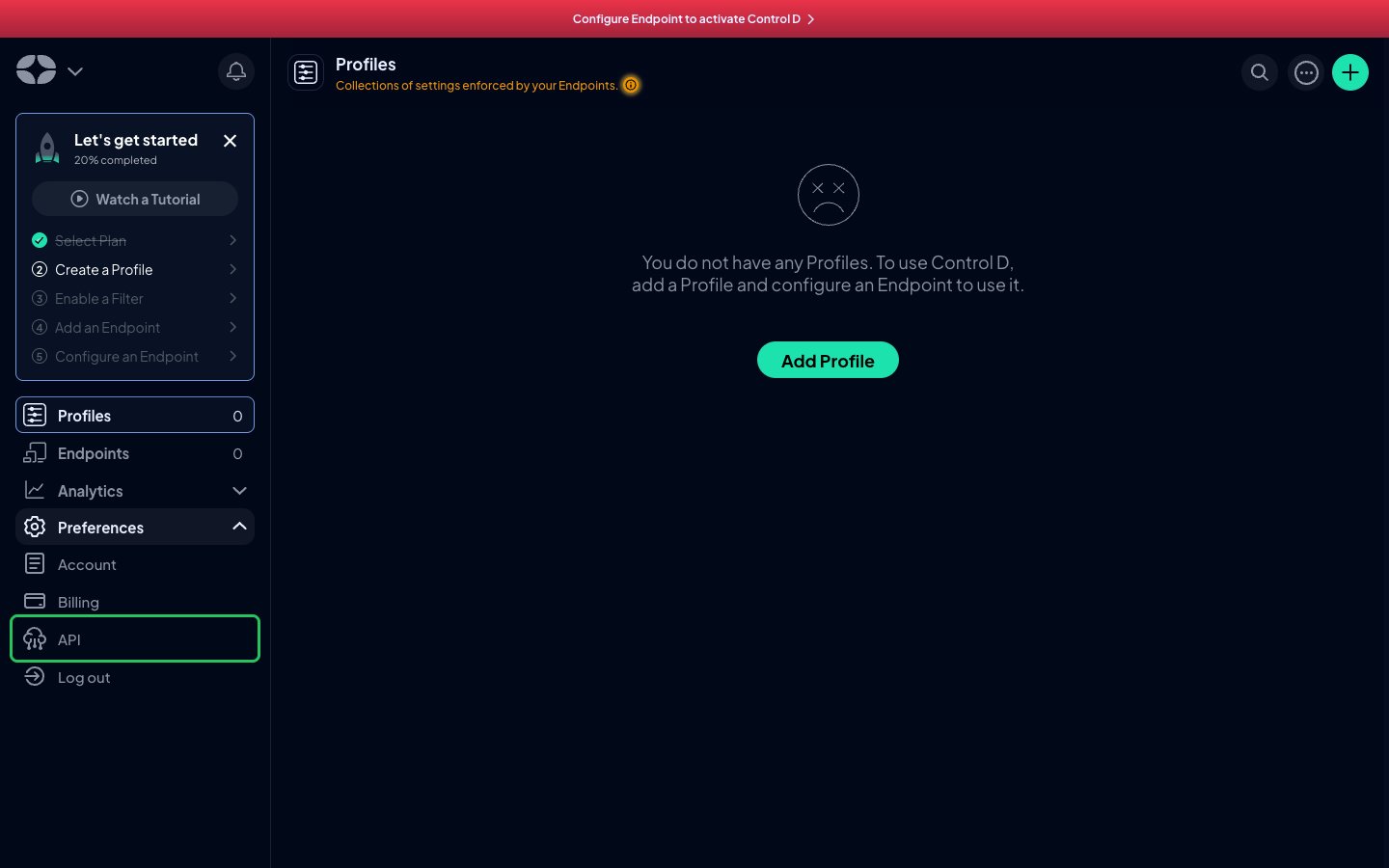
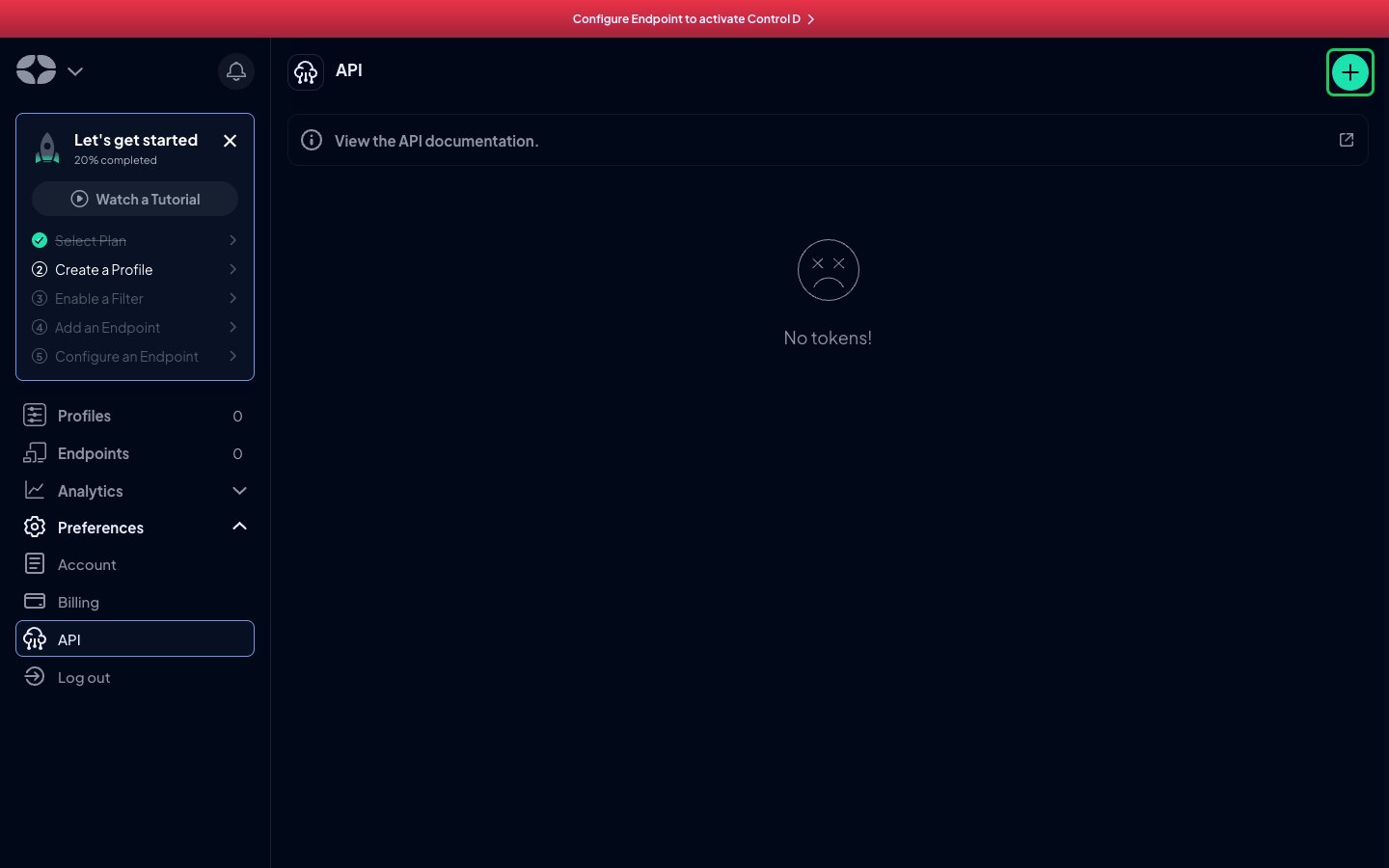
- Click the + button to add a token.
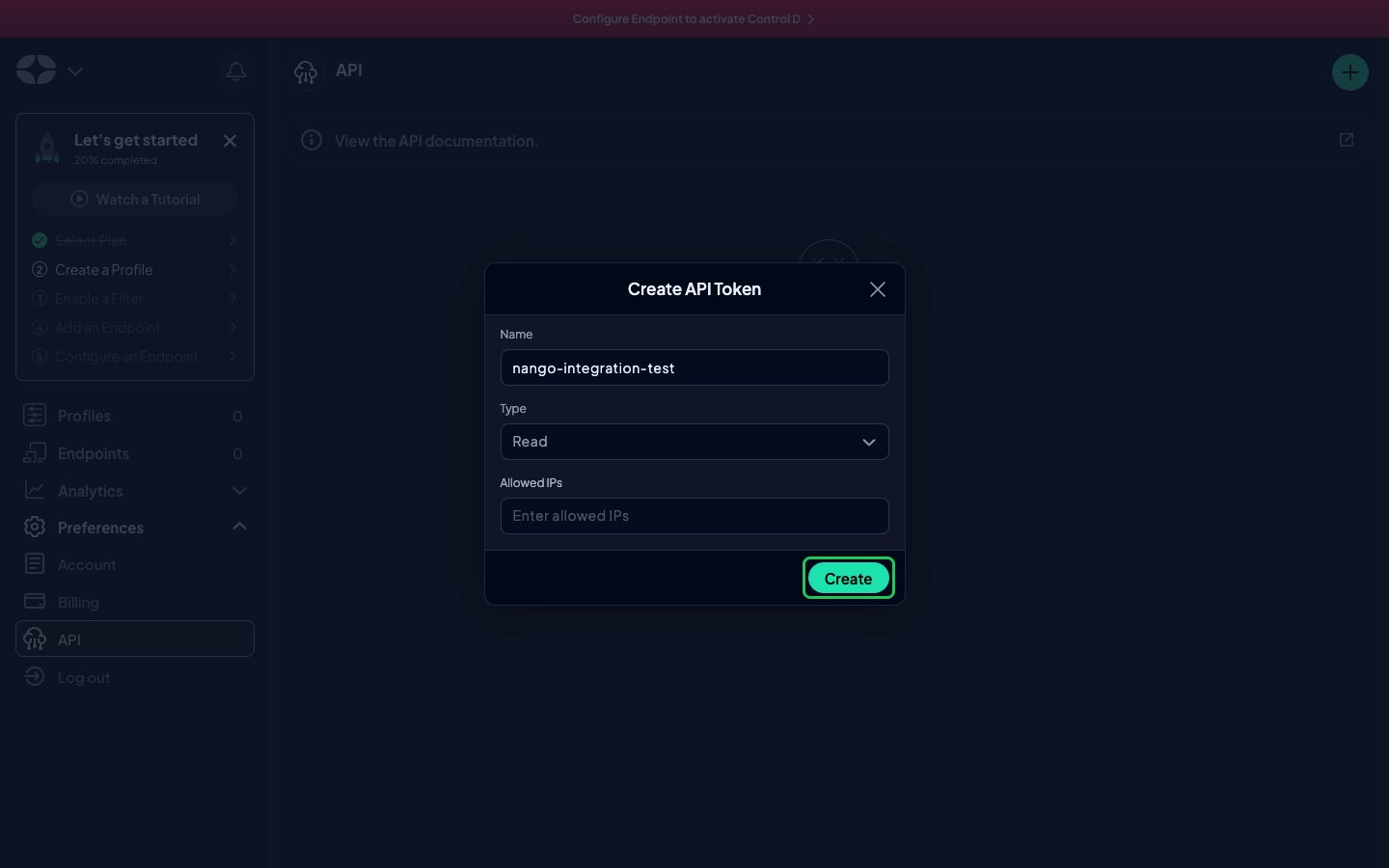
- Enter a name for the token and choose a Type:
- Read lets the token read data but not change anything.
- Write gives the token full access, with reads and writes.
- Optionally, enter Allowed IPs to restrict where the token can be used from.
- Click Create.
- In the token list, click the copy icon next to your new token.
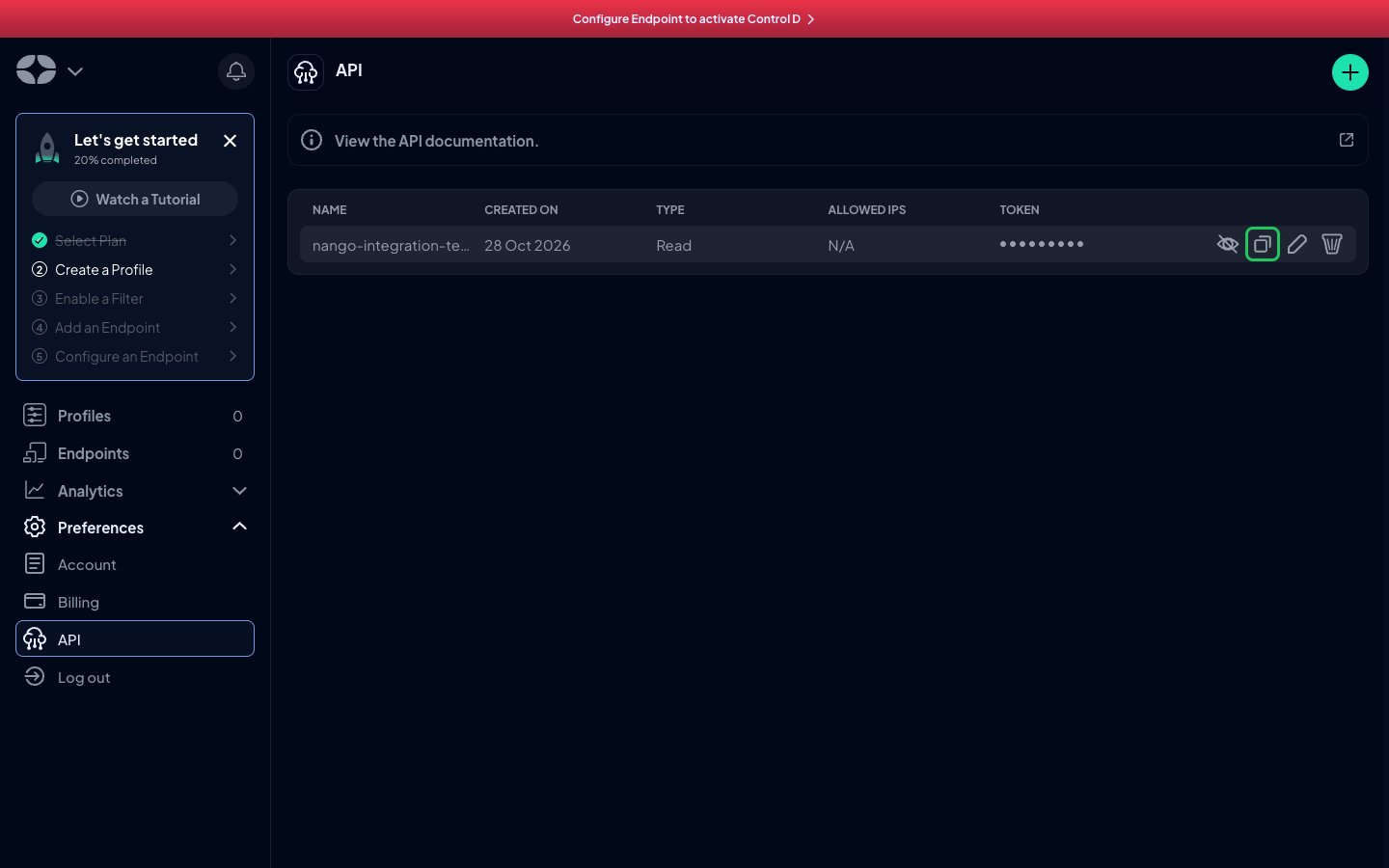
Step 2: Enter your API token in the Connect UI
- Open the form where you need to authenticate with Control D.
- Enter your API Token in the designated field.
- Submit the form, and you should be successfully authenticated.