Overview
To authenticate with College Football Data, you need:- API Key — your College Football Data API key.
Prerequisites
- An email address. You request a free API key with a short form and it is sent to your inbox; no account is needed. Higher limits are available through the API tiers.
Step 1: Request your API key
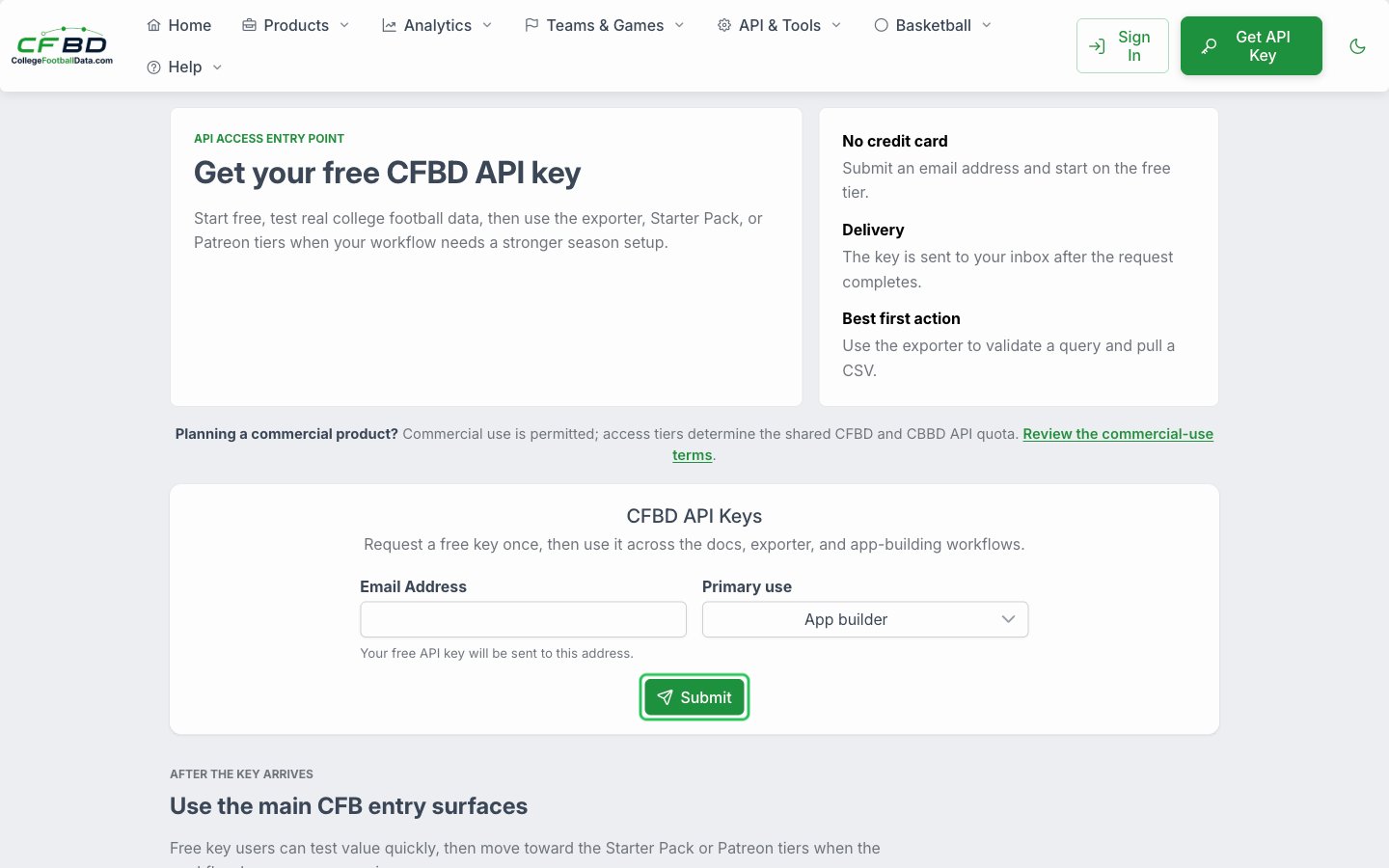
- Open the CFBD API Keys page.
- Enter your email address in the Email Address field and choose your Primary use.
- Click Submit.
- Open the CFBD API Key Request email sent to your inbox and copy the API key under Your API key has been generated:. The email can take a few minutes to arrive.
Step 2: Enter your API key in the Connect UI
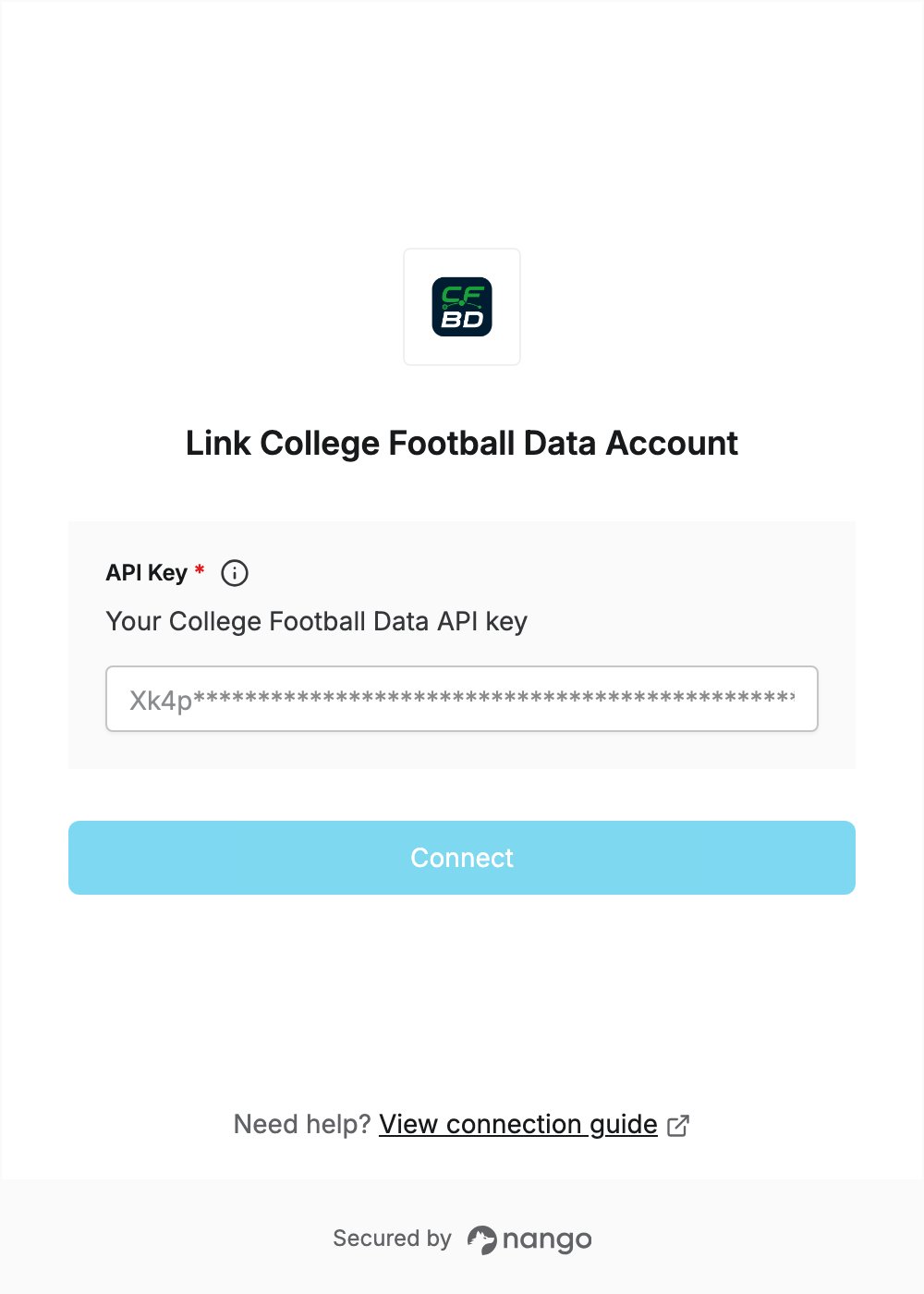
- Open the form where you need to authenticate with College Football Data.
- Enter your API key in the API Key field.
- Submit the form, and you should be successfully authenticated.