Overview
To authenticate with CoinMarketCap, you need:- API Key — a CoinMarketCap API key.
Prerequisites
- A CoinMarketCap Developer Portal account. The free Basic plan includes API access; sign up here.
Step 1: Copy your API key
- Sign in to CoinMarketCap and open the API dashboard.
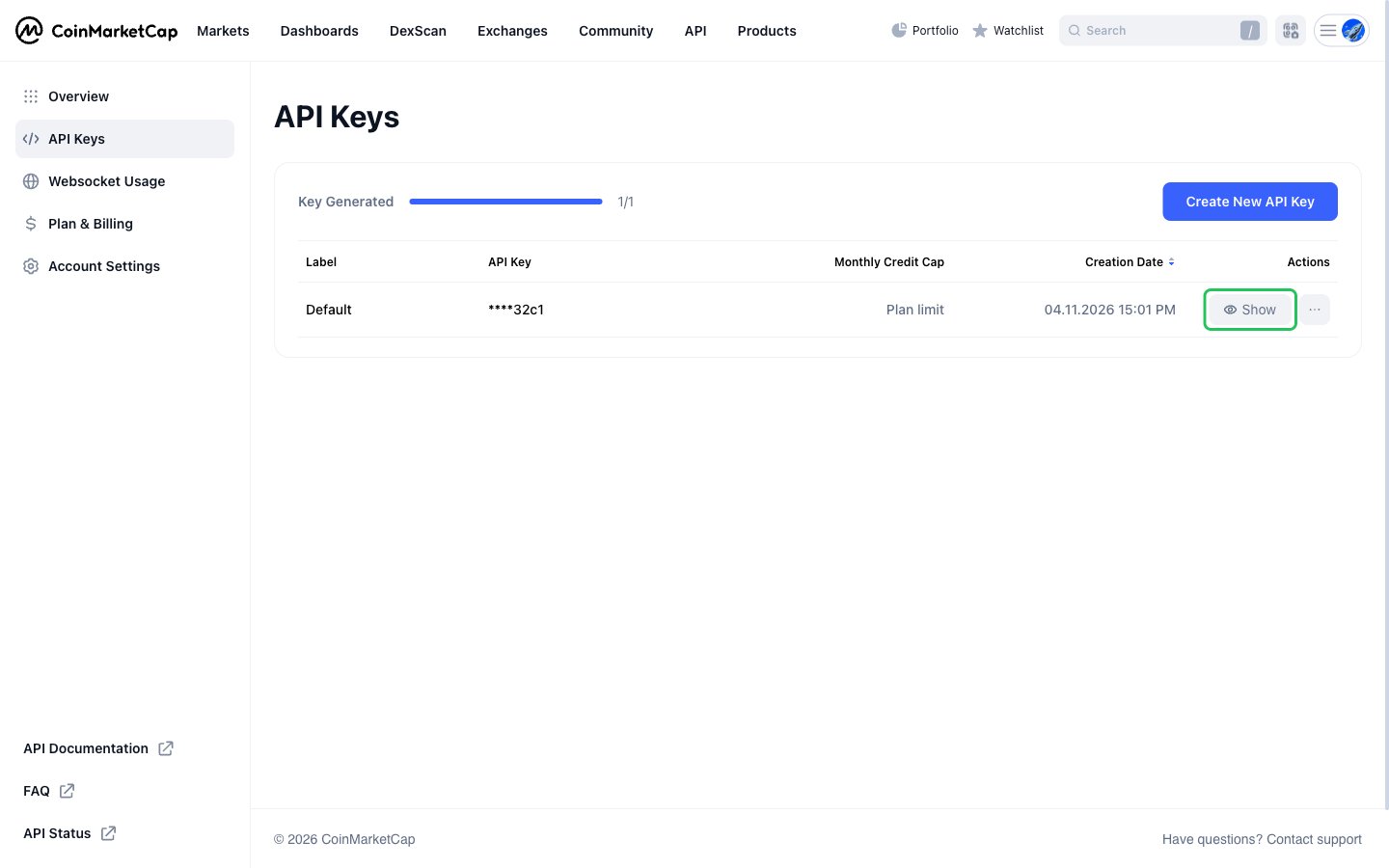
- In the left sidebar, click API Keys. The free Basic plan comes with one key, labeled Default.
- Click Show next to the key.
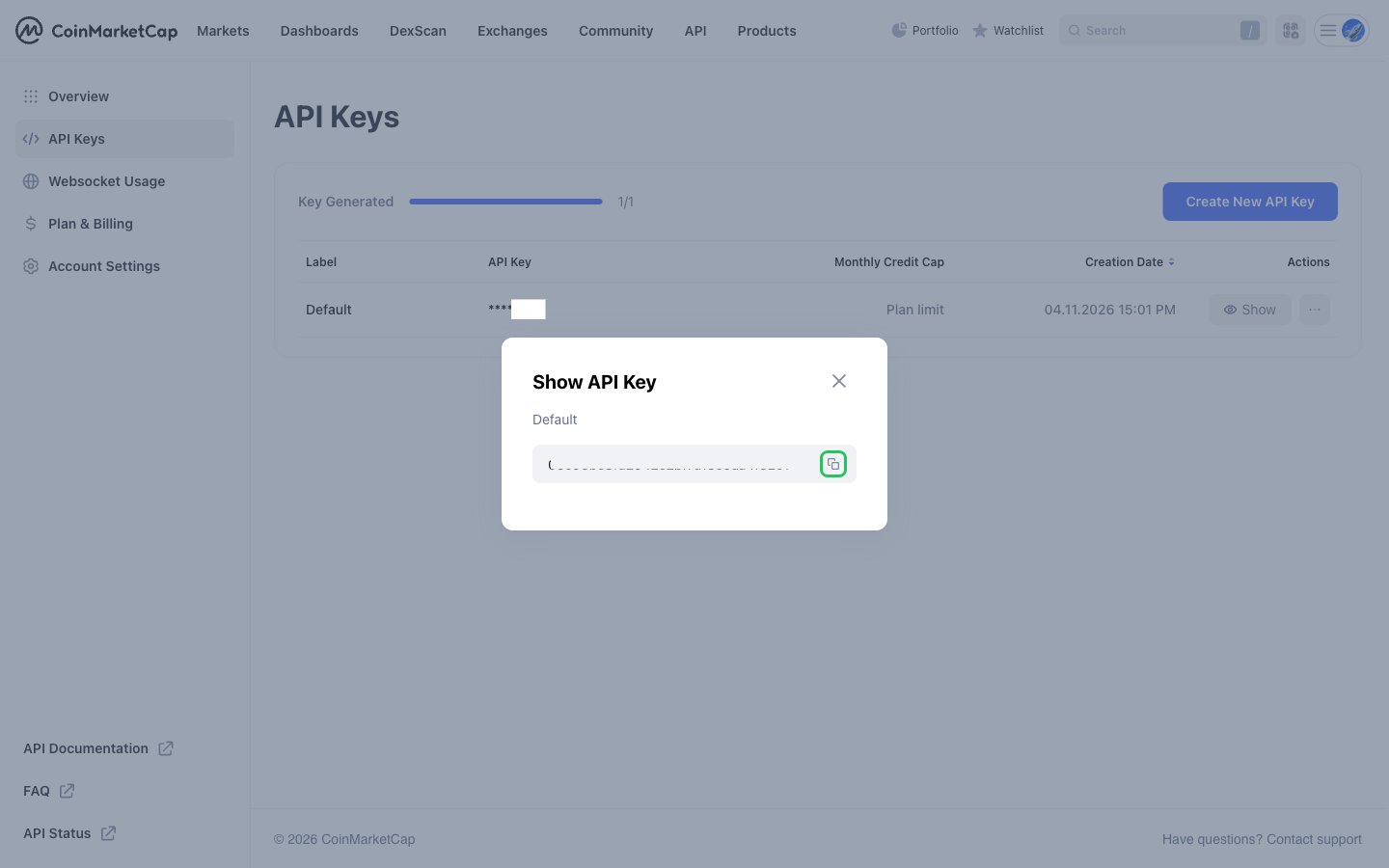
- In the Show API Key dialog, click the copy icon to copy the key.
Step 2: Enter your API key in the Connect UI
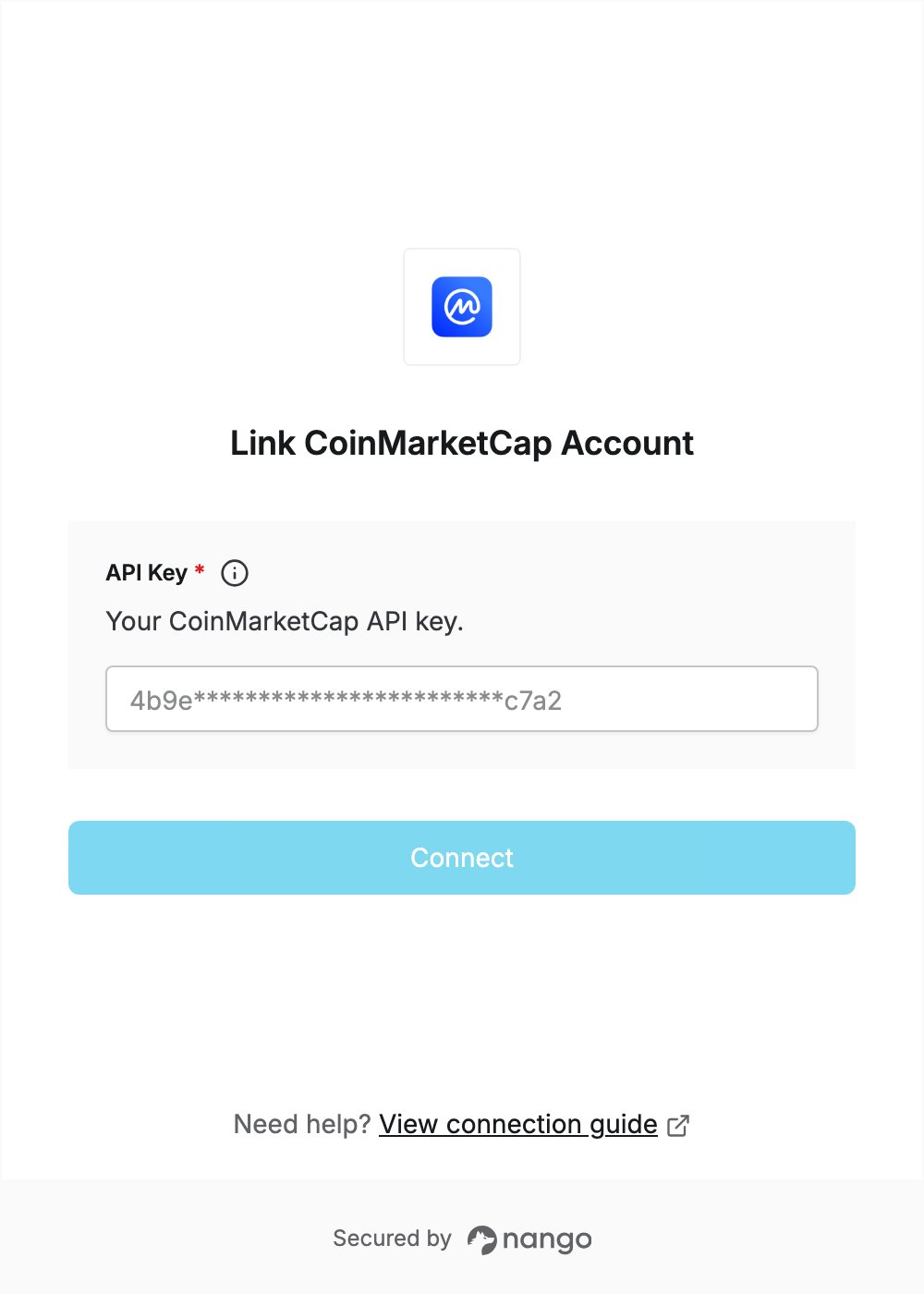
- Open the form where you need to authenticate with CoinMarketCap.
- Enter your API Key in the designated field.
- Click Connect.