Overview
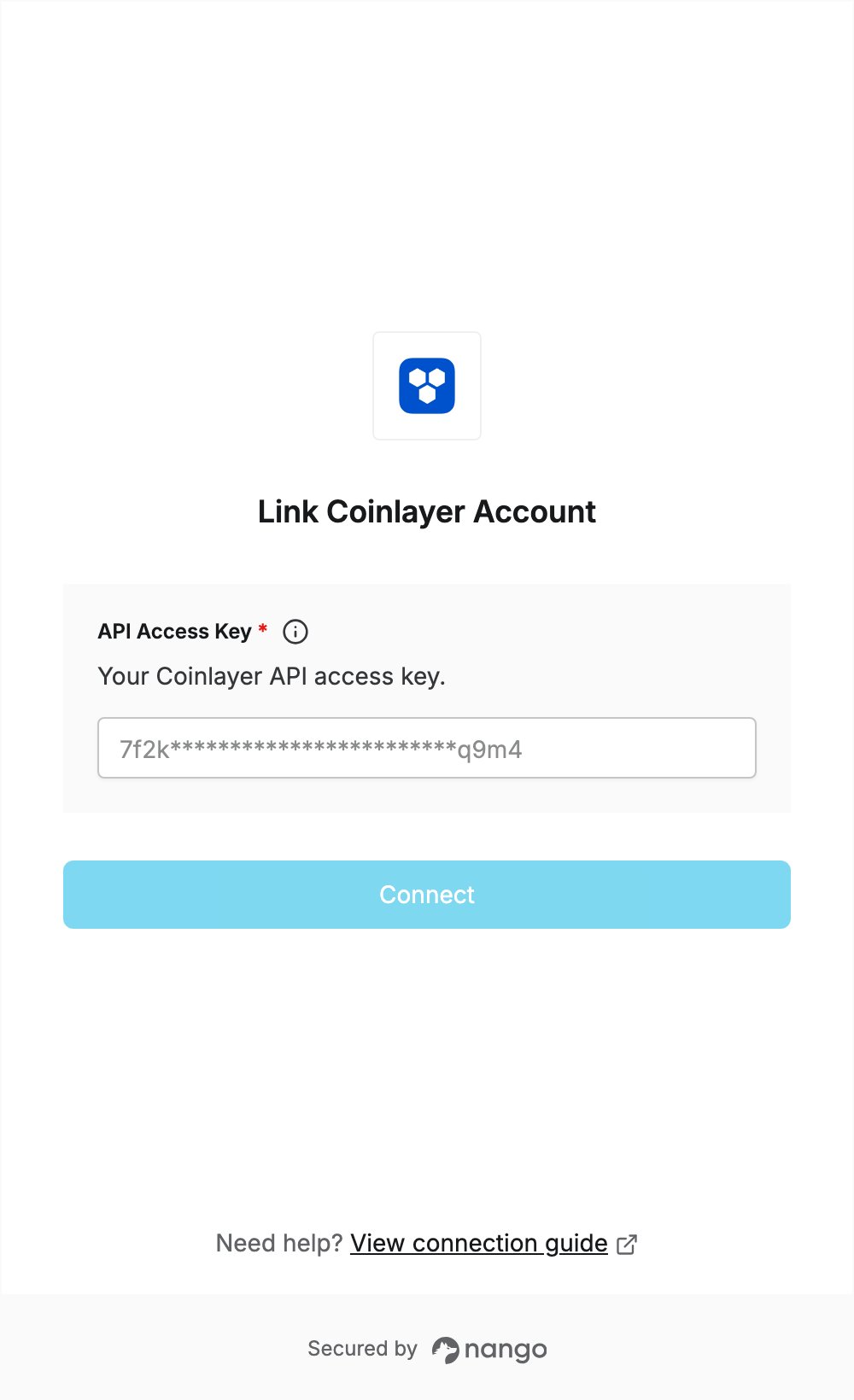
To authenticate with Coinlayer, you need:- API Access Key — the API access key from your Coinlayer dashboard.
Prerequisites
- A Coinlayer account on any plan. The Free plan includes 100 API requests per month; sign up here or pick a paid plan on the pricing page.
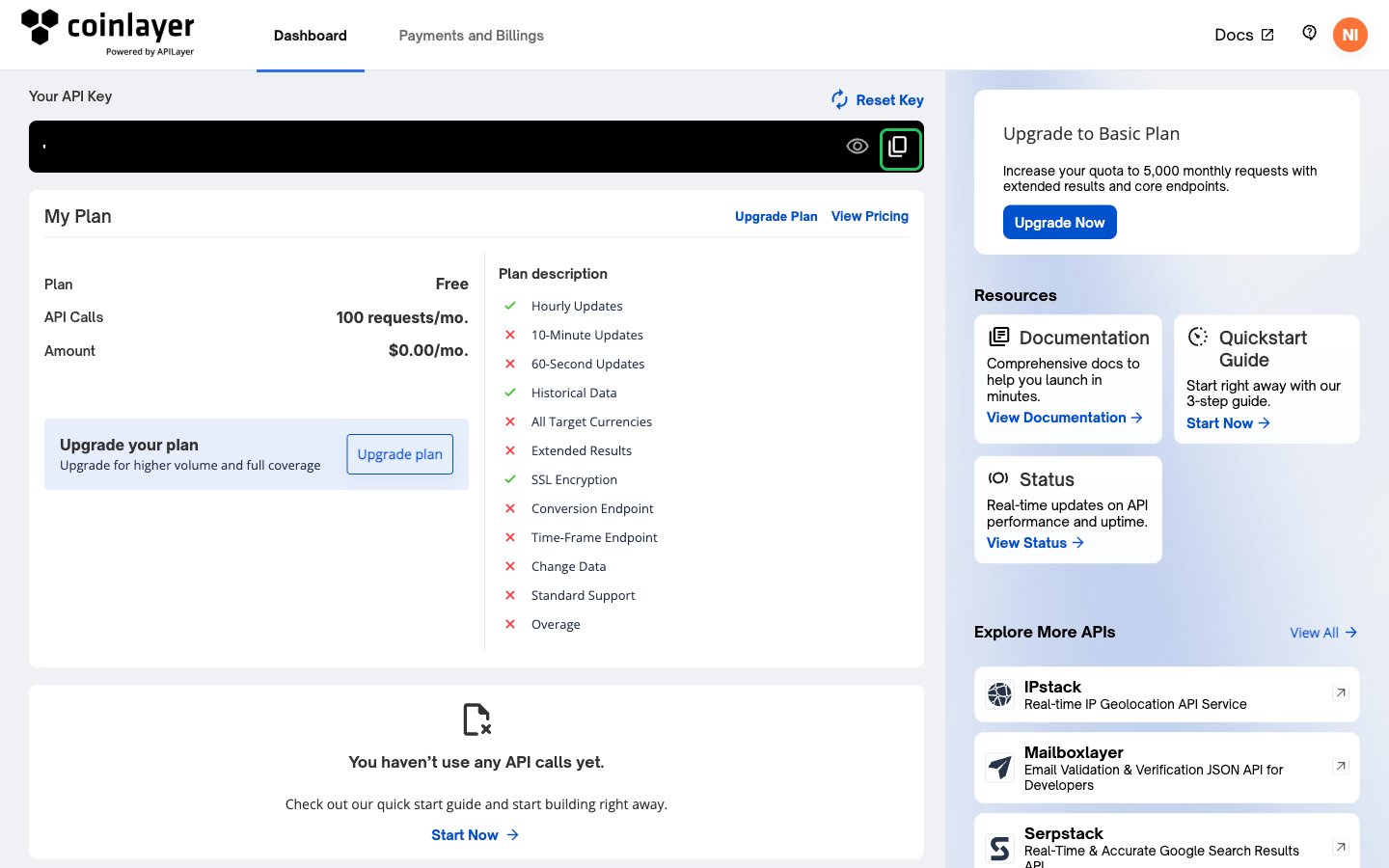
Step 1: Copy your API access key
- Log in at coinlayer.com/login and open the dashboard.
- Under Your API Key at the top of the dashboard, click the copy icon to copy your API access key.
Step 2: Enter your API access key in the Connect UI
- Open the form where you need to authenticate with Coinlayer.
- Paste the key you copied in Step 1 into the API Access Key field.
- Click Connect.