Overview
To authenticate with Codemagic, you need:- API Token — the personal API token of your Codemagic account.
Prerequisites
- A Codemagic account. Sign up if you don’t have one.
Step 1: Copy your API token
- Log in to Codemagic.
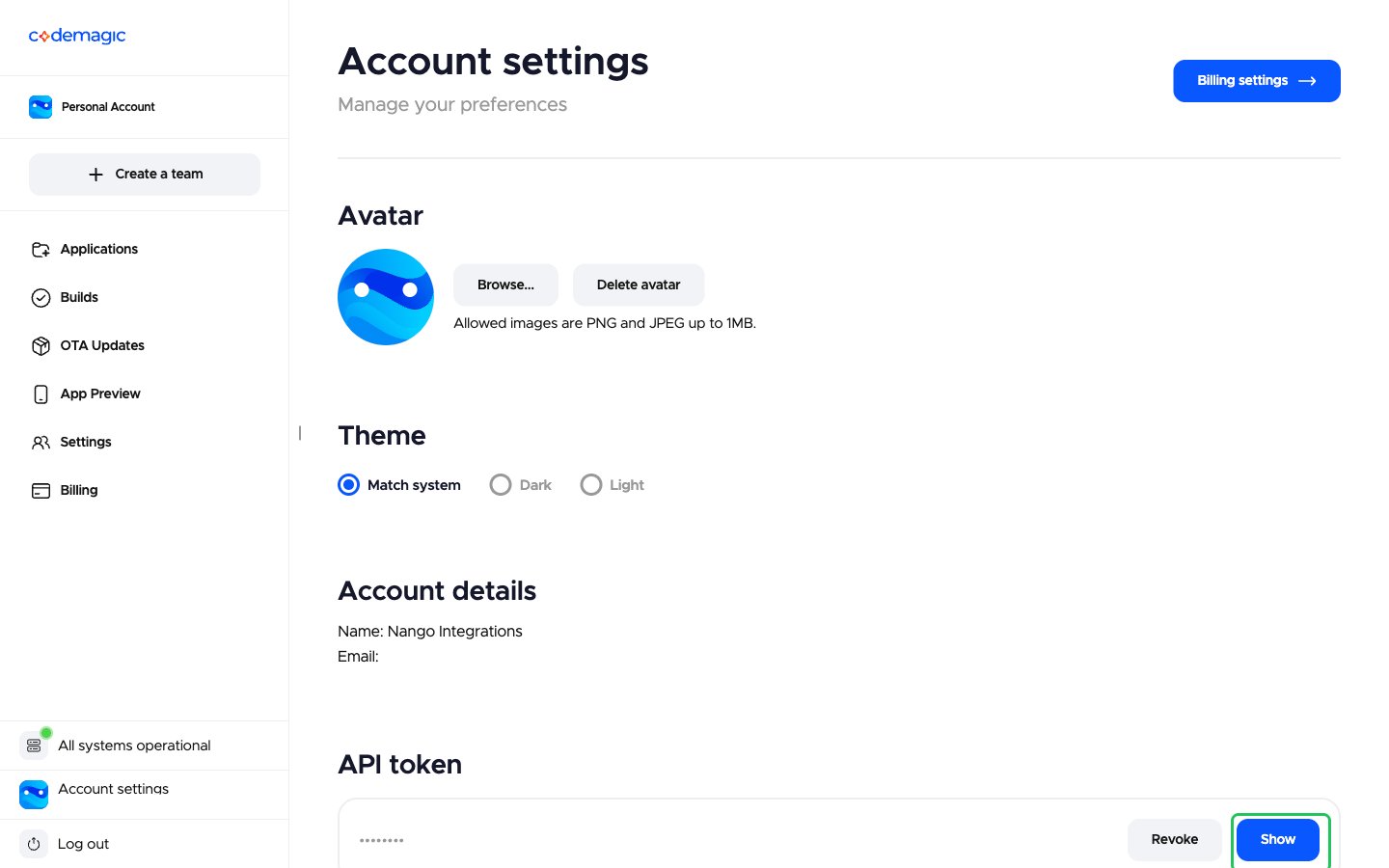
- Click Account settings at the bottom of the left sidebar.
- Under API token, click Show.
- Copy the revealed token with the copy button next to it.
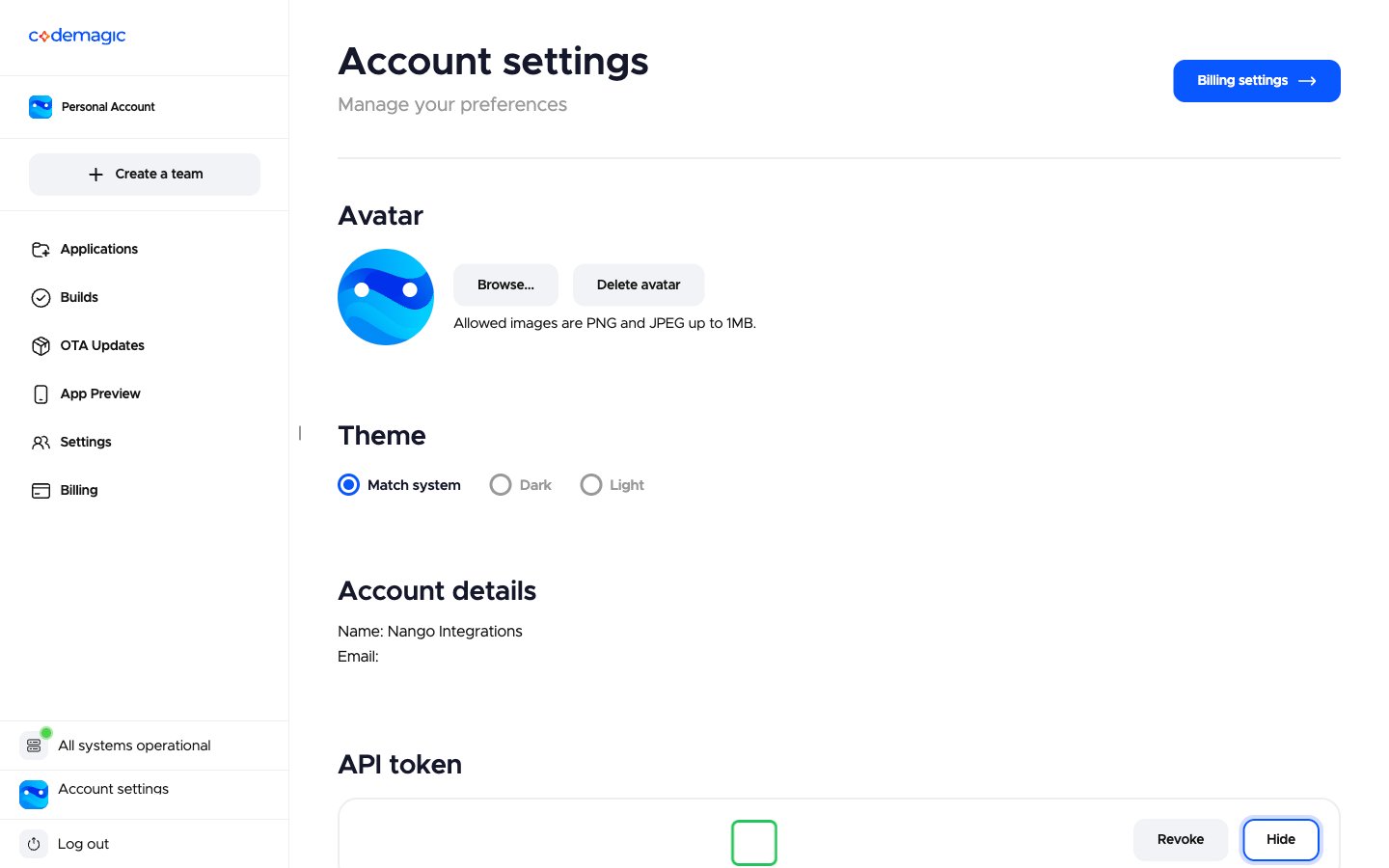
The token is personal: what it can do depends on your role in each Codemagic team. To rotate it, click Revoke, then Show to generate a new one.
Step 2: Enter your API token in the Connect UI
- Open the form where you need to authenticate with Codemagic.
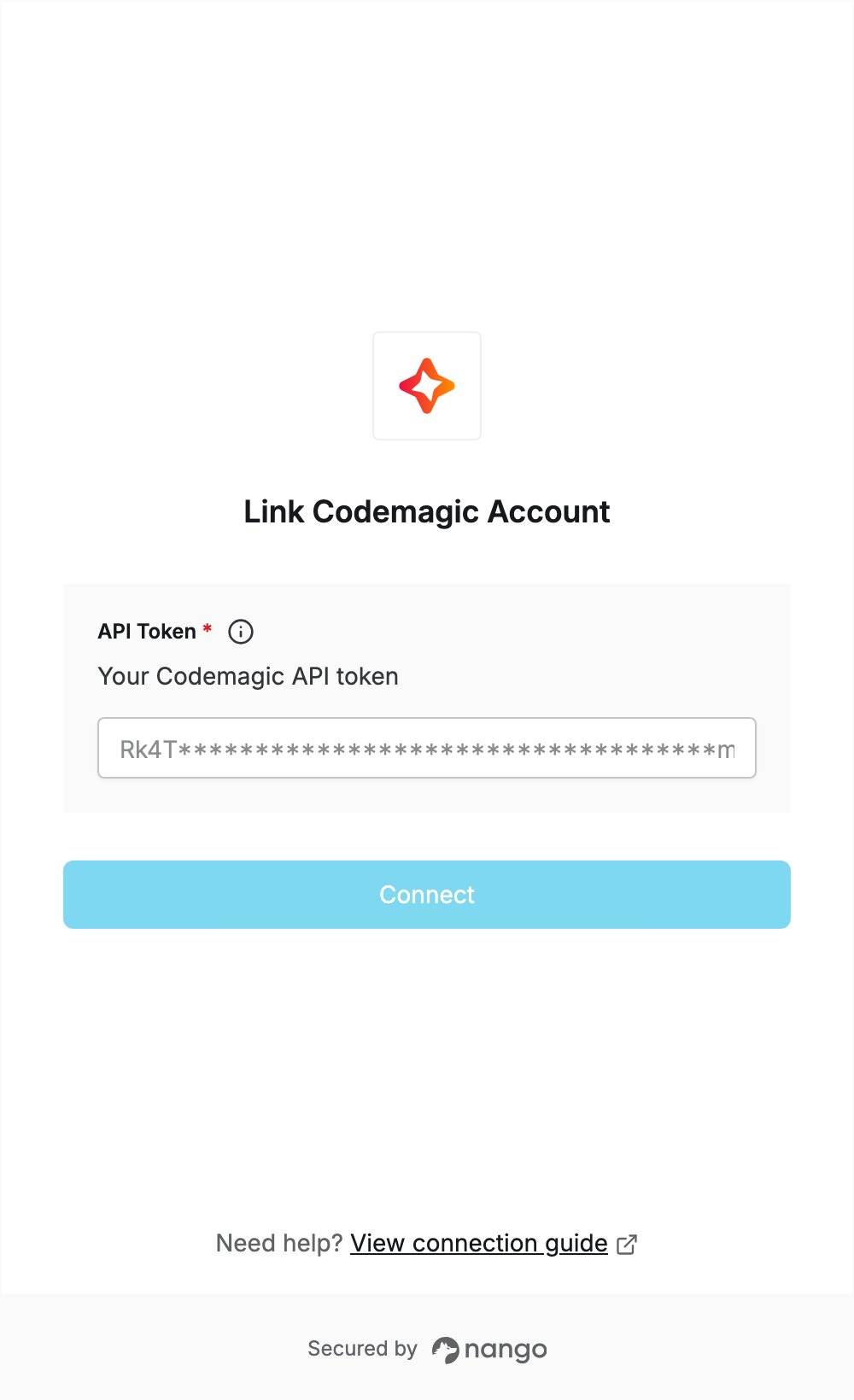
- Paste your token in the API Token field.
- Submit the form, and you should be successfully authenticated.