Overview
To authenticate with Coassemble, you need:- API Key — a Production or Test API key from your Coassemble workspace.
Prerequisites
- A Coassemble workspace with API access. Build, Scale and Partner plans carry the full API, and developers can start a free Sandbox. The legacy Flow plan has no API access.
- The Owner, Admin or Developer role in the workspace: only these roles see the Developer console.
Step 1: Create an API key
- Sign in to your Coassemble workspace.
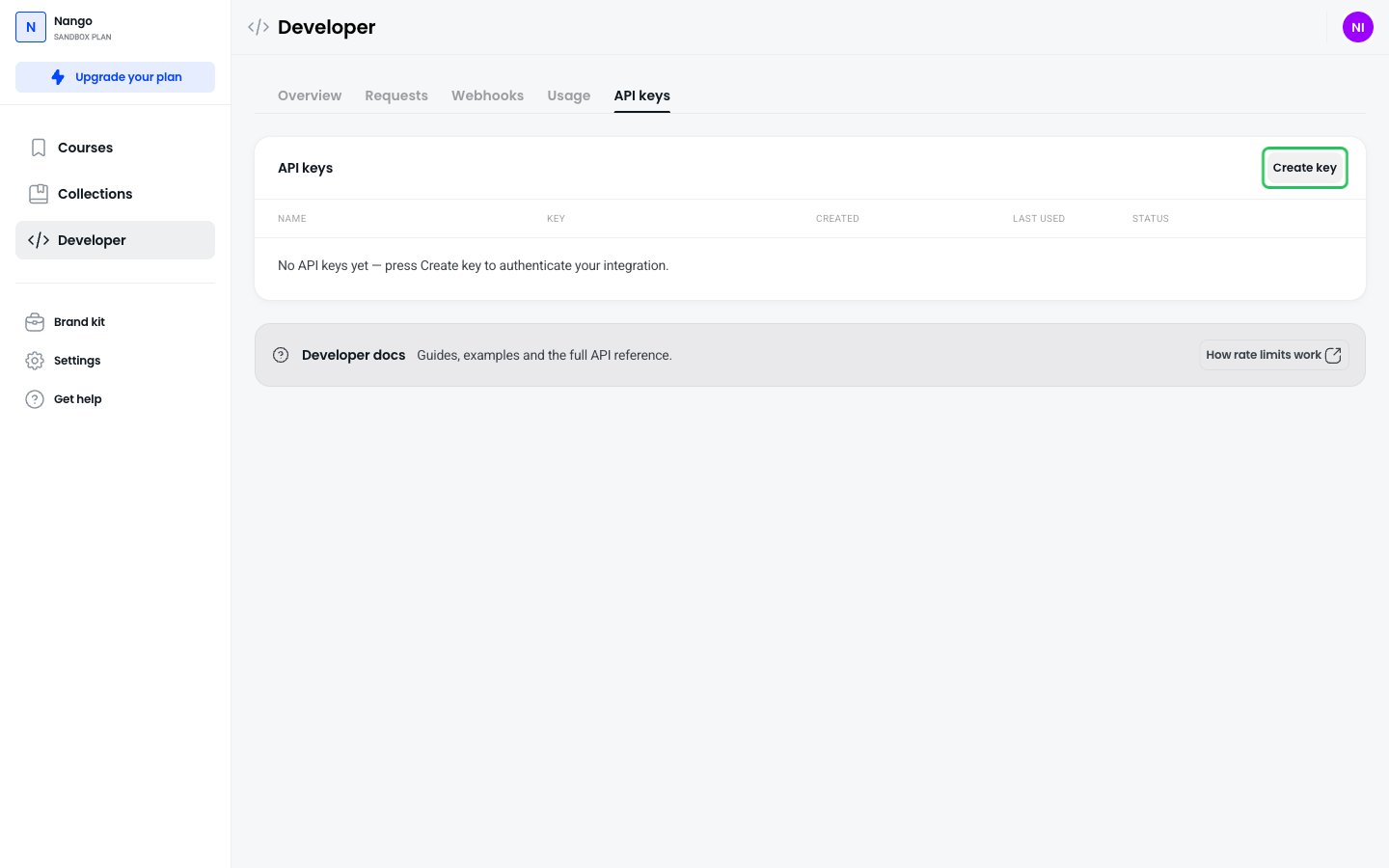
- In the left sidebar, click Developer, then open the API keys tab.
- Click Create key.
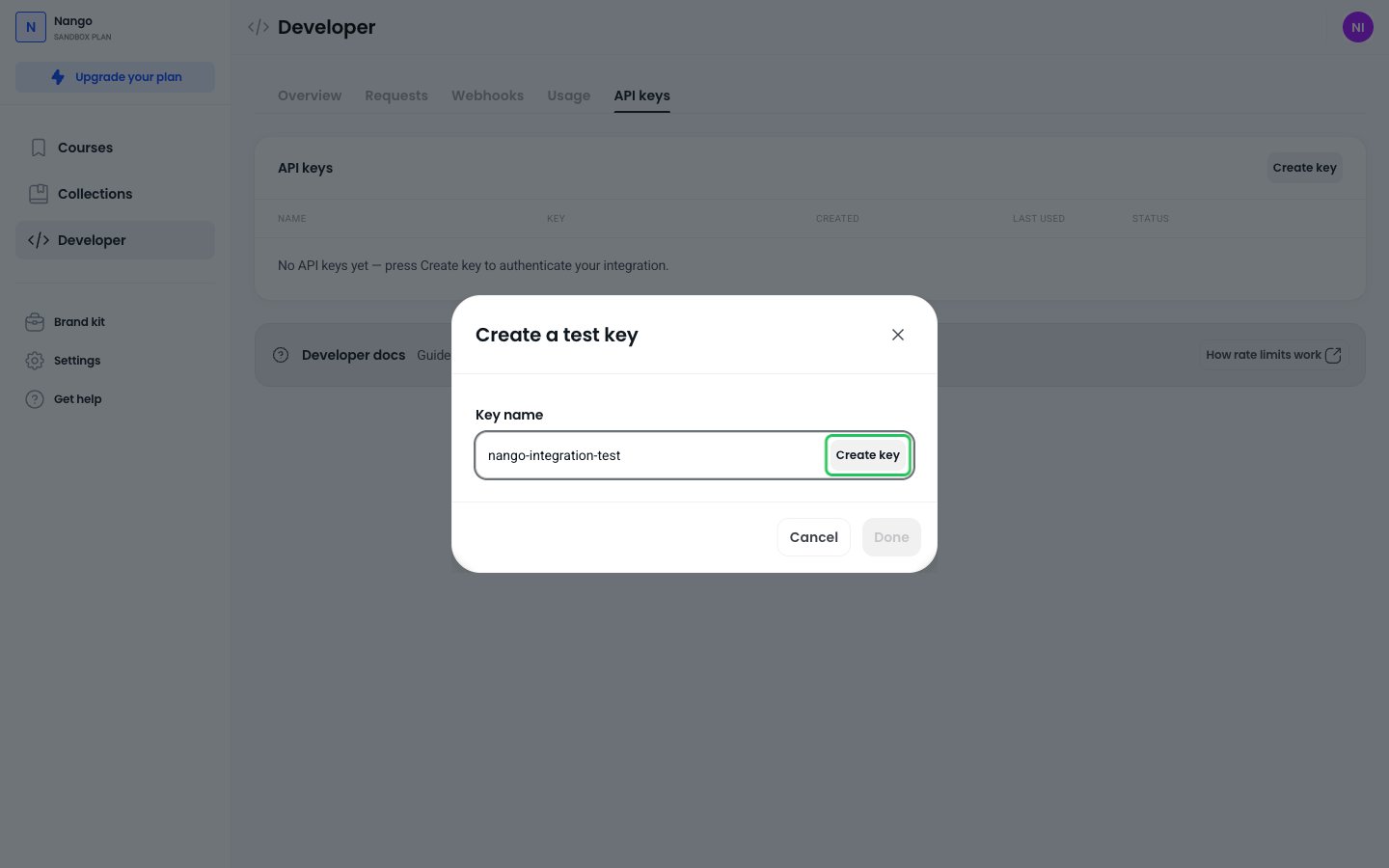
- Enter a Key name. Under Key type, choose Production (the default) for your live integration, or Test for building and testing. On a Sandbox workspace the dialog is called Create a test key and only creates Test keys.
- Click Create key.
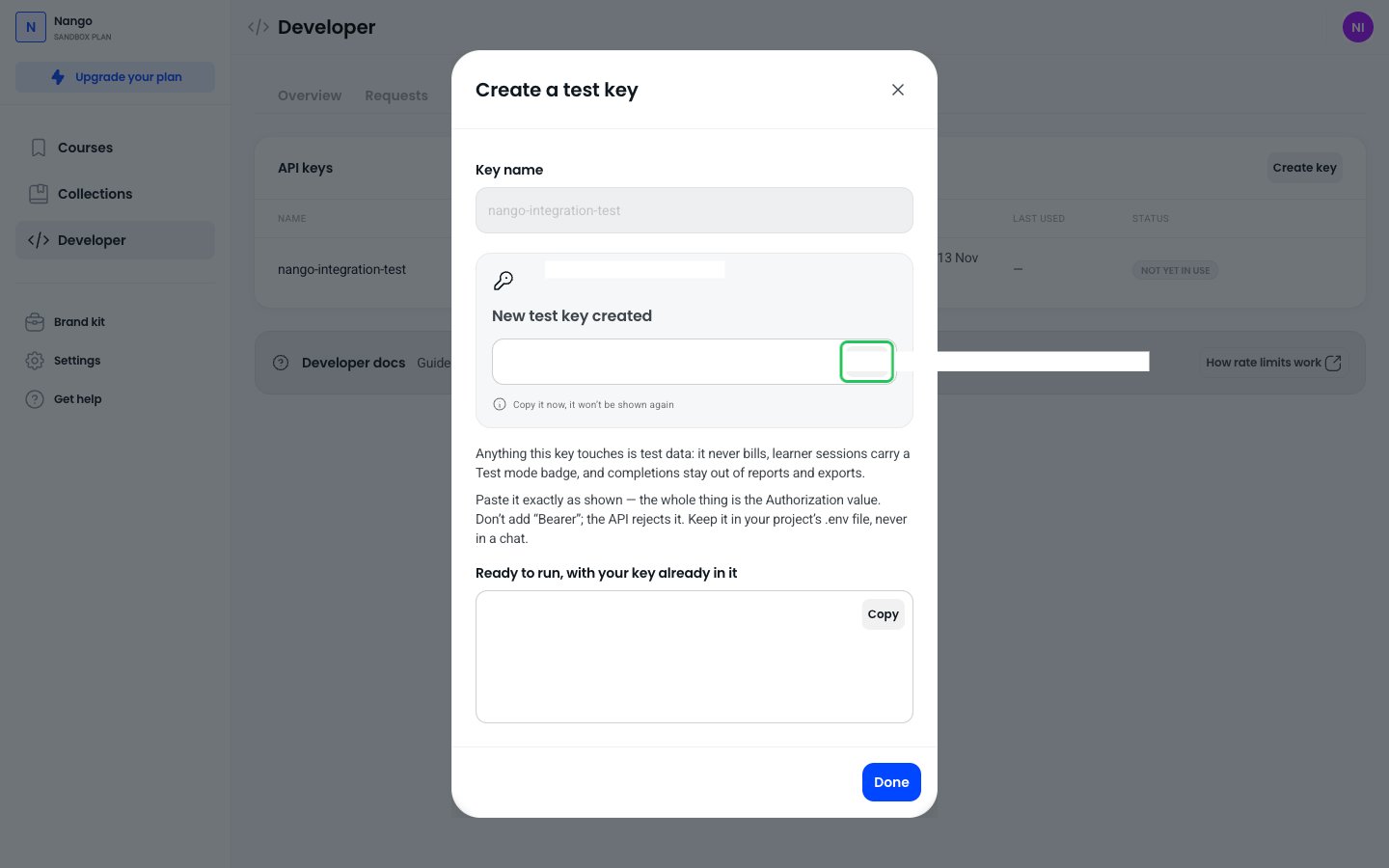
- Copy the key straight away: it is shown only once. The key starts with
COASSEMBLE:and already includes your workspace ID. Paste it whole, without addingBearer.
Step 2: Enter your API key in the Connect UI
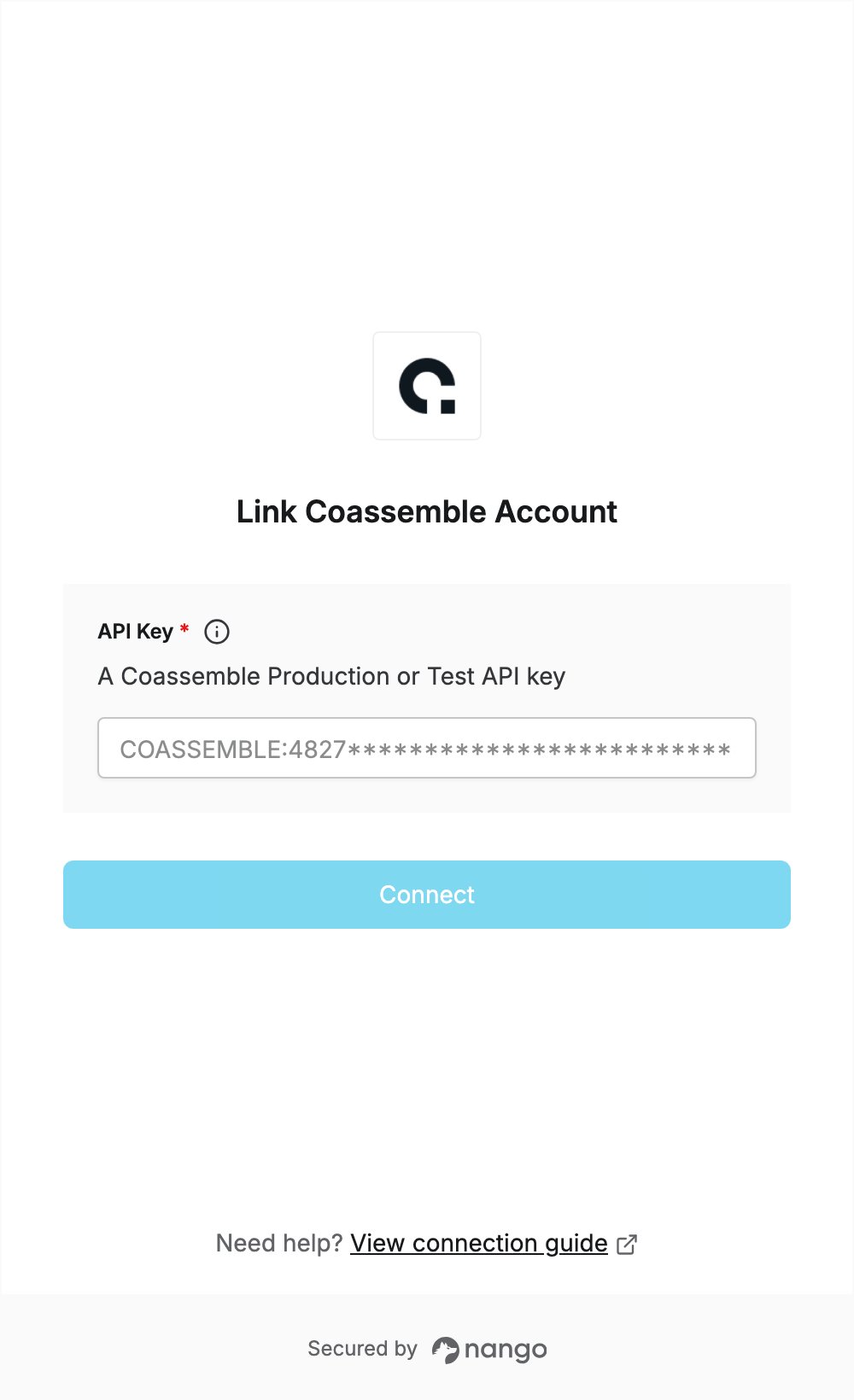
- Open the form where you need to authenticate with Coassemble.
- Paste your key in the API Key field.
- Submit the form, and you should be successfully authenticated.