Overview
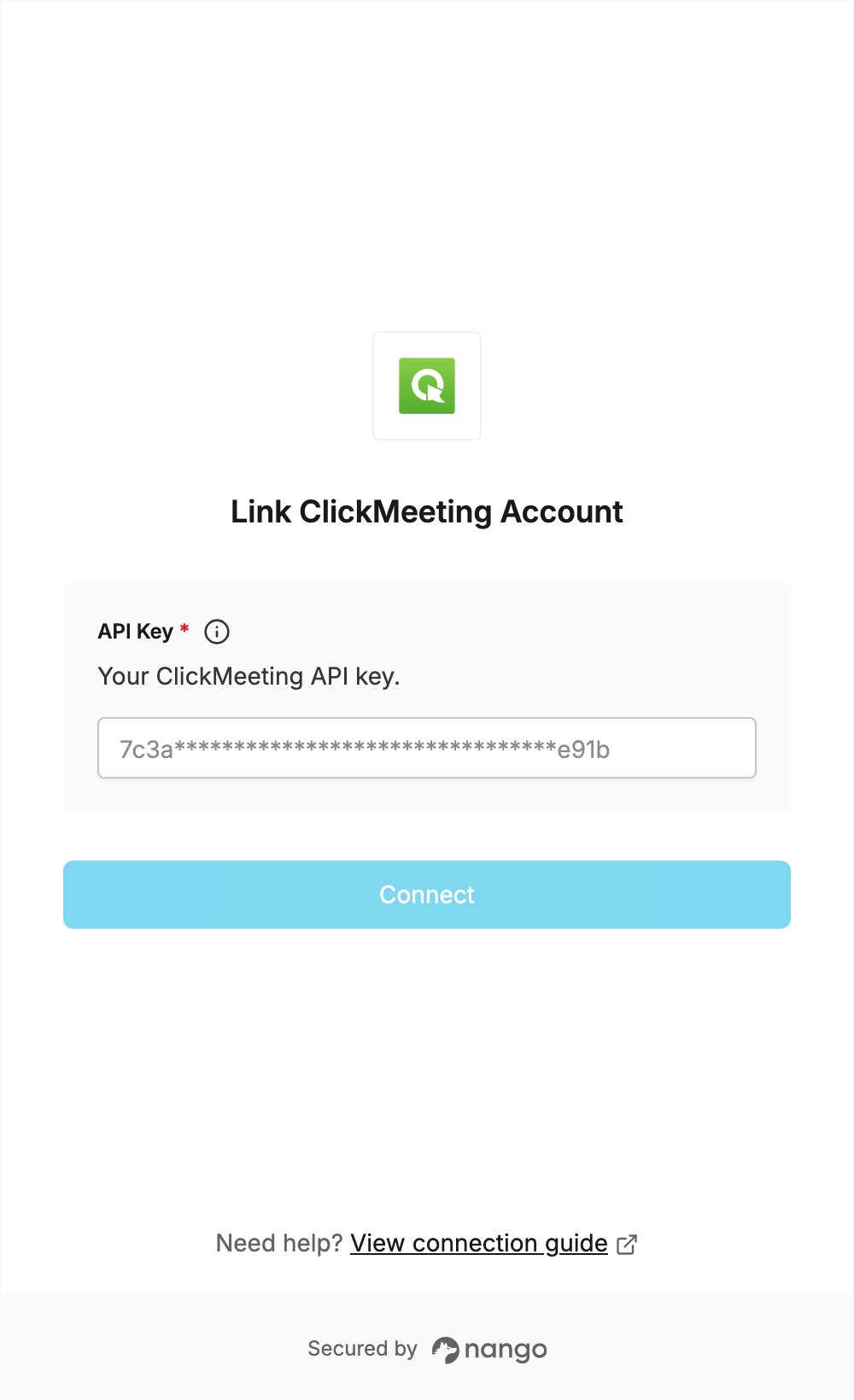
To authenticate with ClickMeeting, you need:- API Key - a ClickMeeting API key.
Prerequisites
- A ClickMeeting account on the Standard plan or higher. API access comes with the Standard plan, so you can’t create an API key on the free trial.
Step 1: Generate an API key
- Sign in to your ClickMeeting account.
- Hover over your profile picture in the top right corner and open Account settings.
- Open the API tab.
- Click Add new, enter a name for the API key, for example
Nango, and click Save. - Copy the API key straight away. ClickMeeting doesn’t show it again after you leave or refresh the page.
Step 2: Enter your API key in the Connect UI
- Open the form where you need to authenticate with ClickMeeting.
- Enter your API Key in the designated field.
- Click Connect. Nango checks the key with ClickMeeting before saving the connection.