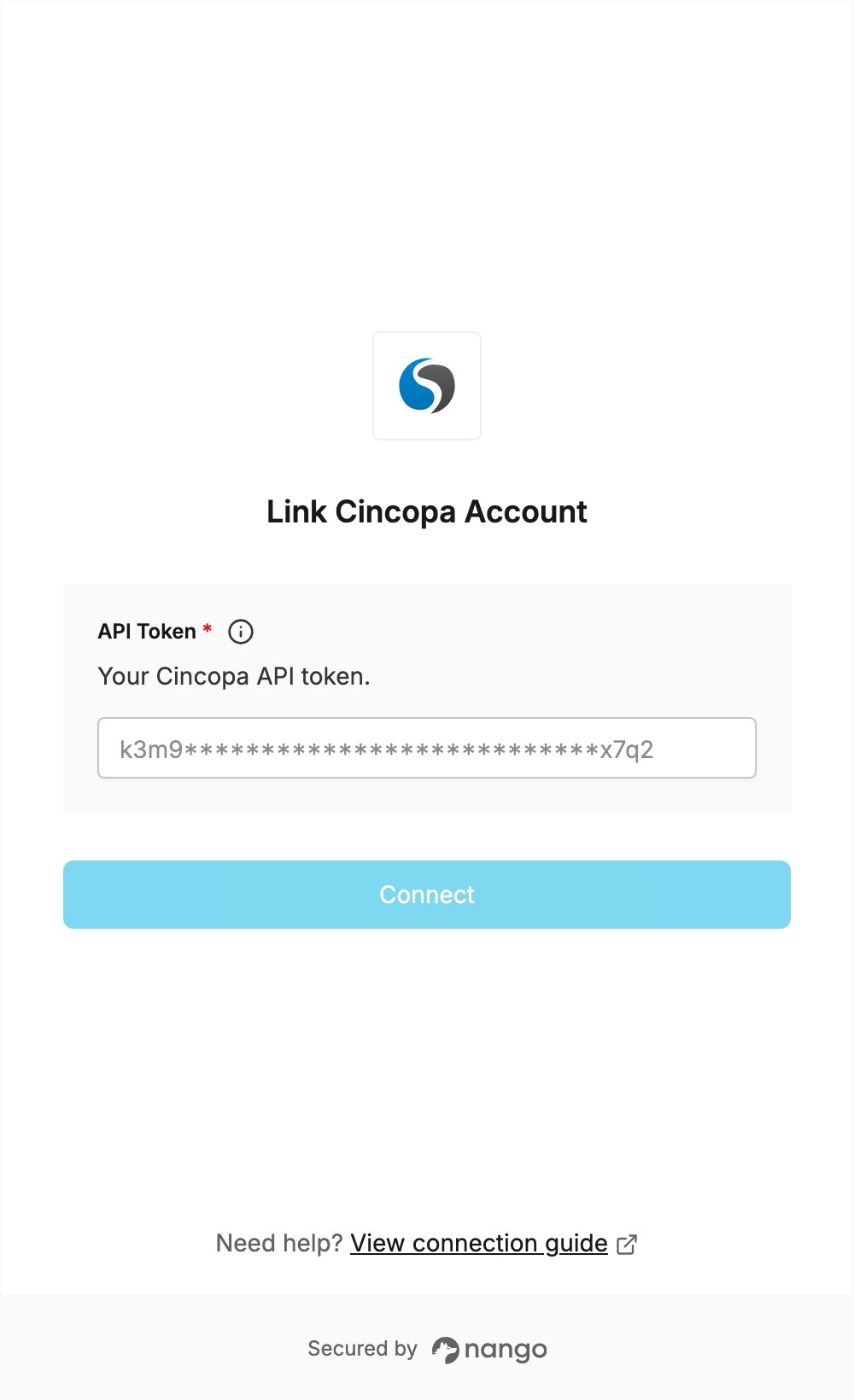
Overview
To authenticate with Cincopa, you need:- API Token — a Cincopa API token.
Prerequisites
- A Cincopa account. If you don’t have one, sign up for a free trial; no credit card is needed. Cincopa’s pricing page lists API access under the Growth plan.
Step 1: Create an API token
- Sign in to Cincopa, click your profile icon in the top right corner, and select Account Settings.
- Click API Tokens in the left menu.
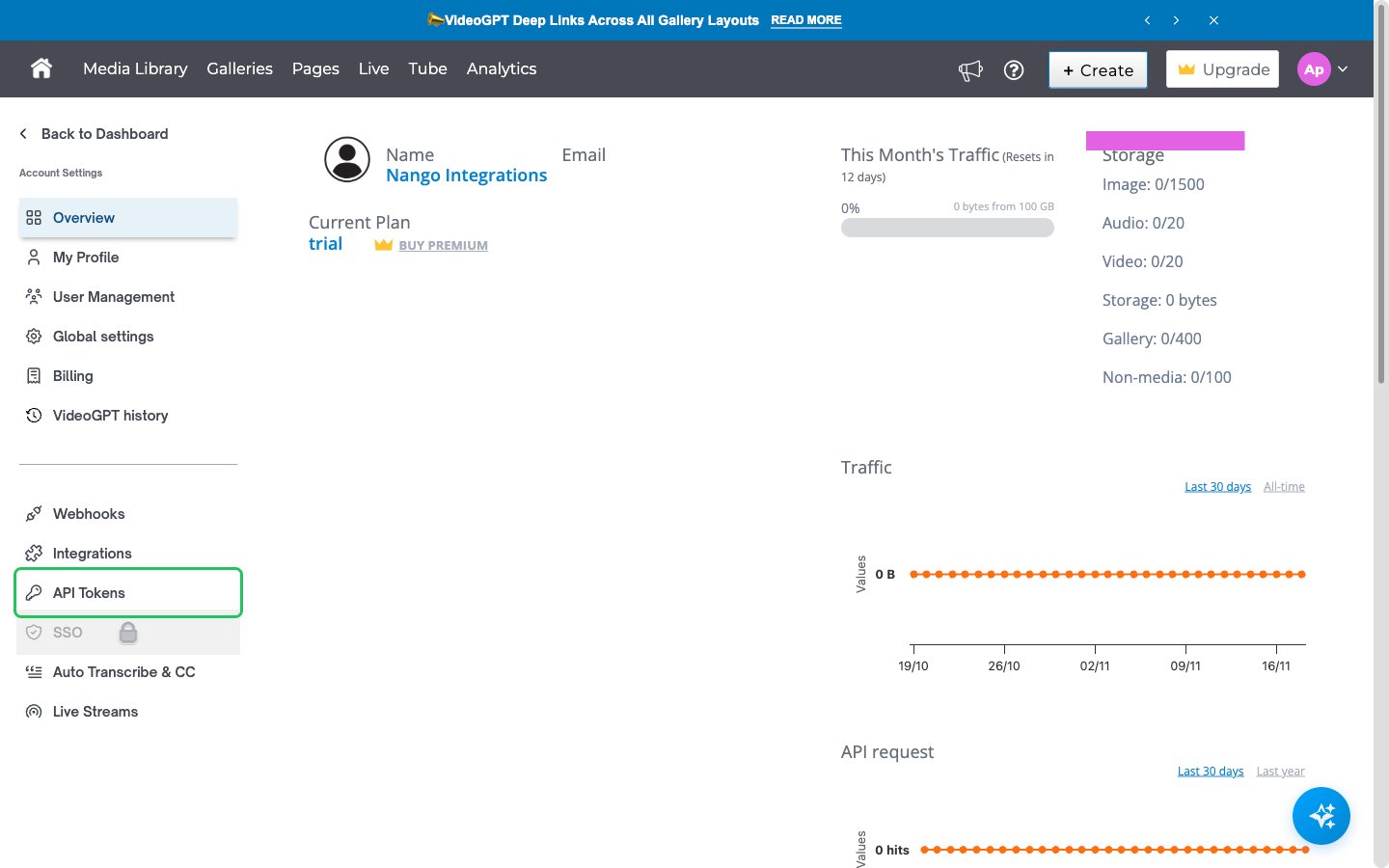
- Click Create New Key and enter a name for the token.
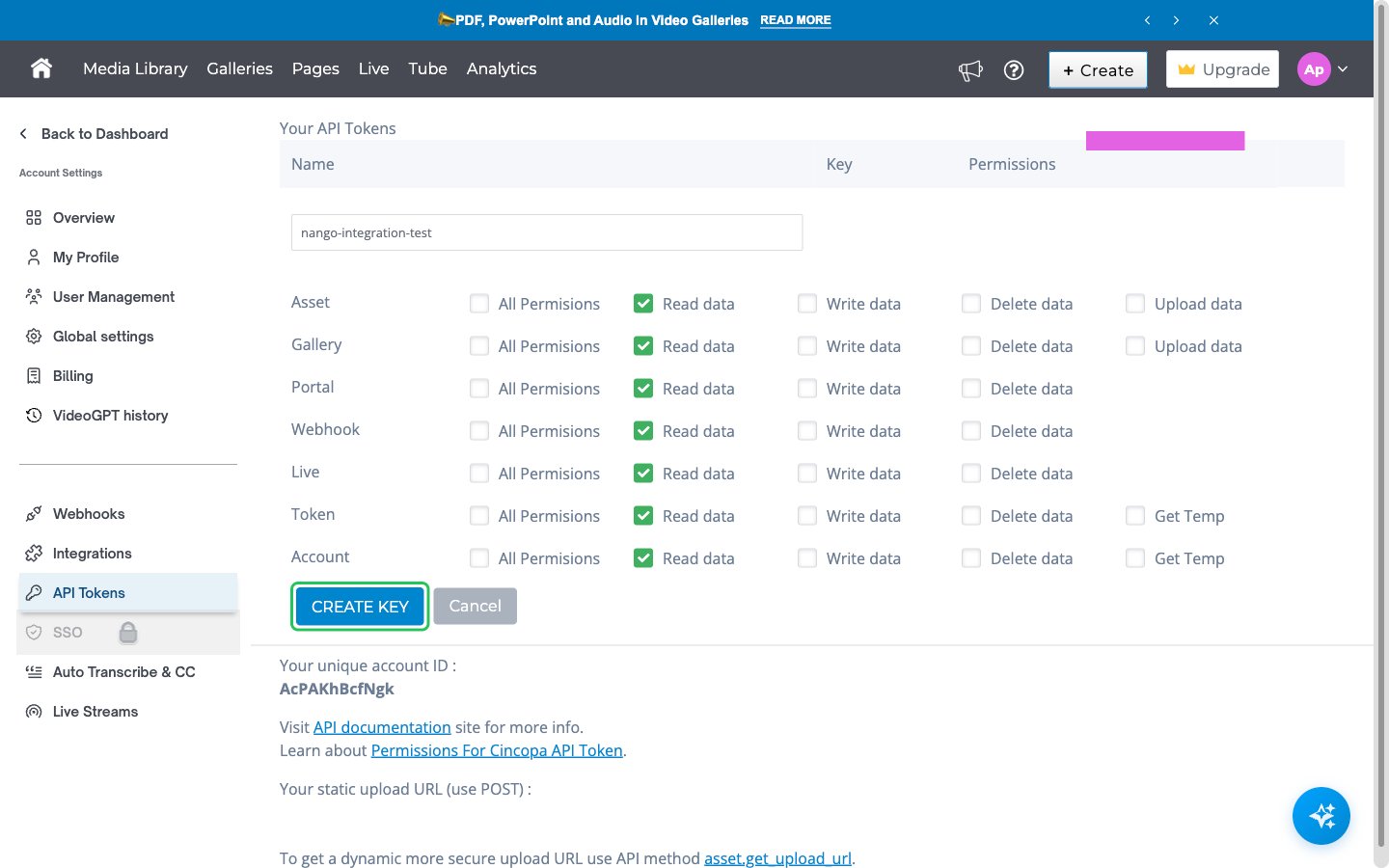
- Select the permissions the token needs for each resource. For read-only access, tick Read data for every resource. See Permissions in API token for what each permission allows.
- Click CREATE KEY.
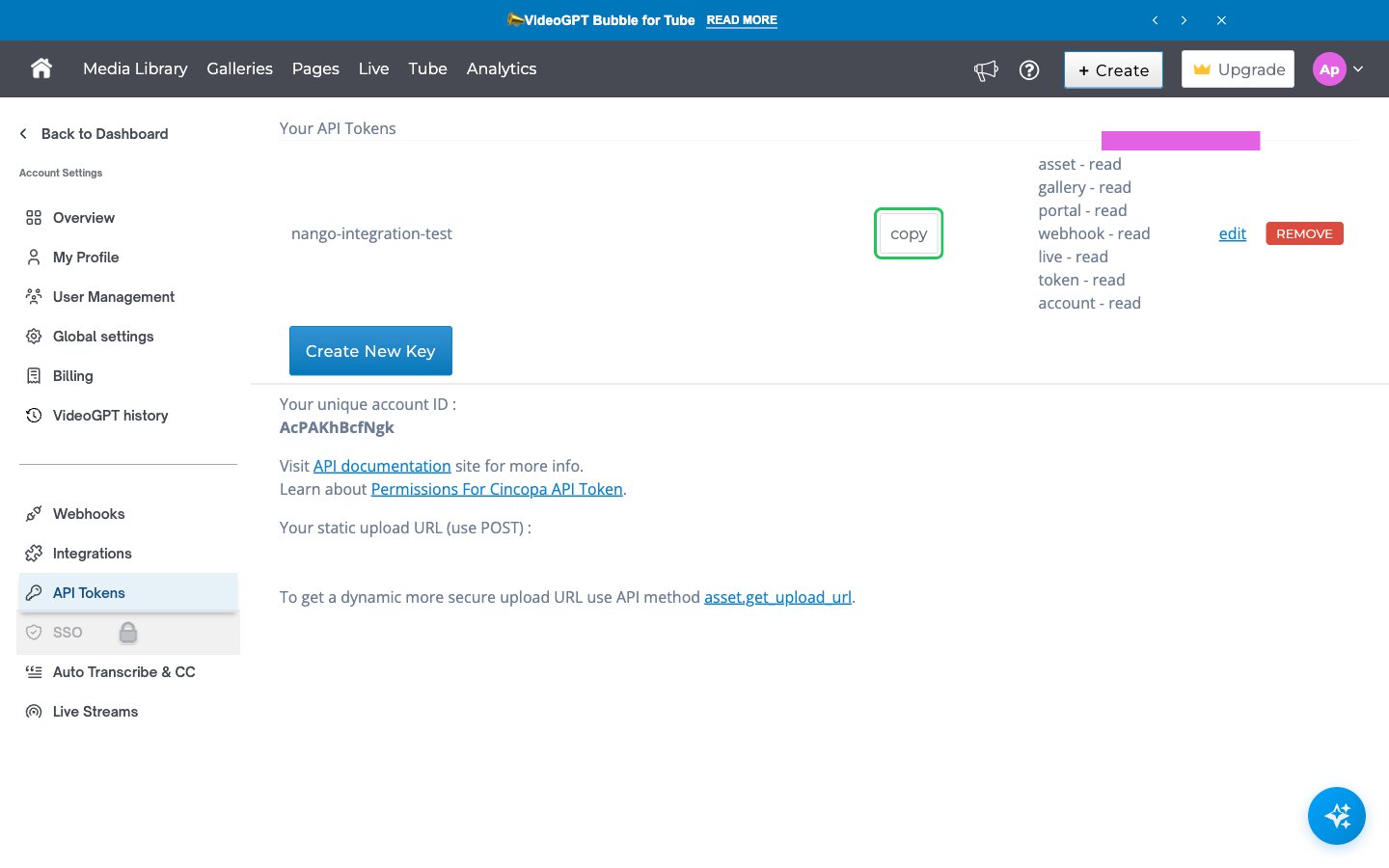
- The new token appears in the Your API Tokens list. Click copy next to it to copy the token.
Step 2: Enter your API token in the Connect UI
- Open the form where you need to authenticate with Cincopa.
- Enter your token in the API Token field.
- Submit the form, and you should be successfully authenticated.