Overview
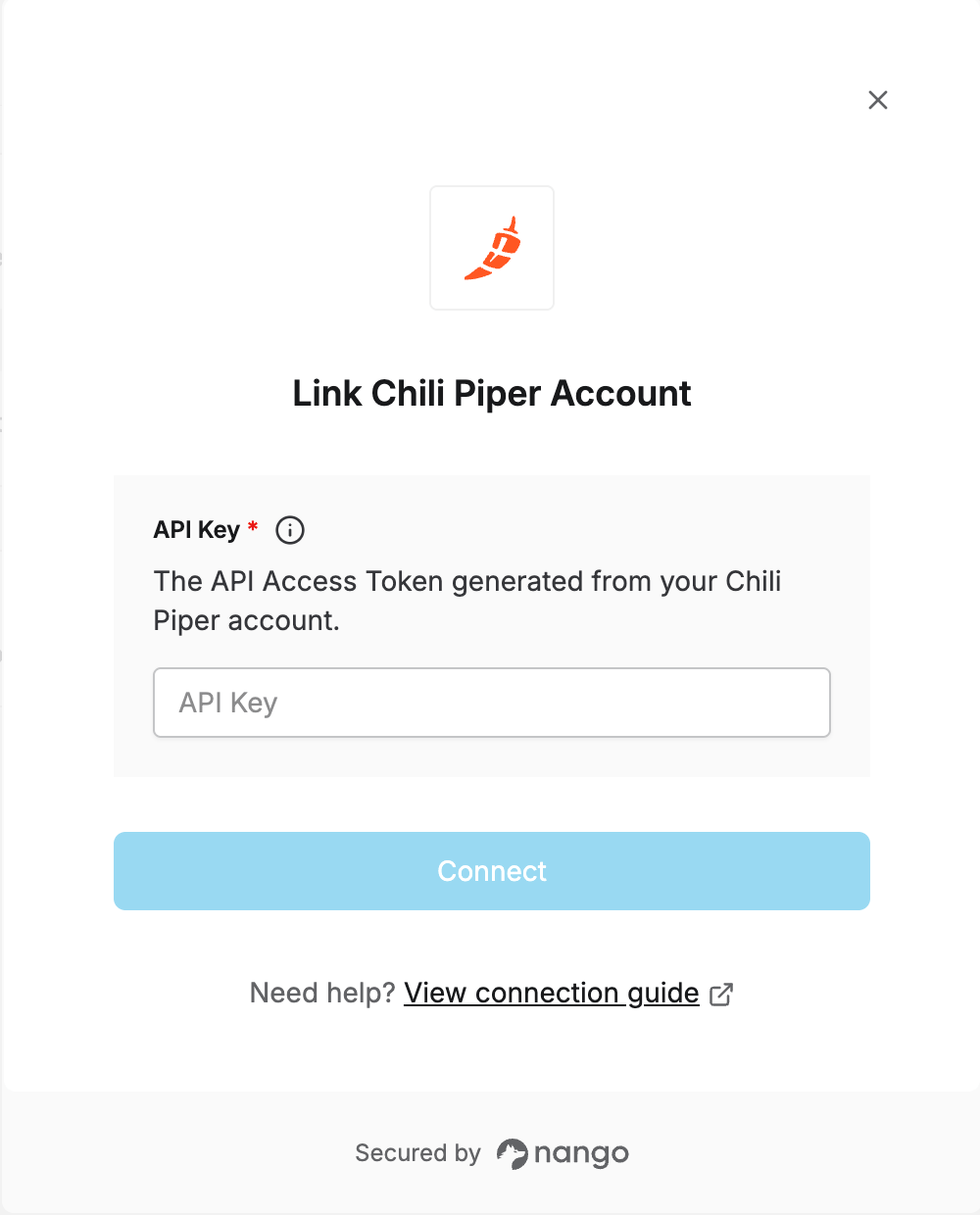
To authenticate with Chili Piper using an API key, you need:- API Key - An API Access Token scoped to the permissions your integration needs.
Prerequisites
- Admin access to your Chili Piper account
Instructions
Step 1: Generating your API key
- In the Chili Piper Command Center, go to Integrations in the left sidebar.
- Select the Credentials tab, then the API Access Tokens sub-tab (not HTTP Auth).
- Click Generate Token.
- Select the permissions (scopes) the token needs, then click Generate.
- Copy the token — it is shown only once.
Step 2: Enter credentials in the Connect UI
Once you have your API Key:- Open the form where you need to authenticate with Chili Piper.
- Enter the API Key in the field provided.
- Submit the form, and you should be successfully authenticated.