Overview
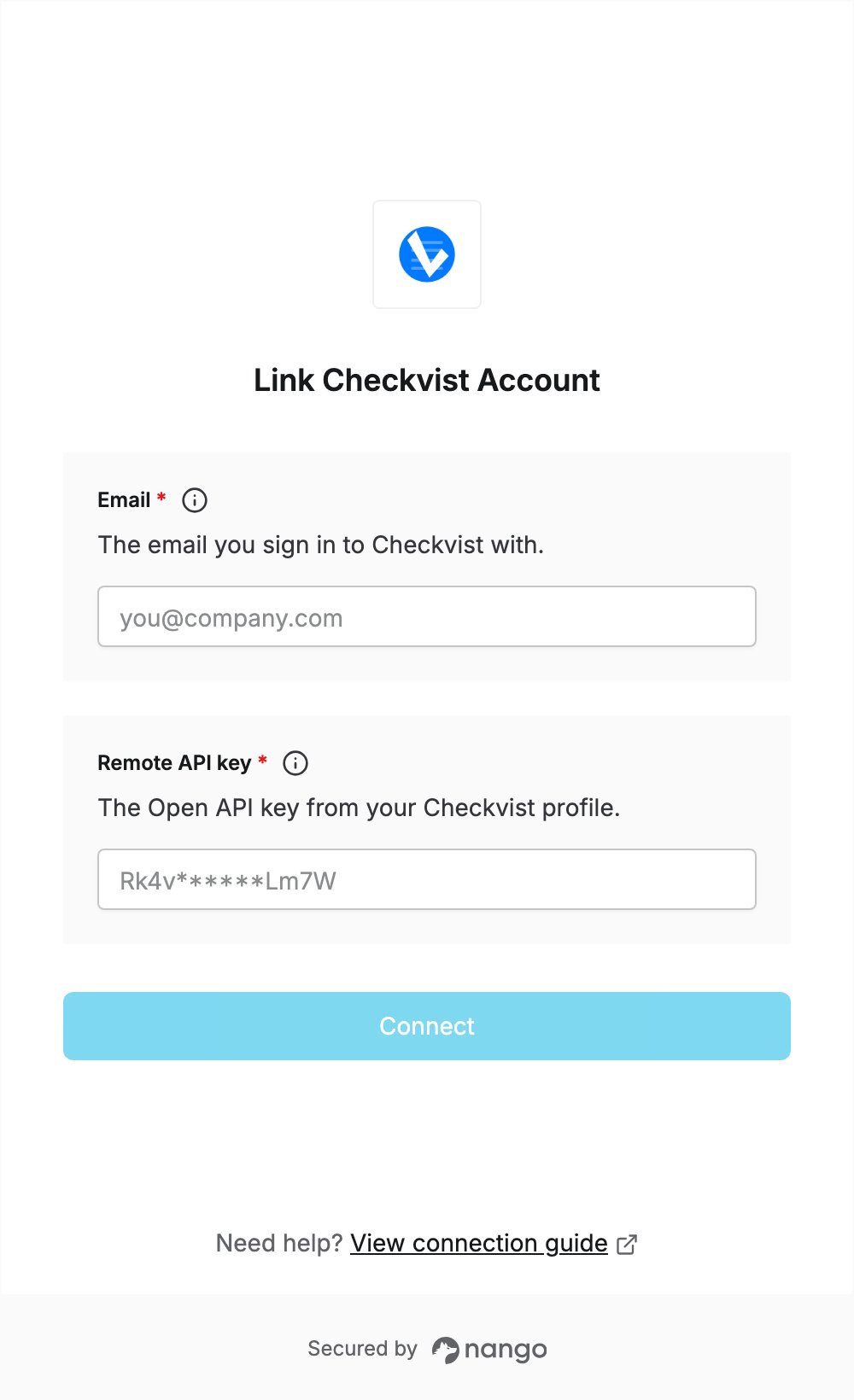
To authenticate with Checkvist, you need:- Email — the email you sign in to Checkvist with.
- Remote API key — the Open API key from your Checkvist profile.
Prerequisites
- A Checkvist account. The Open API is included in the free plan.
Step 1: Find your email and Open API key
- Sign in to Checkvist.
- Click the person icon in the top-right toolbar, or go to your Profile page.
- Note the address in the Email field: this is your login email.
- Scroll to the Open API key section and click See your OpenAPI key.
- Click Copy to clipboard next to the key. Do not click Generate a new key…: it replaces your current key, and anything using the old key stops working.
Step 2: Enter your credentials in the Connect UI
- Open the form where you need to authenticate with Checkvist.
- Enter your login email in the Email field.
- Paste your Open API key in the Remote API key field.
- Submit the form, and you should be successfully authenticated.