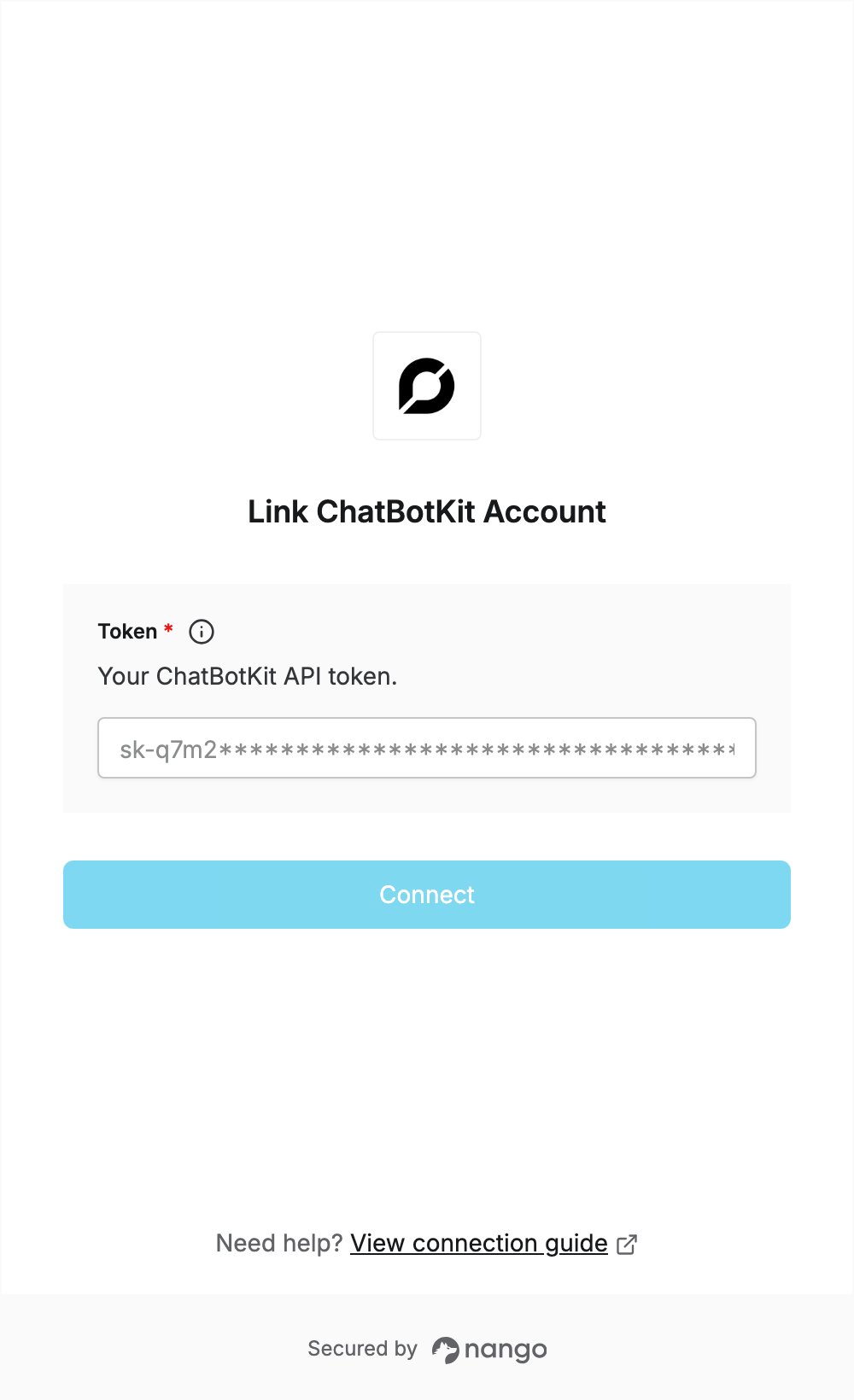
Overview
To authenticate with ChatBotKit, you need:- Token — a ChatBotKit API token.
Prerequisites
- A ChatBotKit account. You can sign up at chatbotkit.com.
Step 1: Create a token
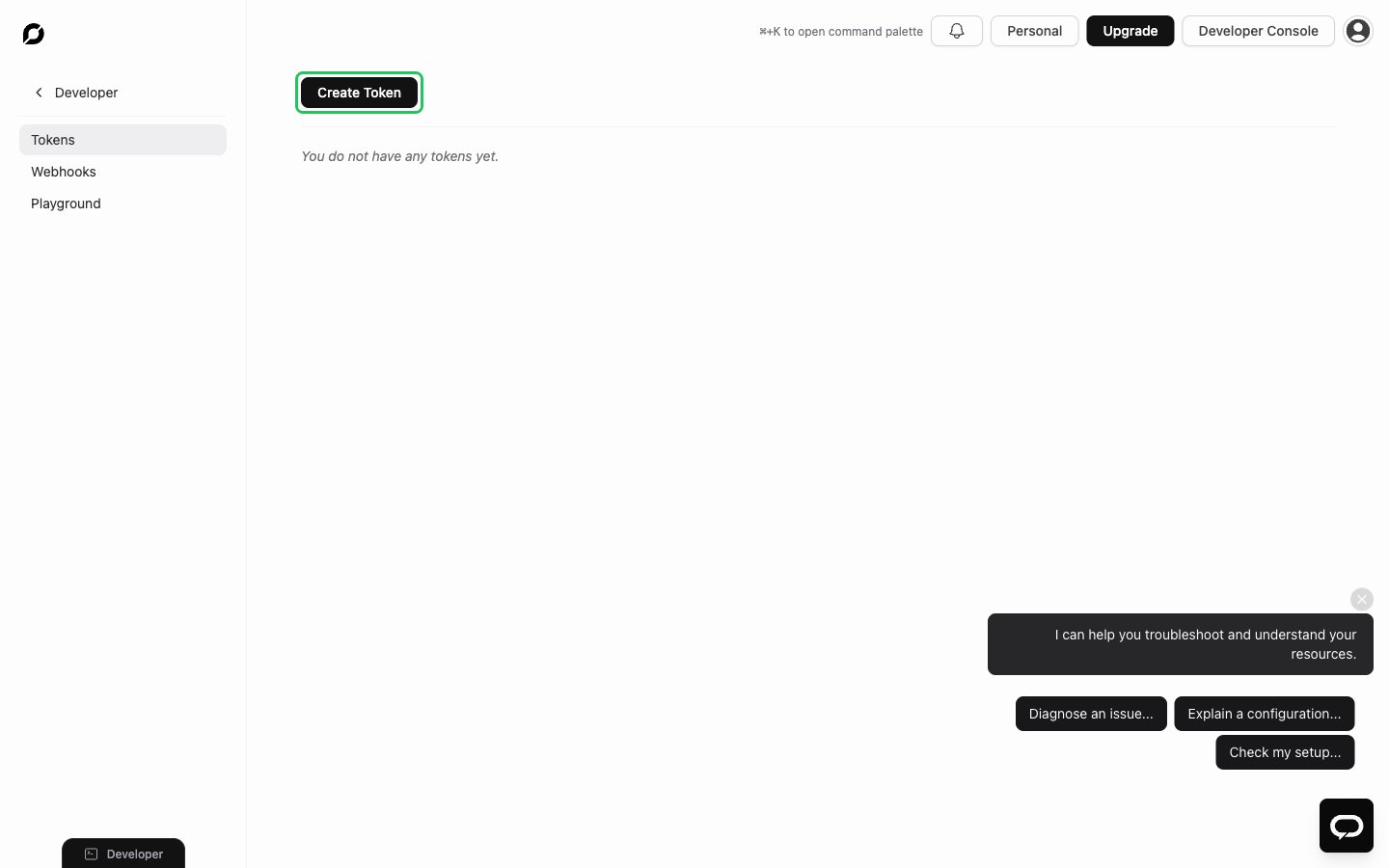
- Sign in to ChatBotKit and open the Tokens page under Developer.
- Click Create Token.
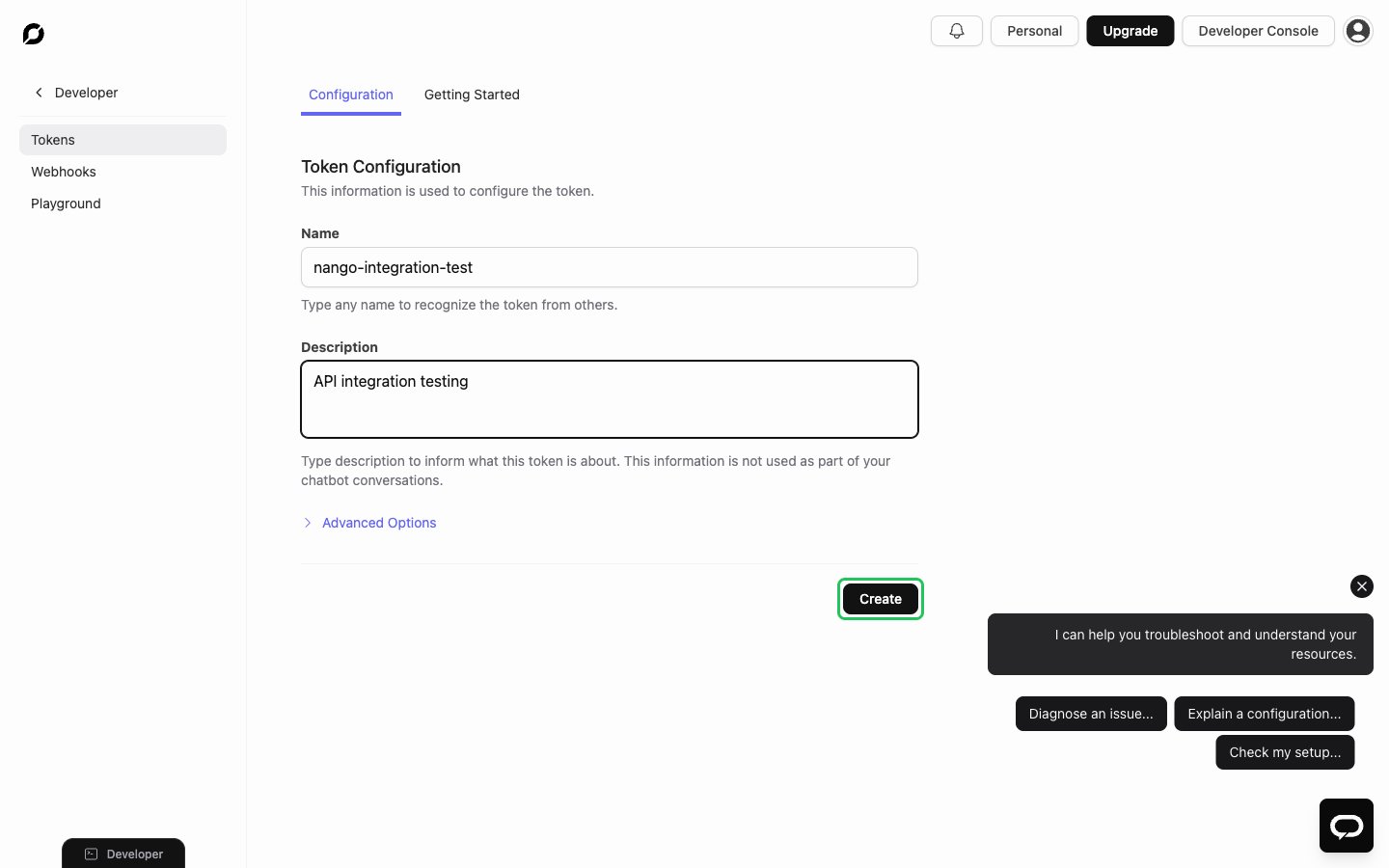
- Enter a Name and, optionally, a Description. Leave Advanced Options unchanged, then click Create.
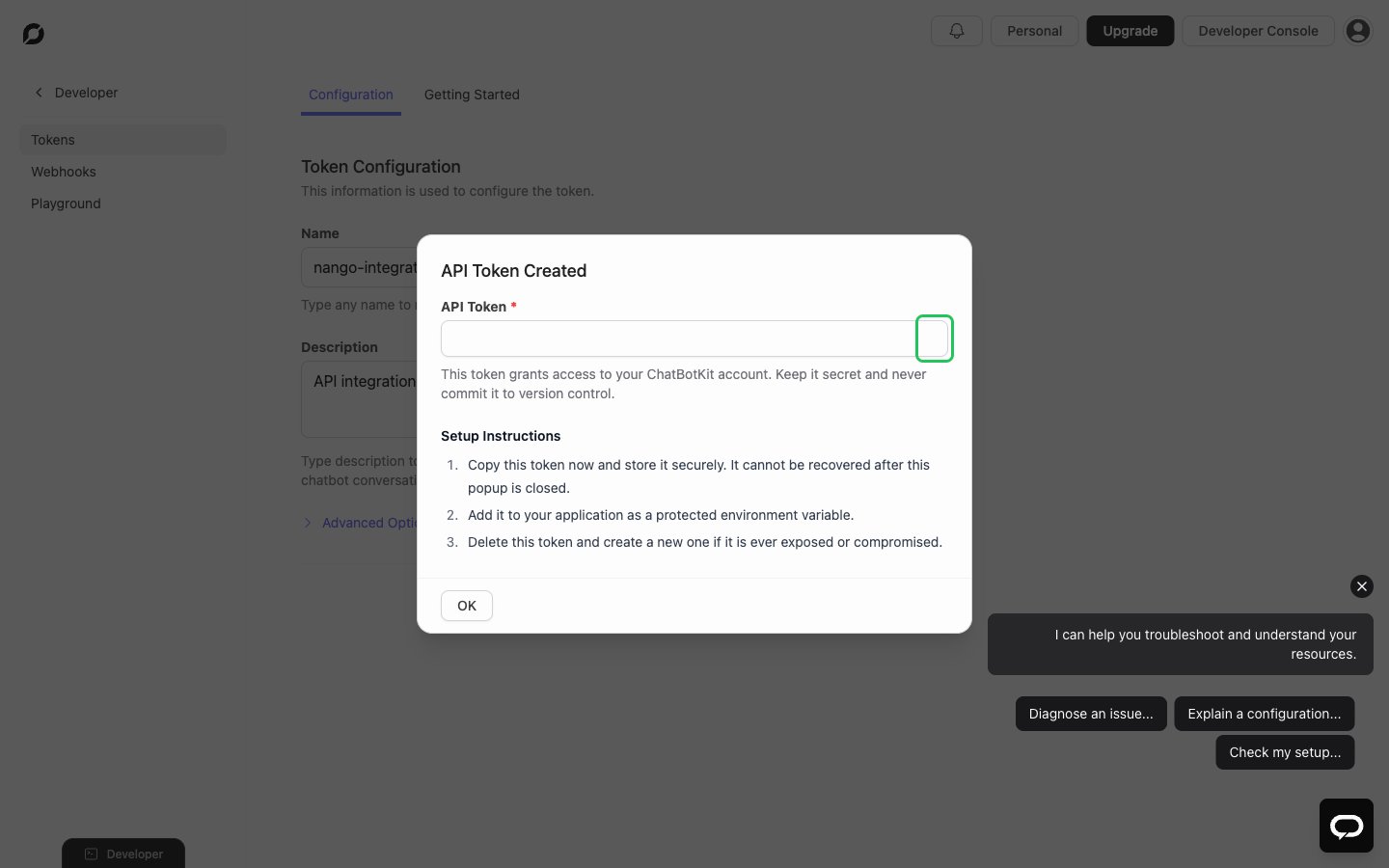
- In the API Token Created dialog, copy the token. It starts with
sk-and is shown only once, so store it right away.
Step 2: Enter your token in the Connect UI
- Open the form where you need to authenticate with ChatBotKit.
- Enter your Token in the designated field.
- Submit the form, and you should be successfully authenticated.