Overview
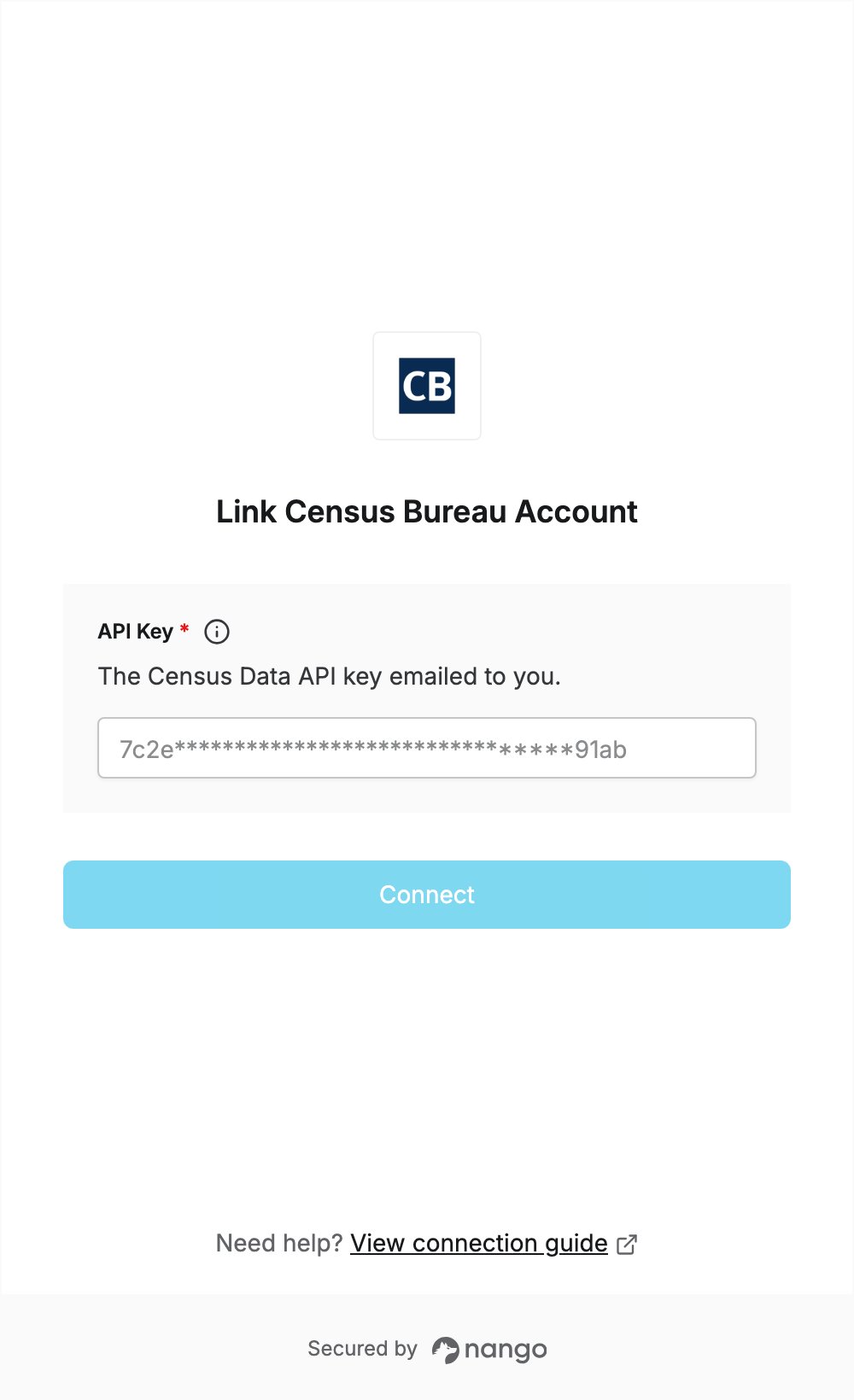
To authenticate with the Census Bureau, you need:- API Key — a Census Data API key.
Step 1: Requesting your API key
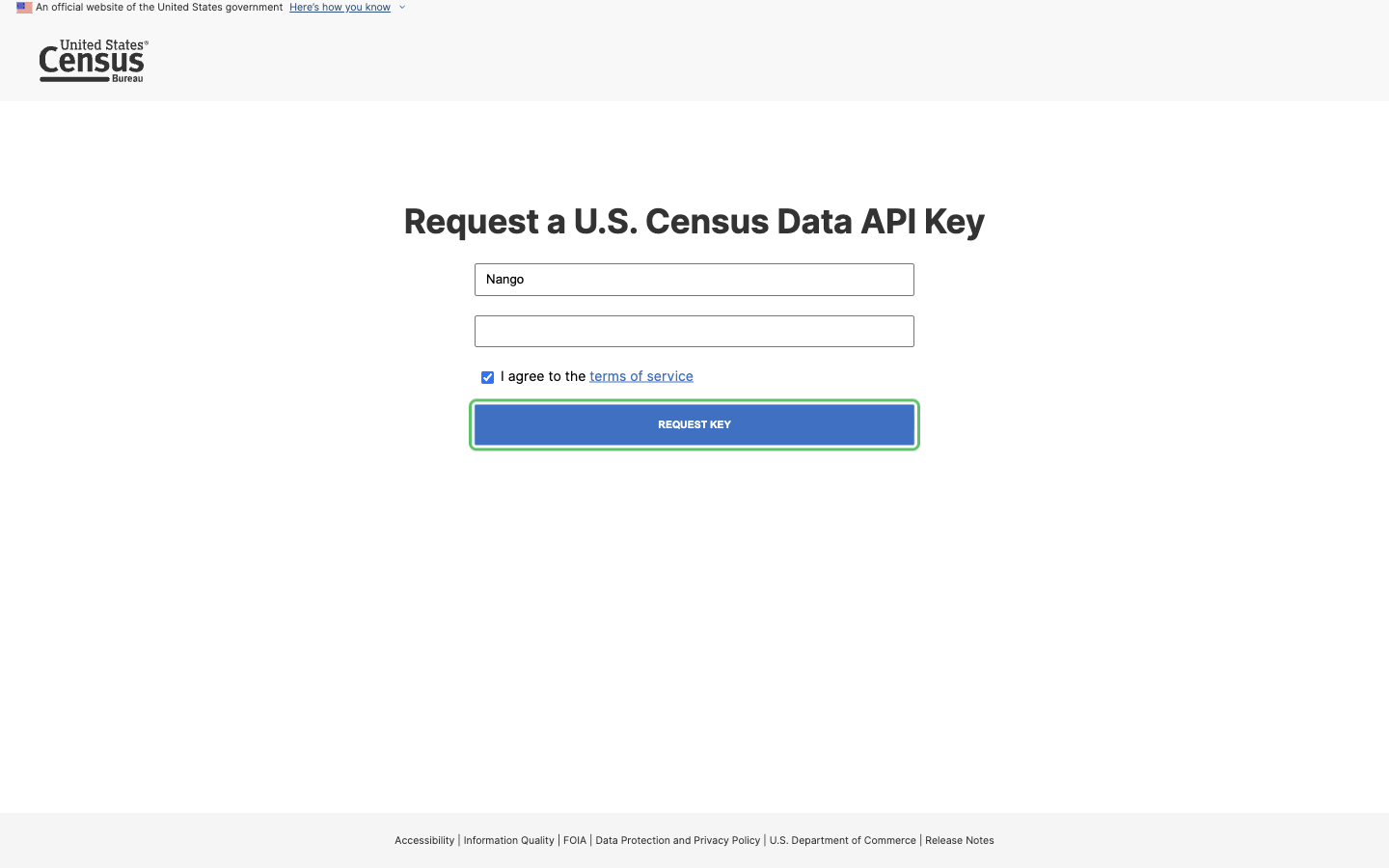
- Open the Census Data API key request page.
- Enter your organization name and your email address. The email address must end in
.com,.net,.org,.govor.edu. - Check I agree to the terms of service and click Request Key.
- Open the email you receive from the Census Bureau. It contains your API key and a link to activate it.
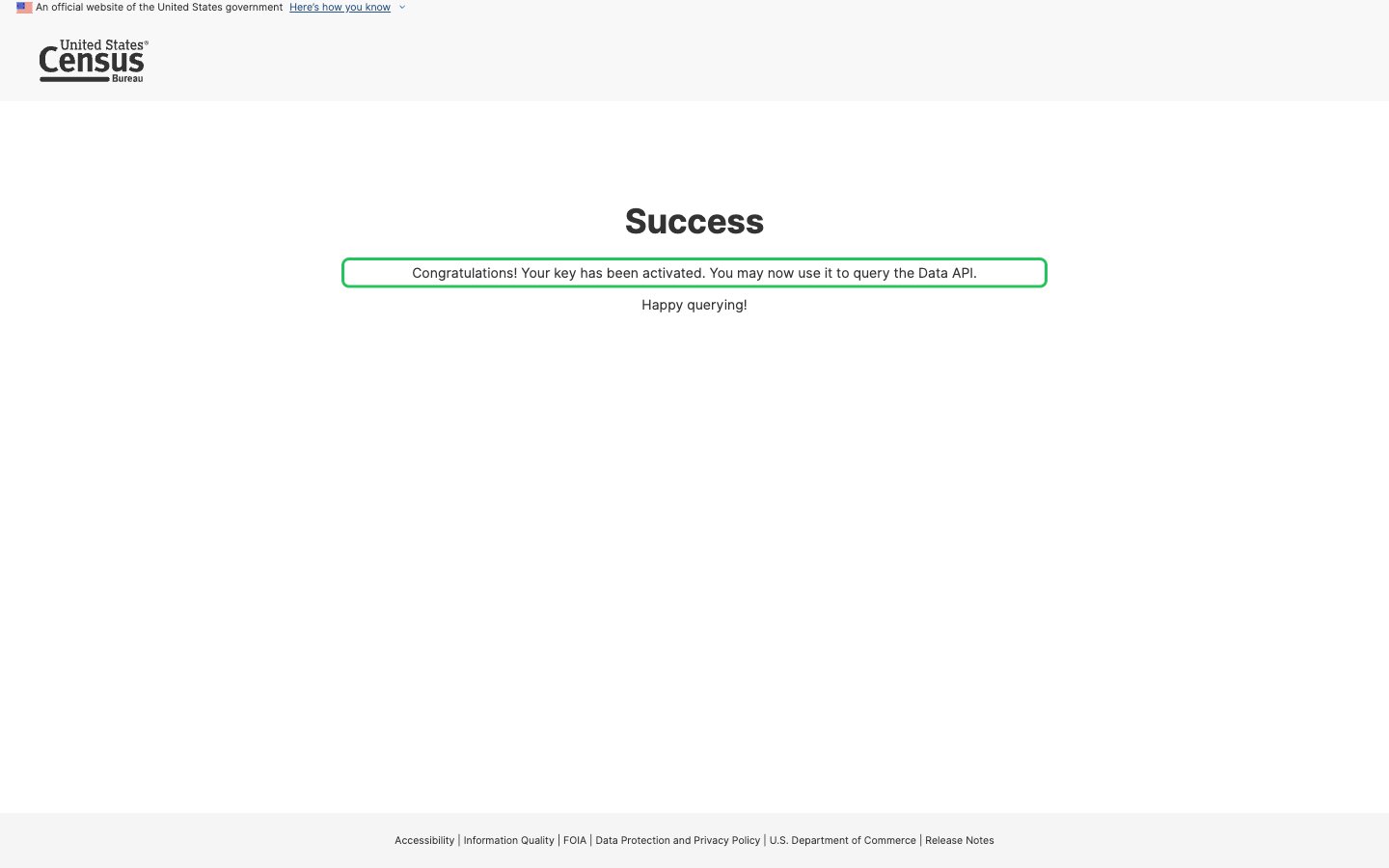
- Click the activation link. A success page confirms that your key has been activated.
- Copy the API key from the email.
Step 2: Enter your API key in the Connect UI
- Open the form where you need to authenticate with the Census Bureau.
- Paste the key you copied in Step 1 into the API Key field.
- Submit the form, and you should be successfully authenticated.