Overview
To authenticate with CastingWords, you need:- API Key - the secret API key of your CastingWords account.
Prerequisites
- A CastingWords customer account. You can create one for free.
Step 1: Copy your API key
- Sign in to your CastingWords account.
- Open your account settings.
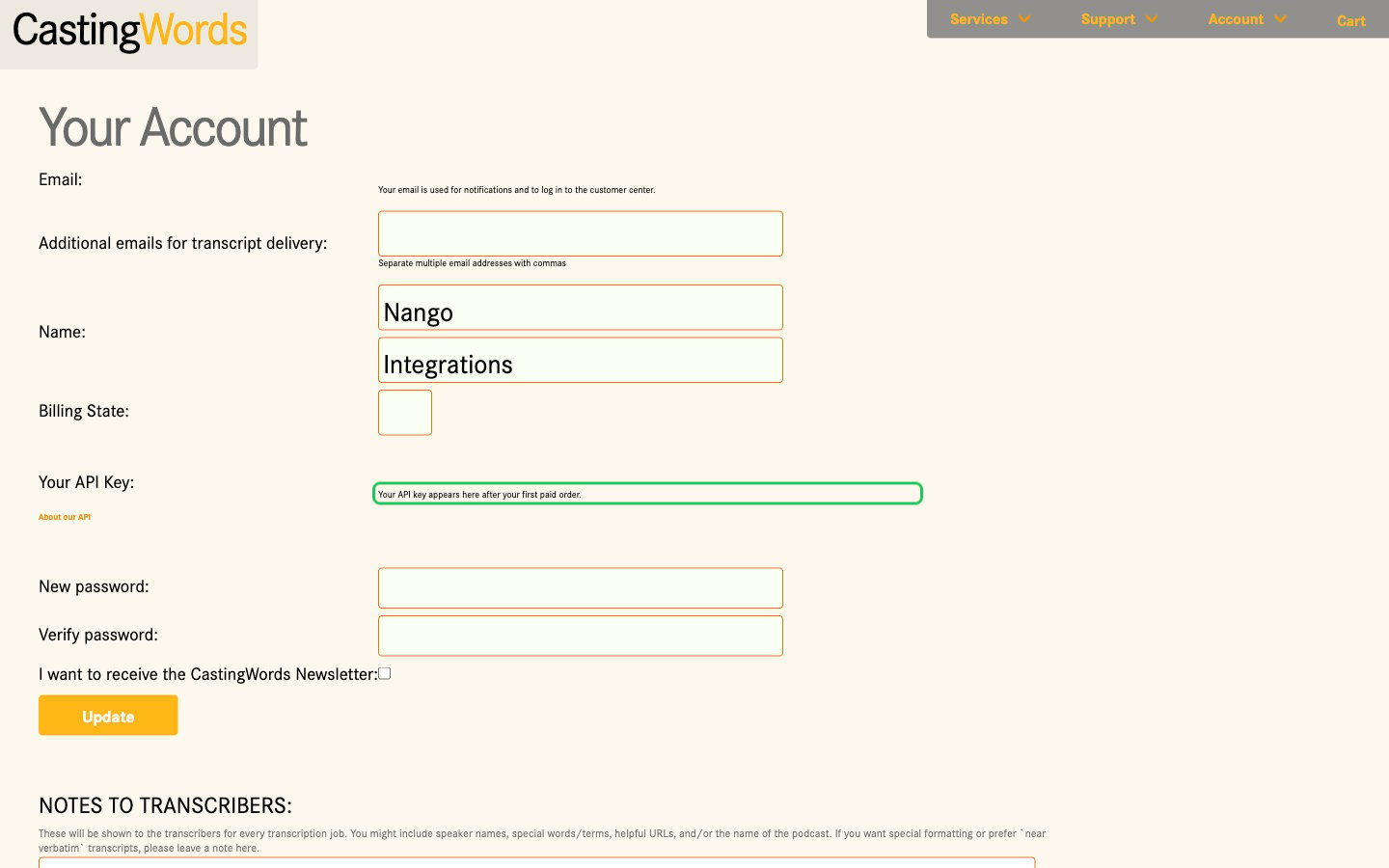
- In the Your API Key row, copy the key. The key only appears there after the account’s first paid order. Until then, the row says “Your API key appears here after your first paid order.”
Step 2: Enter your API key in the Connect UI
- Open the form where you need to authenticate with CastingWords.
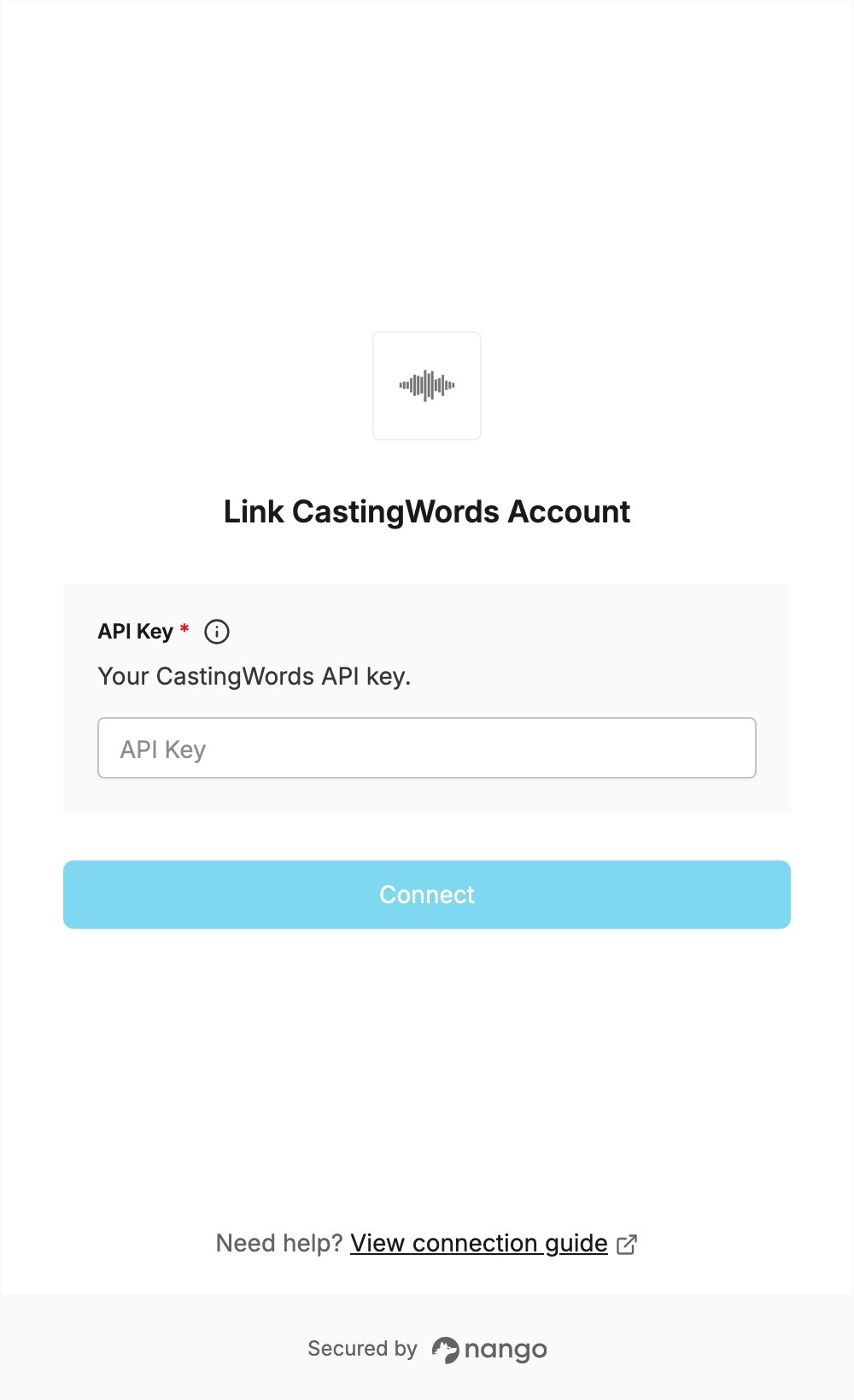
- Enter your API Key in the designated field.
- Click Connect. Nango checks the key with CastingWords and rejects it if it is wrong.