

Overview
To authenticate with Carta, you need:- Login Host and API Host — the Carta environment your account is in.
- A Carta login with access to the companies, firms, or portfolios you want to share.
Step 1: Select your Carta environment
Most accounts are in production, which is the default. Pick Playground only if you were given a Carta Playground account for testing. The two hosts must match: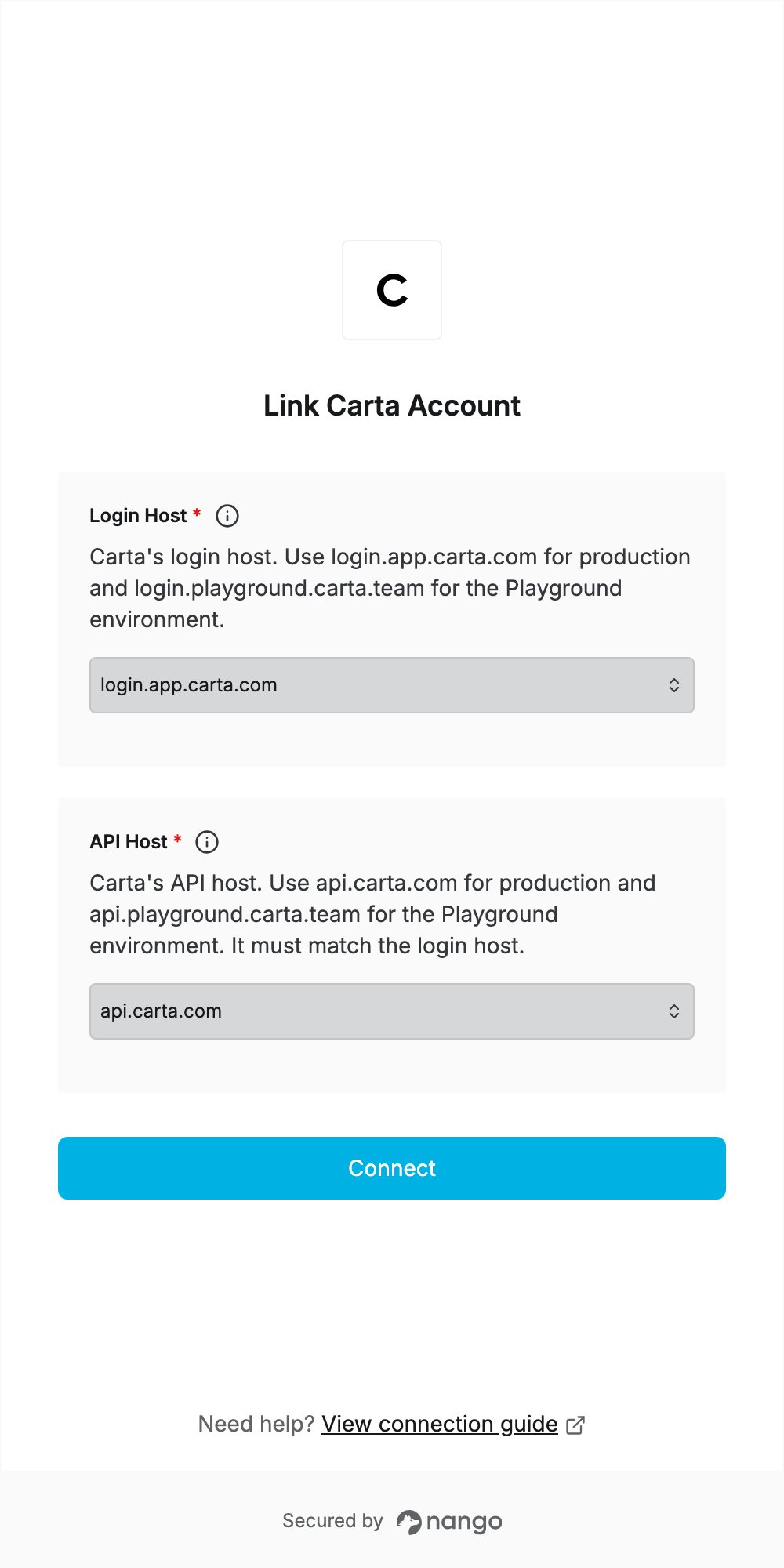
Step 2: Log in to Carta
Click Connect, log in to Carta, and approve the requested access.Carta only shows data your login can already see in Carta.