Overview
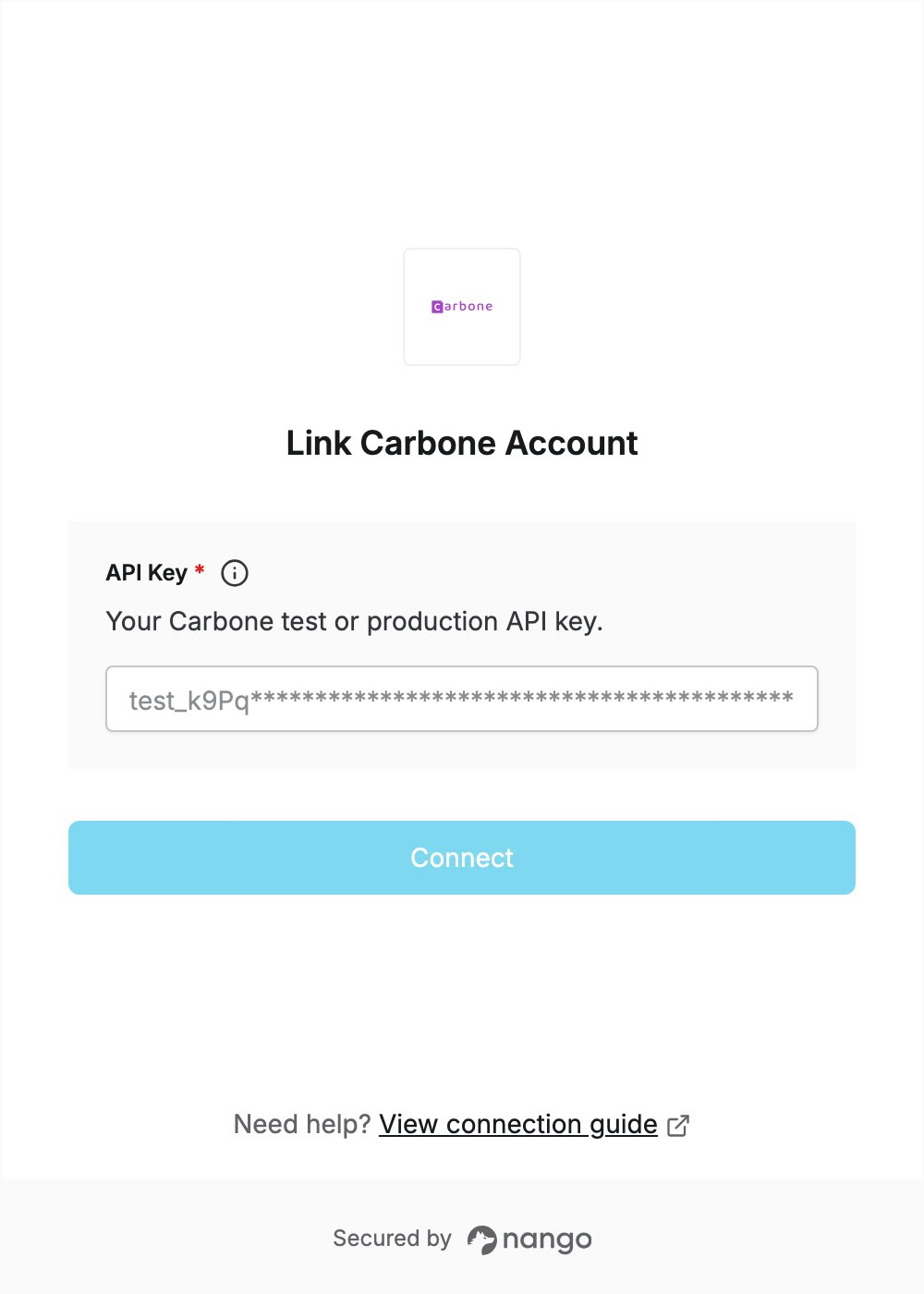
To authenticate with Carbone, you need:- API Key - Your Carbone test or production API key.
Prerequisites
Step 1: Copy your API key
- Sign in to your Carbone account.
- Click API keys in the left sidebar.
- Click the token of the key you want to use to copy it. If Carbone asks you to confirm your password, enter it and click Continue.
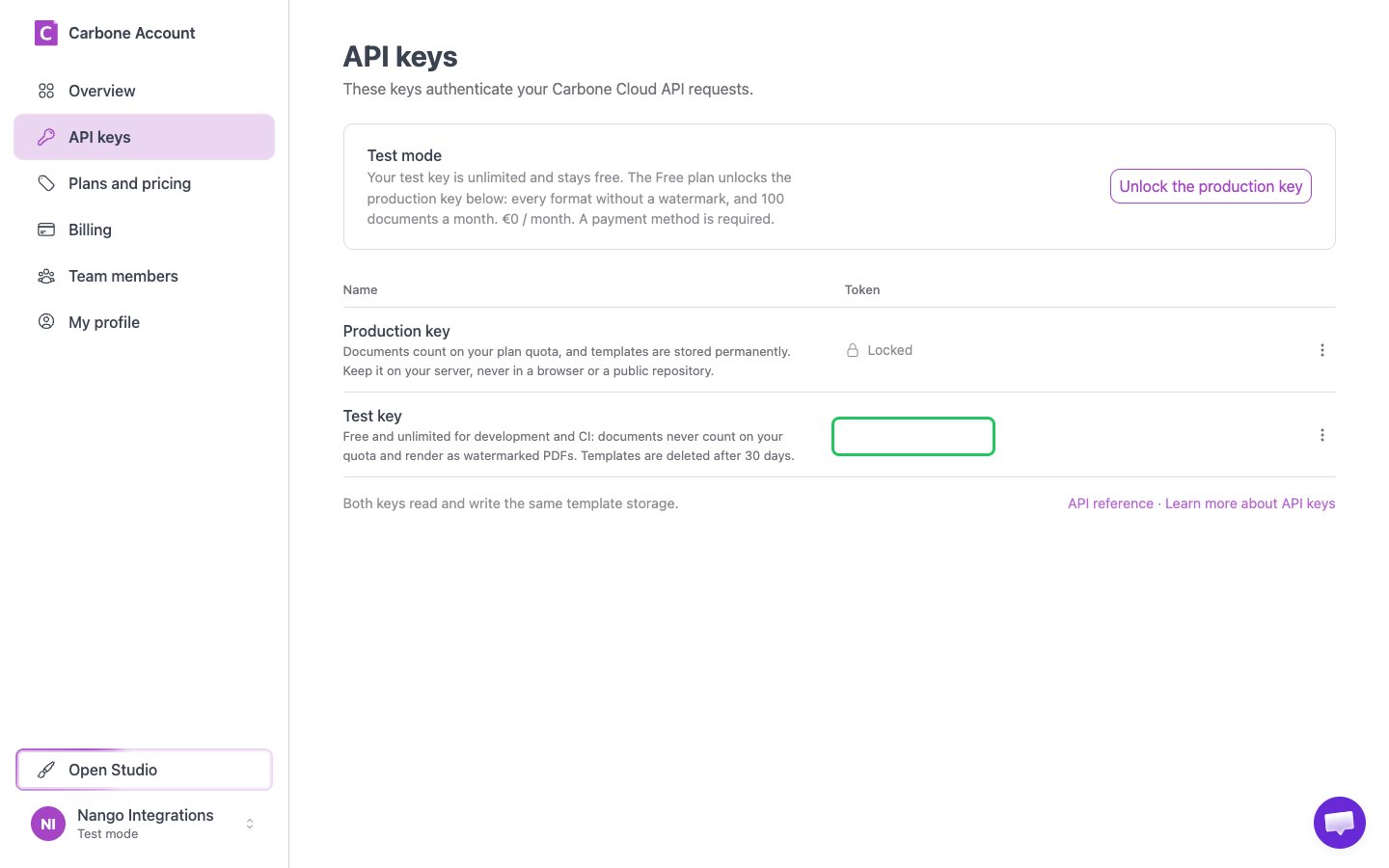
The Test key only generates watermarked PDFs. The Production key stays locked until you subscribe to a Carbone Cloud plan with Unlock the production key.
Step 2: Enter your API key in the Connect UI
- Open the form where you need to authenticate with Carbone.
- Enter your API Key in the designated field.
- Submit the form, and you should be successfully authenticated.