Overview
To authenticate with Campayn, you need:- API Key - A key that lets Nango call the Campayn API on behalf of your account.
Prerequisites
- A Campayn account.
Step 1: Copy your API key
- Log in to your Campayn account.
- Open Settings, then go to Account.
- Click Show your campayn API key to reveal the key, then copy it.
If you regenerate your API key in the Campayn Account section, the old key stops working. Update your connection with the new key.
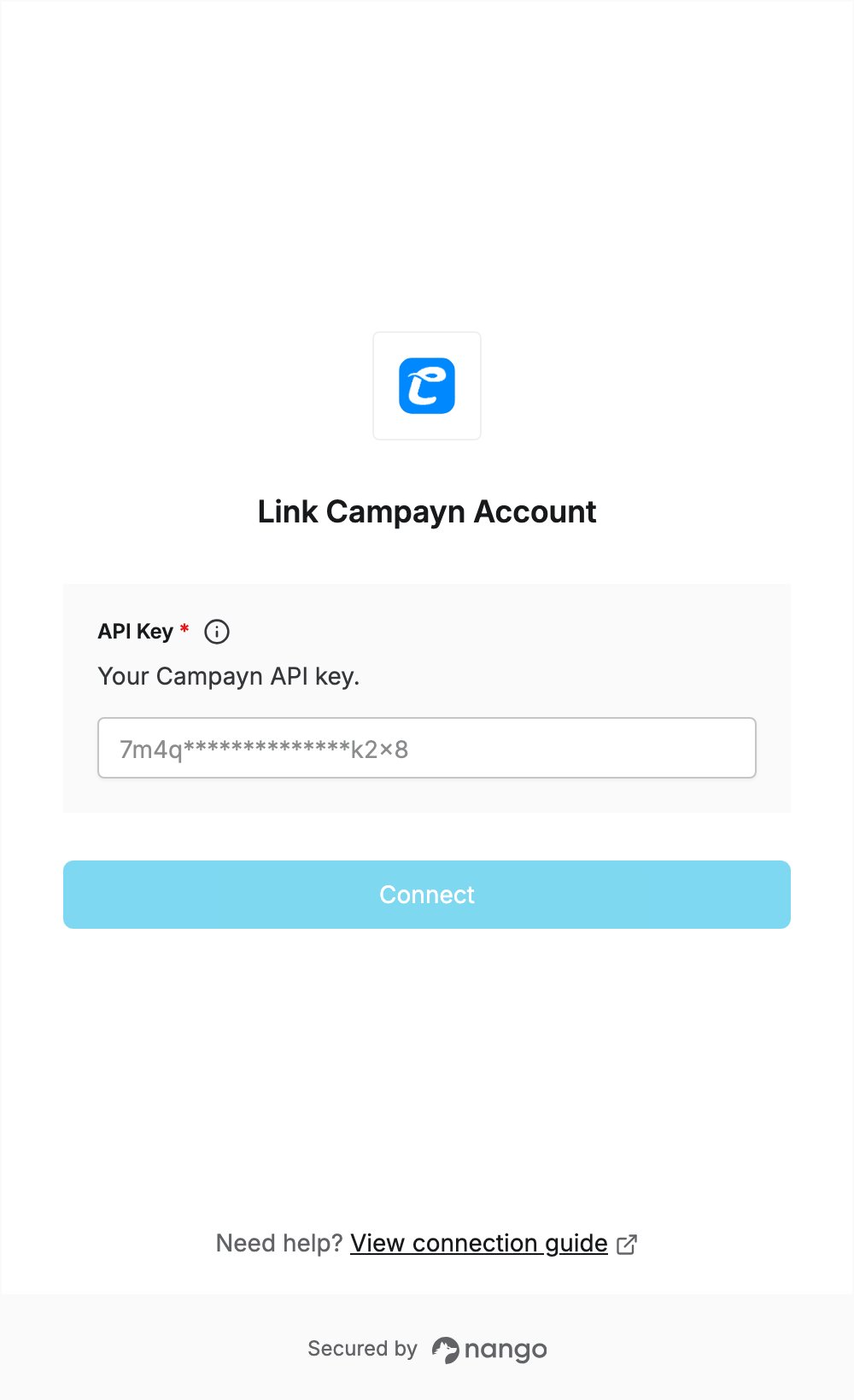
Step 2: Enter your API key in the Connect UI
- Open the form where you need to authenticate with Campayn.
- Enter your API Key in the designated field.
- Submit the form, and you should be successfully authenticated.