Overview
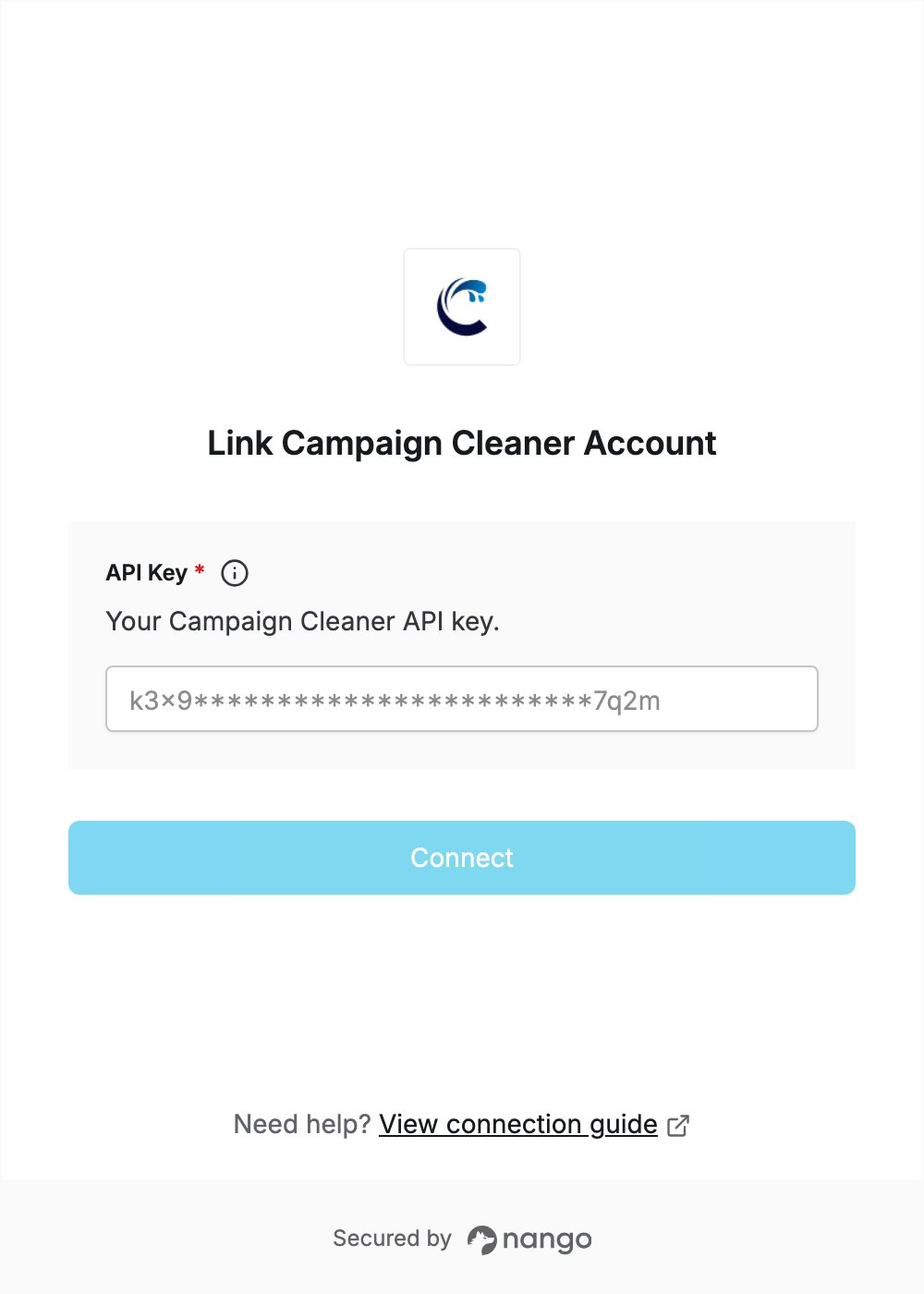
To authenticate with Campaign Cleaner, you need:- API Key - A key that lets Nango call the Campaign Cleaner API on behalf of your account.
Prerequisites
- A Campaign Cleaner account. All paid subscriptions include API credits, which refresh on the subscription’s renewal date.
Step 1: Copy your API key
- Log in to the Campaign Cleaner members dashboard.
- In the left sidebar, under Management, click API Management.
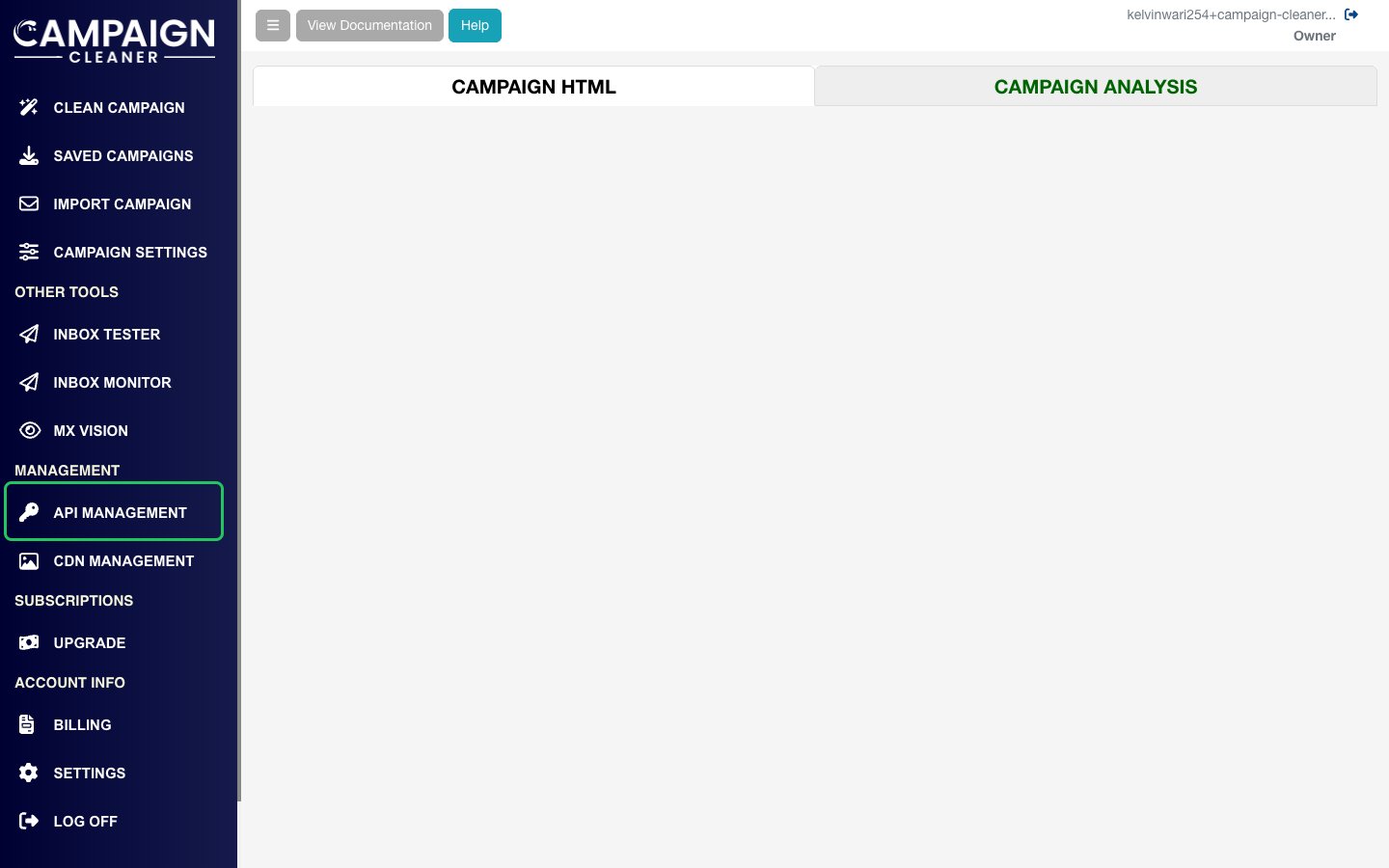
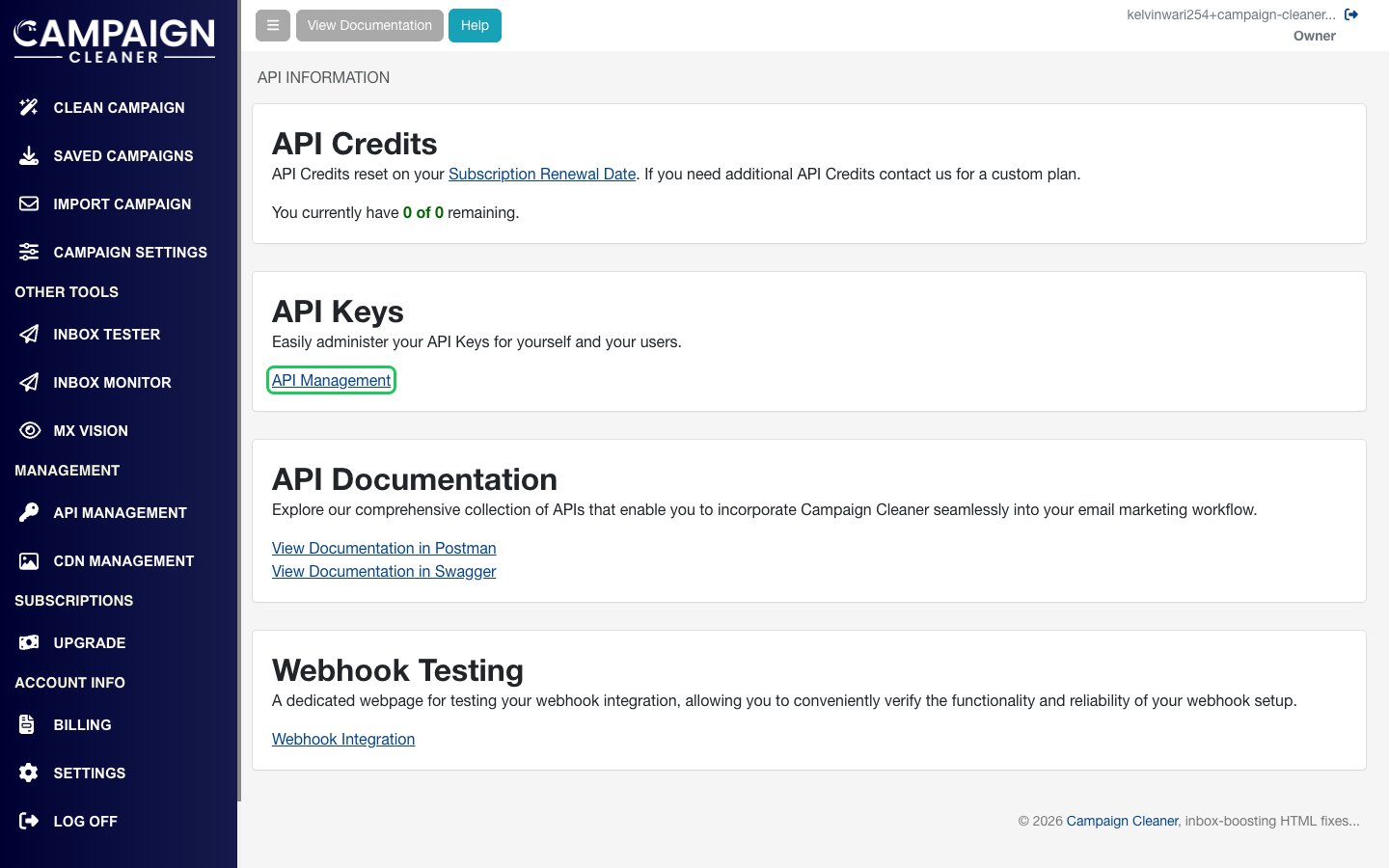
- On the API Information page, click API Management in the API Keys card.
- On Manage Your API Keys, use the existing Account Key, or click Create Another API Key to create a separate key.
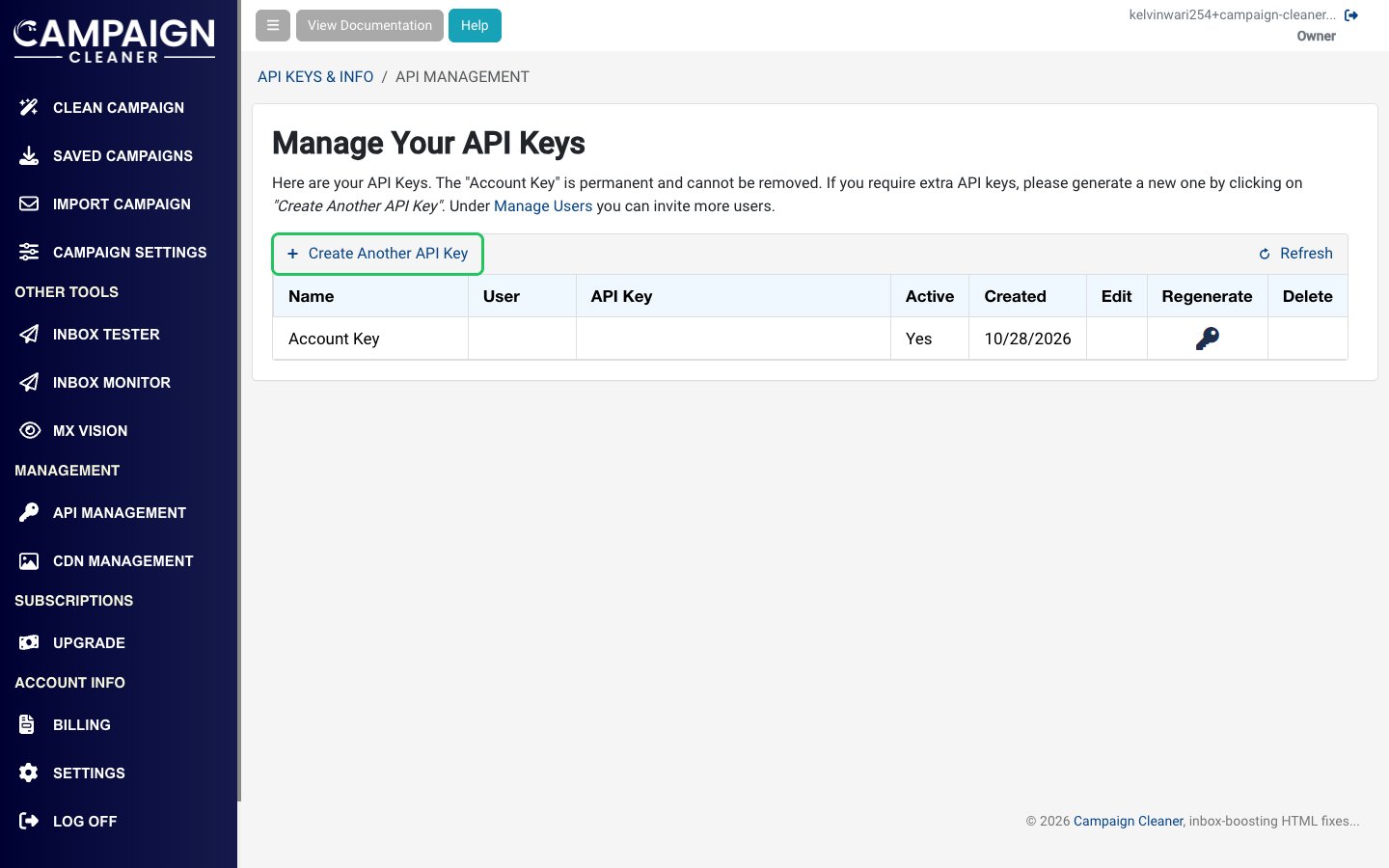
- Copy the value in the API Key column.
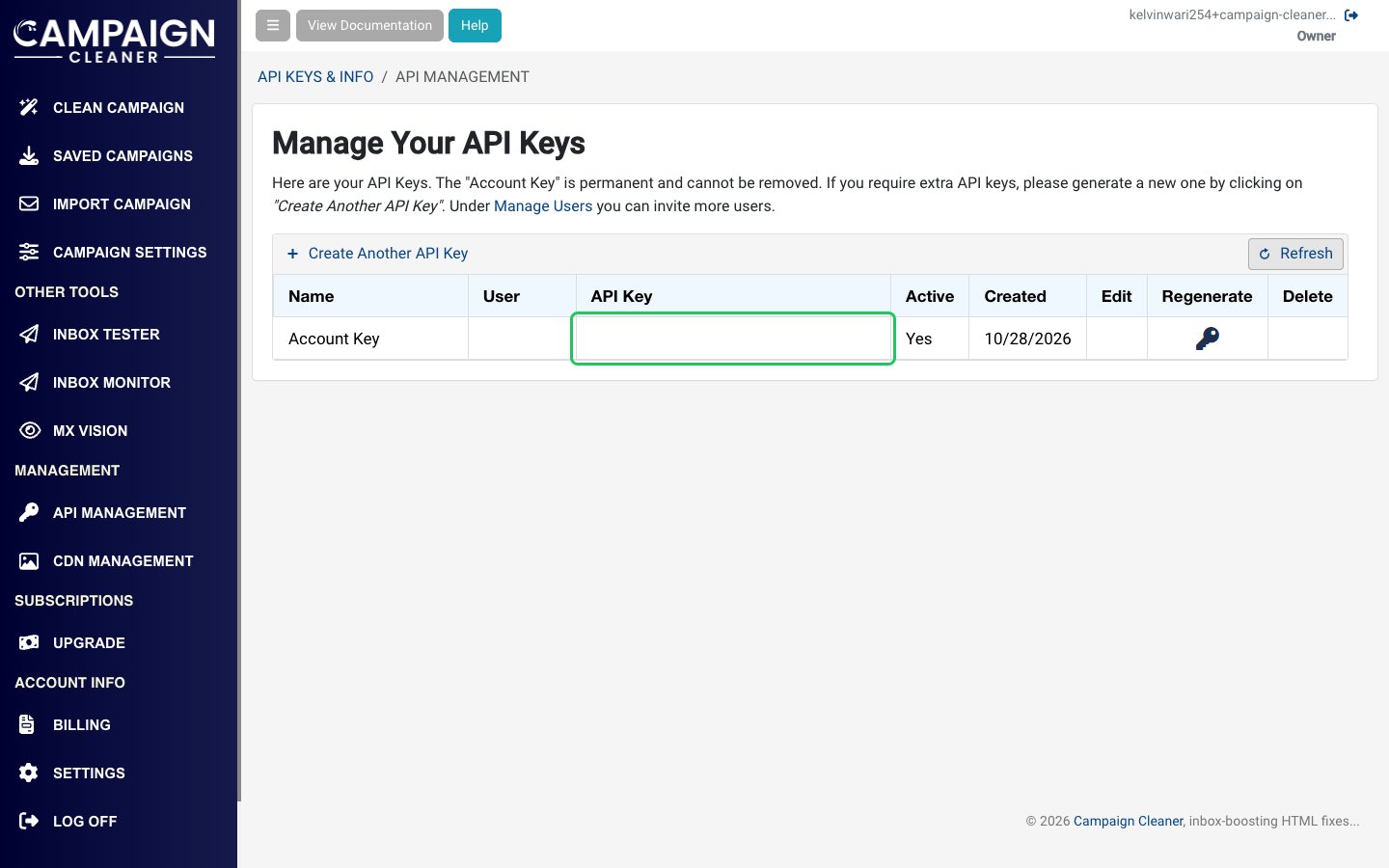
The Account Key can’t be deleted or modified. Any API key can be regenerated, which replaces the old key, so update your connection if you regenerate the key you used.
Step 2: Enter your API key in the Connect UI
- Open the form where you need to authenticate with Campaign Cleaner.
- Enter your API Key in the designated field.
- Submit the form, and you should be successfully authenticated.