Overview
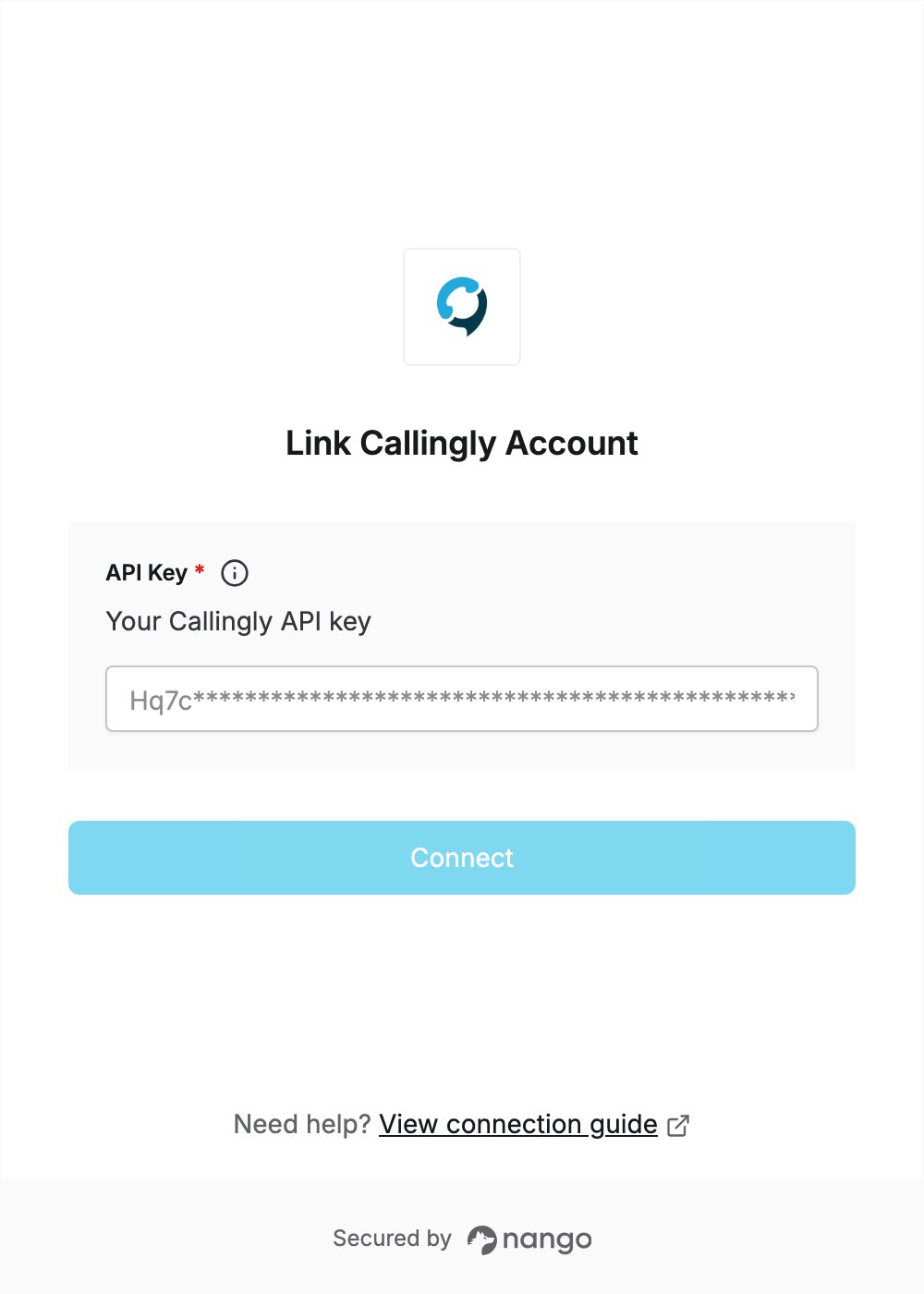
To authenticate with Callingly, you need:- API Key — a Callingly API key.
Prerequisites
- A Callingly account. You can start a 14-day free trial, no credit card required, if you don’t have one.
Step 1: Create an API key
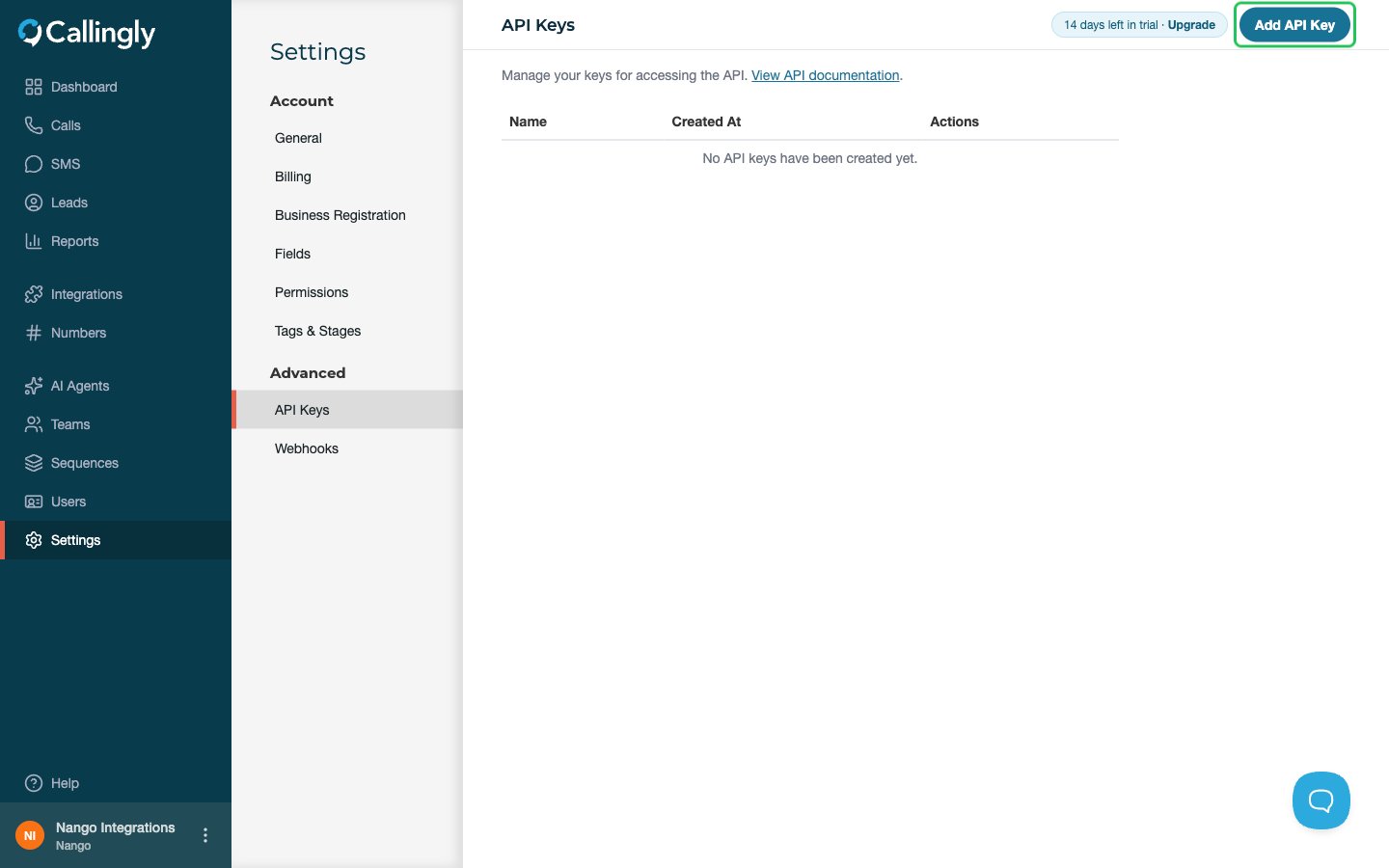
- Log in to Callingly and go to Settings -> API Keys, under Advanced.
- Click Add API Key in the top right.
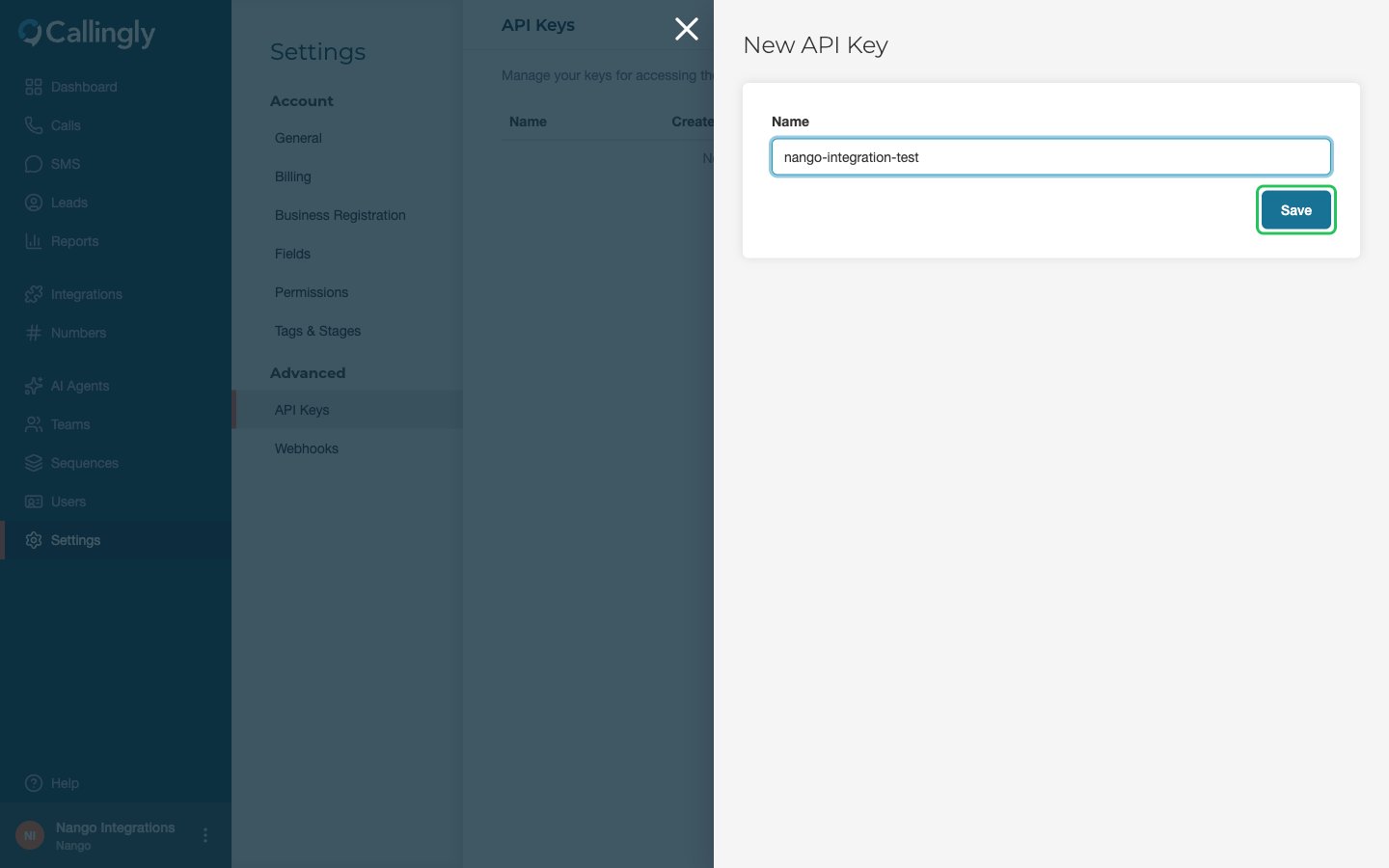
- Give the API key a name (it is only for your own reference) and click Save.
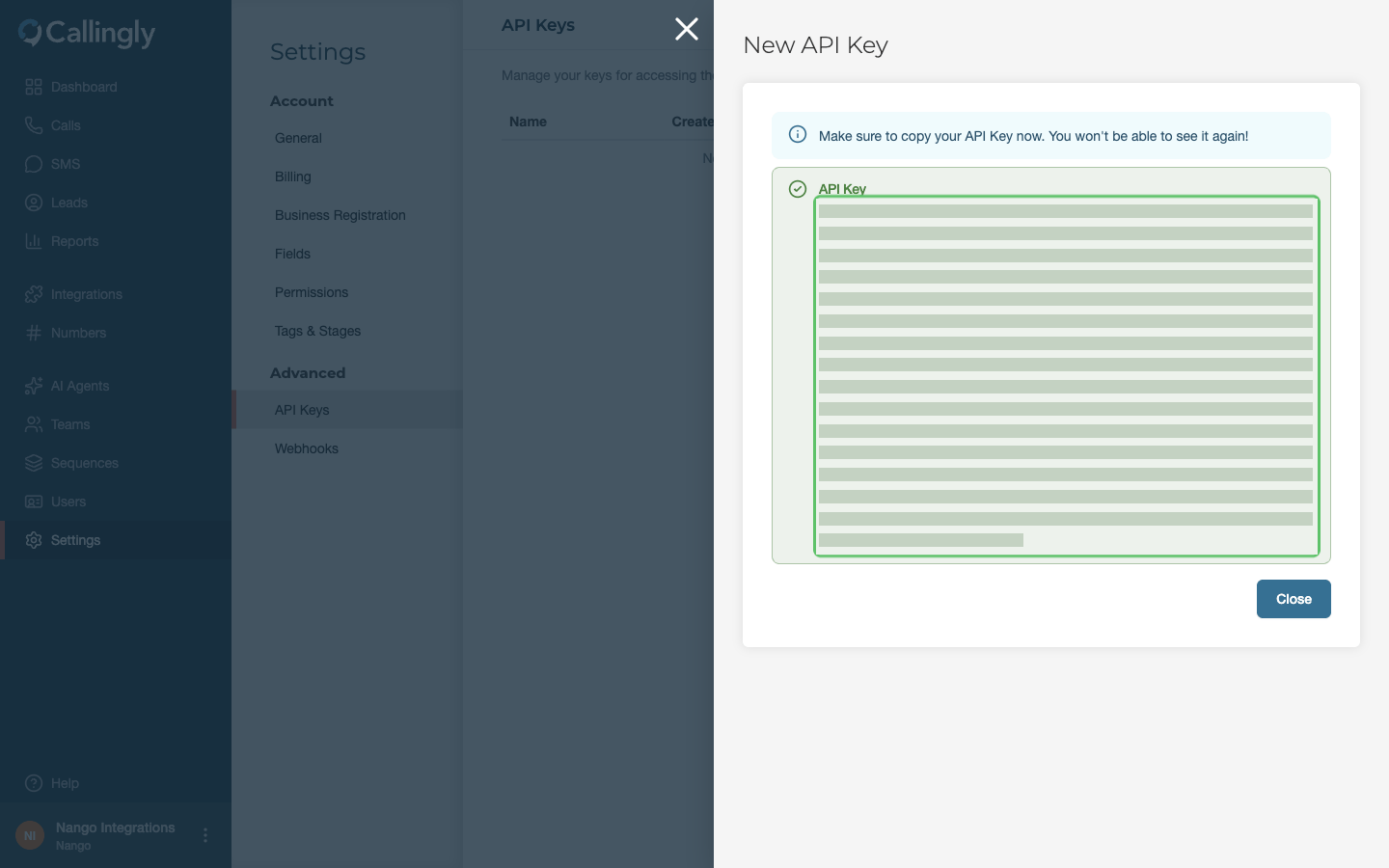
- Copy the API key and store it somewhere safe. You can’t view it again after you close the panel.
Step 2: Enter your API key in the Connect UI
- Open the form where you need to authenticate with Callingly.
- Enter your API key in the API Key field.
- Submit the form, and you should be successfully authenticated.