Overview
To authenticate with CallerAPI, you need:- API Key — the API key from your CallerAPI dashboard.
Prerequisites
- A CallerAPI account. CallerAPI uses Google sign-in.
Step 1: Copy your API key
- Go to the CallerAPI dashboard and sign in with Google.
- If a Special Offer pop-up opens, close it with the X button in its top-right corner.
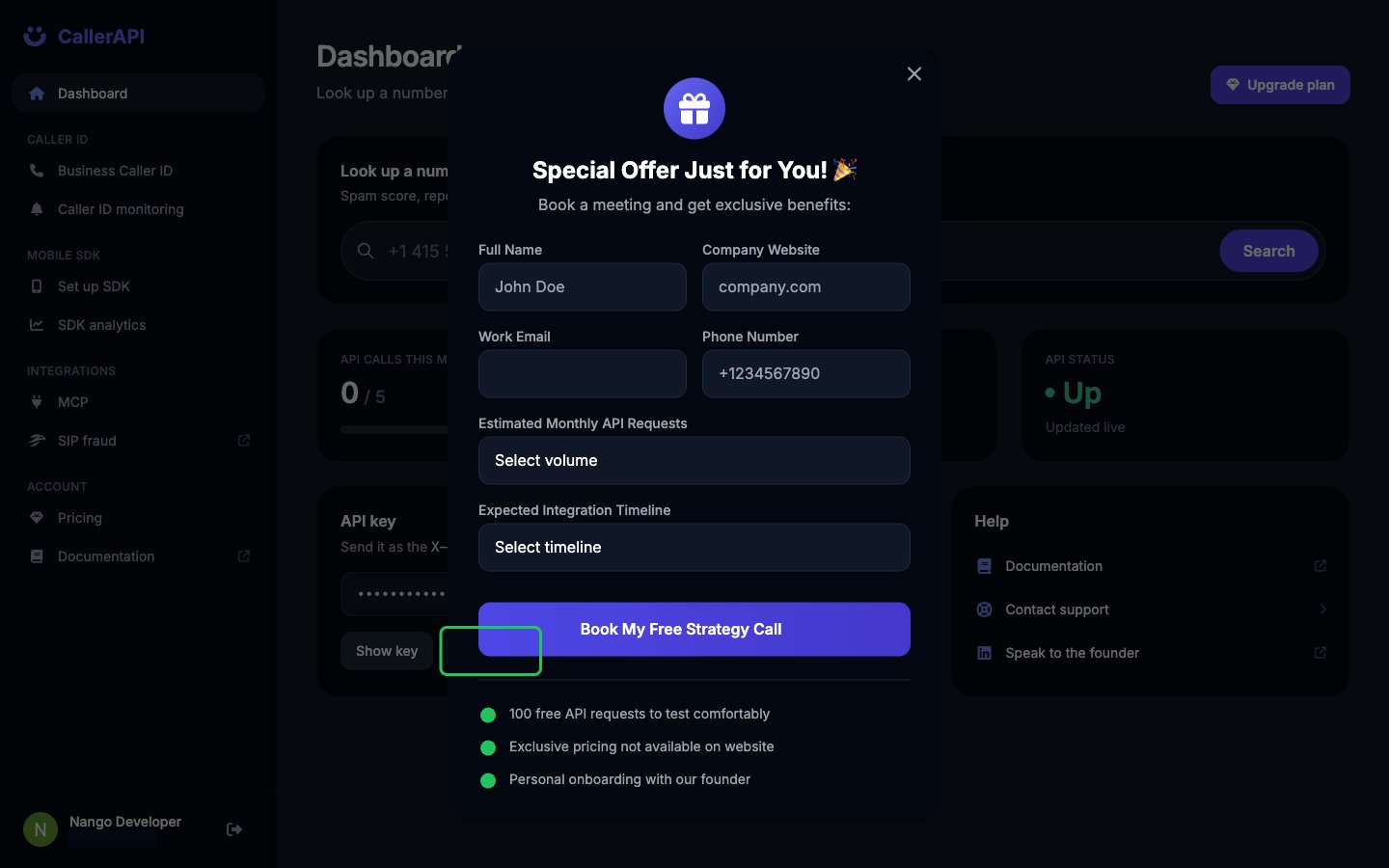
- In the API key card on the Dashboard, click Copy key. Click Show key if you want to see it first.
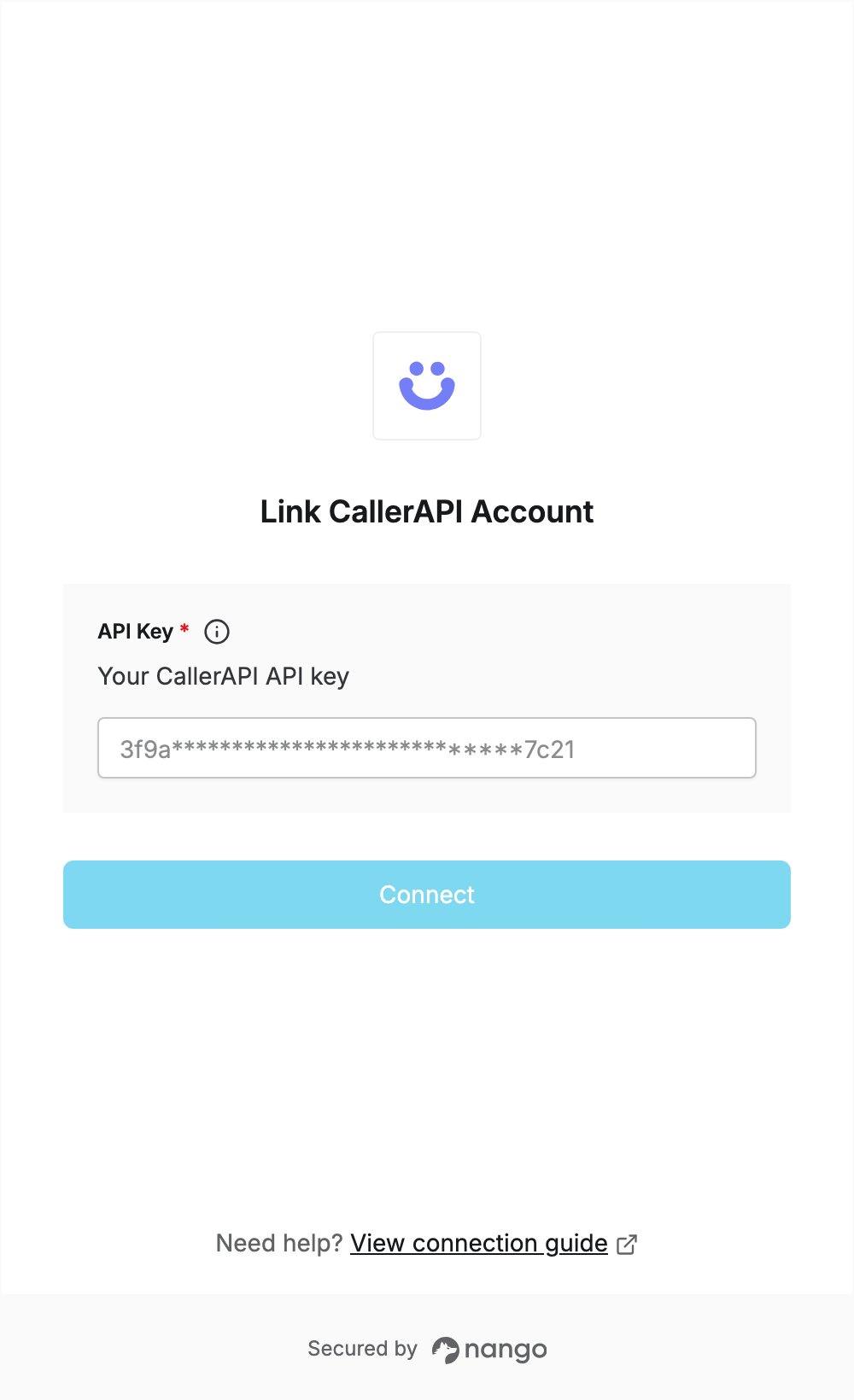
Step 2: Enter your API key in the Connect UI
- Open the form where you need to authenticate with CallerAPI.
- Enter your API key in the API Key field.
- Submit the form, and you should be successfully authenticated.