Overview
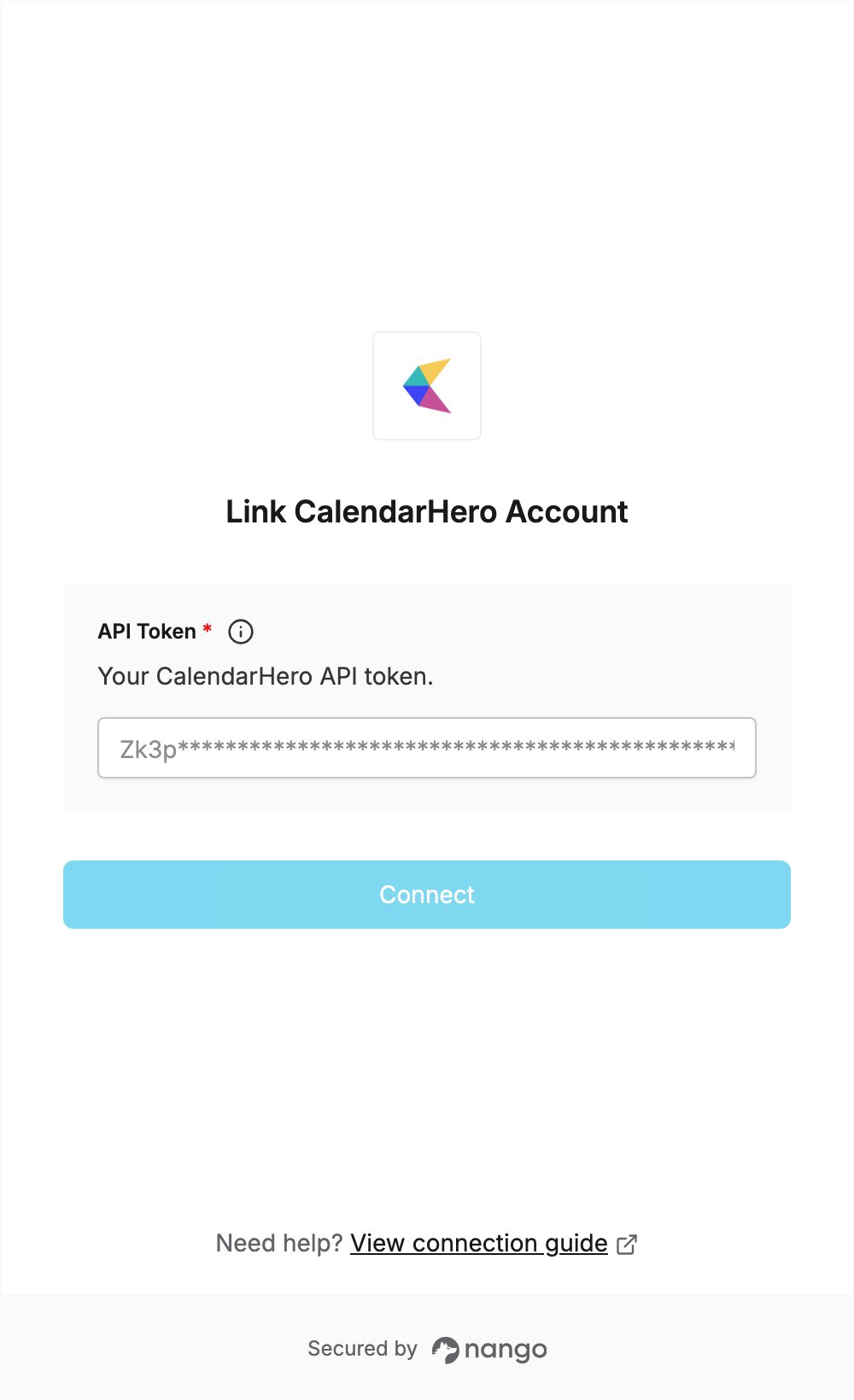
To authenticate with CalendarHero, you need:- API Token — the API token from your CalendarHero user settings.
Prerequisites
- A CalendarHero account. If you don’t have one, sign up for the free 14-day trial. No credit card is required.
Step 1: Copy your API token
- Sign in to CalendarHero.
- Click My Account, then open the API tab of your user settings.
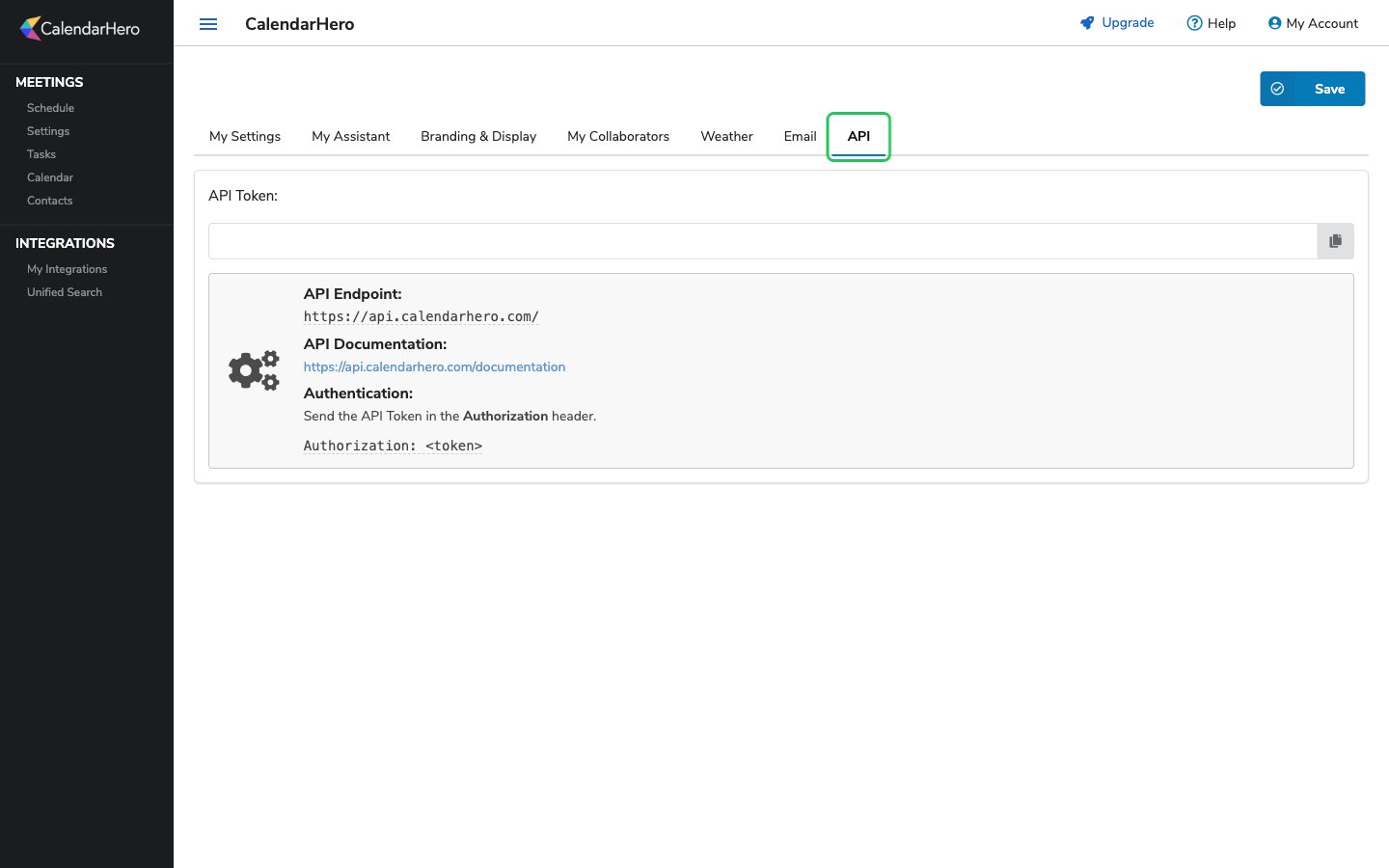
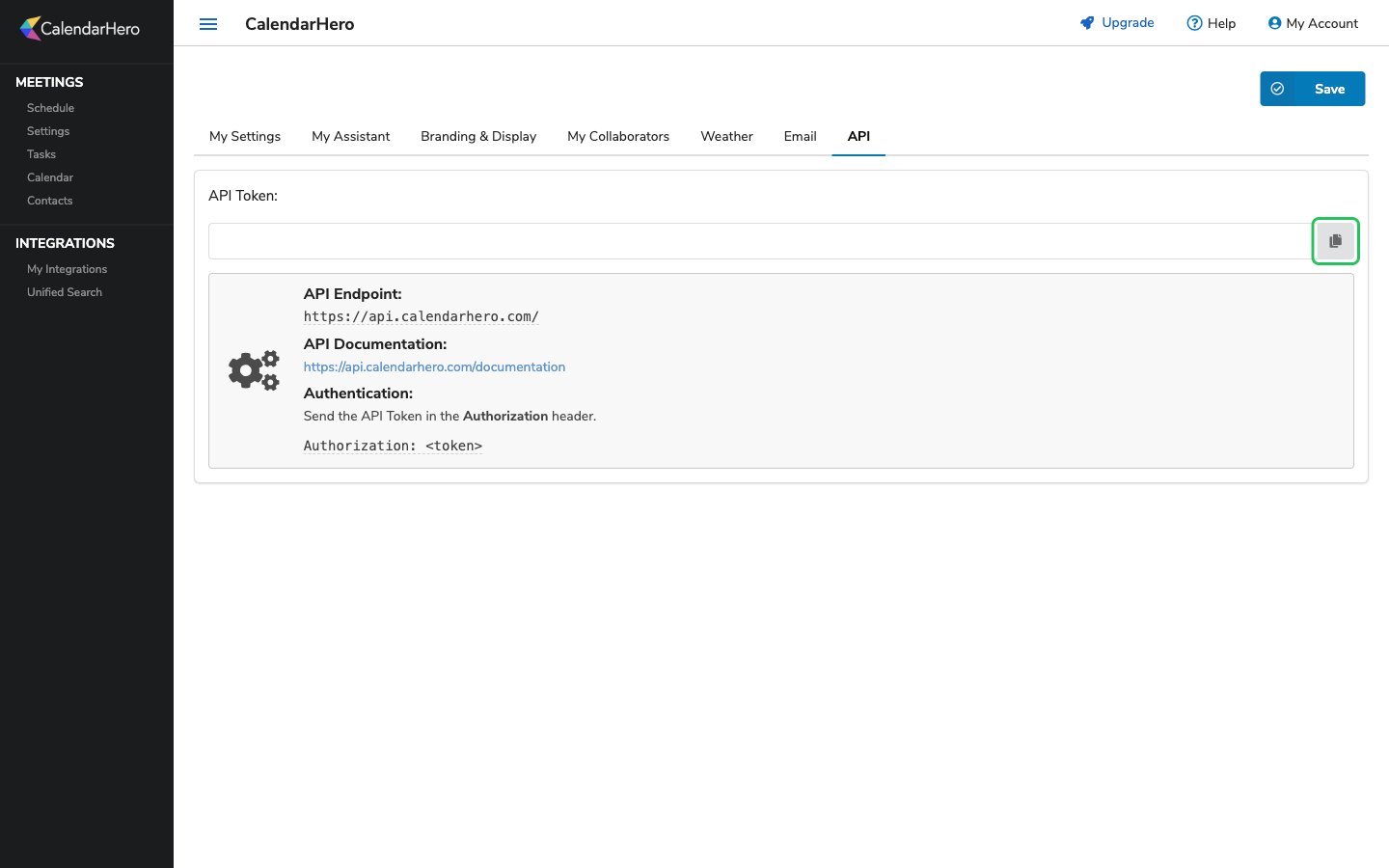
- Click the copy button next to the API Token field to copy your token.
Step 2: Enter your API token in the Connect UI
- Open the form where you need to authenticate with CalendarHero.
- Enter your API token in the API Token field.
- Submit the form, and you should be successfully authenticated.