Overview
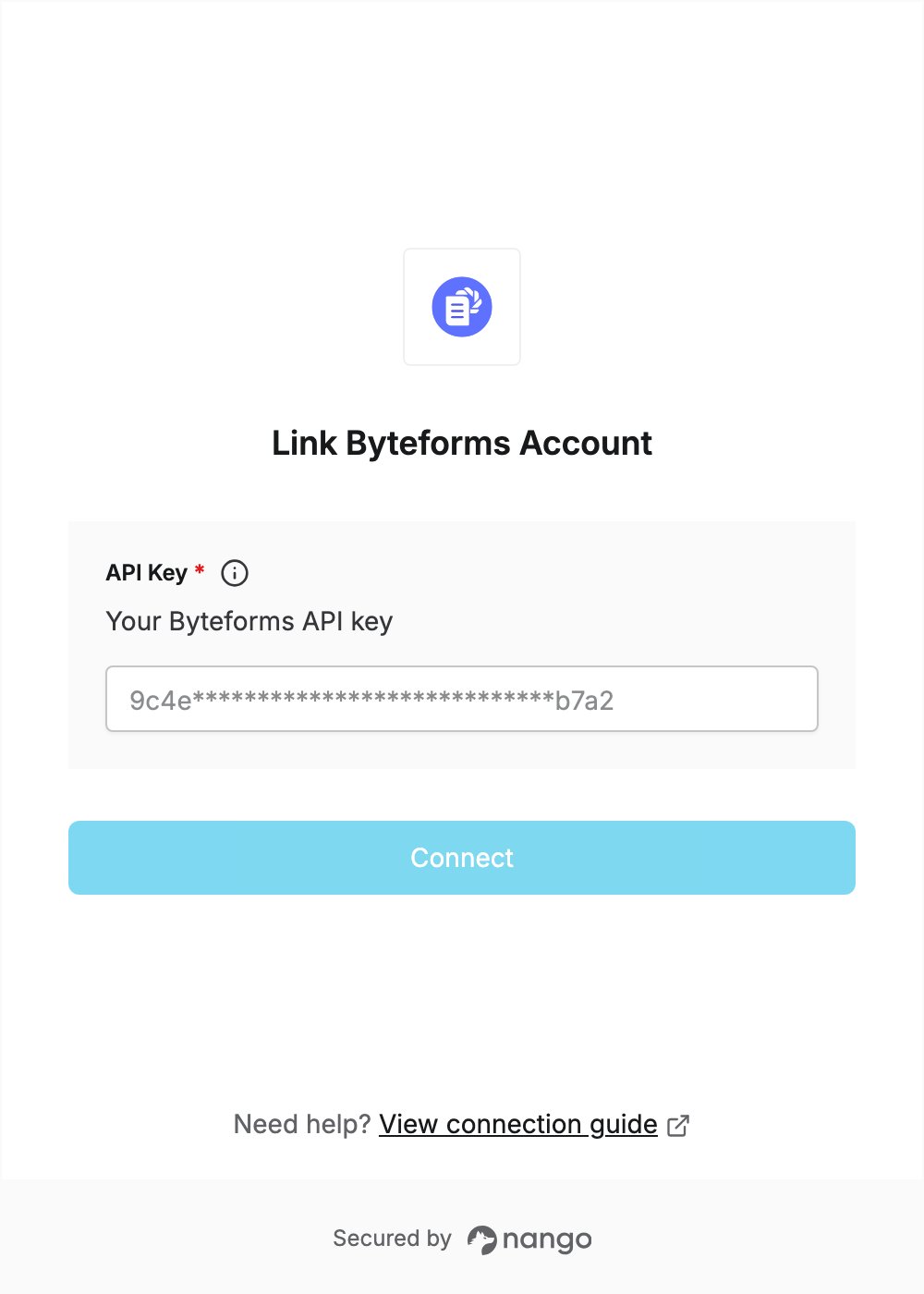
To authenticate with Byteforms, you need:- API Key — a key you generate on your Byteforms profile.
Prerequisites
- A Byteforms account. If you don’t have one, sign up; API access is part of the free plan.
Step 1: Generate an API key
- Sign in to Byteforms.
- Open the user menu, click Profile, then select the Account tab.
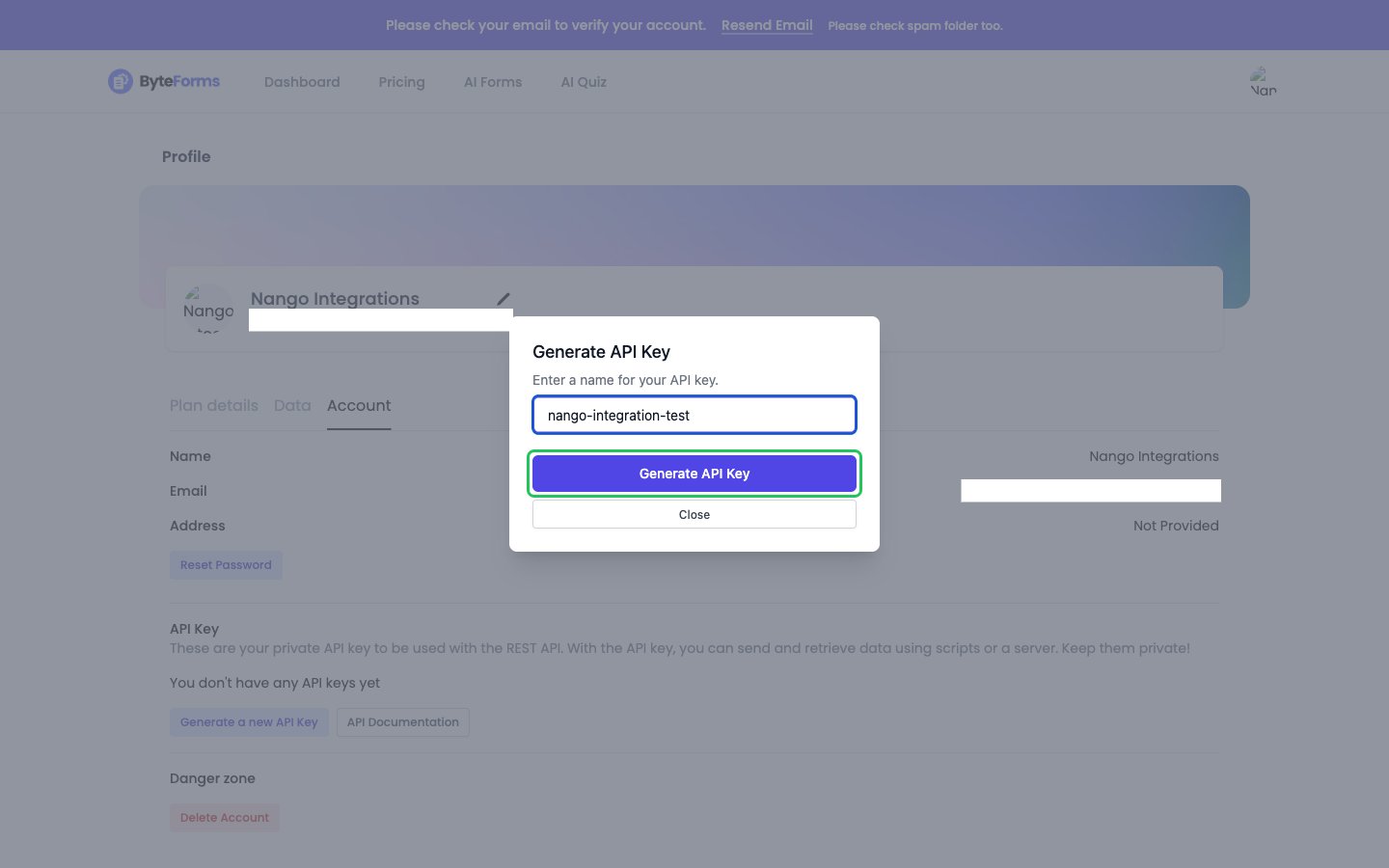
- Under API Key, click Generate a new API Key.
- Enter a name for the key (for example,
nango-integration) and click Generate API Key.
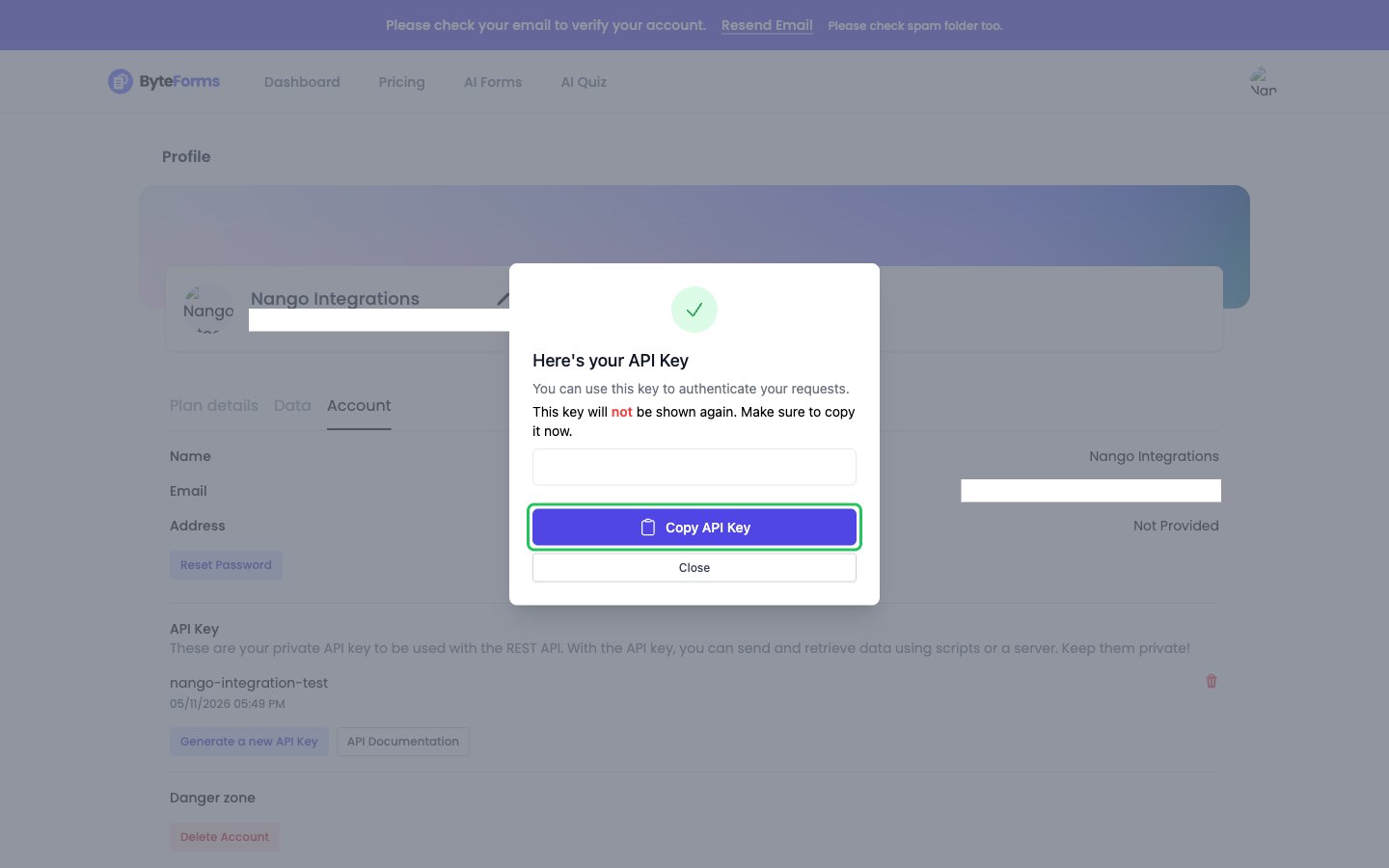
- In the Here’s your API Key dialog, click Copy API Key. Byteforms shows the key only once, so store it somewhere safe.
Step 2: Enter your API key in the Connect UI
- Open the form where you need to authenticate with Byteforms.
- Paste your key in the API Key field.
- Submit the form, and you should be successfully authenticated.