Overview
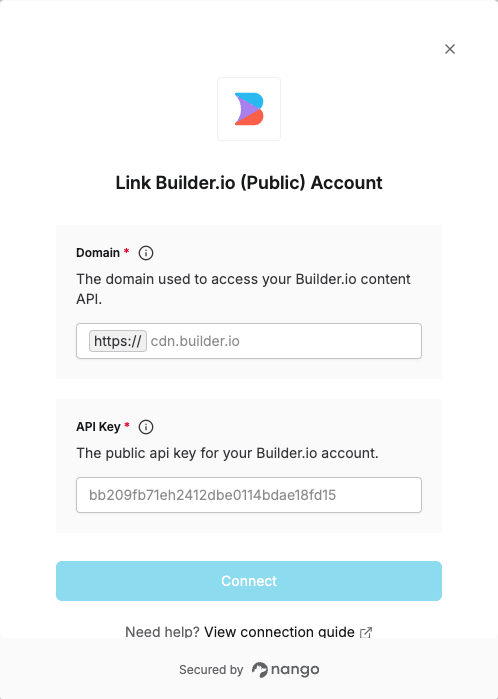
To authenticate with Builder.io (Public), you will need:- API Key – A public key that grants Nango permission to use Builder.io’s Content API.
- Domain – The API domain (e.g.
cdn.builder.io) of the API you want to connect to.
Prerequisites
- You must have a registered account with Builder.io.
Instructions
Step 1: Finding your API domain
Different APIs within Builder.io use different domains. The Content API typically usescdn.builder.io. For details see API Intro.
Step 2: Finding your API key
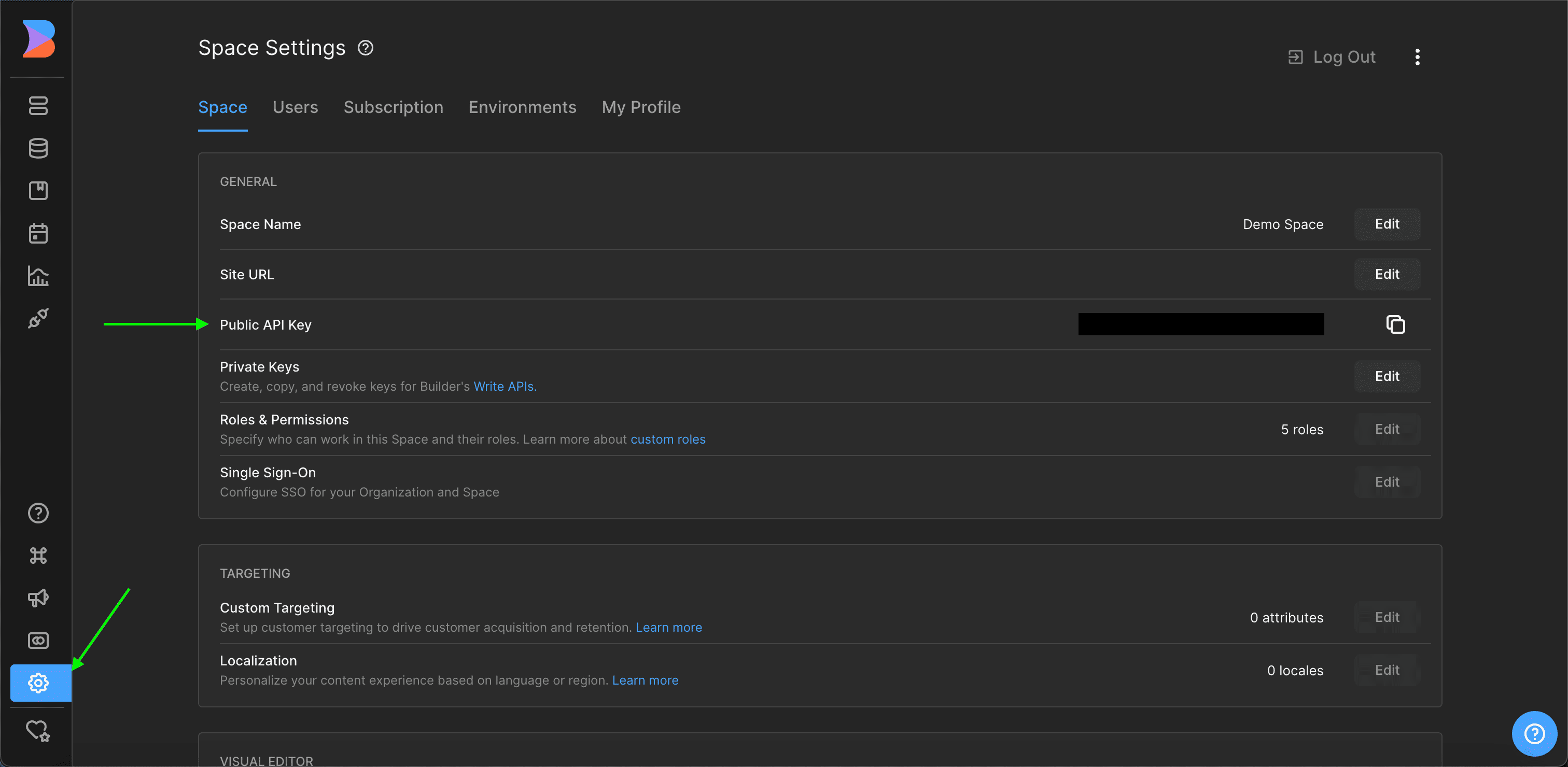
- Log in to your Builder.io dashboard.
- Select your space, then go to Space settings under the Space tab.
- You can view your public API key there.
Step 3: Enter credentials in the Connect UI
Once you have the API Key and Domain:- Open the form where you need to authenticate with Builder.io (Public).
- Enter the API Key and Domain in the designated fields.
- Submit the form to complete authentication.