Overview
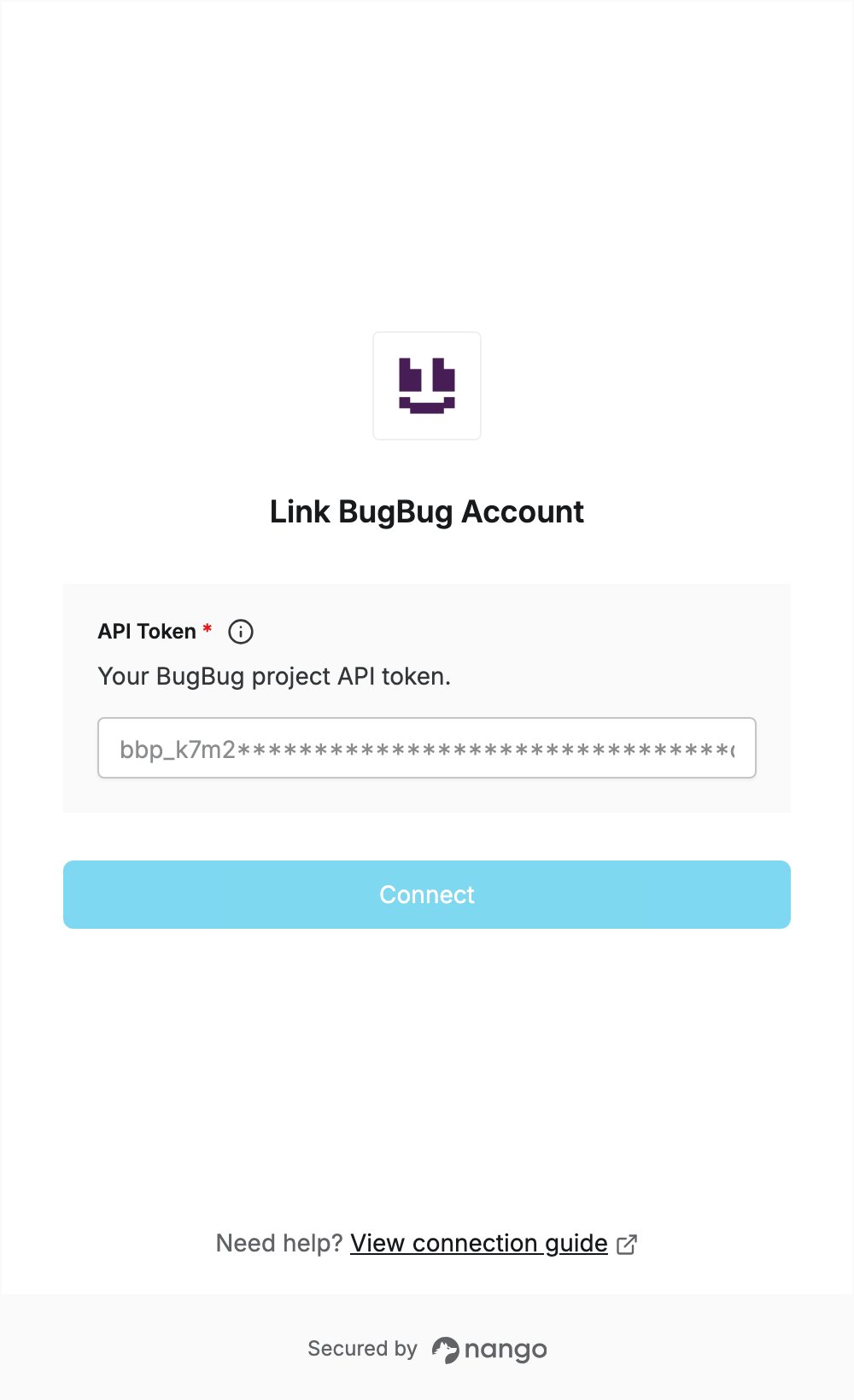
To authenticate with BugBug, you need:- API Token — the API token of your BugBug project.
Prerequisites
- A BugBug account on the Business plan. The Public API is available on this plan, and new organizations get a 14-day trial with the features of the Business plan. If you don’t have an account, sign up.
Step 1: Copy your API token
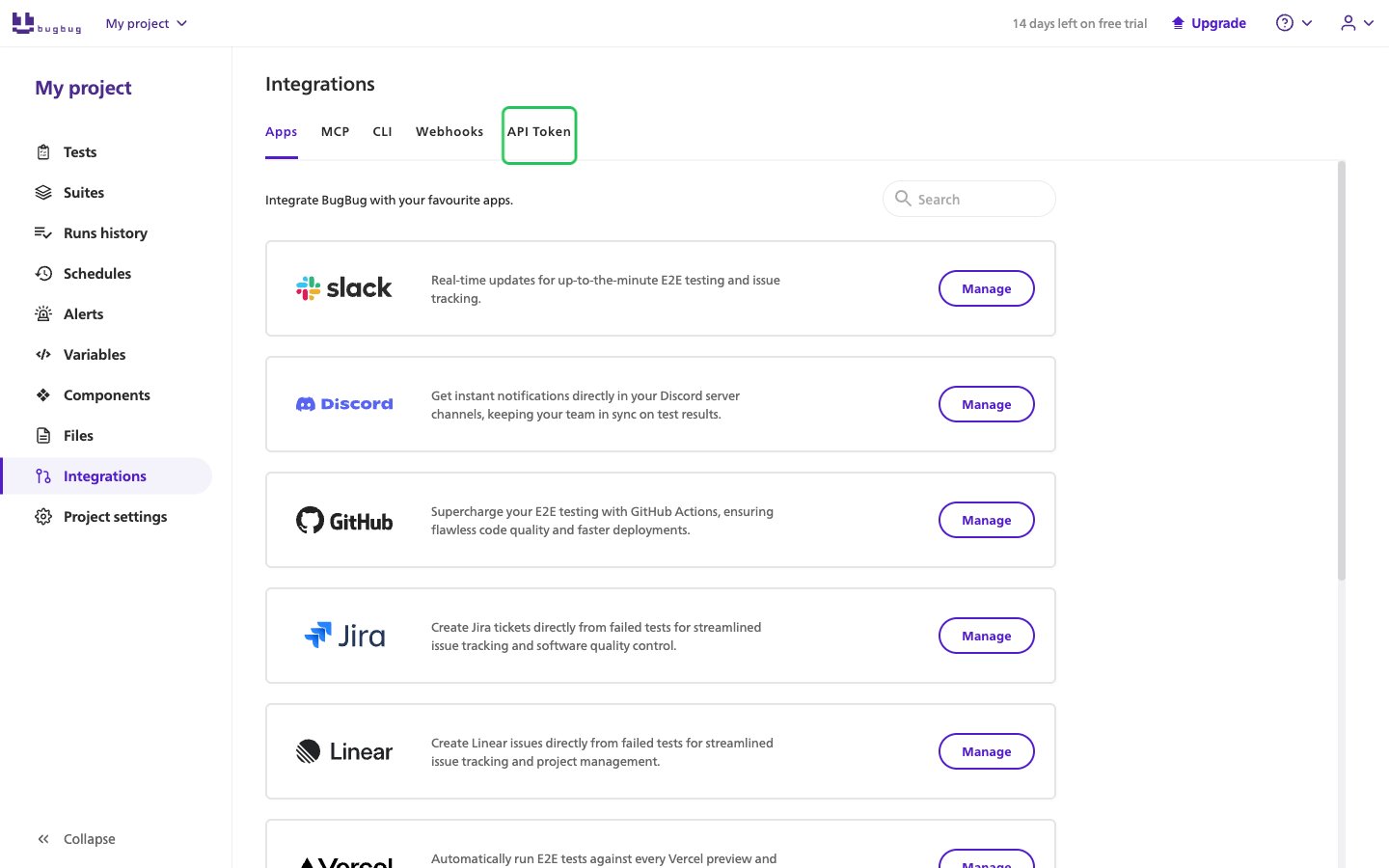
Each BugBug project has its own API token, and every request made with it works on that project.- Sign in to BugBug and open your project.
- In the left sidebar, click Integrations, then select the API Token tab.
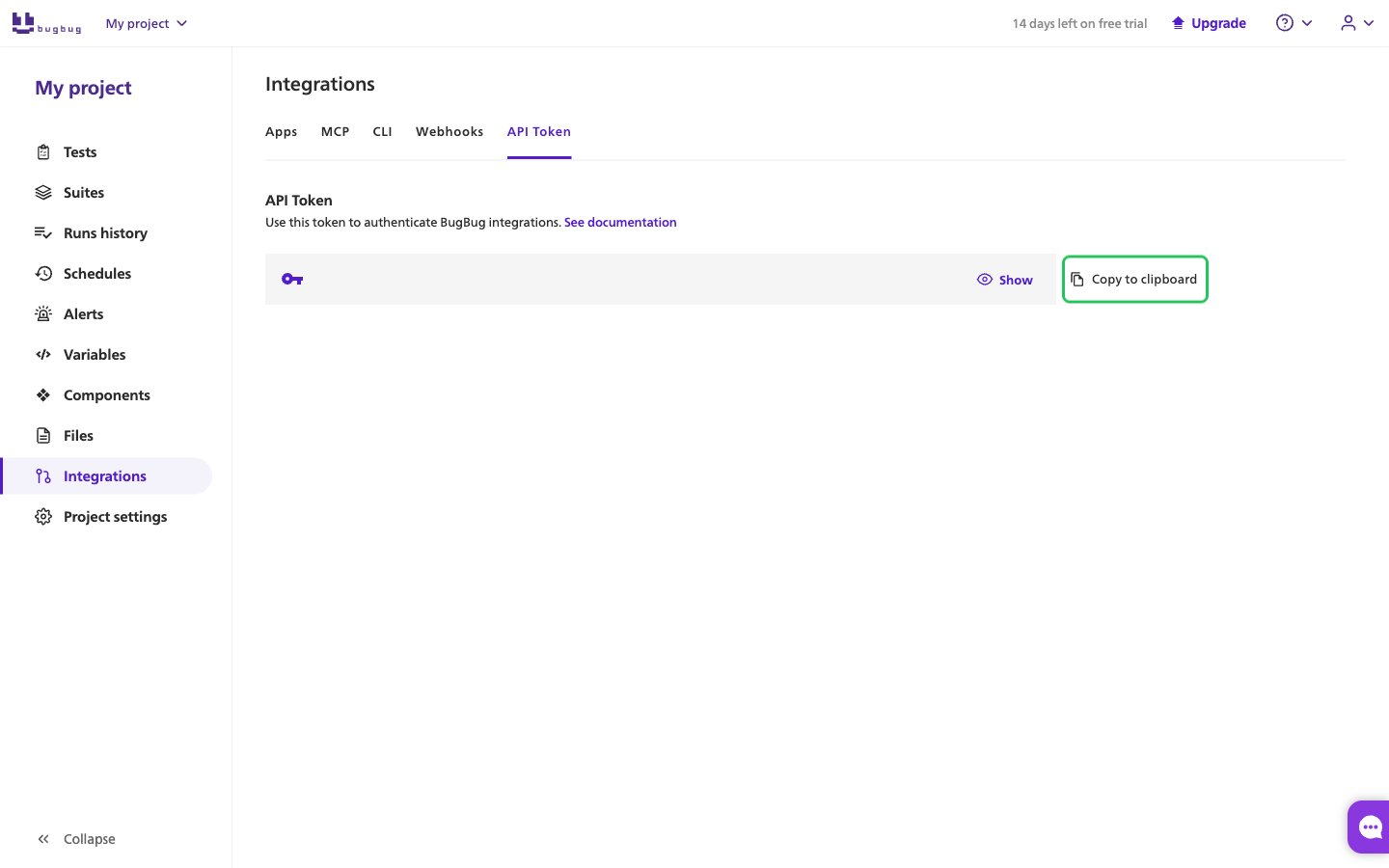
- Click Copy to clipboard next to the token. It starts with
bbp_.
Step 2: Enter your API token in the Connect UI
- Open the form where you need to authenticate with BugBug.
- Enter your token in the API Token field.
- Submit the form, and you should be successfully authenticated.