Overview
To authenticate with Bright Data, you need:- API Key — an API key from your Bright Data account.
Prerequisites
- A Bright Data account. Sign up if you don’t have one.
- An admin user on the account. Only admins can create API keys.
Step 1: Create an API key
- Sign in to Bright Data and open Account settings. If you don’t see the API key section, switch to an admin account.
- Click Add API key in the top right of the API key section.
- Set the User, Permissions and Expiration date (or choose Unlimited), then click Save.
- Copy the key and store it securely. Bright Data shows it only once.
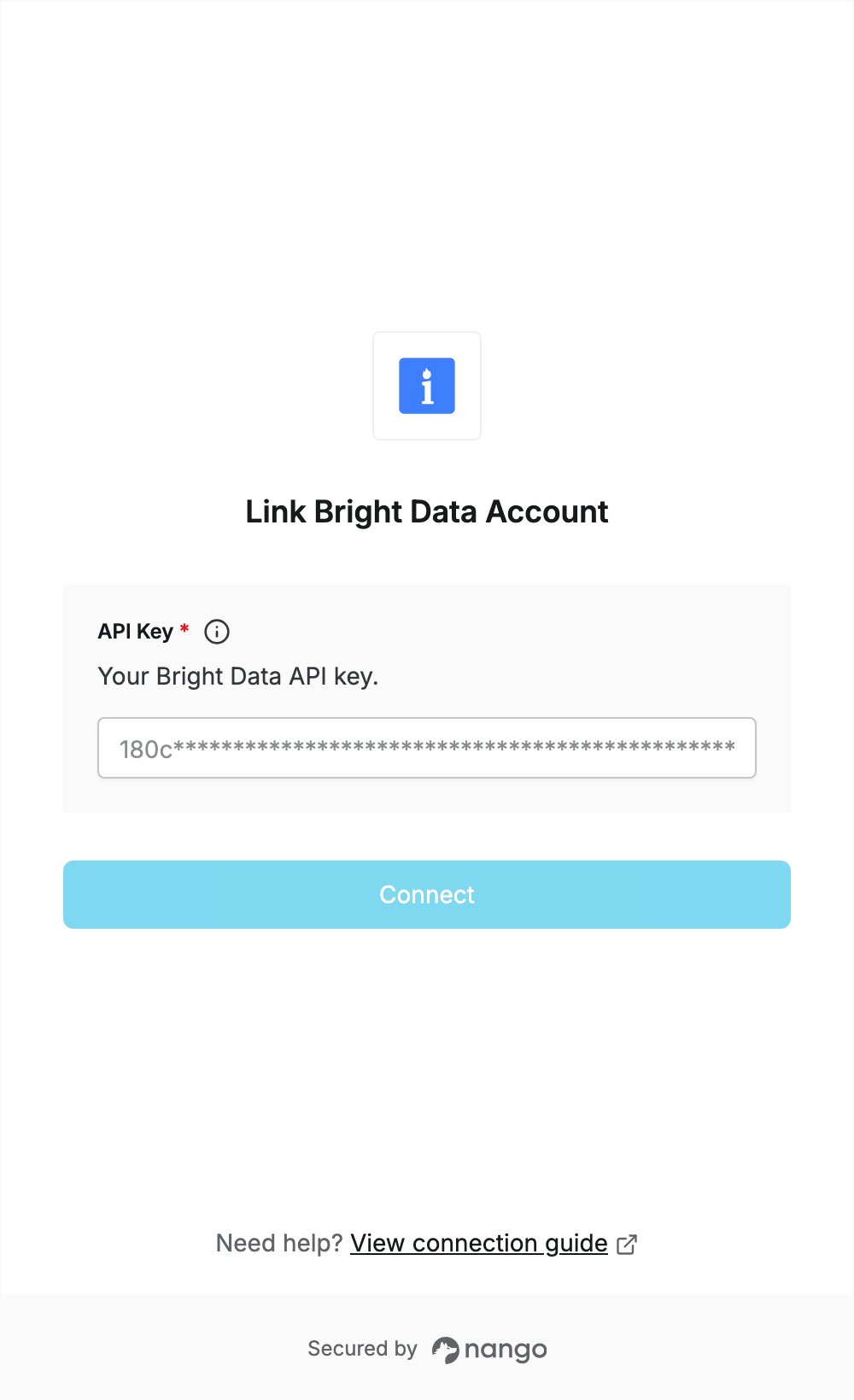
Step 2: Enter your API key in the Connect UI
- Open the form where you need to authenticate with Bright Data.
- Enter your key in the API Key field.
- Submit the form, and you should be successfully authenticated.