Overview
To authenticate with Brex (API Key), you will need:- API Token - A key that grants Nango permission to interact with Brex’s API resources and services.
Prerequisites:
- You must have a registered Brex account with admin access
Instructions:
Step 1: Finding Your API Token
- Log in to your Brex account as an account admin or card admin.
- Go to Developer > Settings.
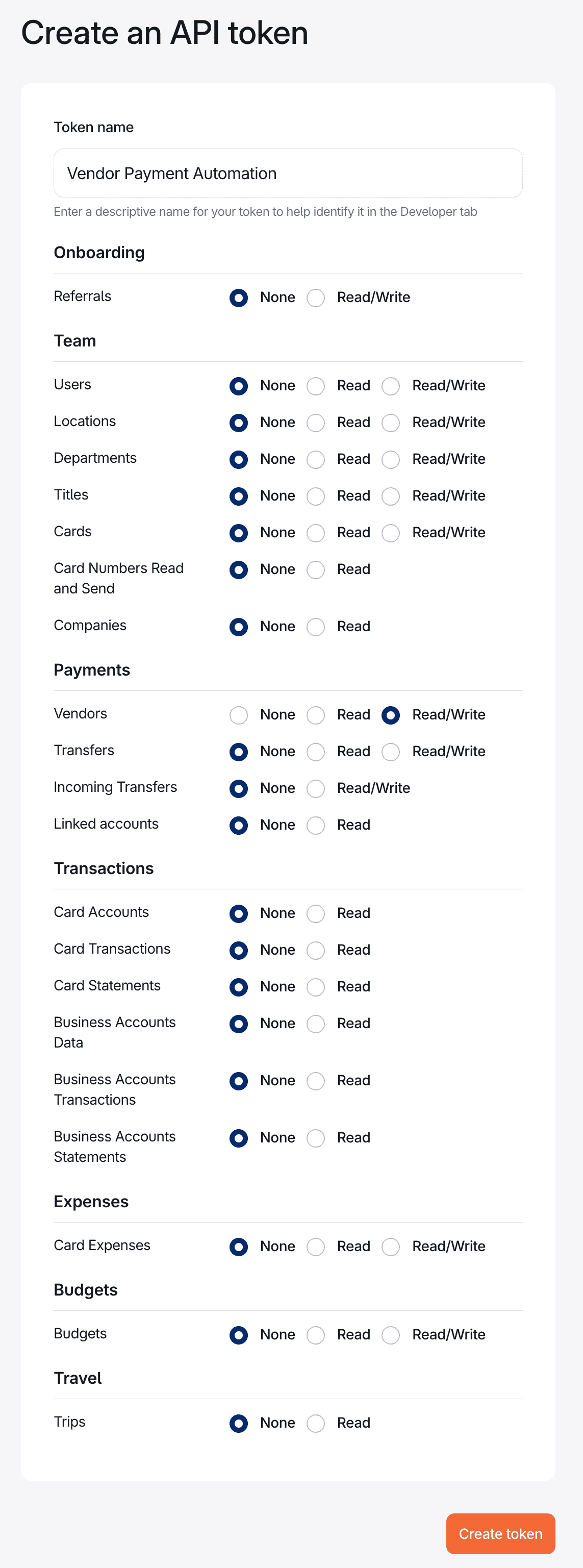
- Click Create Token.
- Create a Name for your token then choose what level of data access you need for your application; these are the scopes your token will have.
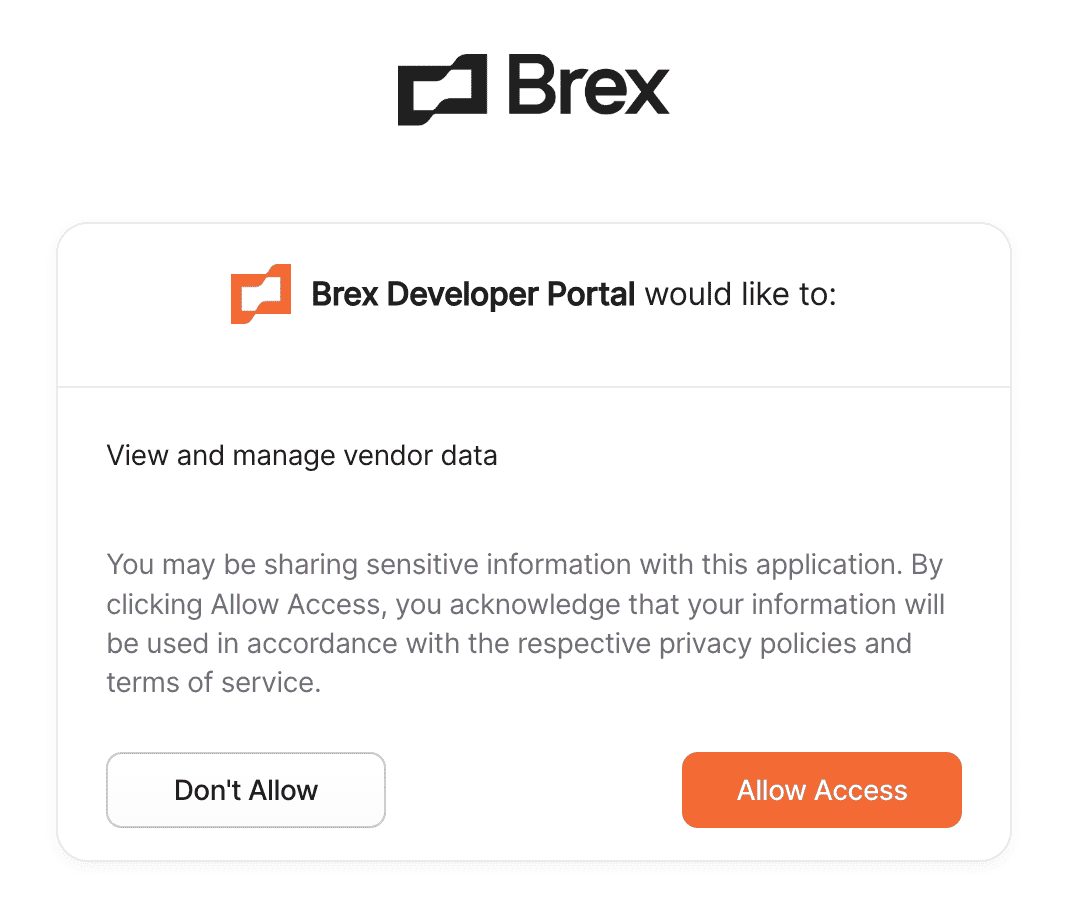
- The next screen will confirm your previous selections. Make sure it looks good, then click Allow Access.
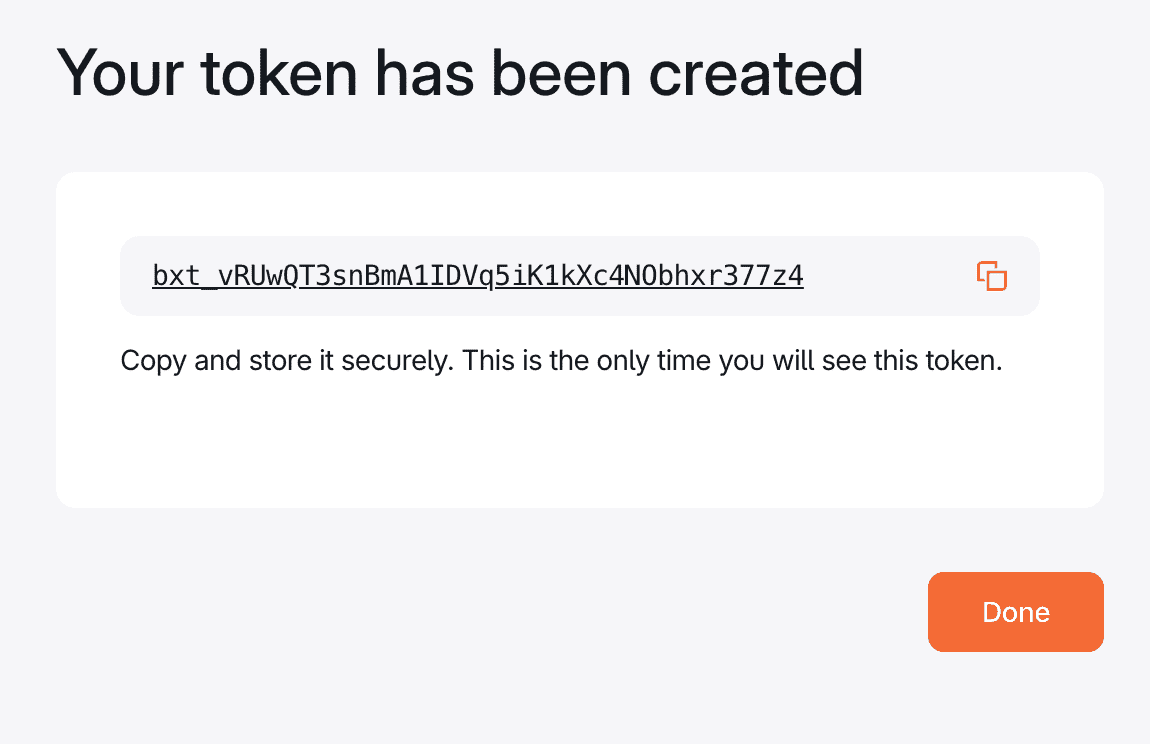
- Your token is now created.
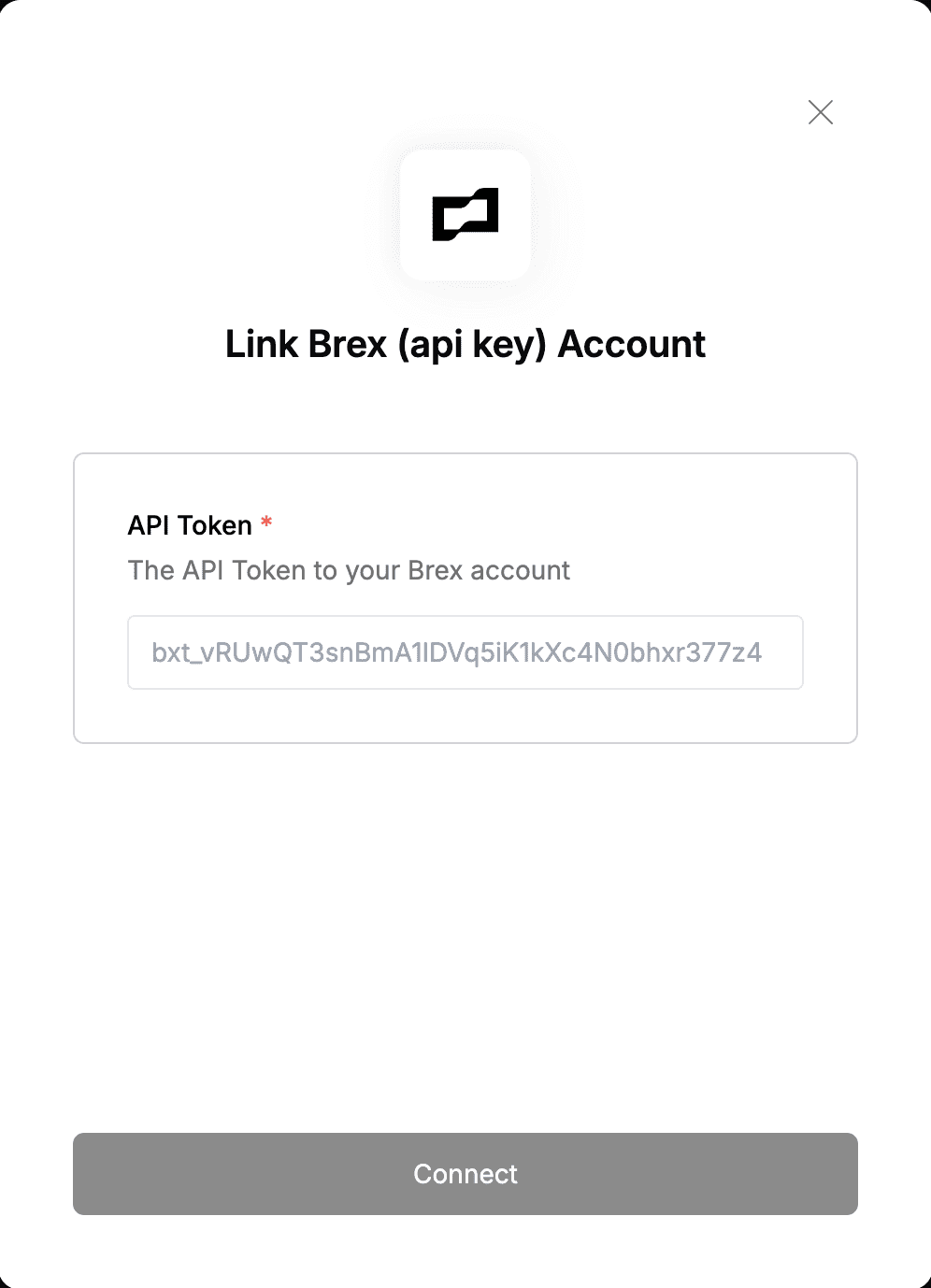
Step 2: Enter credentials in the Connect UI
Once you have your API Token:- Open the form where you need to authenticate with Brex (API Key).
- Enter the API Token in its designated field.
- Submit the form, and you should be successfully authenticated.