Overview
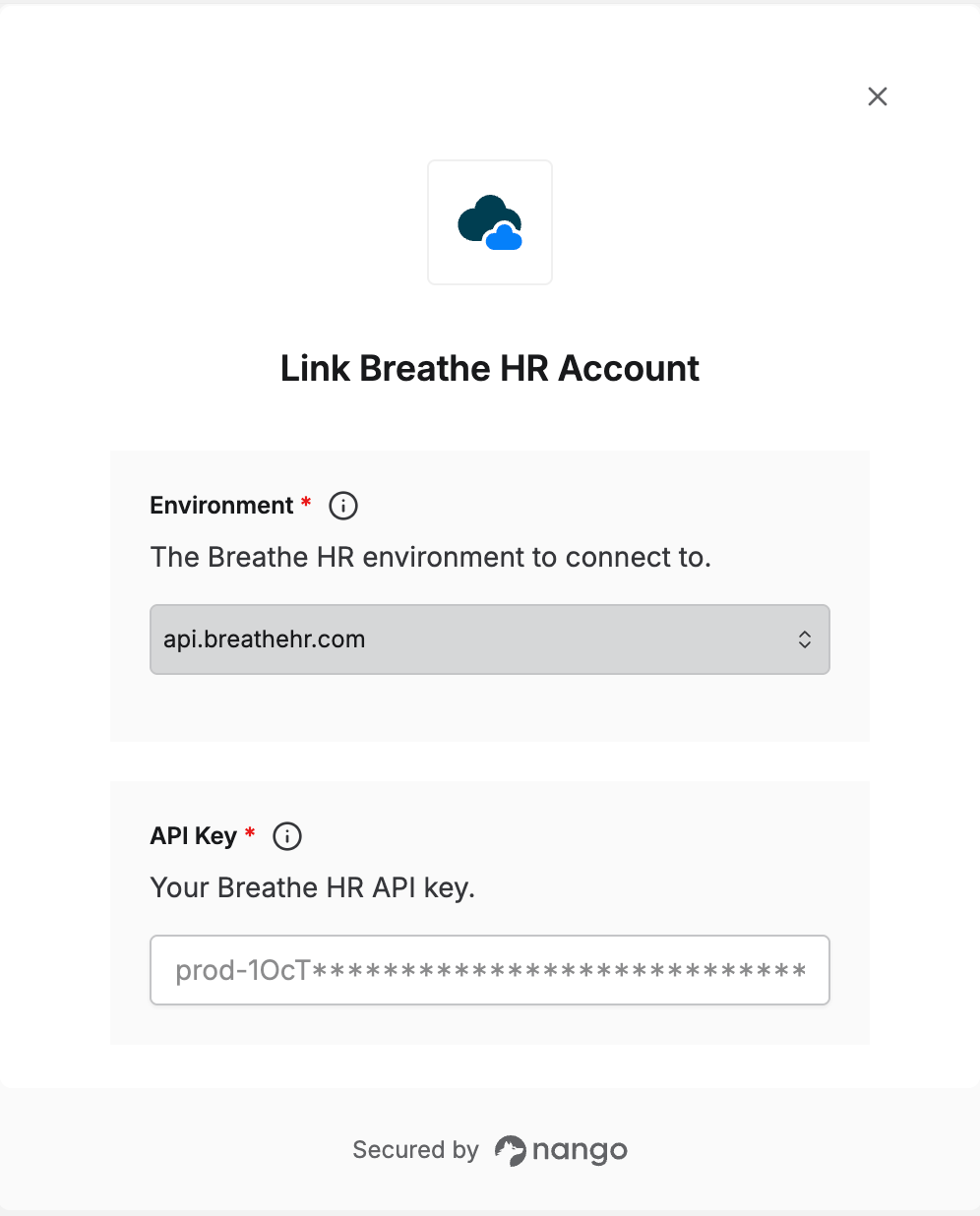
To authenticate with Breathe HR, you need:- Environment — whether you’re connecting to production or the sandbox.
- API Key — a key that grants Nango access to the Breathe HR API on your behalf.
Prerequisites
- A Breathe HR account with access to its API settings.
Step 1: Choose your environment
Breathe HR has separate production and sandbox environments, each with its own API key:
Pick the environment that matches the key you’ll use.
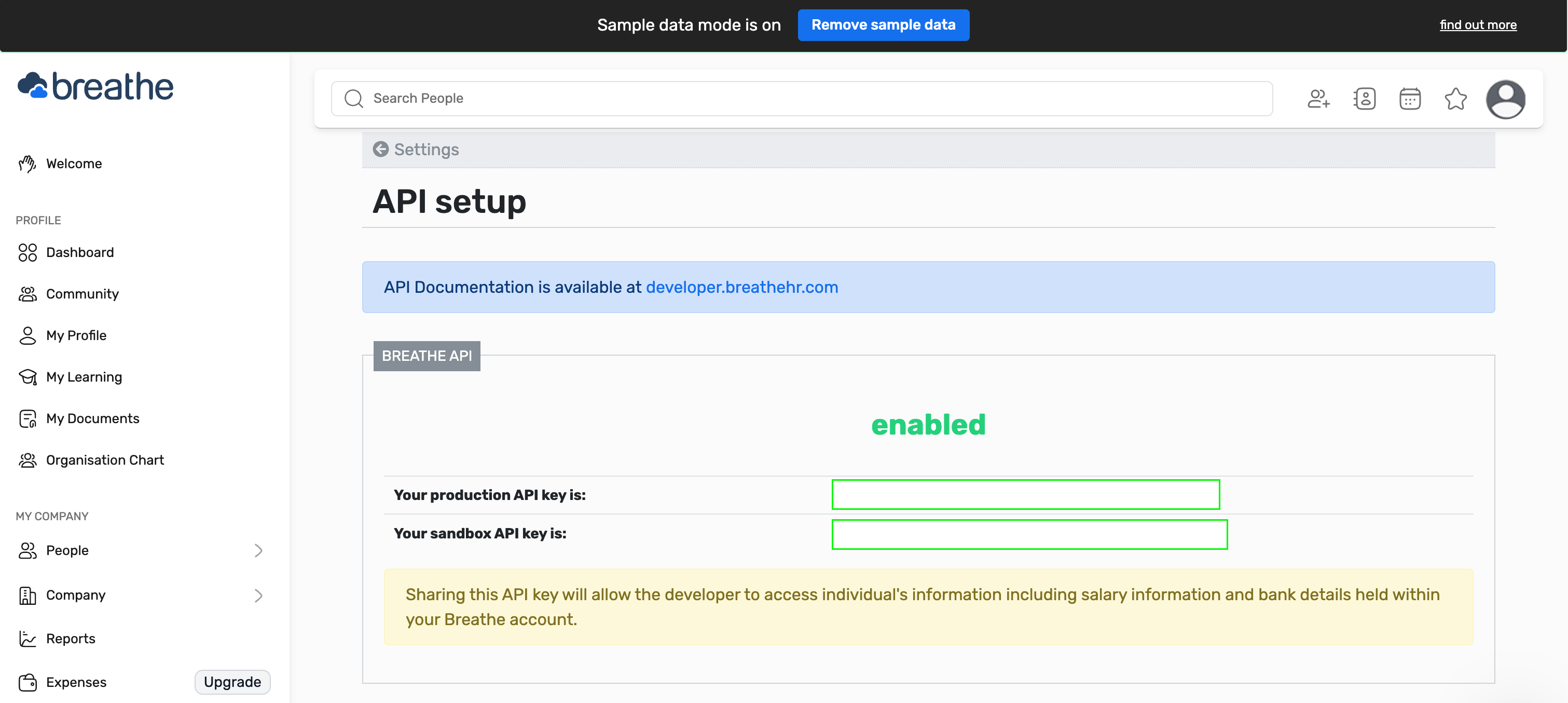
Step 2: Find your API key
- Log in to Breathe HR and go to
/account/api_setup(the API setup page in your account settings). - If the API isn’t enabled yet, enable it.
- Copy the API key for the environment you chose in Step 1.
Step 3: Enter your details in the Connect UI
- Open the form where you need to authenticate with Breathe HR.
- Select your Environment and enter your API Key.
- Submit the form, and you should be successfully authenticated.