Overview
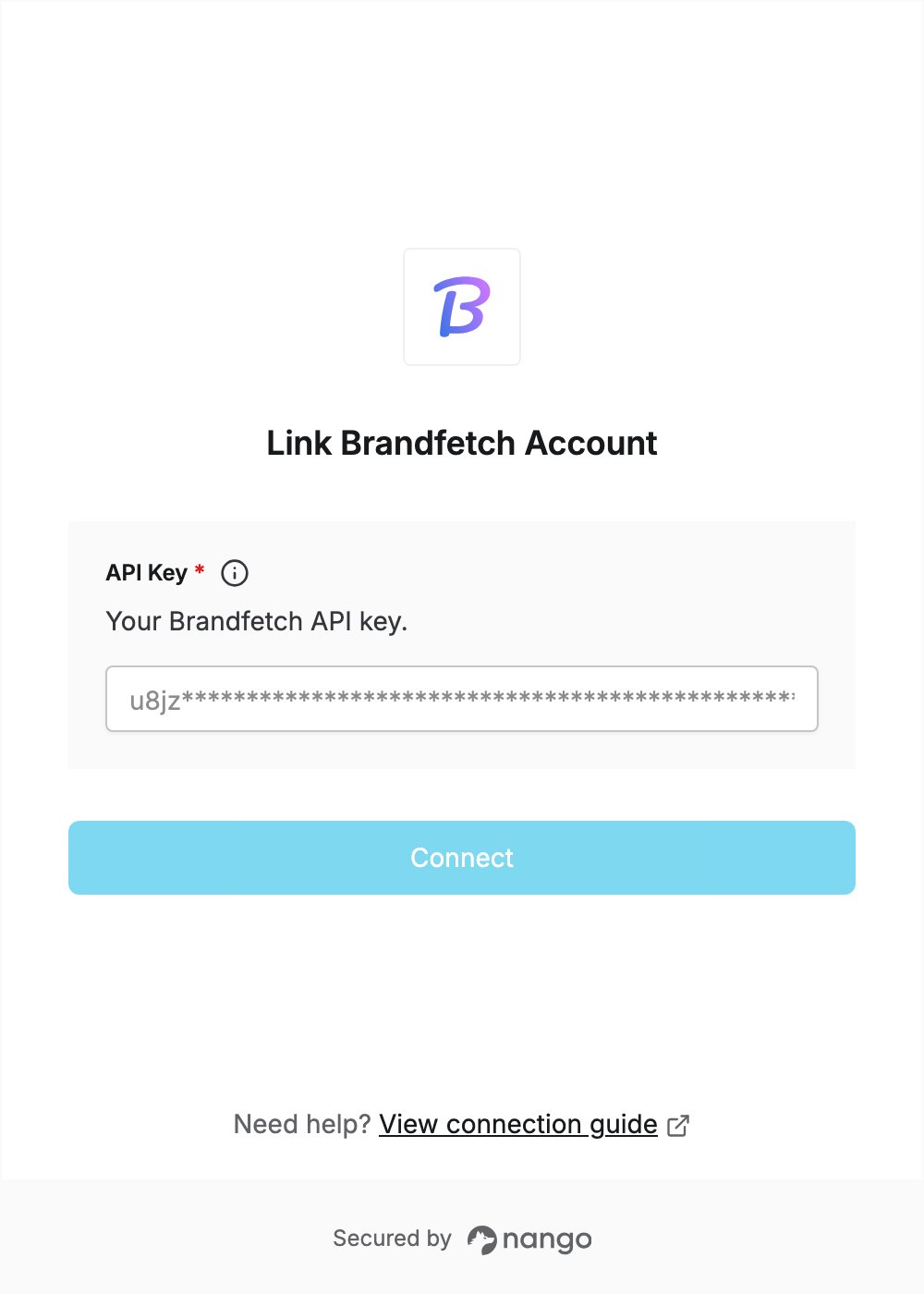
To authenticate with Brandfetch, you need:- API Key — a Brandfetch API key.
Prerequisites
- A Brandfetch developer account. You can sign up for free without a credit card.
Step 1: Create an API key
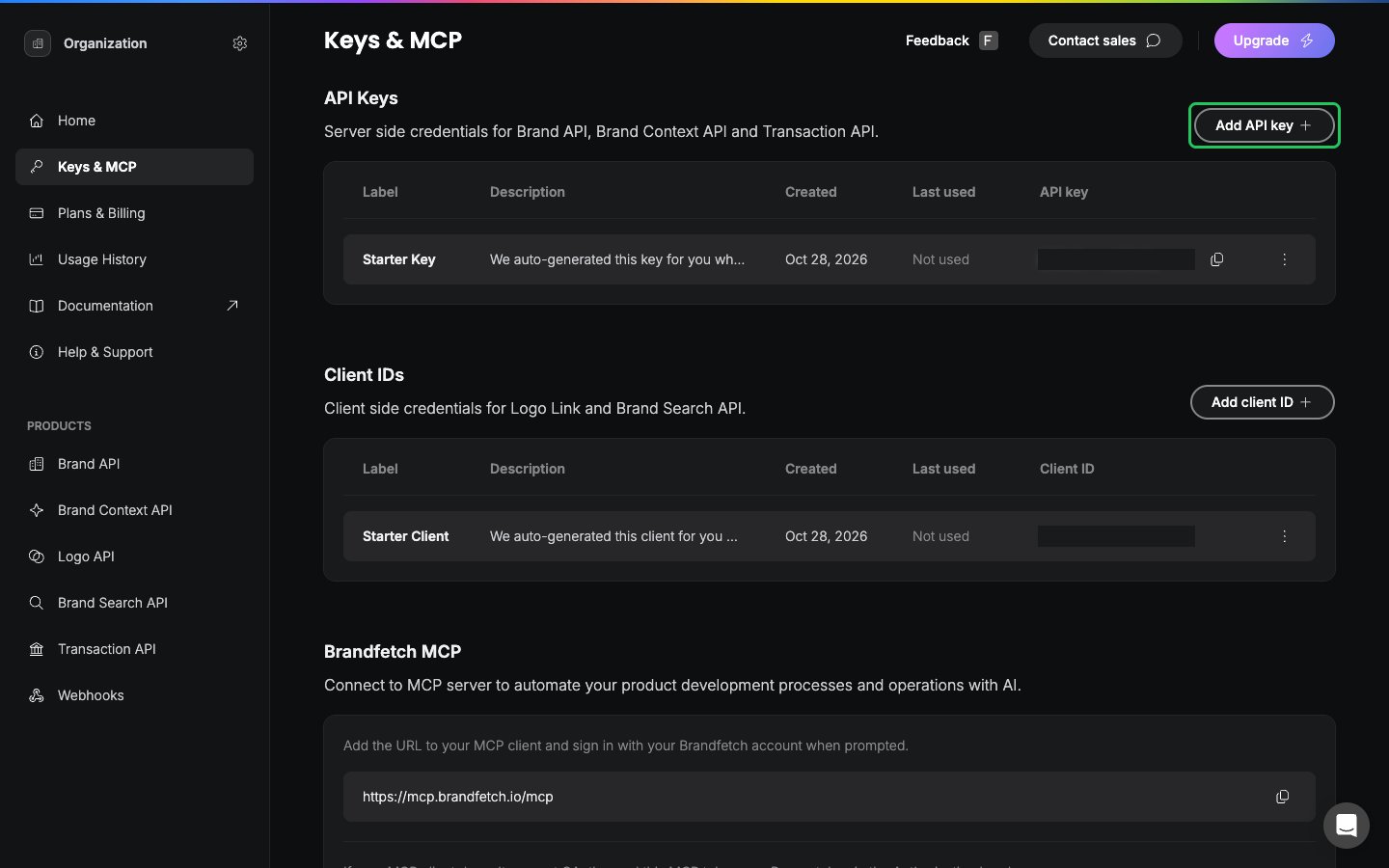
- Sign in to the Brandfetch Developer Dashboard and open Keys & MCP in the left sidebar.
- In the API Keys section, click Add API key. You can also use the Starter Key created for you at signup.
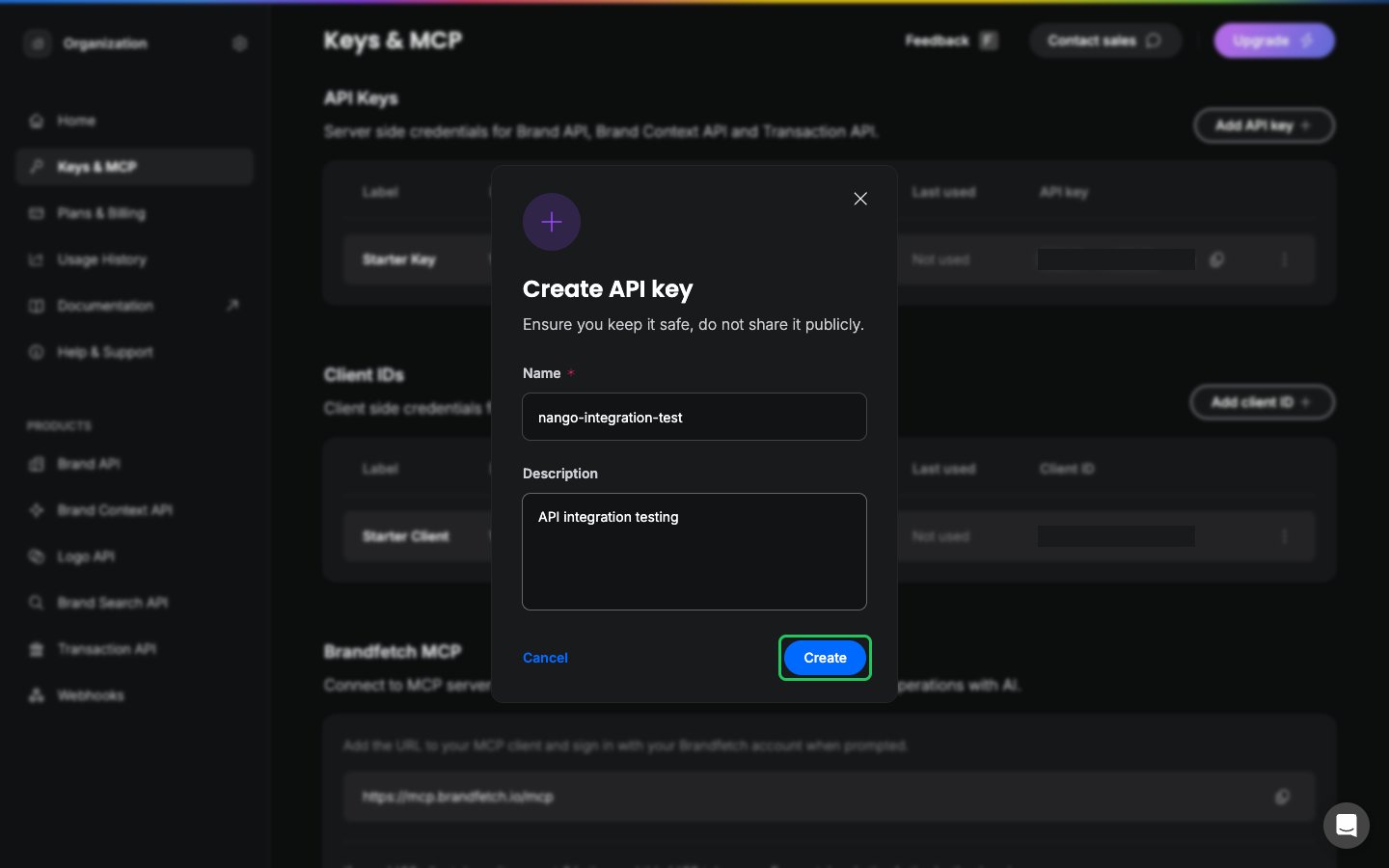
- Enter a name and an optional description, then click Create.
- Click the copy icon next to your new key in the API key column.
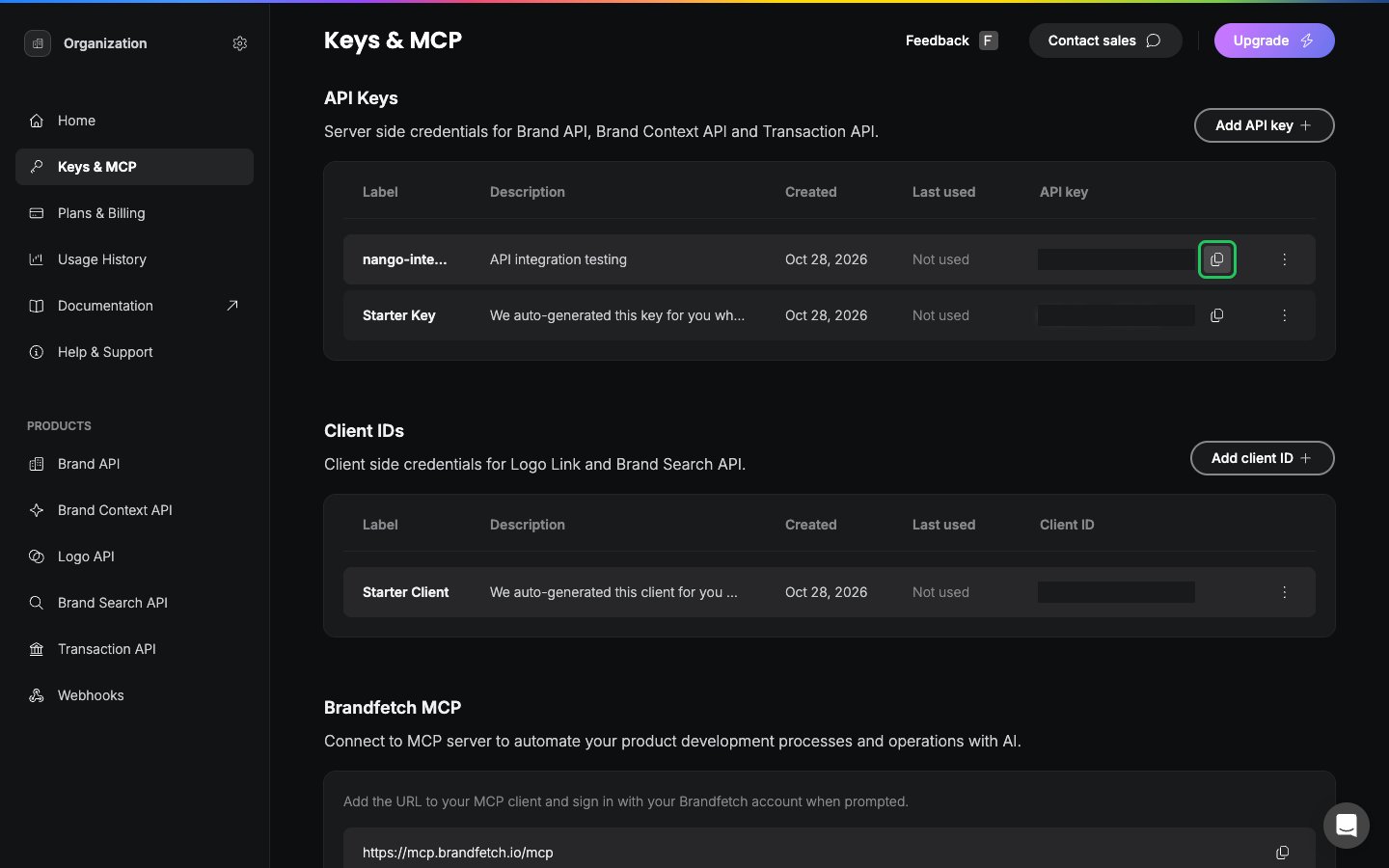
Copy the key from the API Keys section, not the client ID or the MCP token.
Step 2: Enter your API key in the Connect UI
- Open the form where you need to authenticate with Brandfetch.
- Enter your API Key in the designated field.
- Submit the form, and you should be successfully authenticated.