Overview
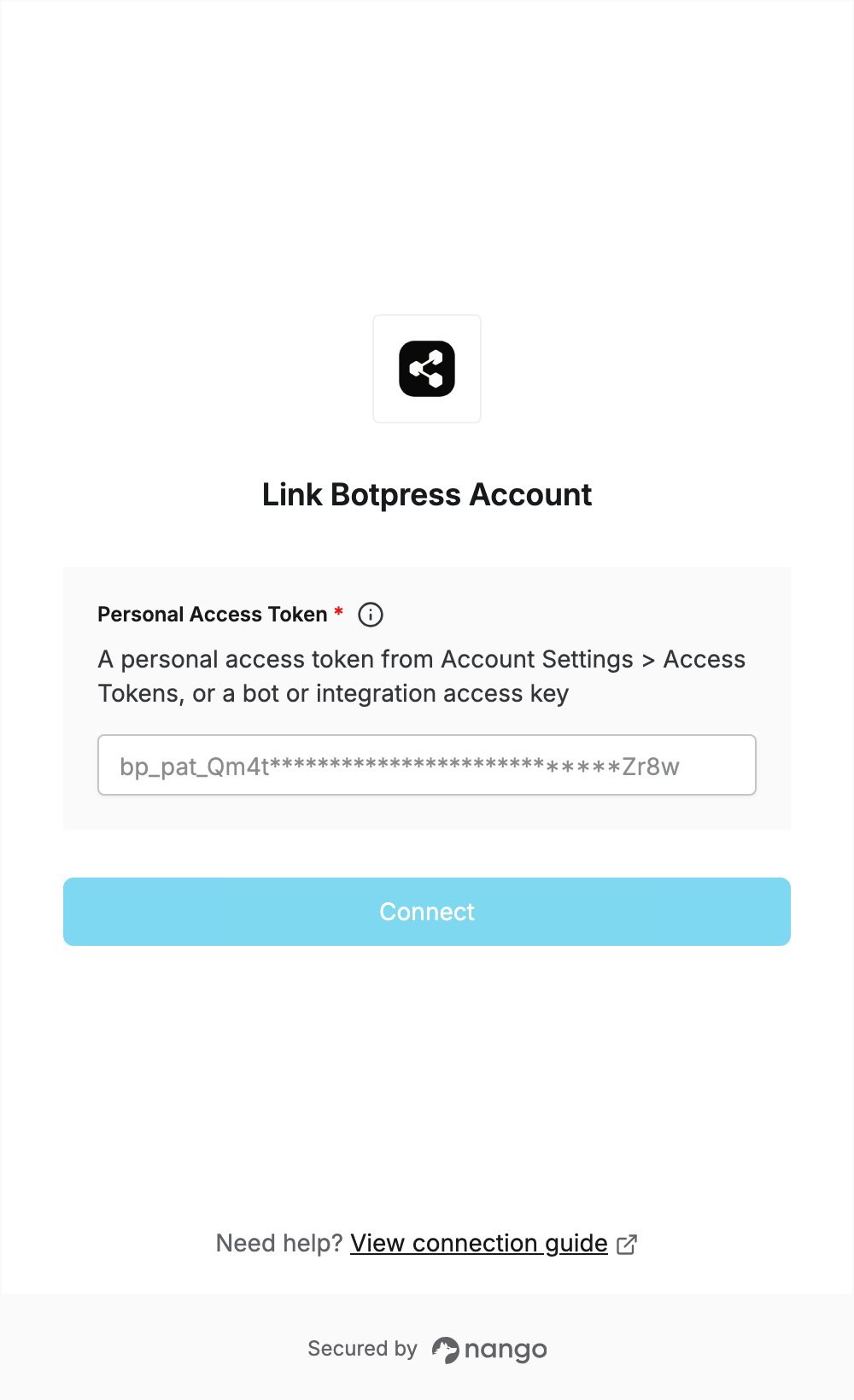
To authenticate with Botpress, you need:- Personal Access Token — a token from your Botpress account settings.
Prerequisites
- A Botpress account. If you don’t have one, sign up.
Step 1: Generate a personal access token
- Sign in to Botpress.
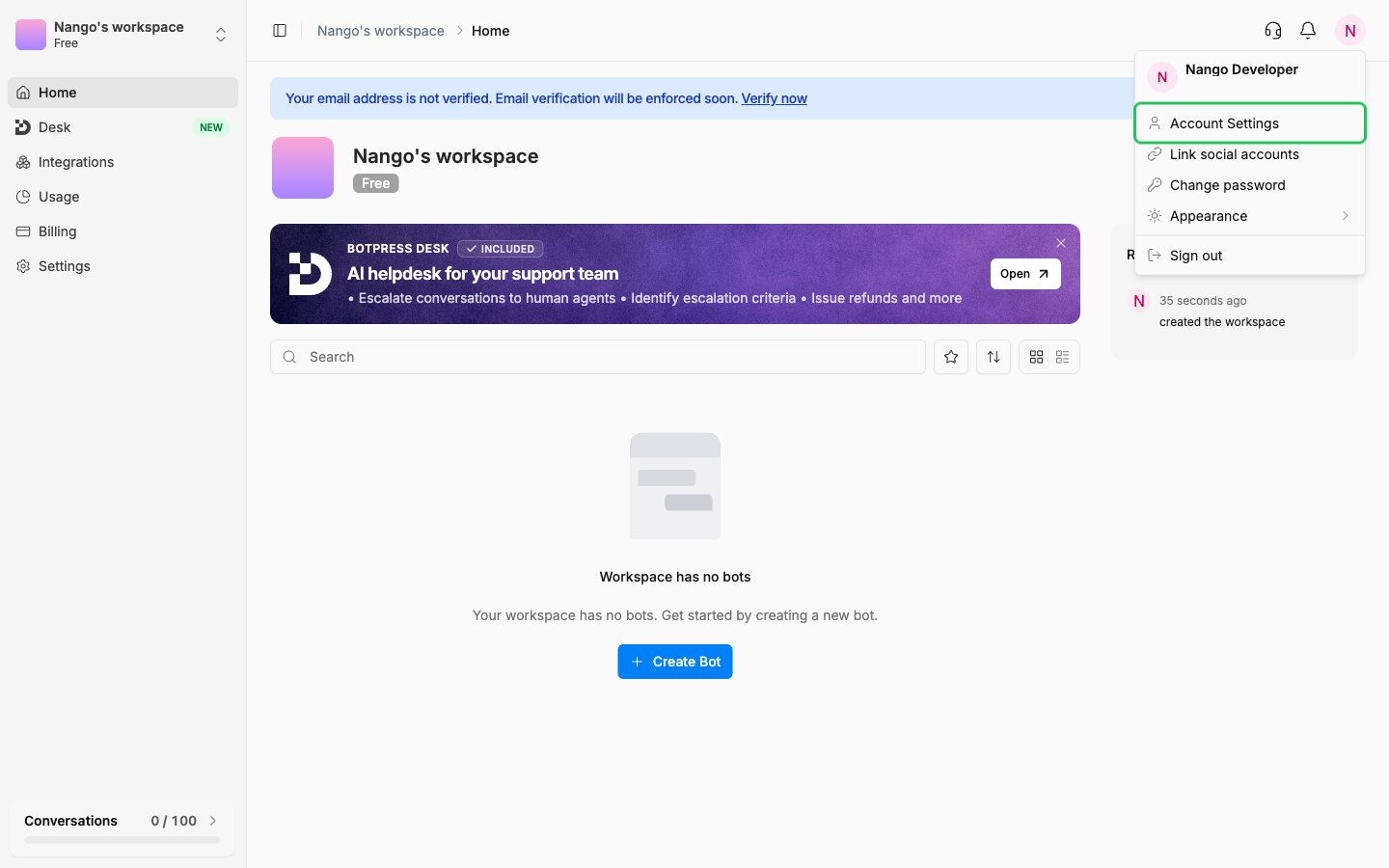
- Click your profile picture in the upper-right corner, then select Account Settings.
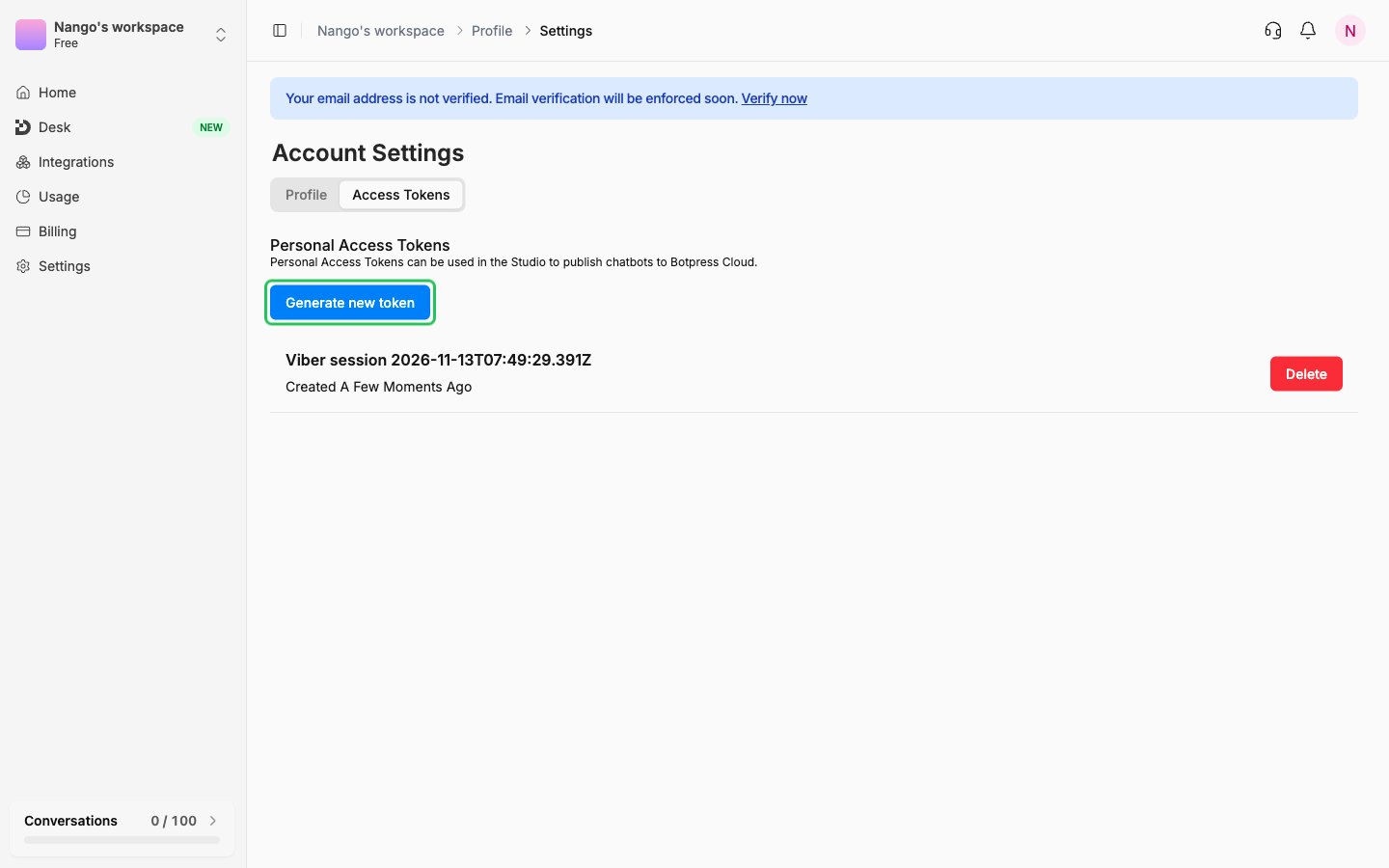
- Open the Access Tokens tab and click Generate new token.
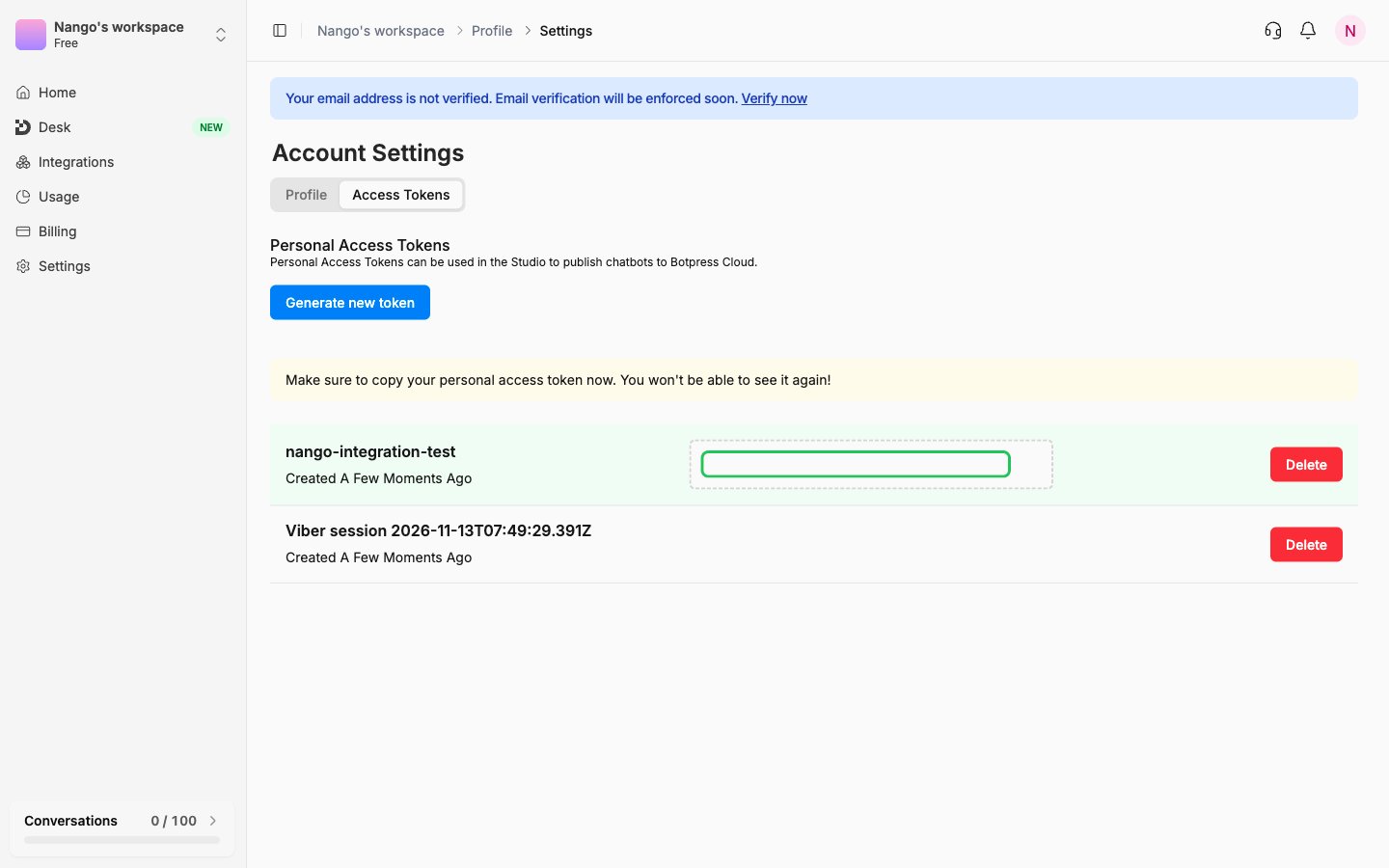
- In the Note field, describe what the token is for (for example,
nango), then click Generate Token. - Copy the token (it starts with
bp_pat_). Botpress won’t show it again after you leave the page.
Step 2: Enter your personal access token in the Connect UI
- Open the form where you need to authenticate with Botpress.
- Enter your token in the Personal Access Token field.
- Submit the form, and you should be successfully authenticated.