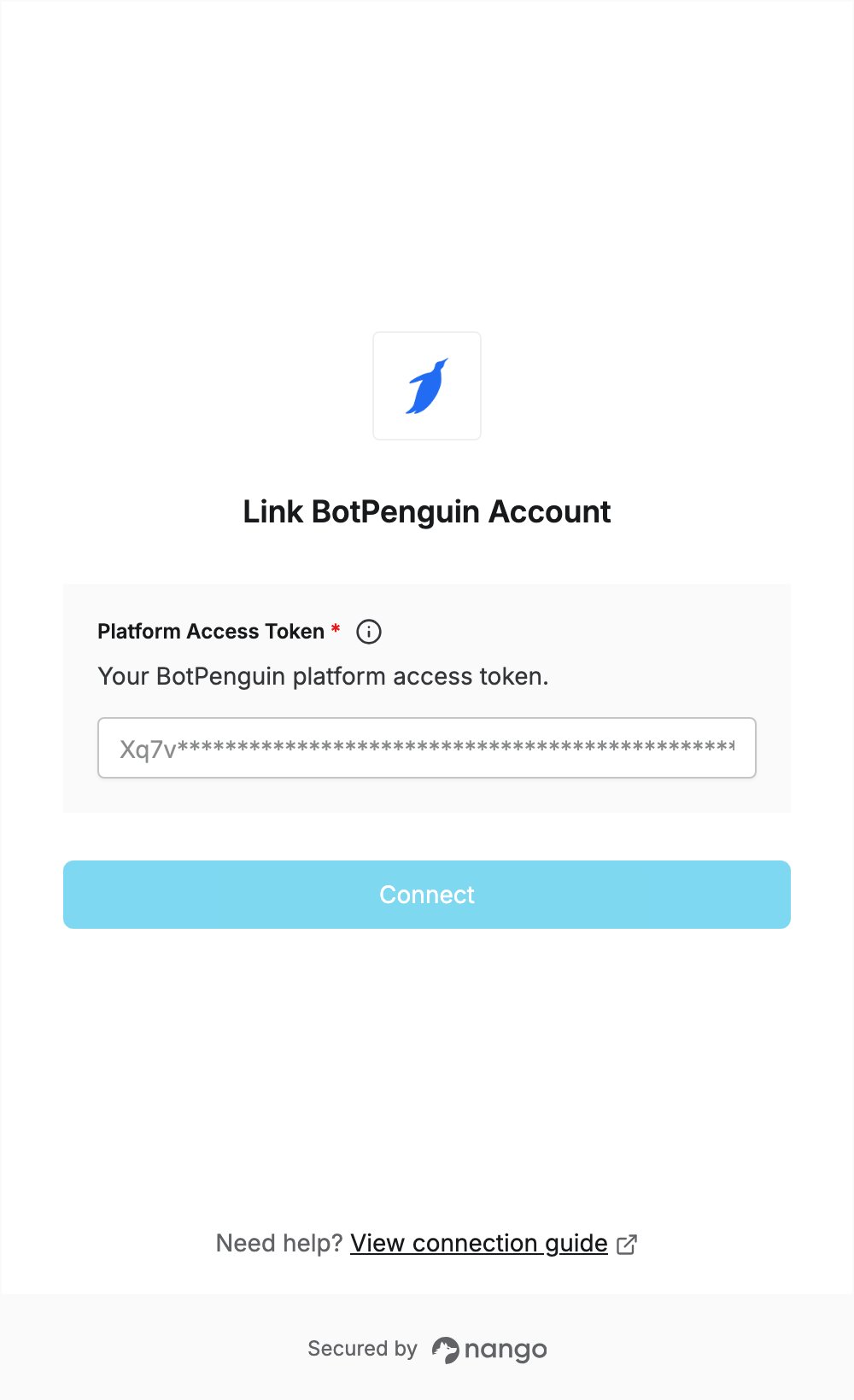
Overview
To authenticate with BotPenguin, you need:- Platform Access Token — a BotPenguin API token.
Prerequisites
- A BotPenguin account. You can sign up at botpenguin.com.
Step 1: Generate a platform access token
- Sign in to the BotPenguin panel.
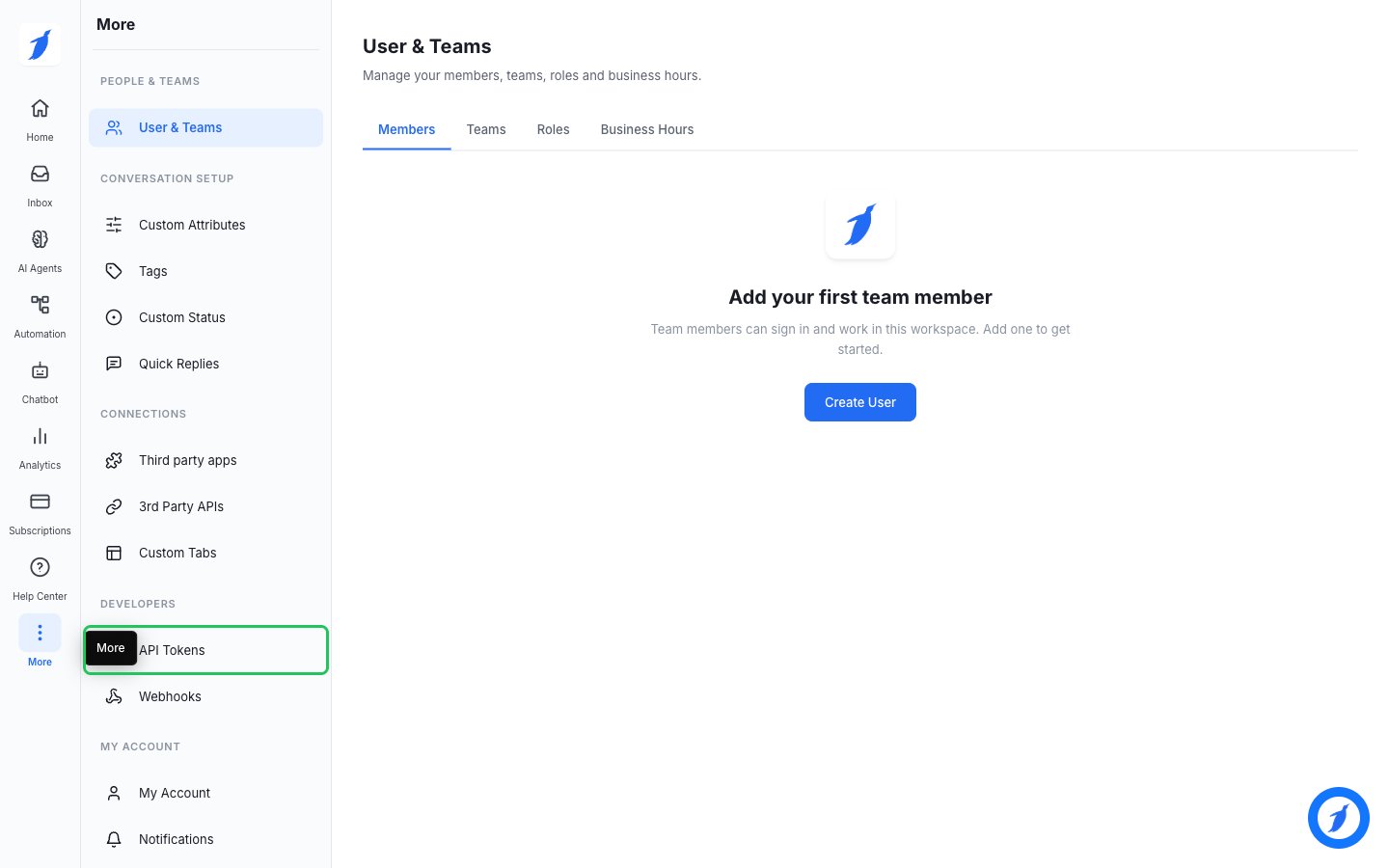
- In the left navigation, click More, then under Developers click API Tokens.
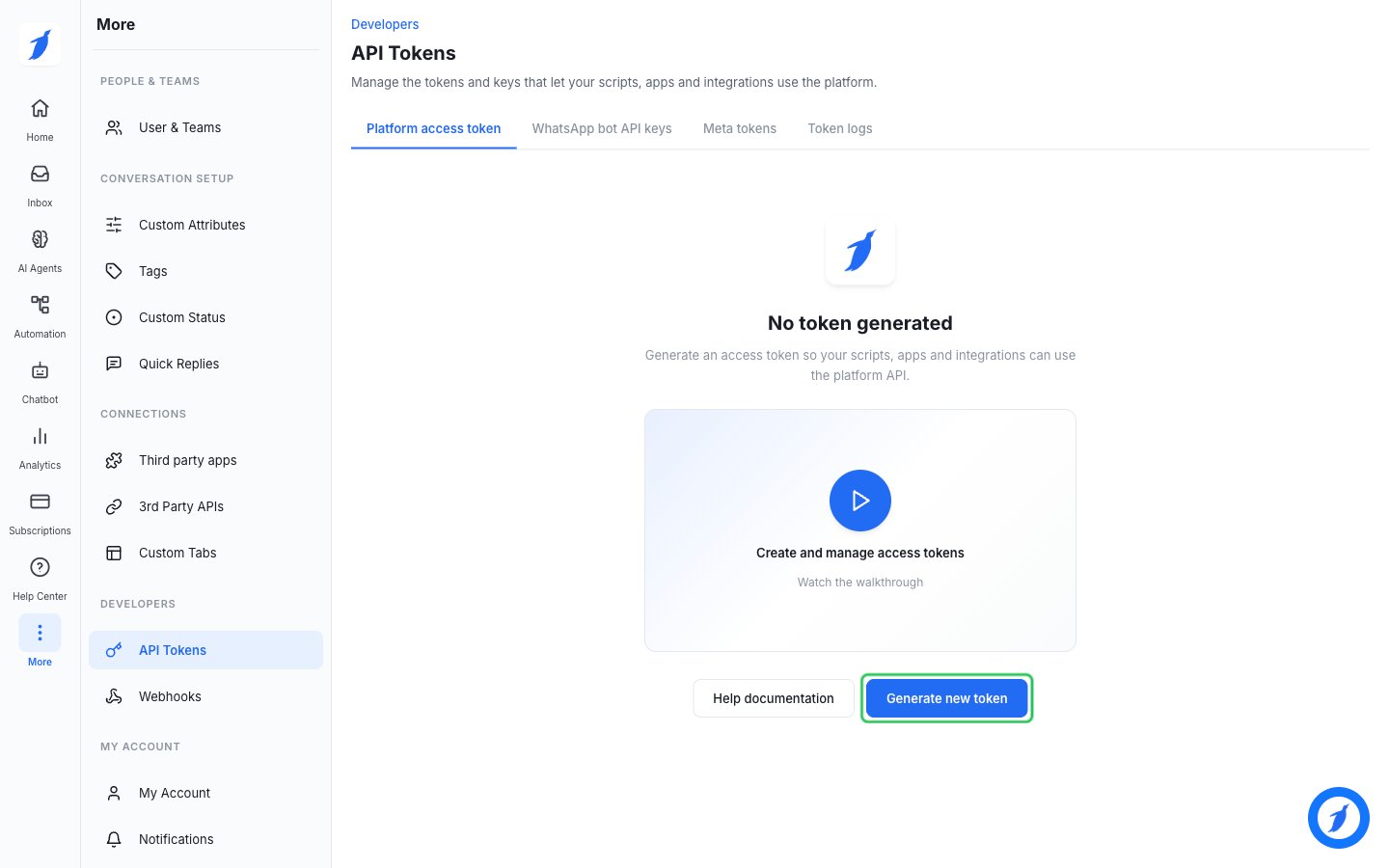
- On the Platform access token tab, click Generate new token.
- BotPenguin emails a 6-digit code to your account email. Enter it and click Verify and generate.
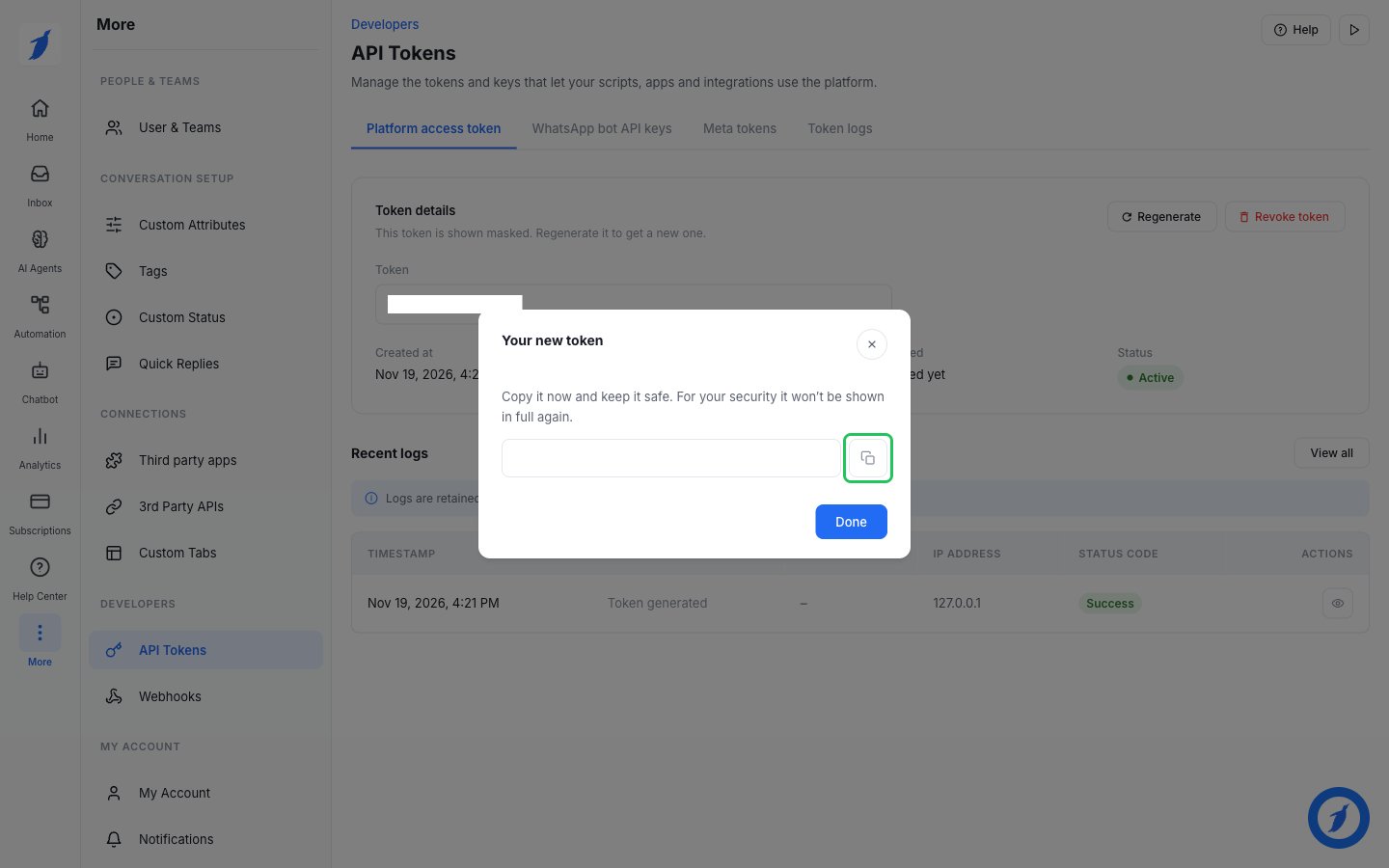
- In the Your new token dialog, click the copy button, then click Done. The full token is shown only once, so store it right away.
Step 2: Enter your platform access token in the Connect UI
- Open the form where you need to authenticate with BotPenguin.
- Enter your Platform Access Token in the designated field.
- Submit the form, and you should be successfully authenticated.